



New Digital Notebook Styles
Students use our Digital Notebooks to organize their notes, communicate with their teachers, and revise key content for upcoming tests. Although they’re already super popular, one thing we weren’t offering students is a choice of 15 fun and fresh designs! So we waved our wands and gave our Digital Notebooks a little glow-up.
Fresh new designs
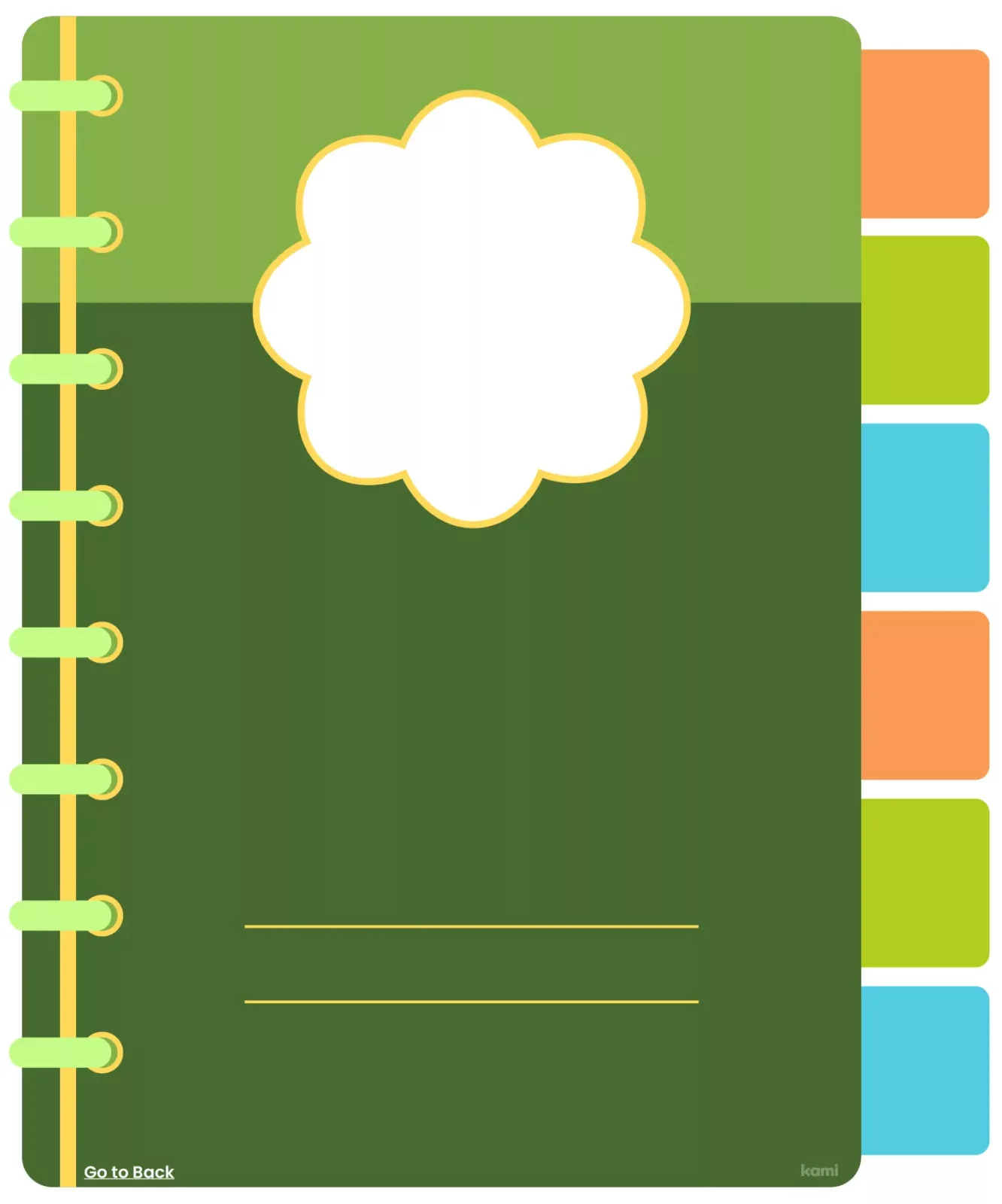
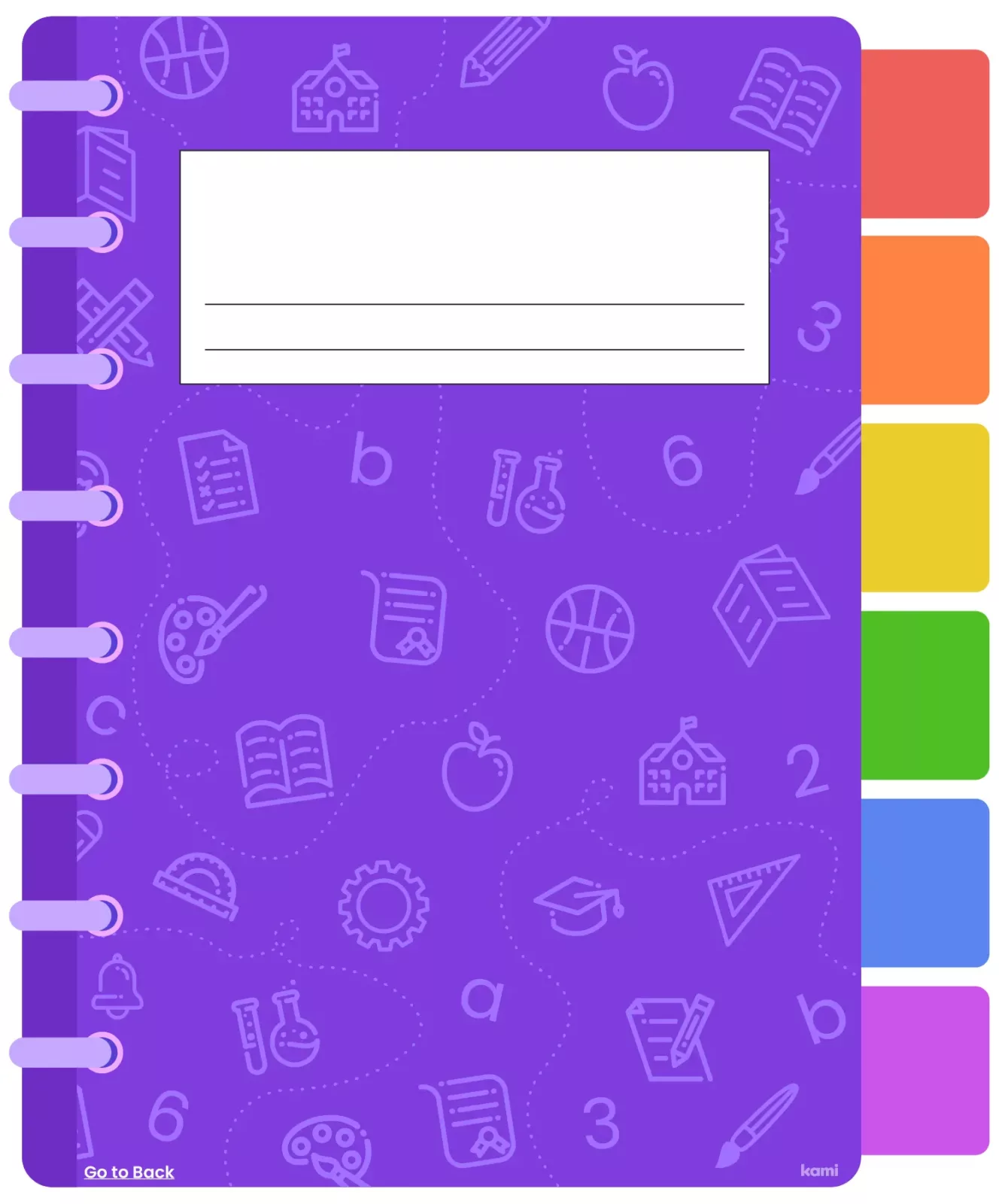
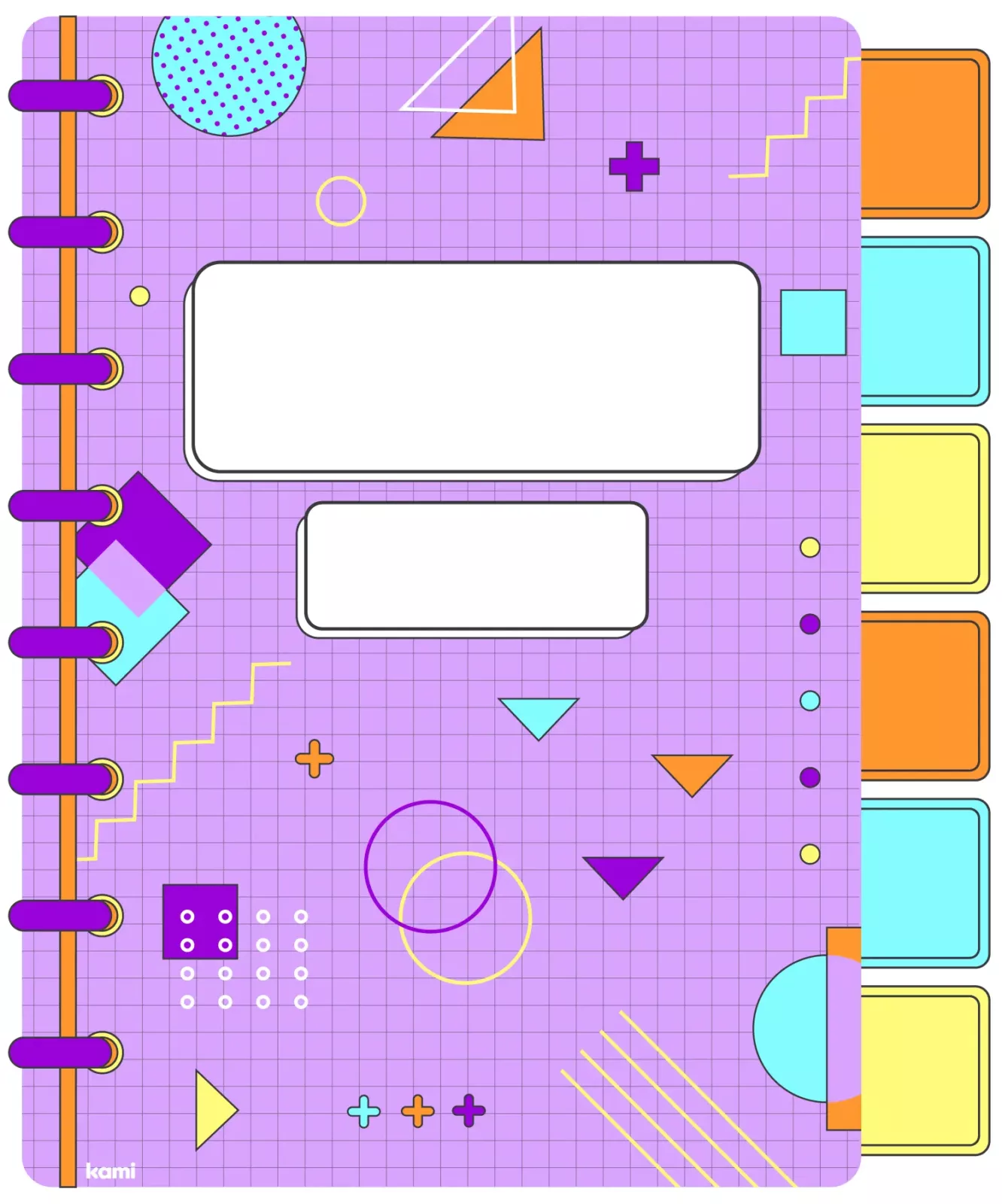
Explore more in the Kami Library!
Our latest designs are all about allowing students the opportunity to express themselves. Whether they’re fans of flowers, space, or vibrant patterns, there’s a notebook cover for everyone. So, why settle for bland when you can get grand?
More than just text
Our Digital Notebooks aren’t your typical, dusty notebooks. Students can type up their notes using text boxes, and annotate them using the Comment tool. They can even insert diagrams or visual examples from Google images or embed instructional YouTube clips without ever leaving Kami!
No more lost notes
Unfortunately, not every student can reliably look after a physical notebook for an entire semester. Inevitably, they’ll leave it on the bus, spill soda over it, or leave it somewhere where their hungry dog can find it. These mishaps could mean hundreds of hours of important work are lost with no hope of ever retrieving it. With our Digital Notebooks — these days are over! Every note they jot down auto-saves to the cloud system. Whether they’re online or offline, their ideas and hard work are safe.
A two-way conversation
Our Digital Notebooks allow for meaningful interactions between you and your students. You can set questions before the lesson for your class to dive straight in (excellent for a quick starter activity!). You also have the choice to differentiate content for each student or set work for the whole class. Jump into your students’ notebooks at any time and see their progress. You can also provide feedback using typed, voice-typed, voice, or even video comments.
So give your students the choice of 15 fun designs with our new Digital Notebooks. Catch you on the colorful side of learning!
Blogs you may also like

Author study ideas you can run in a 30-minute block

National Family Literacy Month ideas for home and school
Book Creator’s new classroom writing tool puts formatting controls where students can actually use them