See what students understand, not just their score
Turn the materials you already use into graded assessments with insight into where the class is stuck, and give students another way to show they know it.
The gap between grading and understanding
Grading takes teachers away from the classroom, and a single test score rarely tells the whole story of what a student understands.
A stack of paper hides where students struggle
Grading in batches after the fact means the moment to help a student who’s stuck has already passed.
One format doesn't fit every learner
A student who understands the material may still struggle to show it through a traditional written test.
Grades outside the LMS create extra work
Manually re-entering scores from a worksheet or PDF into a gradebook is one more step between teaching and reporting.
If AI does the verb, the rigor is gone
How Kami approaches assessment
Kami connects the materials teachers already use to the insight they need, and gives students more than one way to respond.
Turn materials into assessments
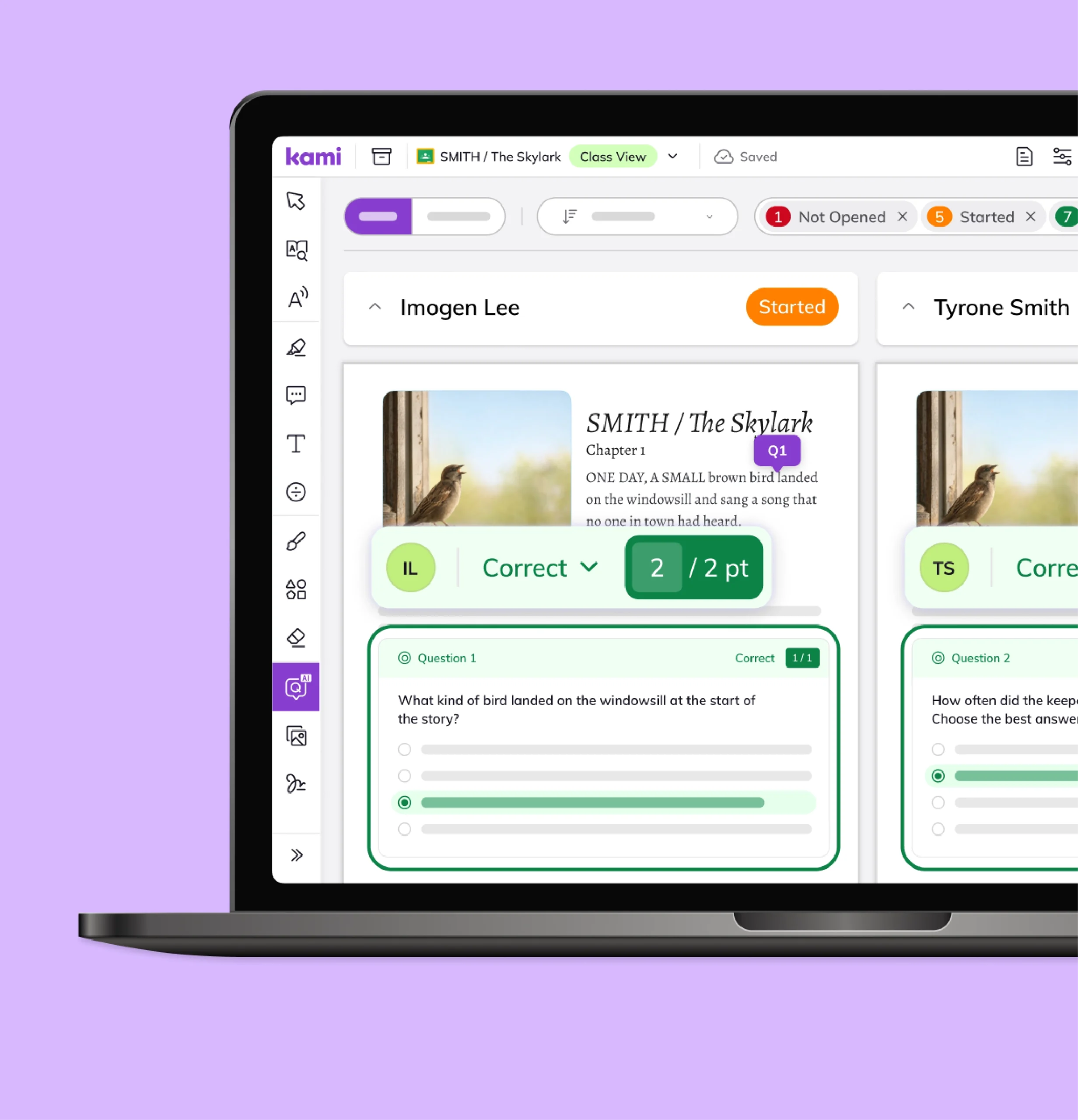
Existing worksheets, PDFs, and documents become gradable assessments without rebuilding them from scratch.
See understanding as it happens
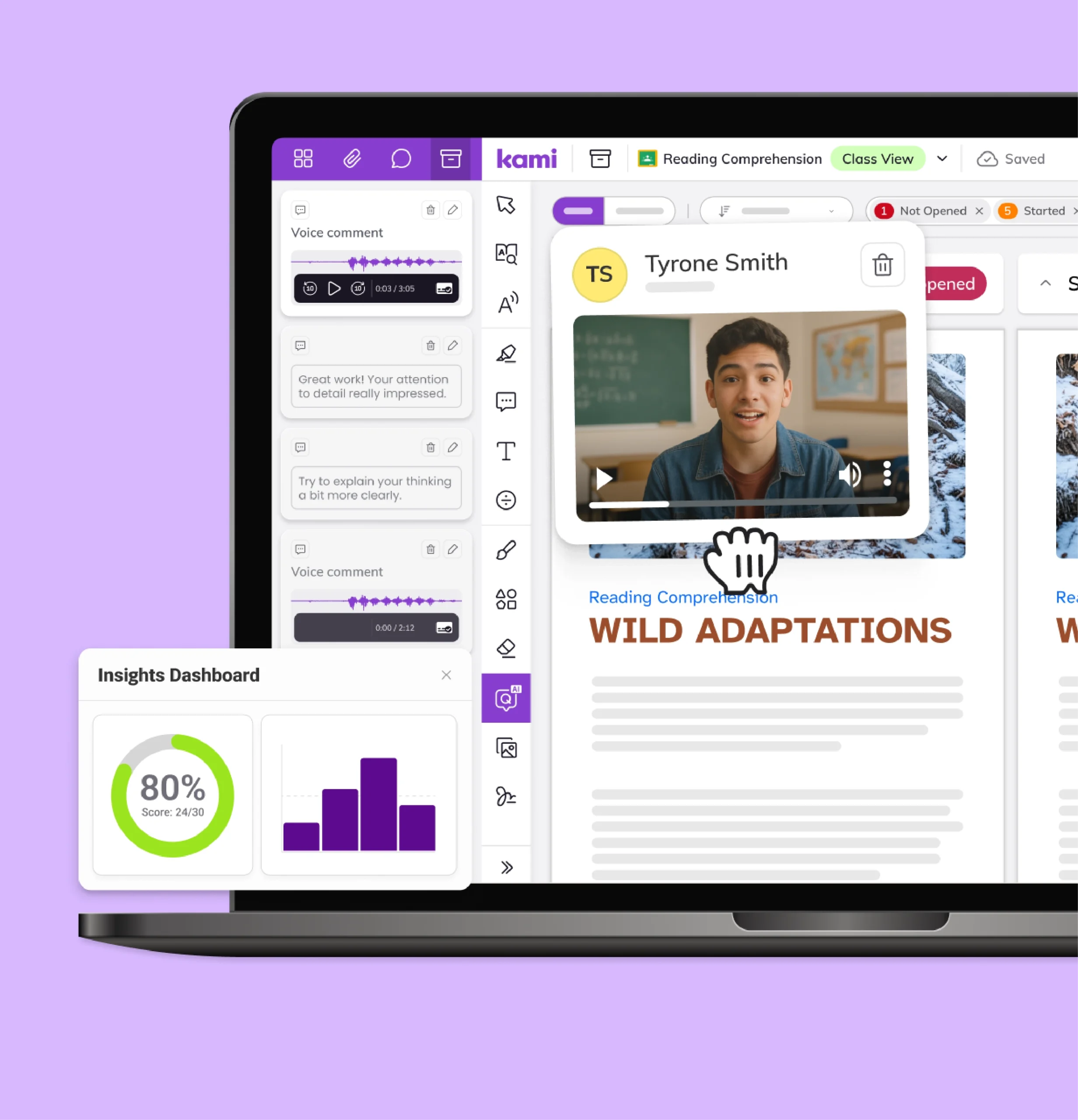
Class-wide and question-level insight shows where students are succeeding and where they’re stuck, while there’s still time to act.
More than one way to respond
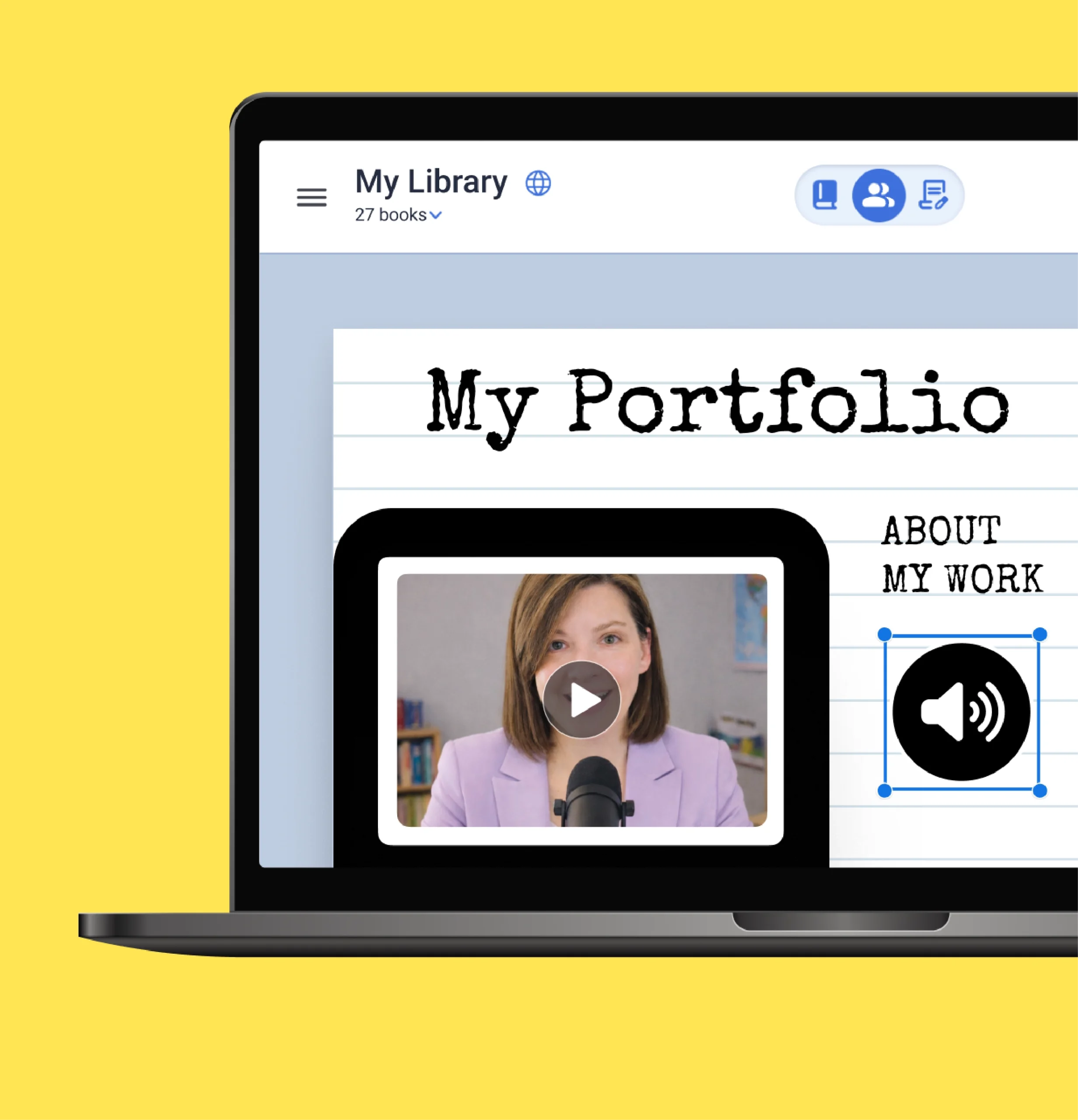
Beyond a right or wrong answer, students can demonstrate understanding through their own creative work.

How this looks in your classroom
Convert a worksheet into a graded quiz
Open a PDF or document, choose which questions to include, and let auto-grading handle scoring on the multiple-choice and short-answer questions.
Spot a misconception before it spreads
Review class-wide results on a single question to see which students share the same wrong answer, and step in before the next lesson.
Assign a portfolio instead of a test
Have students build a multimedia response, combining writing, voice, and images, to demonstrate understanding of a unit in their own words.
Results students see the moment they submit
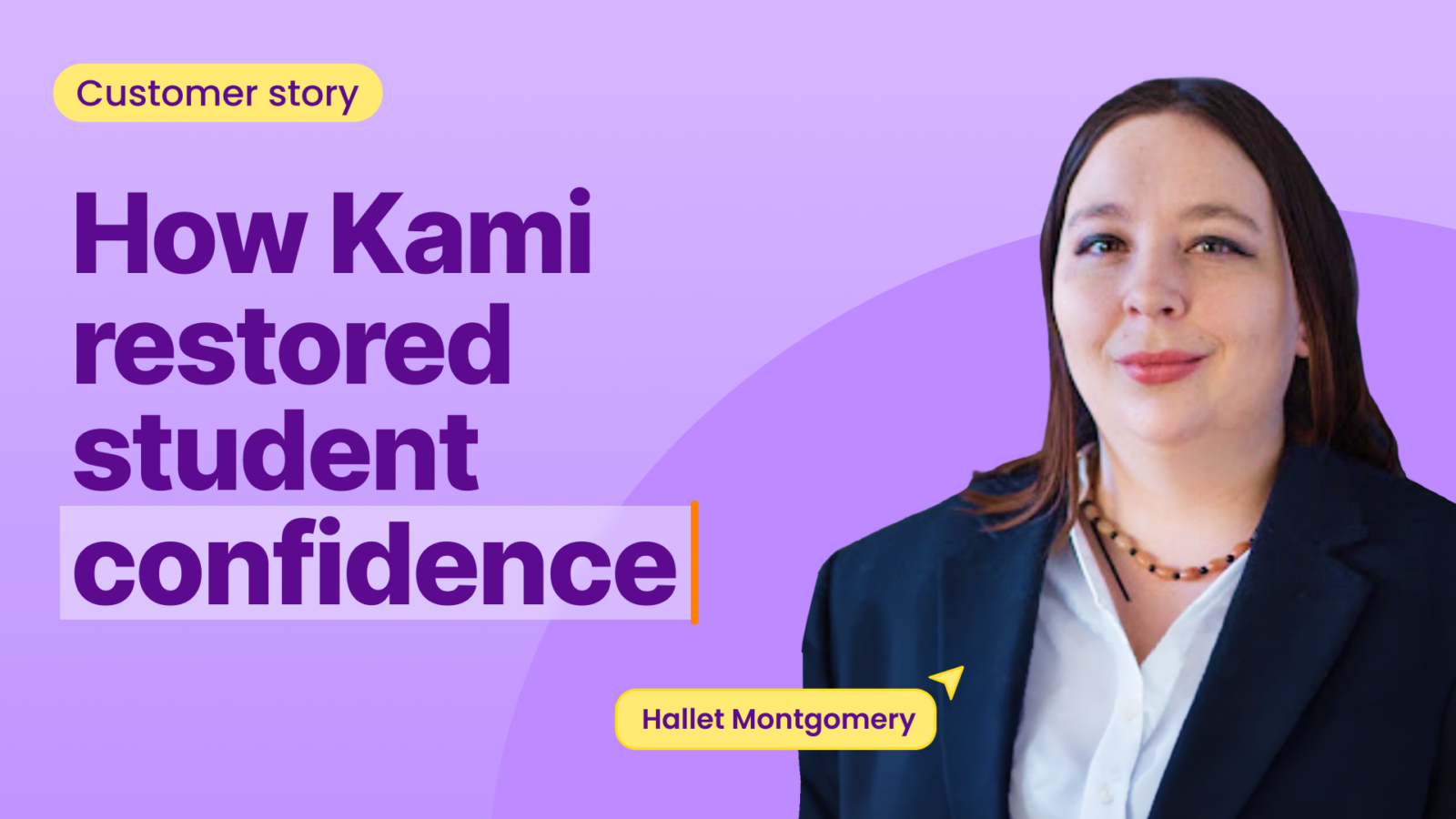
Hallet uses Questions AI to turn existing documents into auto-graded assessments. Students see their scores right away, and Class View shows who is struggling before the lesson ends.
Trusted by 50+ million teachers and students worldwide






Frequently asked questions
Browse our FAQs below, or visit our Help Center for comprehensive guides and troubleshooting support.
Does Kami App grade assessments automatically?
Yes. Questions AI in Kami App lets teachers convert existing content or create new questions, then grades multiple-choice and short-answer responses. Results appear in Class View for teacher review.
Can I see how the whole class is doing on an assessment?
Yes. Class View in Kami App and Book Creator brings every student’s work into one place, and Insights in Kami App shows question-level results across the class. See Kami App.
Does grading sync with my LMS?
Yes. Grades sync with Google Classroom, Schoology, Canvas, Microsoft Teams, and D2L Brightspace.
Can students be graded on creative or project-based work?
Yes. The Google Classroom add-on for Book Creator supports assigning and grading multimodal, portfolio-style work.
Does Kami fit states moving to through-year assessment
Florida, Texas, and Montana are among the states moving from one end-of-year test to assessments across the year (Texas pilot). Class View and Insights in Kami App give teachers ongoing evidence of understanding between tests.
See how every grade can show what students understand