On paper, or on screen. One lesson.
Kami’s blended learning tools connect paper and screen. Every digital moment earns its place, instead of adding one more thing to manage.
When the digital half just adds more to manage
A blended classroom only works when digital tools add something in-person teaching can’t.
Too often they just add more to manage.
Digital tools that duplicate the lesson
Teachers rebuild the same worksheet in digital form instead of building on it. That adds a step instead of removing one.
A gap between the room and the screen
Discussion, feedback, and creation come easily face-to-face. They often disappear once a lesson moves to a screen.
No clear way to show it's working
District leaders are asked to justify every tool in the classroom. Usage numbers alone don’t prove that screen time added real instructional value.
When does digital earn its place in the class?
Purposeful technology, not more technology
Kami connects the moments of a blended lesson, in person and on screen, so each one builds on the last instead of standing on its own.
Teach and present
Bring materials to life for the room and the screen at once, so instruction moves smoothly between whichever mode fits the moment.
Support every learner
Give every student access to the same lesson at the same time, no separate path or workaround required.
Collect evidence of learning
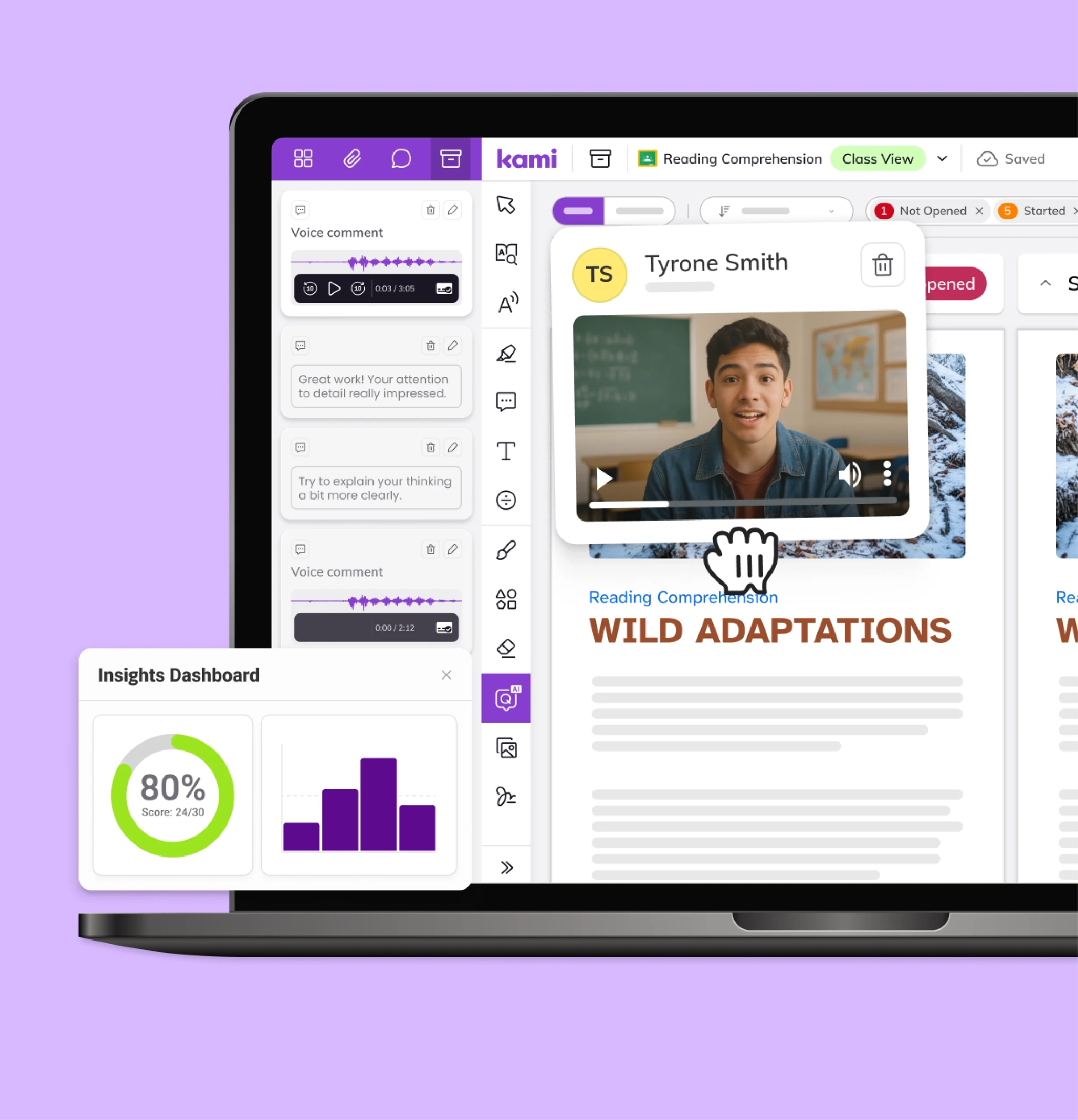
Turn a digital moment into a clearer record of what students actually understand, not just where they clicked.
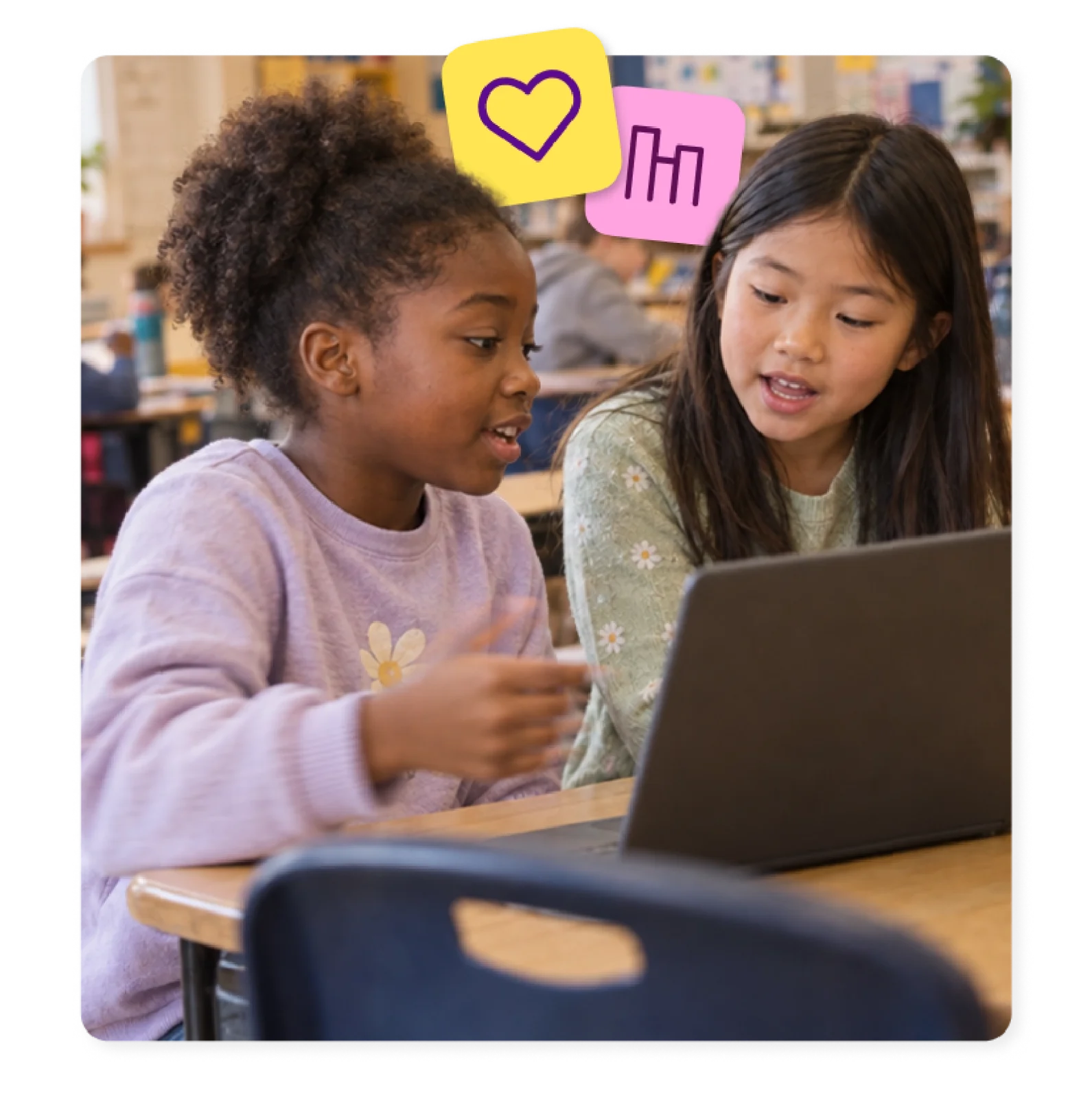
What blended learning looks like in practice
Bring a worksheet into a live lesson
Teachers scan or upload the materials they already use into Kami App. Then they annotate, present, and collect responses in real time, in the room or remote.
Keep support in place across the blended day
Students gather ideas on a shared whiteboard before starting a project, sketching, sticky-noting, and building on each other’s thinking in real time. Typing kami.new into a browser opens an instant whiteboard, ready to share with a link or QR code, with Kami App.
Give the digital moment its own purpose
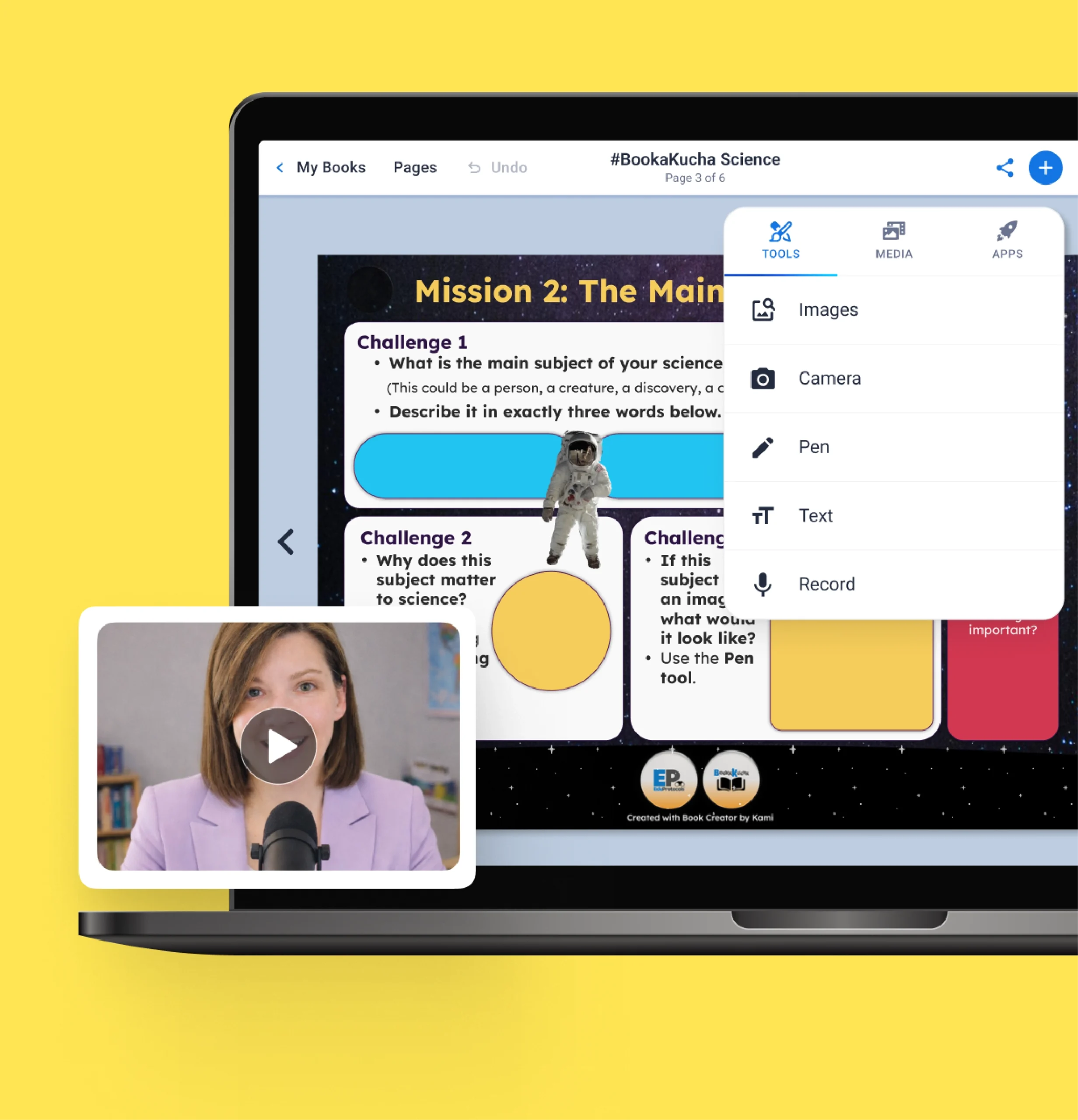
With Book Creator, a discussion, an experiment, or a reading response becomes a multimodal book instead of a static document, something a worksheet can’t do.
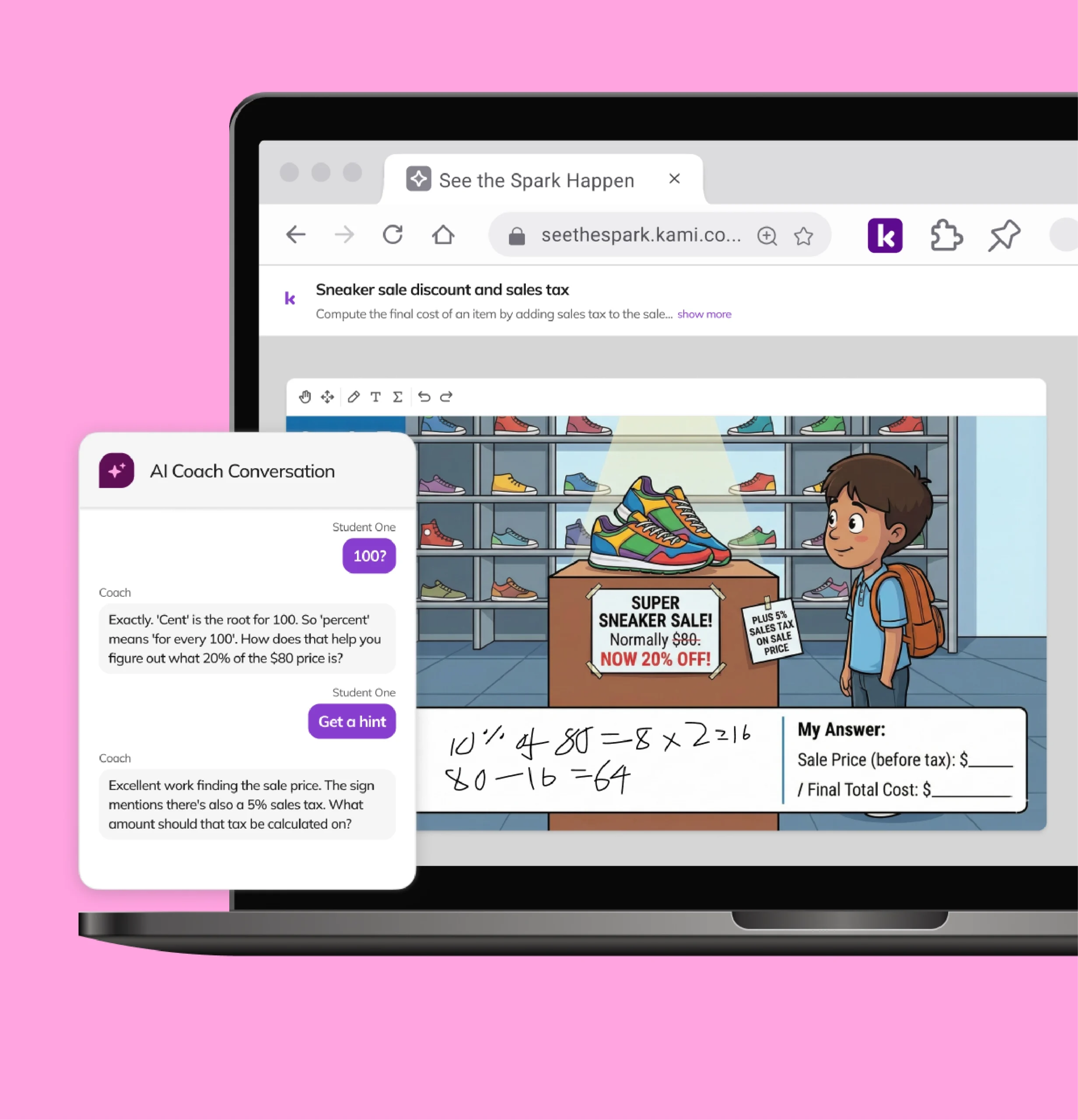
Practice math with feedback in the moment
Kami Coach gives students hints on their own reasoning during independent or blended practice time, while teachers stay connected to how students got there, not just the final answer.
Jeff Kilner, Instructional Technology Specialist, Indian River School District
One tool, in service of the bigger practice
Jeff models blended lessons, like the in-class flip, inside one shared document. Students stay in the curriculum, not a tab away from it.
Trusted by 50+ million teachers and students worldwide




Frequently asked questions
Browse our FAQs below, or visit our Help Center for comprehensive guides and troubleshooting support.
What does blended learning mean to Kami?
Blended learning combines in-person instruction with digital tools used on purpose, at the moments they add the most value. See the Christensen Institute definition this approach builds on.
Does Kami App work for both in-person and remote teaching?
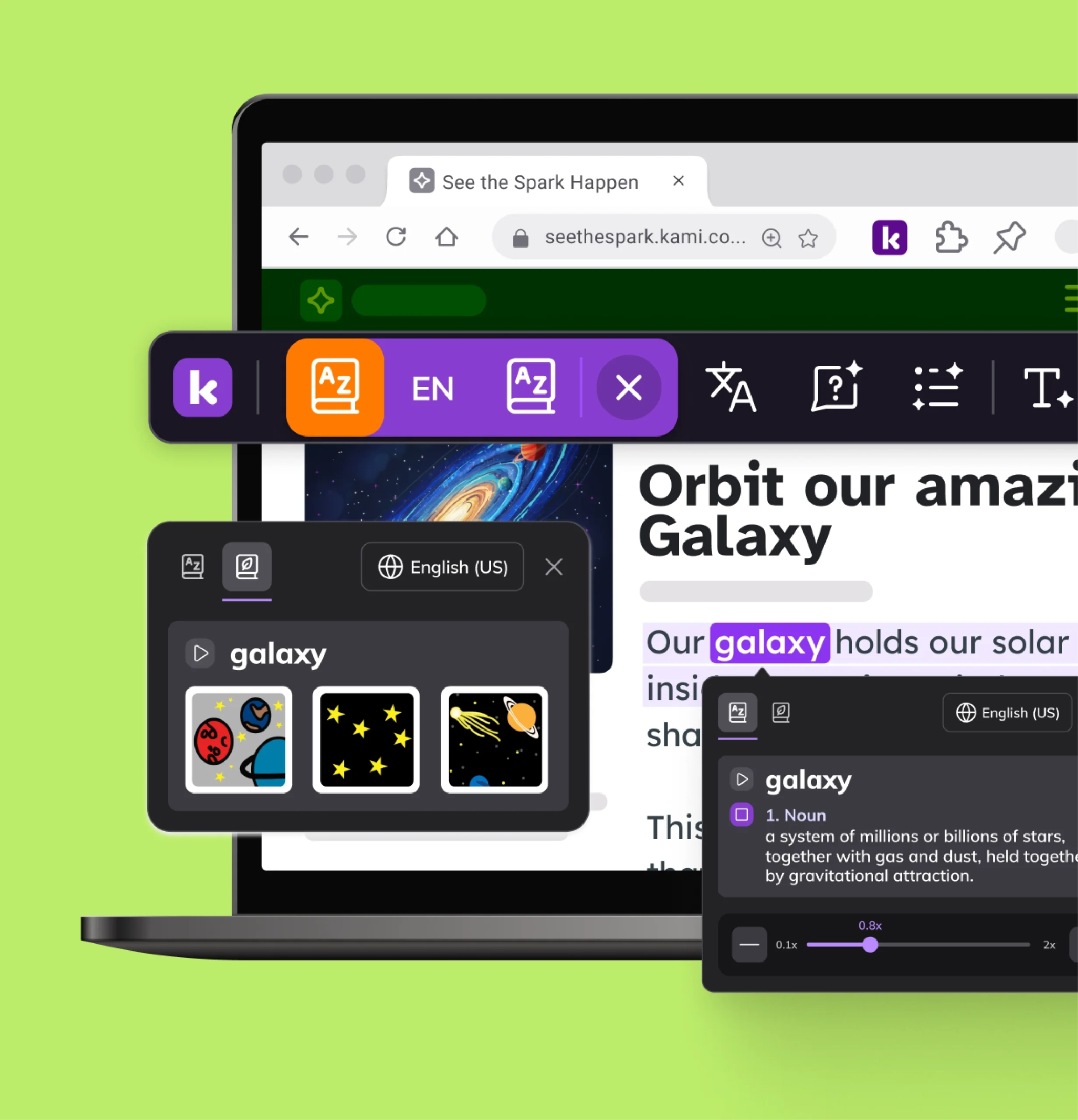
Yes. Kami App works as a digital whiteboard on any device, with presentation mode and real-time collaboration. Kami Companion brings read aloud, translation, and comprehension support to web-based content, and Book Creator lets students build multimodal work.
How does Kami support independent work during a blended lesson?
Kami Companion extends support to independent web-based work, and Kami Coach gives guided math hints.
Can students create something during a blended lesson, not just complete assignments?
Yes. Book Creator lets students build multimodal work, such as a book, a reflection, or a portfolio page.
Does Kami work with our learning management system in a blended classroom?
Yes. See the integration pages for Google Classroom, Schoology, Canvas, and Microsoft Teams.
Does accessibility support carry over when a lesson moves to a digital moment?
Yes. Kami Companion supports travel with a student across whatever they’re working on. See the accessibility page for what’s covered across the family.
Let Kami support your district's goals