Kami App and Book Creator work with the tools your school already uses
Your district already runs a learning management system. Kami App and Book Creator both connect directly to it, so teachers keep working instead of learning a new system.
Trusted by 50+ million teachers and students worldwide


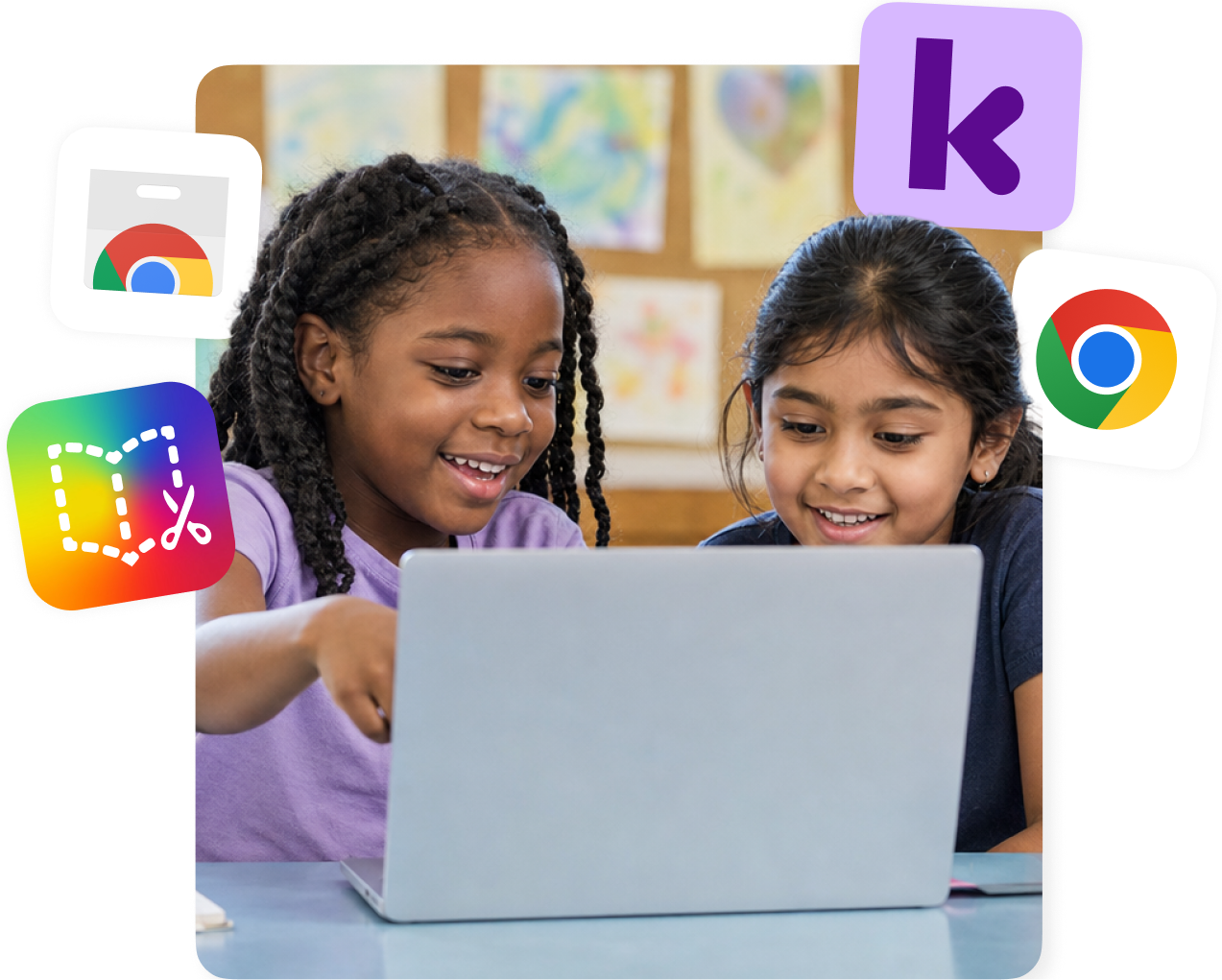
Start with a Kami extension
Most classrooms reach Kami App, Kami Companion, and Book Creator through a Chrome extension first, then connect to the LMS integrations below.
For Schools and Districts: Kami Private Extension
Learn more
Individual Accounts:
Google Chrome Extension
Learn more
Individual Accounts:
Microsoft Edge Extension
Learn moreKami App LMS integrations
Kami App connects with five learning management systems, so annotation, feedback, and grading stay inside the platform teachers already use.
Google Classroom
Learn more
Canvas
Learn more
Schoology
Learn more
D2L Brightspace
Learn more
Microsoft Teams
Learn moreBook Creator LMS integrations
Book Creator connects with three of the same platforms, so students can create, reflect, and turn in work without leaving class.
Why schools trust Kami with their LMS
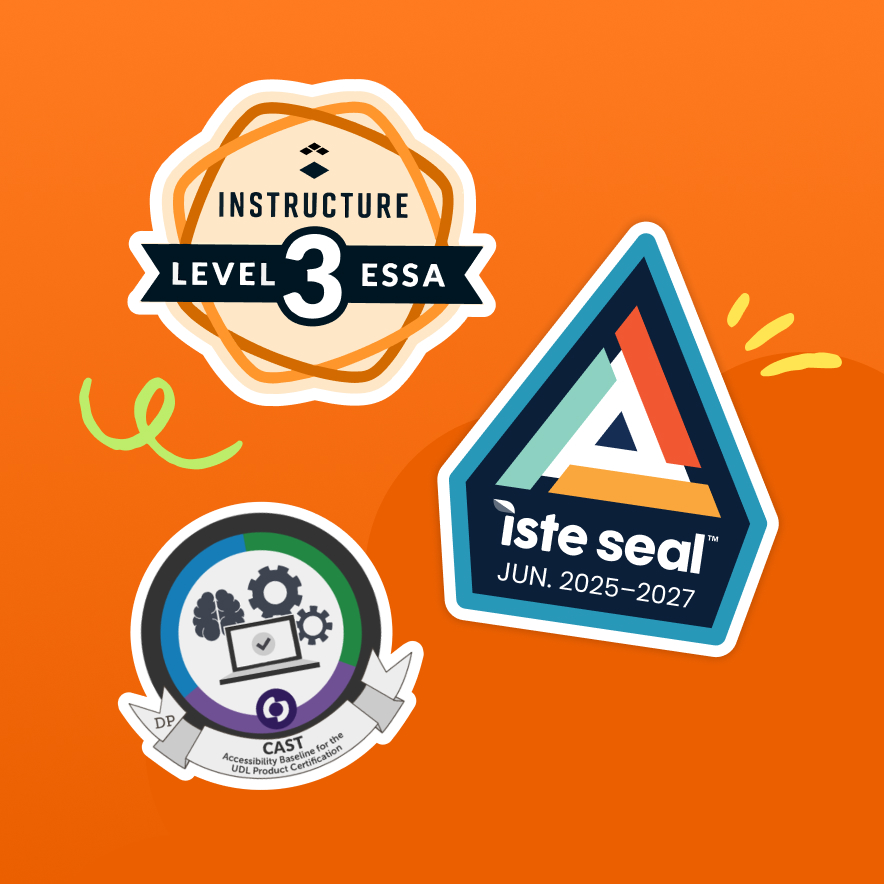
Kami App holds the ISTE Seal of Alignment. Book Creator holds the ISTE Seal of Alignment, a UDL Product Certification from CAST, and ESSA Level III evidence certification for its impact on literacy outcomes.
What you get by connecting Kami App with your LMS
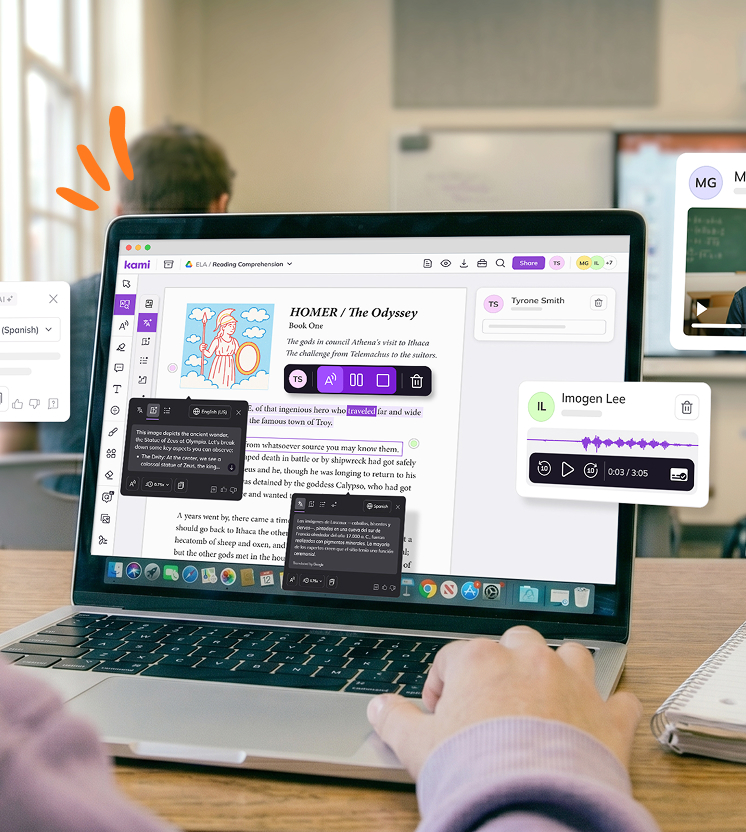

Class View
Track and grade students’ work without leaving your LMS.

Time-saving
Save time on every assignment, from setup to grading.

Collaboration
Share resources and set teacher controls without extra setup.

Accessibility
Built-in supports that help every learner participate in the same assignment.

Annotation tools
40+ annotation tools to turn any document, worksheet, or slide into an interactive lesson.
Learning made visible
Real-time monitoring and feedback that shows how students are thinking.
Customer testimonials
“Kami has opened accessibility doors in the classroom! Making assignments more inclusive for all my students.”

“Kami has been a game changer for my students. Kami allows all of my students to have a voice in the classroom.”

“Kami has been an invaluable tool to help teachers in our district respond to students’ needs.”

“If you aren’t using Kami with your students right now you need to get it ASAP. This tech tool has been completely life-changing for my students this year. When I first got it I had no idea how it would change my teaching! Now it’s all my students use to do their work!”

“It’s a game-changer! There’s almost nothing I can’t do in Kami, and I use it every single day!”

Frequently asked questions
Browse our FAQs below, or visit our Kami Help Center for comprehensive guides and troubleshooting support.
Which learning management systems does Kami work with?
Kami App works with Google Classroom, Schoology, Canvas, Microsoft Teams, and D2L Brightspace. Book Creator works with Google Classroom, Schoology, and Canvas.
Do you support Clever and ClassLink for single sign-on?
Yes. Kami supports Clever and ClassLink for single sign-on. Talk to our team about how roster setup works for your district.
Do the integrations cover the whole Kami family?
Not every product connects the same way. Kami App and Book Creator have LMS integrations. Kami Companion works as a browser extension alongside any LMS, and Kami Coach doesn’t have an LMS integration today.
Do accessibility features carry over when students use Kami inside our learning management system?
Yes. See the accessibility page for current conformance documentation.
See how Kami fits your classroom