An accessible
K–12 learning extension
Kami Companion removes barriers to web-based learning with instant, adaptive scaffolds. So every student can access, understand, and express ideas independently.
WCAG 2.1 AA aligned. Available on Google Chrome and Microsoft Edge.
Watch the 60s Kami Companion product demo
Accessibility in action
8.4M+ learning moments and counting
2M+
Words read
aloud
459k+
Reading levels adjusted
498k+
Language translations delivered
92k+
Ideas captured by voice
Built for every role in your school
Kami Companion meets every educator where they are.
From classroom teachers differentiating instruction to leaders tracking district-wide impact.
Leaders
Stay ahead of mandates and deliver equity at scale.
Kami Companion replaces multiple browser extensions with one district-managed tool — reducing compliance risk, supporting literacy outcomes, and giving leaders a clear evidence base for inclusion investment.
Teachers
Support every student with zero extra prep.
Kami Companion delivers read aloud, voice typing, and real-time translation automatically, so every student has what they need without a separate lesson plan or extra prep time.
Inclusion and support staff
Every accommodation supported.
Kami Companion delivers instant accommodations across every web-based resource, supporting least restrictive environment requirements and reducing the stigma of pull-out support, without any additional coordination.
See our guide to IEP and 504 plan differences for more on compliance requirements.
Language Support Staff
240+ languages supported. Right in the moment.
Real-time translation and vocabulary scaffolds give multilingual learners the language support they need to access grade-level content independently, in their chosen language.
Are you ready for
WCAG 2.1AA?
Similar rules may also become part of AODA (Ontario) and the UK Public Sector Bodies Accessibility Regulations.
Kami Companion is aligned to WCAG 2.1AA.
You can read our VPAT self-certificate , accessibility conformance statement , or view our accessibility roadmap for more information.
Get started in two easy steps
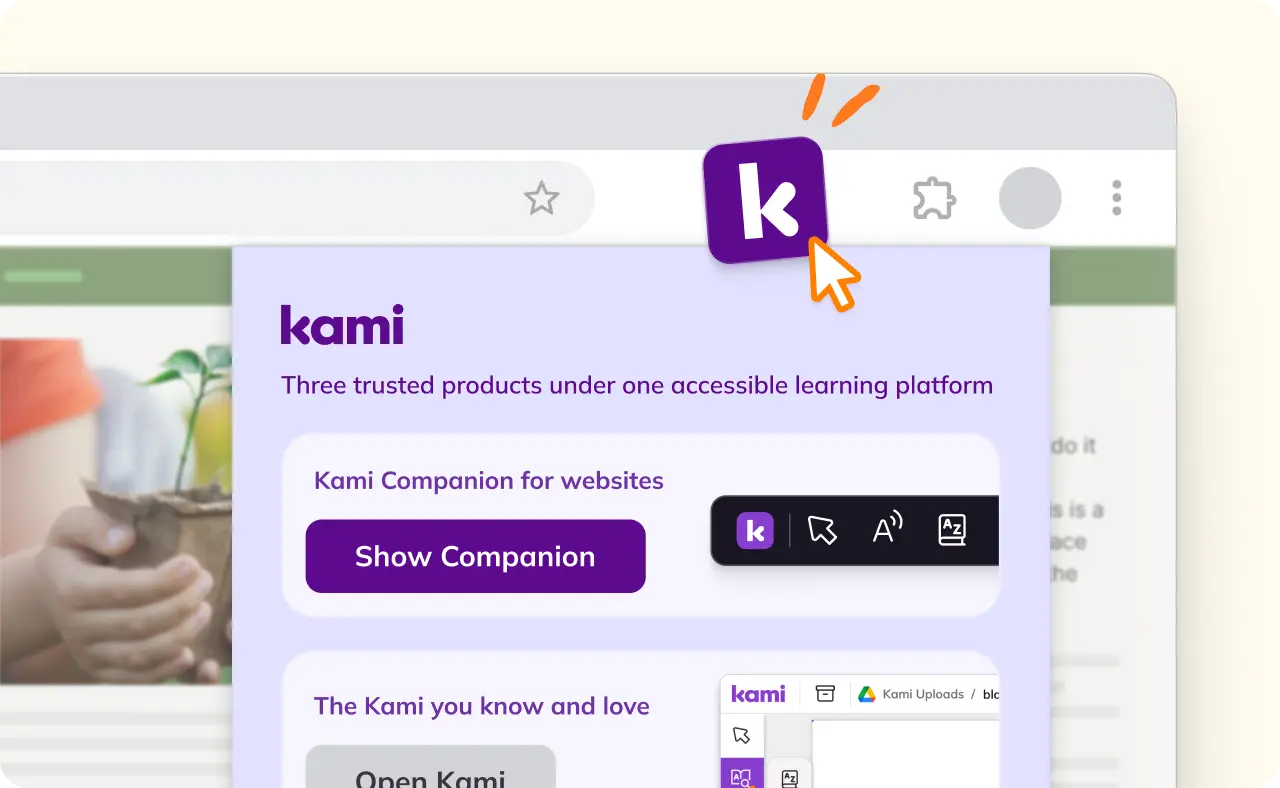
Step 1
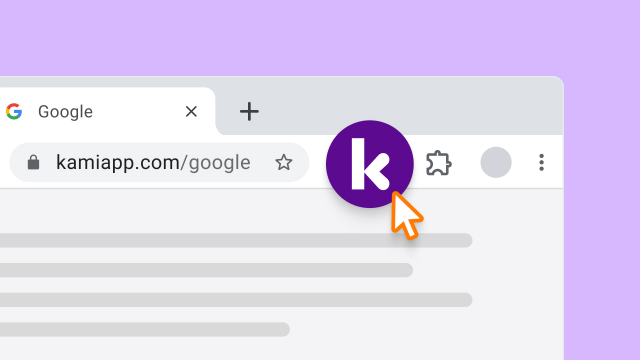
Once your admin installs the Kami Private extension. Click the Kami ‘K’ and select Show Companion.
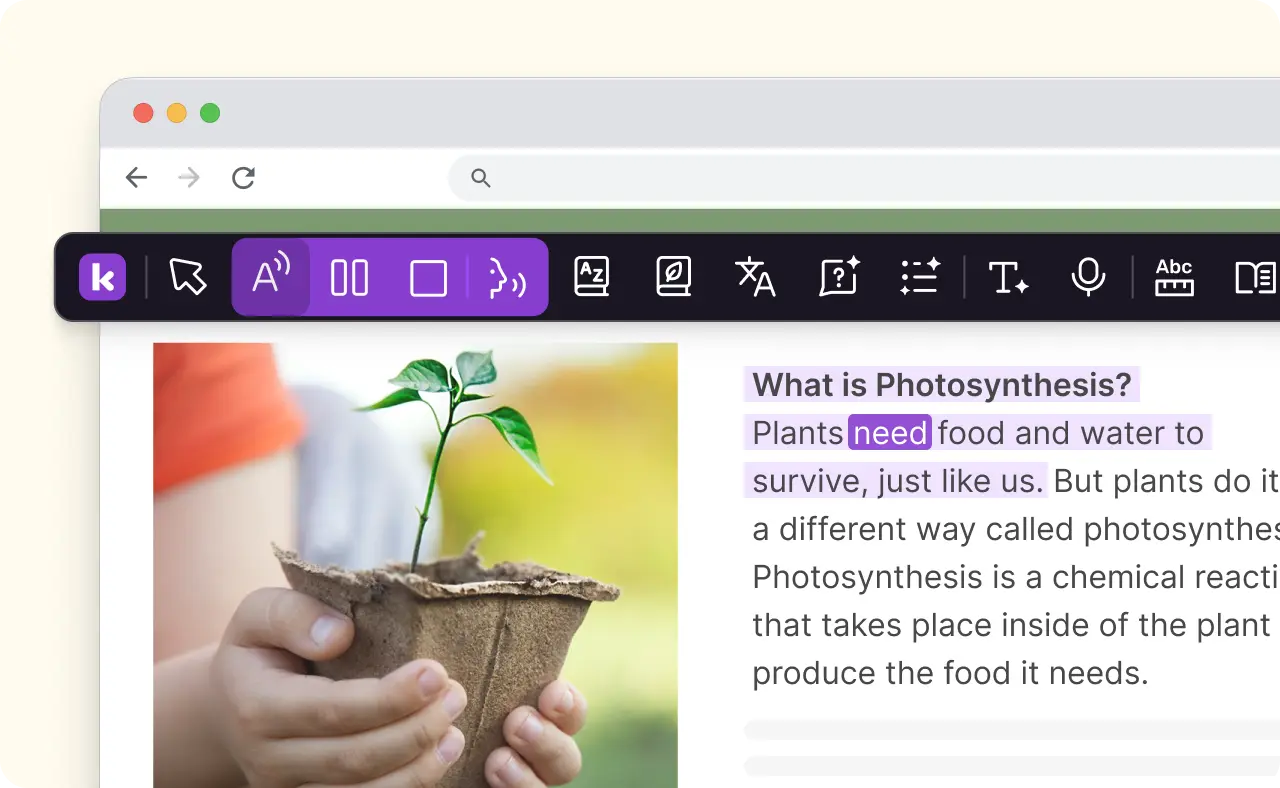
Step 2
The Kami Companion toolbar will then appear giving you instant access to read aloud, translation, voice typing and more.
Reading and literacy support
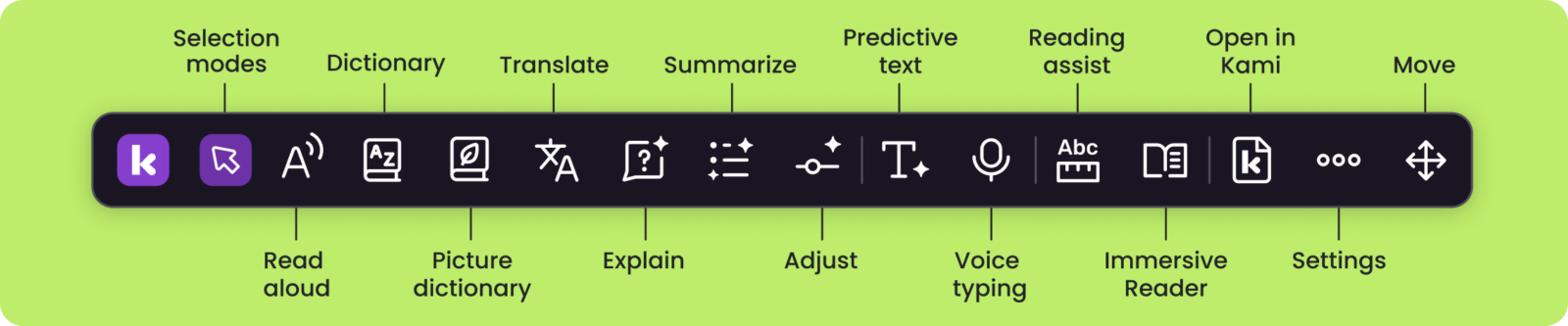
- Read aloud: Natural voices read any text aloud, with real-time highlighting and adjustable playback speed.
- Immersive Reader: Distraction-free layouts and grammar views help struggling readers stay focused and on track.
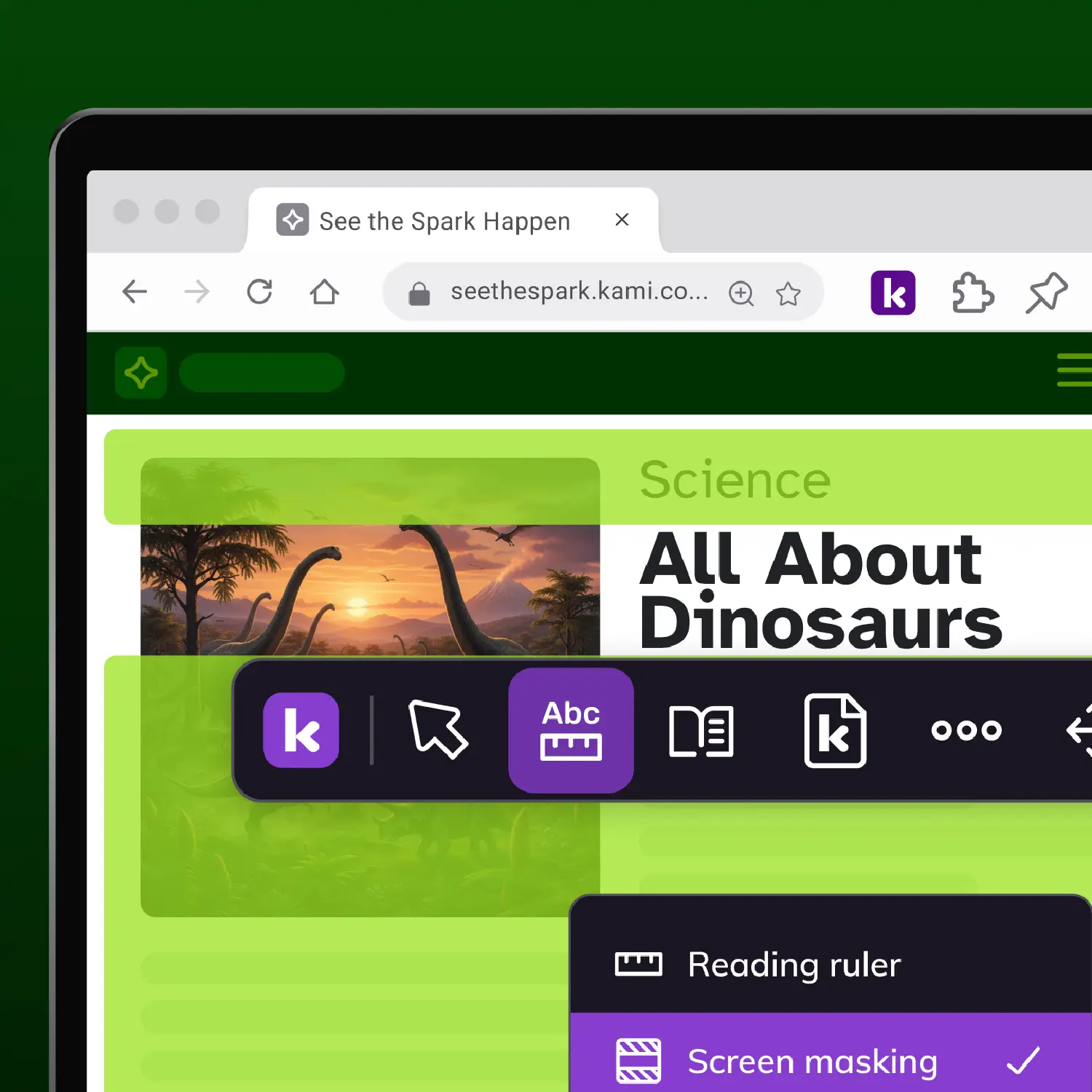
- Reading assist: Screen masking and reading rulers keep students focused, line by line.
Comprehension and vocabulary
- Dictionary & Picture dictionary: Access instant text and audio definitions and visual aids. Supports English and Spanish .
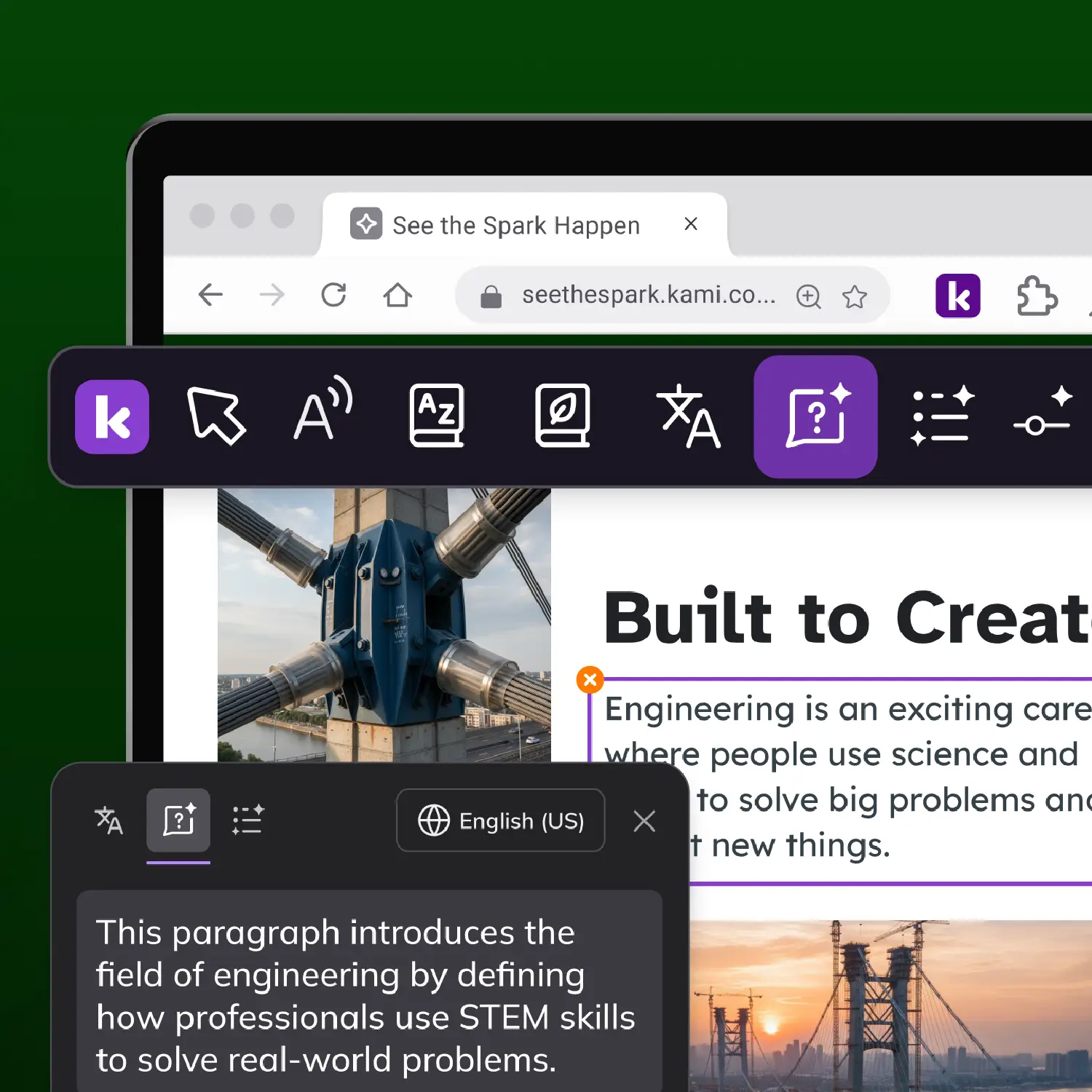
- Summarize*: Condenses any selected text, section or full document into a clear summary of the key ideas.
- Explain*: Get clear, contextual explanations for tricky text, charts, and diagrams.
- Adjust*: A simple slider that matches text complexity to every reading level.
*Uses Kami’s safer AI
Writing and expression
- Predictive text: Smart, grammar-aware suggestions with phonetic spelling support help every student write with confidence.
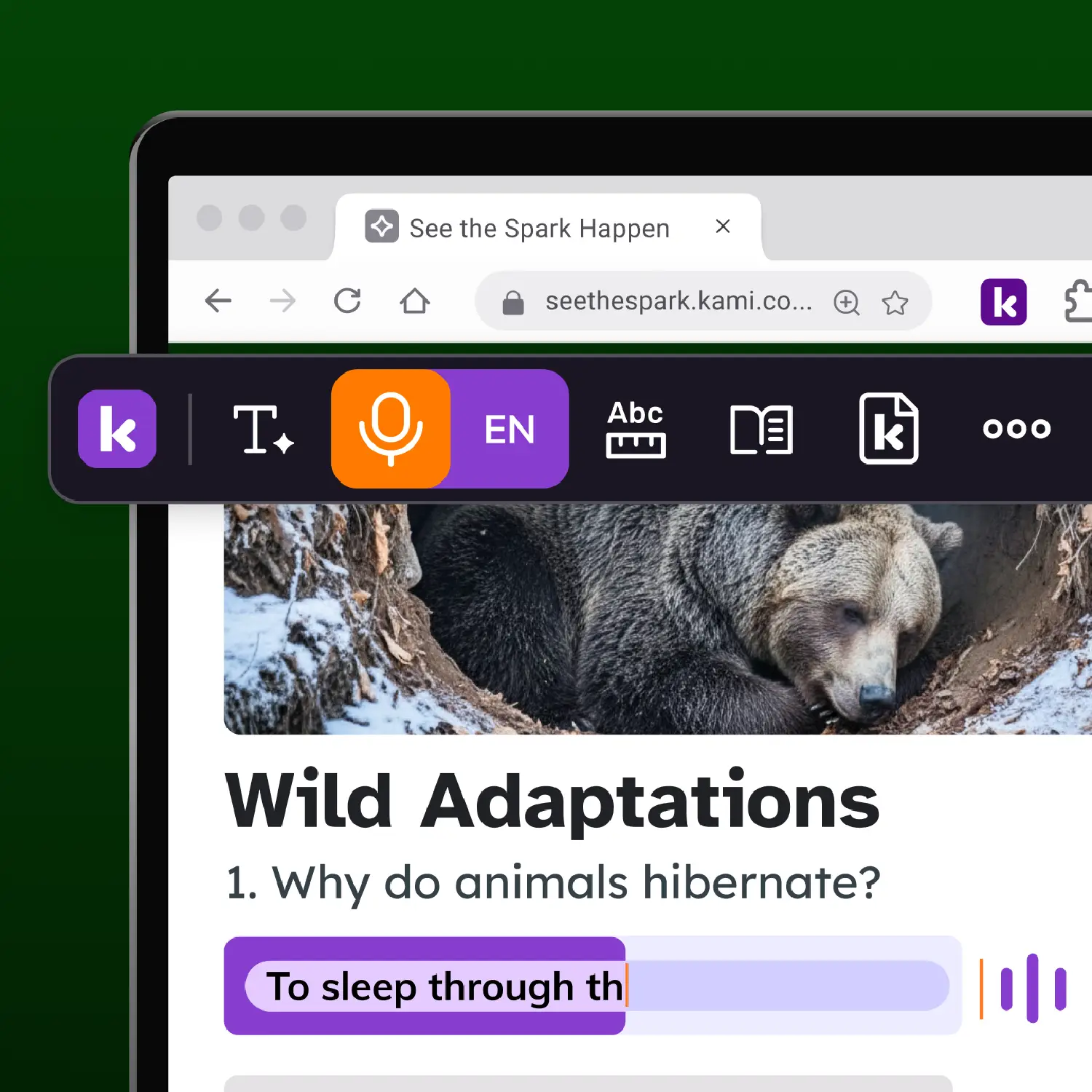
- Voice typing: Speak to turn thoughts into text in real time. Supports multiple languages.
Language and inclusion
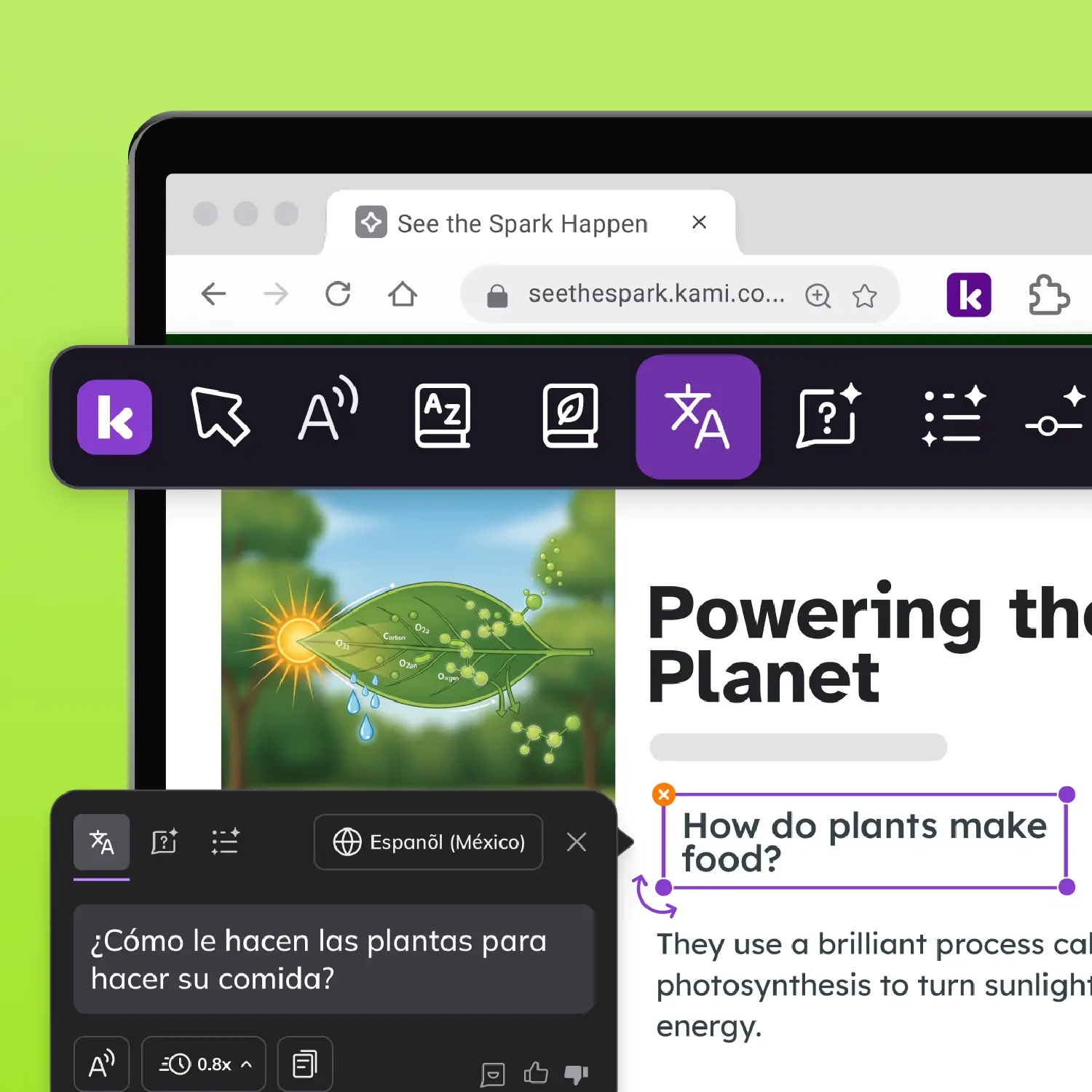
- Translate: Instantly translate web-based resources into 240+ languages in text and audio. Copy translated text to use elsewhere.
- Open in Kami: Send any webpage to Kami to start annotating and collaborating.
Industry-leading safety






Keep Companion up to date with
the Kami Private Extension
Faster, more reliable updates
Fixes and features reach your classrooms without waiting on the Chrome Web Store review process, which can take three or more days.
One deployment, every product
Kami App, Kami Companion, and Book Creator all run through the same extension, so IT manages one rollout instead of three.
Less for teachers to manage
Updates happen automatically in the background. Teachers open Kami the same way they always have. Nothing changes for them day to day.
Frequently asked questions
Browse our FAQs below, or visit our Help Center for comprehensive guides and troubleshooting support.
What is Kami Companion?
Kami Companion is a learning accessibility product that provides access, comprehension, and expression supports for web-based content.
What about privacy and security?
Kami Companion is fully compliant with COPPA, FERPA, SOPPA, SOPIPA and SOC 2 Type 2. See the Security Hub.
Kami Companion is aligned to WCAG 2.1AA. You can read our VPAT self-certificate , accessibility conformance statement , or view our accessibility roadmap for more information.
Kami does not harvest or sell student data. We utilize AI with strict ethical commitment and responsibility.
What is the current version of Kami Companion?
To ensure your school or district has the latest version, we recommend installing the Kami private Chrome extension.
Which browsers and devices does Kami Companion work on?
Kami Companion works on both Google Chrome and Microsoft Edge, and IT teams can deploy it with Google Admin Console or Microsoft Intune.
It doesn’t run natively on iPads because iPadOS doesn’t support Chrome extensions. Talk to our team about options if iPad support is a requirement.
What is the difference between Kami App and Kami Companion?
Kami App is an instructional classroom product that turns everyday learning materials into interactive, collaborative learning experiences. It helps educators engage learners, support access, and capture authentic evidence of learning as it happens.
Kami Companion is a learning accessibility product that provides learners access, comprehension and expression scaffolds for internet-based learning.
How much does Kami Companion cost?
Companion is offered at School and District level. For pricing please request a quote.
To see if you are eligible for a free 30 day trial, chat to our sales team today.
Already a Kami or Book Creator customer? Talk to your account manager today or complete this form.
Does Kami Companion work on websites, online textbooks, and Google Docs, or only PDFs?
It works on any website, including curriculum and online textbook sites and Google Docs, not just PDFs. That’s the main difference from Kami App, which works inside documents a teacher builds or uploads.
Bring accessible learning to every classroom.