Real feedback.
Real accessibility.
Real teaching.
One family of tools for grading, planning, and making every assignment work for every student. That gives more of your day back to the students you teach.


The pressure on teachers today
When materials aren’t designed for the full range of learners in a room, teachers become the workaround.
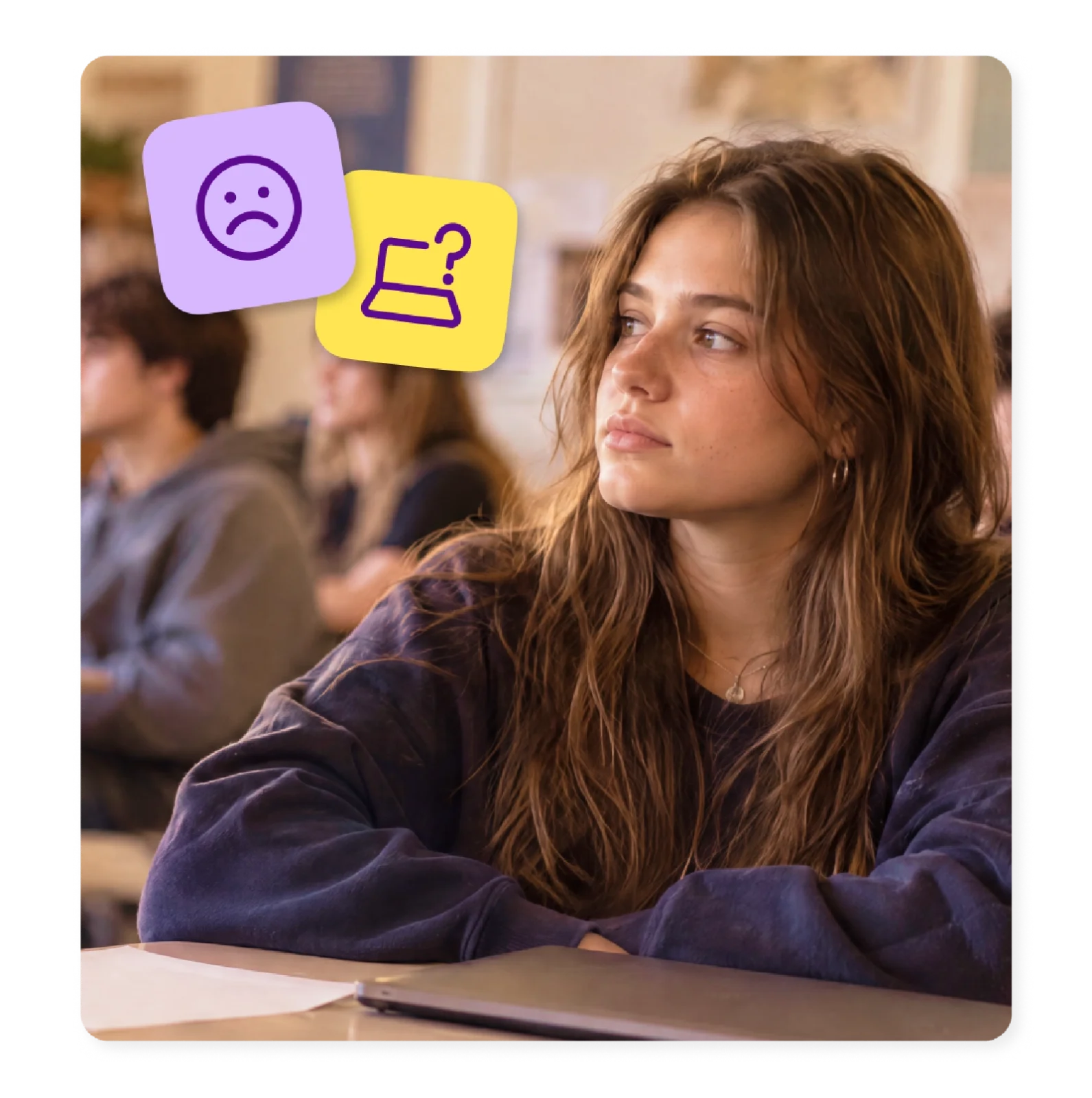
Feedback that arrives too late
By the time a stack of grading reveals a misunderstanding, the class has already moved on to the next topic.
Accessible materials take hours to build
Adapting one lesson into two or three versions eats into the time you planned for teaching.
One lesson, every kind of learner
Every student needs a different way to take in the lesson, make sense of it, and show what they know.
Screen time needs to be meaningful
A family of apps, each built around a different part of the same classroom day
Kami App
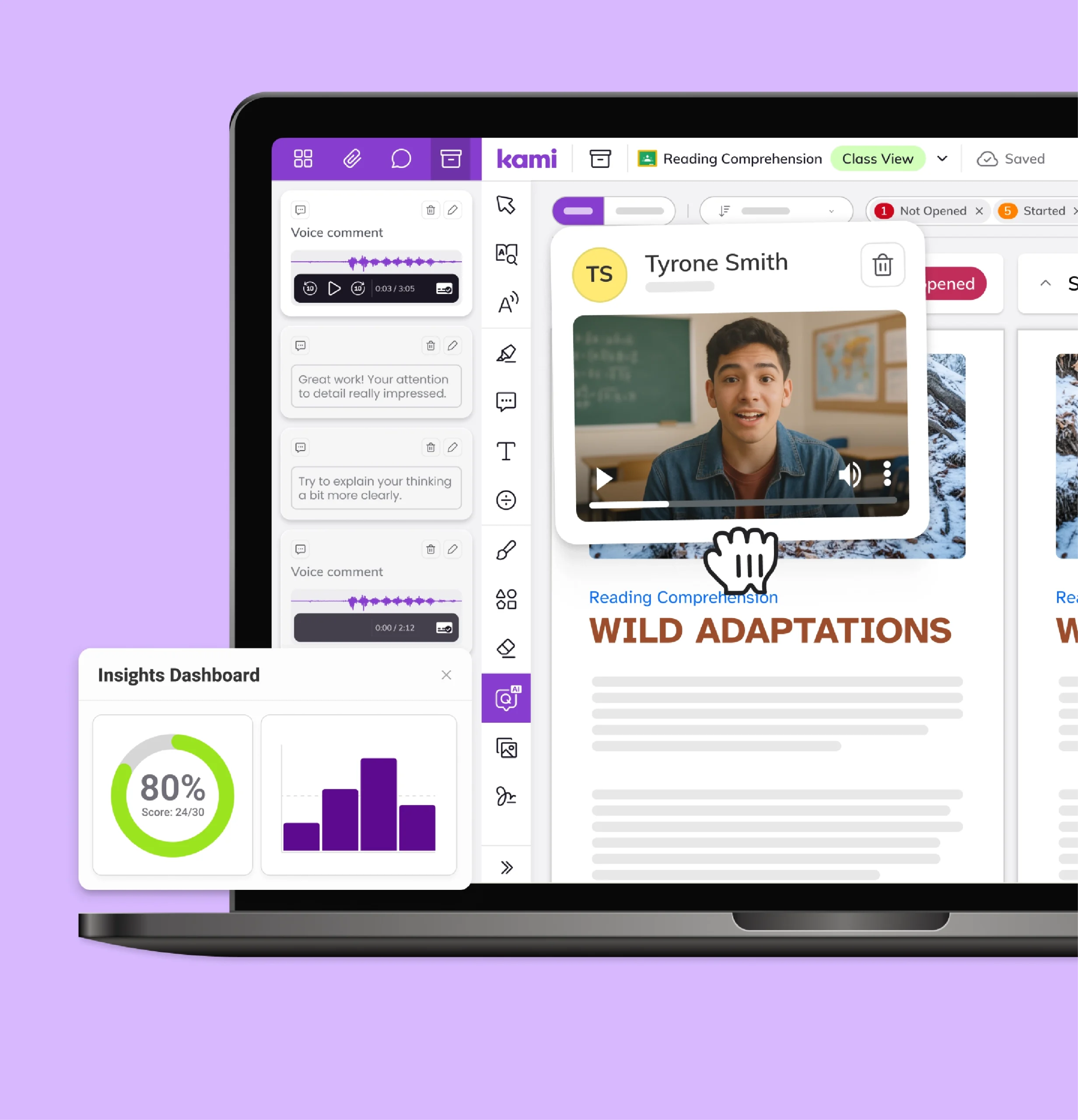
Turns grading and feedback into something that happens in the room, not after it. Annotation Bank, auto-grading, and Class View let teachers see student thinking as it forms. They can respond while it still matters. Stickers add quick, upbeat feedback, and multimedia comments help when text alone won’t cut it.
Book Creator
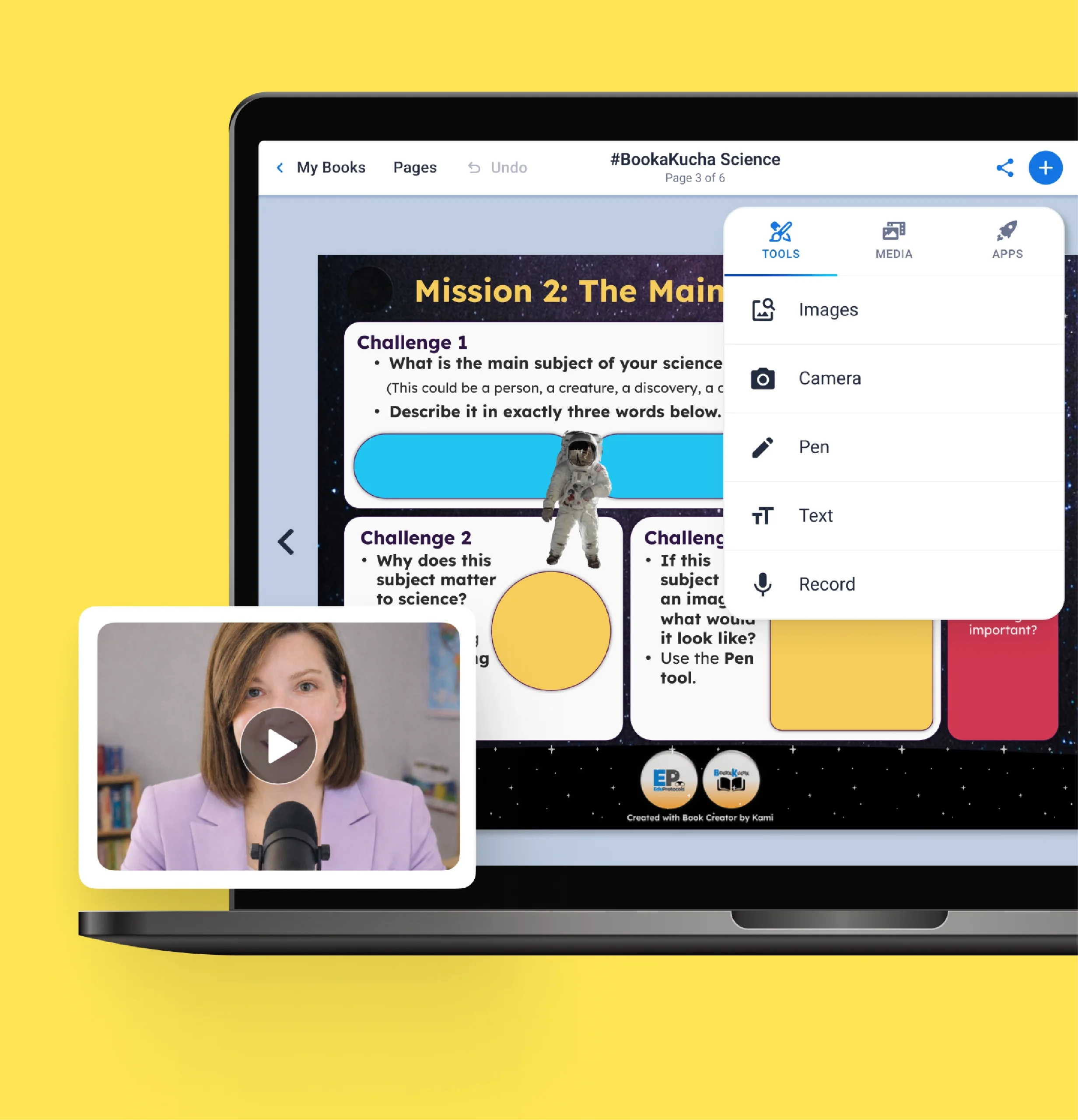
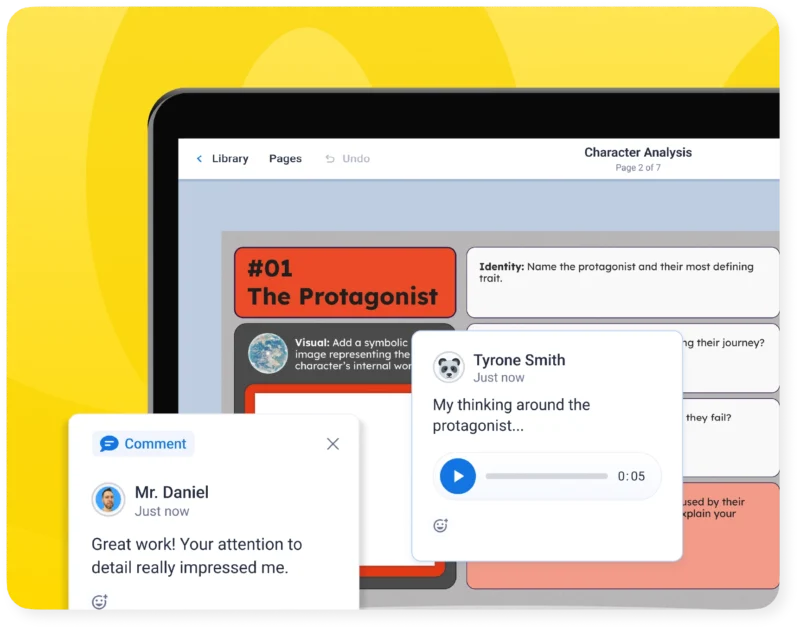
Gives students a flexible way to show what they know. Templates and graphic organizers turn a blank page into a starting structure, and multimedia comments let students add voice, video, or drawing alongside text. Teachers build a portfolio of growth instead of grading a single snapshot.
Kami Companion
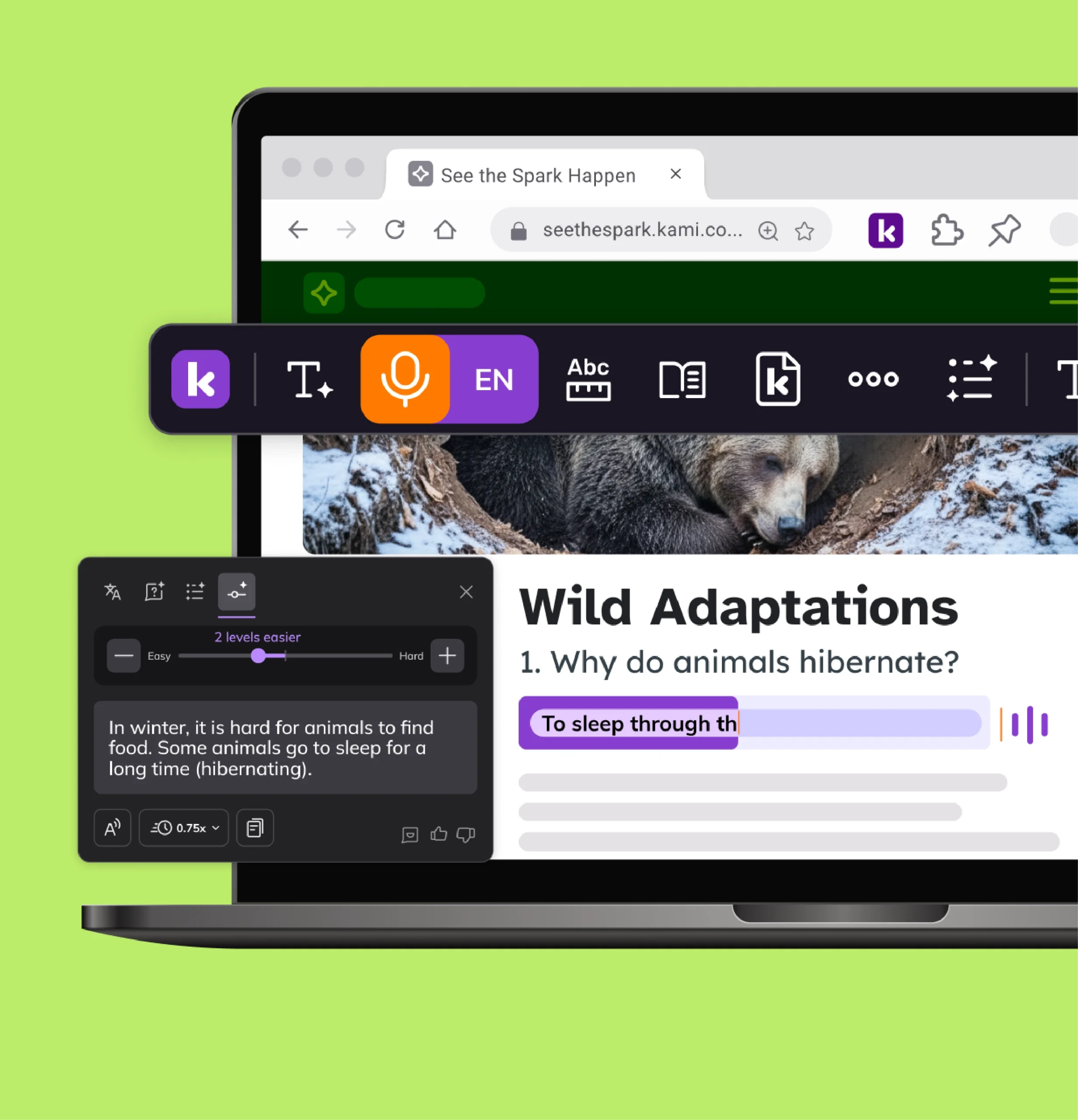
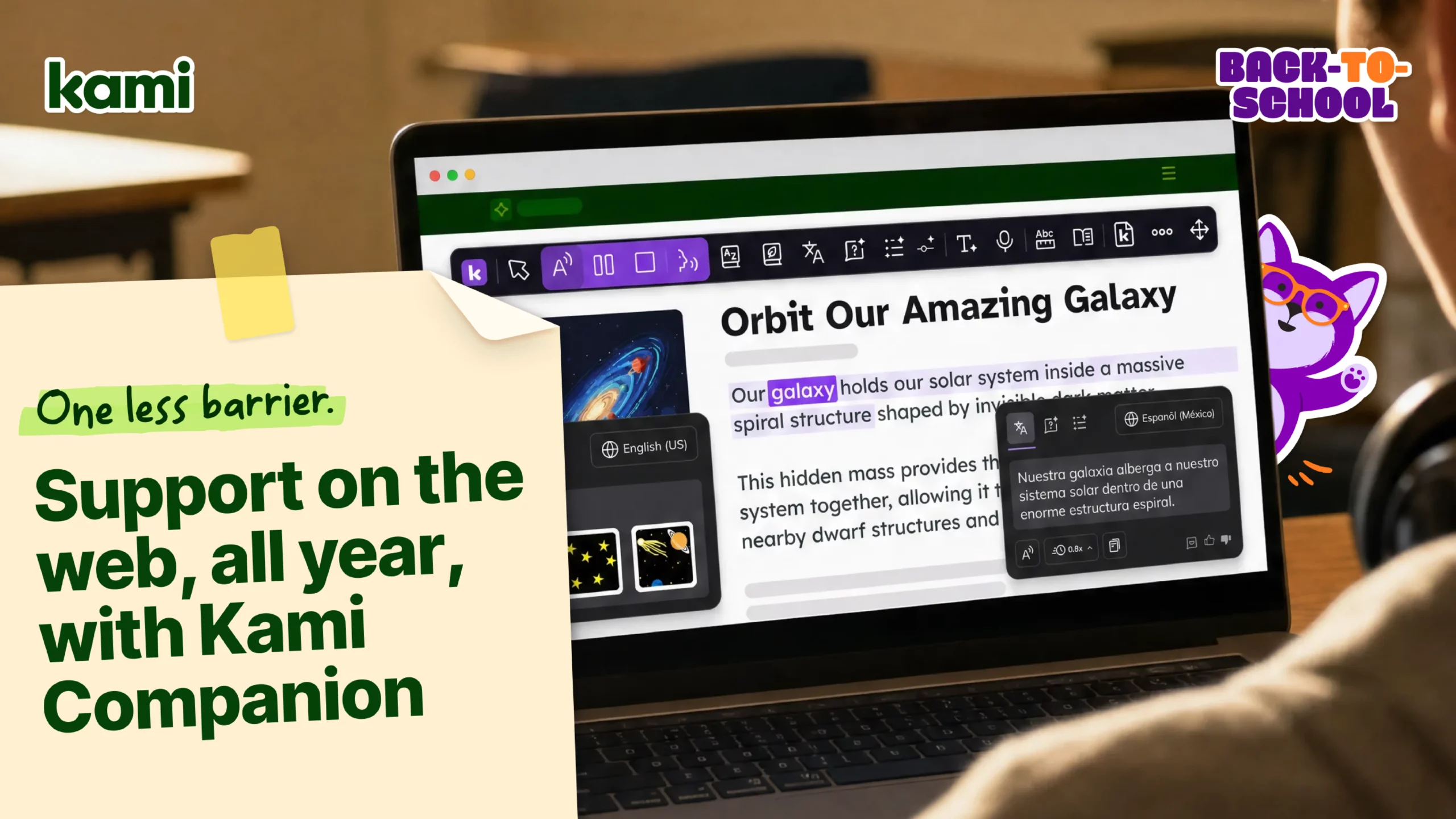
Brings reading, language, and expression support into the same assignment every other student uses. Built-in supports mean fewer separate, retrofitted versions and a more inclusive starting point for planning instruction.
Kami Coach
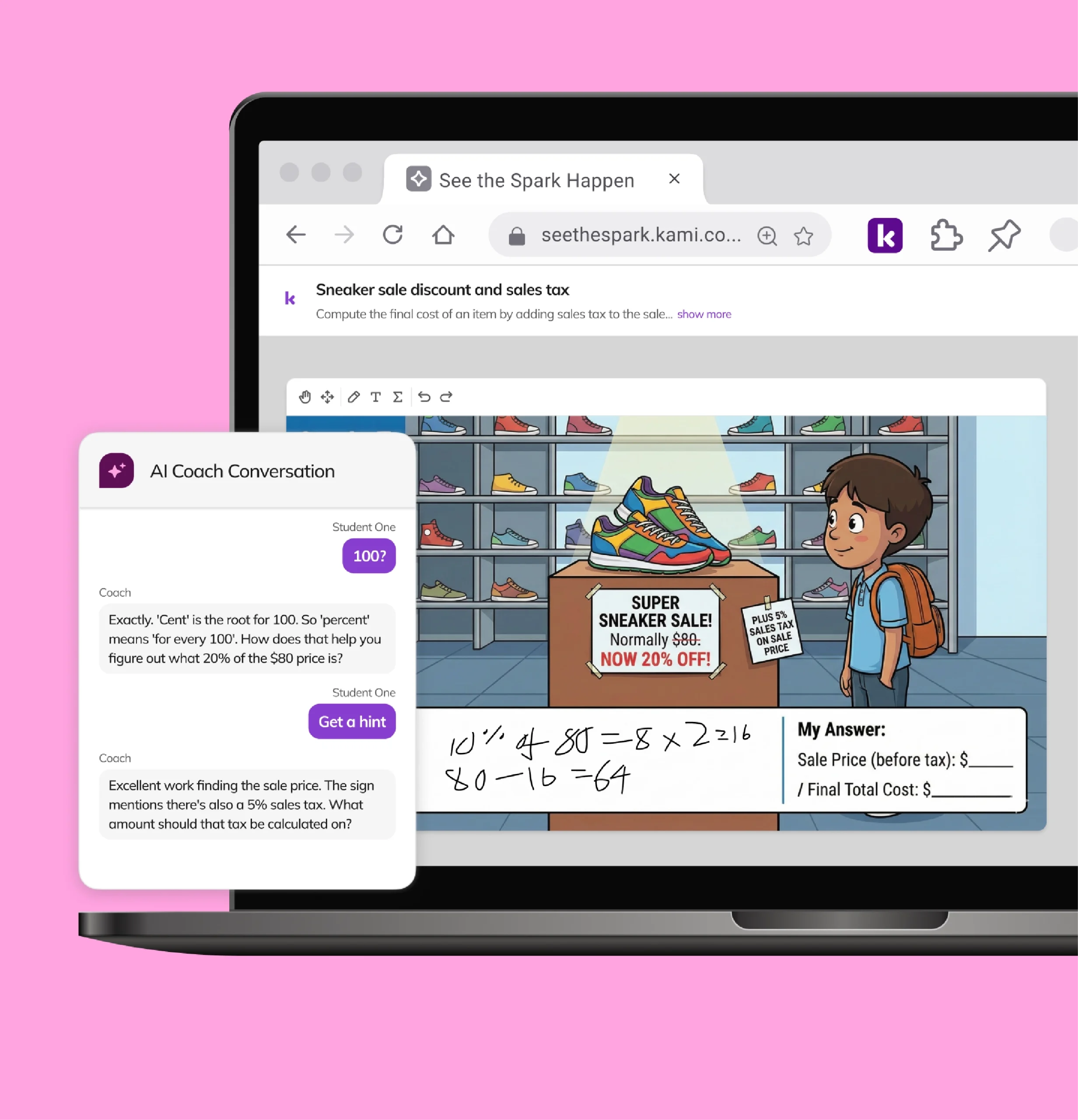
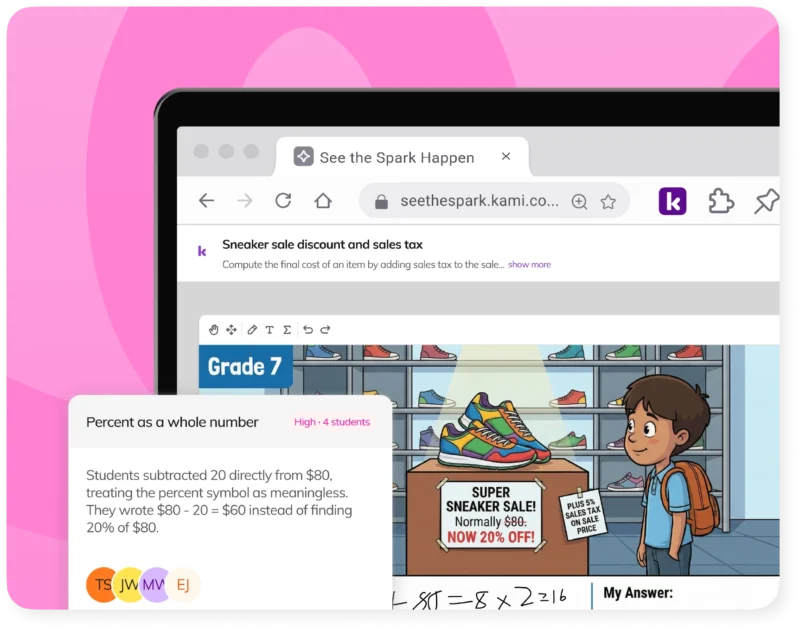
A student works a math problem on an open canvas and gets feedback as they go, one more way for a wider range of learners to show their thinking.
Example workflows
Enhance your planning, grading, and assessment processes so you have more time for the important things.
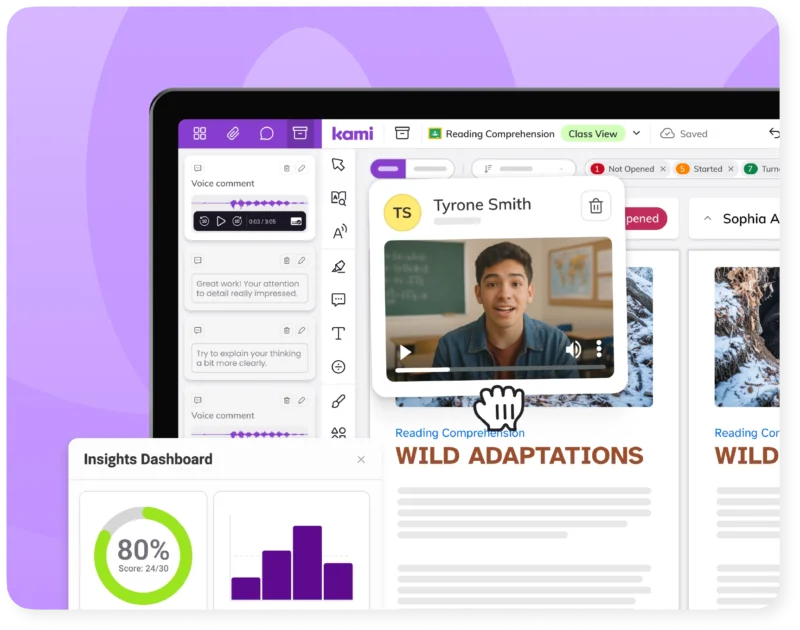
Grading a stack of essays
The Annotation Bank in Kami App saves the comments you use most. Auto-grading handles routine questions, and stickers add quick, upbeat feedback. Teachers respond to student thinking in the room, not two days later.
Building a project instead of a quiz
Templates and graphic organizers give students a place to start. Then multimedia comments let them add voice, video, or drawings to show what they know.
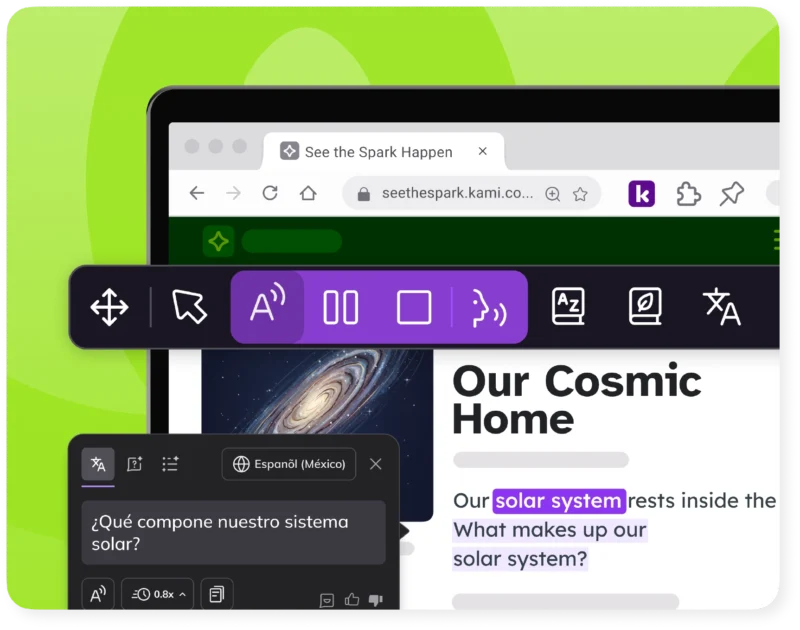
Turning a website into a lesson everyone can access
Read-aloud, translation, and adjustable reading levels work on the same assignment the rest of the class uses. No student has to wait for a separate version.
Working through a problem independently
Kami Coach responds to student thinking instead of handing over answers. Real-time insights show where the class is stuck. Early signals flag gaps before a formal assessment does. Students stay in productive struggle, and teachers see it happening.
Explore by use case
Visible
See how every student is doing while they’re learning, not after. Kami’s AI-powered tools turn everyday assessments into engaging materials that give you real evidence of learning.
Accessible
With Kami, every student can work from the same lesson, at the same pace. Built-in supports for language, reading, and math help every learner fully participate.
Meaningful
Learning sticks when students collaborate, create, and think for themselves. Kami supports authentic work in class and online, building skills students carry well beyond the lesson.

Resources for teachers
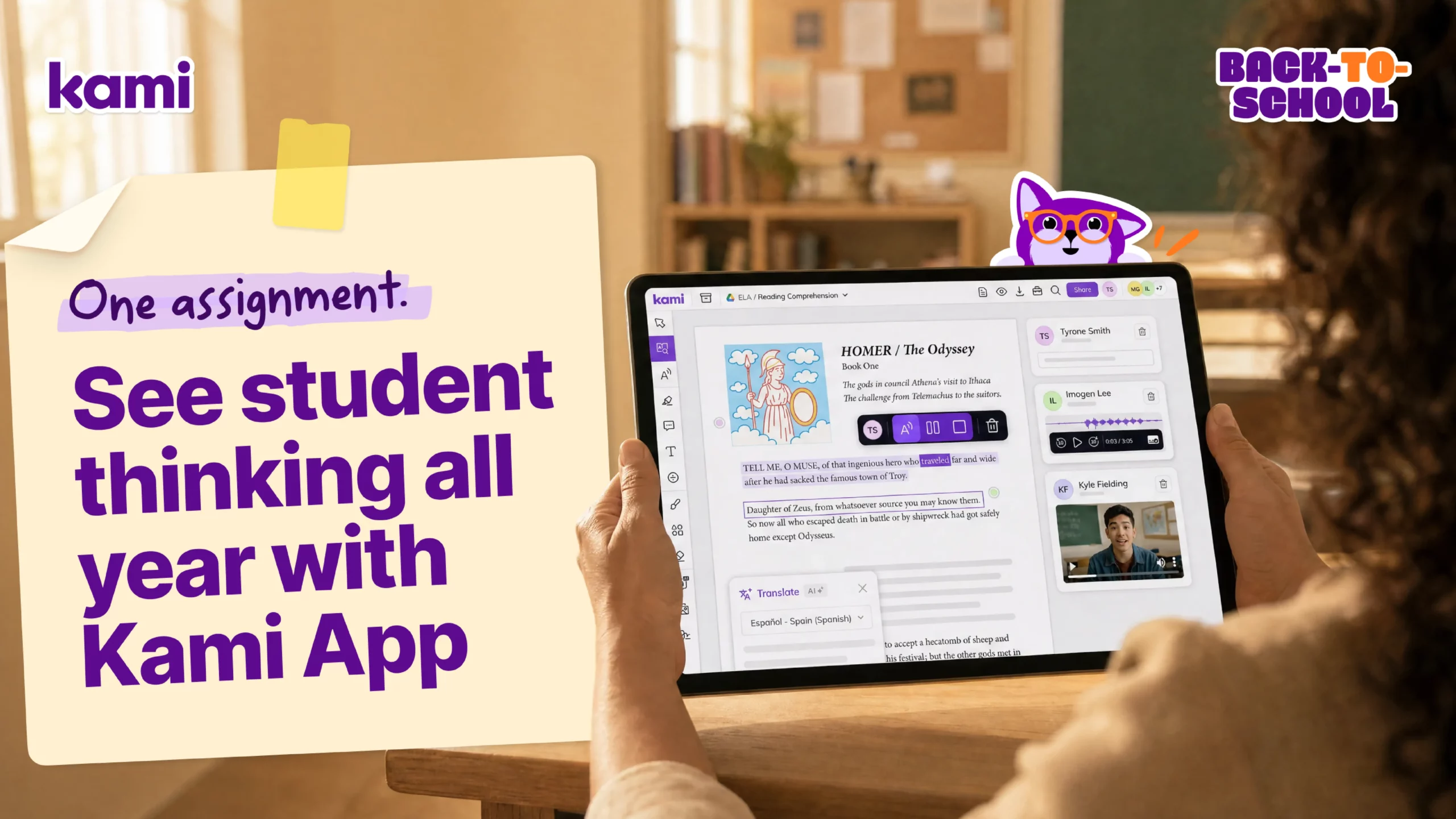
Getting started: Kami
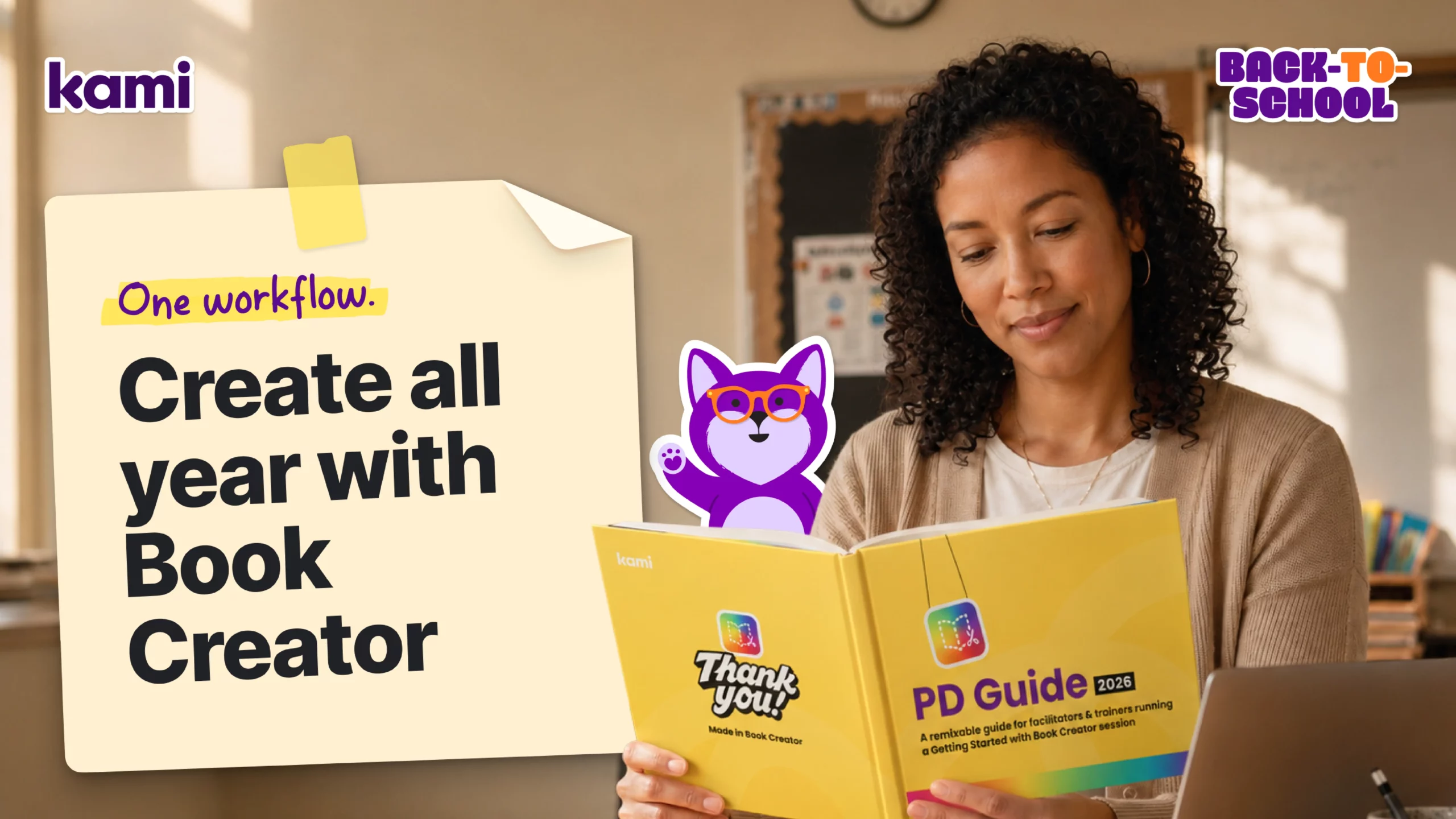
Getting started: Book Creator
Safer AI with Kami
Frequently asked questions
Browse our FAQs below, or visit our Help Center for comprehensive guides and troubleshooting support.
Does Kami App work with Canvas, Google Classroom, Schoology, and other learning management systems?
Yes. See the integration pages for Canvas, Google Classroom, Schoology, Microsoft Teams, and D2L Brightspace.
Is Book Creator different from Kami App?
They cover different parts of the classroom. Use Kami App for the lesson and Book Creator for projects and portfolios.
Does Kami's AI grade for me, or help me grade?
It helps. Questions AI in Kami App grades multiple-choice and short-answer responses for your review. Book Creator has no AI grading, but Class View helps with the grading workflow.
How does Kami support students with IEPs or multilingual learners?
Kami Companion adds read aloud, translation, and adjustable reading levels to the same assignment every student already uses, so accessible support does not require a separate, delayed version of the material.
Is Kami just adding more screen time?
Kami is built around real-time insight and finished student work, not more device minutes. 94% of Kami App teachers report improved student engagement. See the efficacy research.
Can I try Kami App or Book Creator before my school commits?
Yes. Try Kami App or try Book Creator free.
See the spark happen.