Kami App andBook Creator,both built for Google Classroom
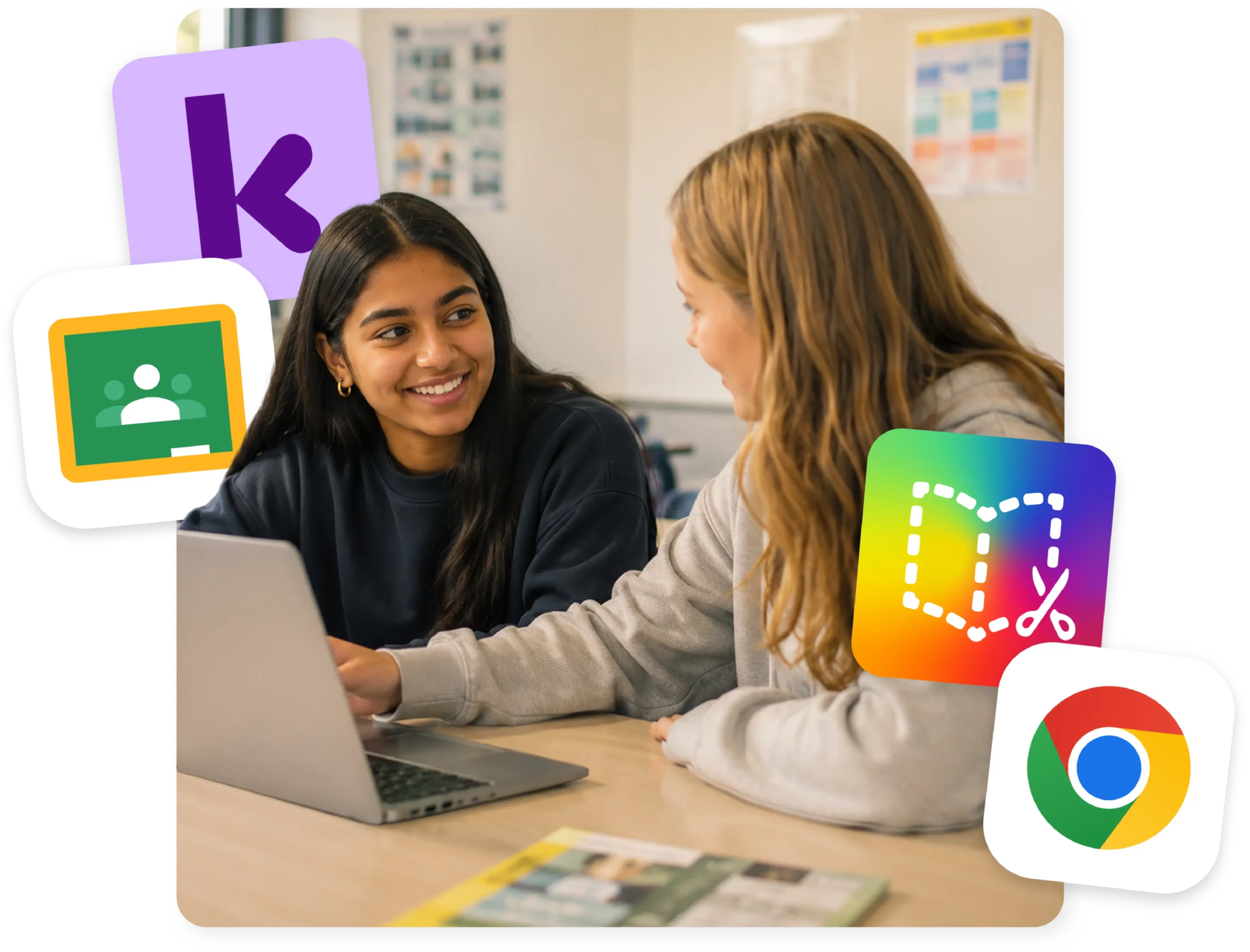
Kami App and Book Creator connect directly with Google Classroom, so teachers can assign, annotate, and grade work without leaving the tools they already use every day.
What Kami and Google Classroom
looks like in the classroom
Assign work and support for every learner
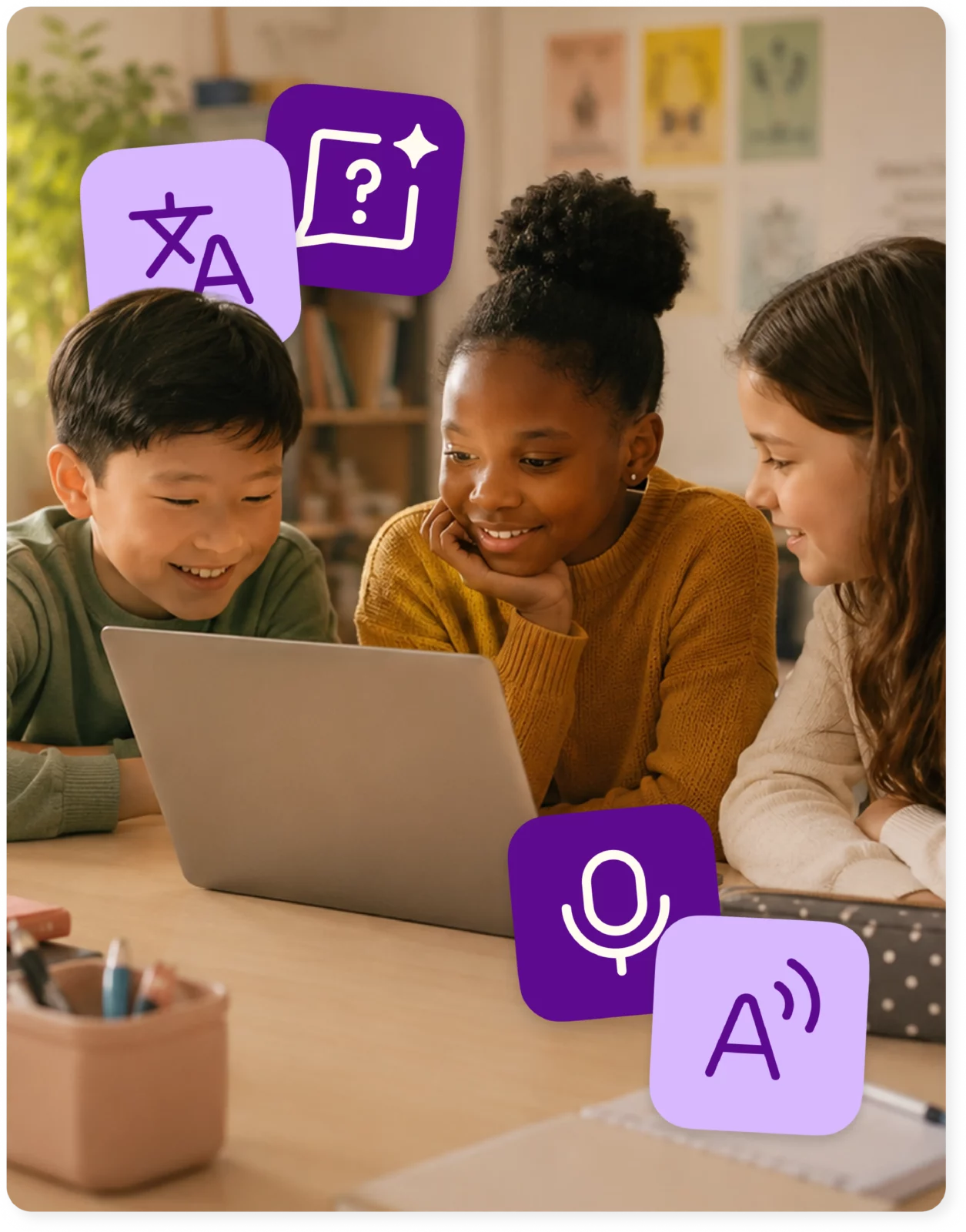
Teachers assign activities and templates directly from Google Classroom, and students annotate, highlight, and complete work using built-in accessibility tools.
Real-time progress, with grades that sync
Class View and Insights let teachers see how students are doing as the lesson happens, so a struggling student gets support in the moment instead of after it’s graded.
Stronger academic integrity with the Kami Google add-on
Once the add-on is installed, teachers can turn on Assessment Mode, schedule turn-ins, and give students a countdown timer on assignments.
Everything you do,
do it faster with Kami App and Google Classroom
Make any resource engaging and accessible
Differentiate and individualize instruction
Promote student voice and choice
Manage and distribute documents
Support student collaboration
Assess, grade, and feedback
Monitor live progress and provide support
Access individual & class insights
Book Creator and Google Classroom
In April 2026, Book Creator released a dedicated add-on for Google Classroom. Teachers create a Book Creator assignment as an attachment directly inside Classroom, then view, review, and grade student books from within the Classroom gradebook.
Kami App vs. Book Creator inside Google Classroom
Kami App
Book Creator
Trusted by 50+ million teachers and students worldwide







Unlock even more with our
Google add-ons
Our Kami App integration unlocks Assessment Mode and options for all Classroom document types.
There is now an add-on for Book Creator as well.
*This requires Google Workspace for Education Plus
Implement scheduled turn-ins
Set an assignment deadline, giving students a countdown timer
Ensure the academic integrity of student work with Assessment Mode
Expands support to include Materials and Announcements
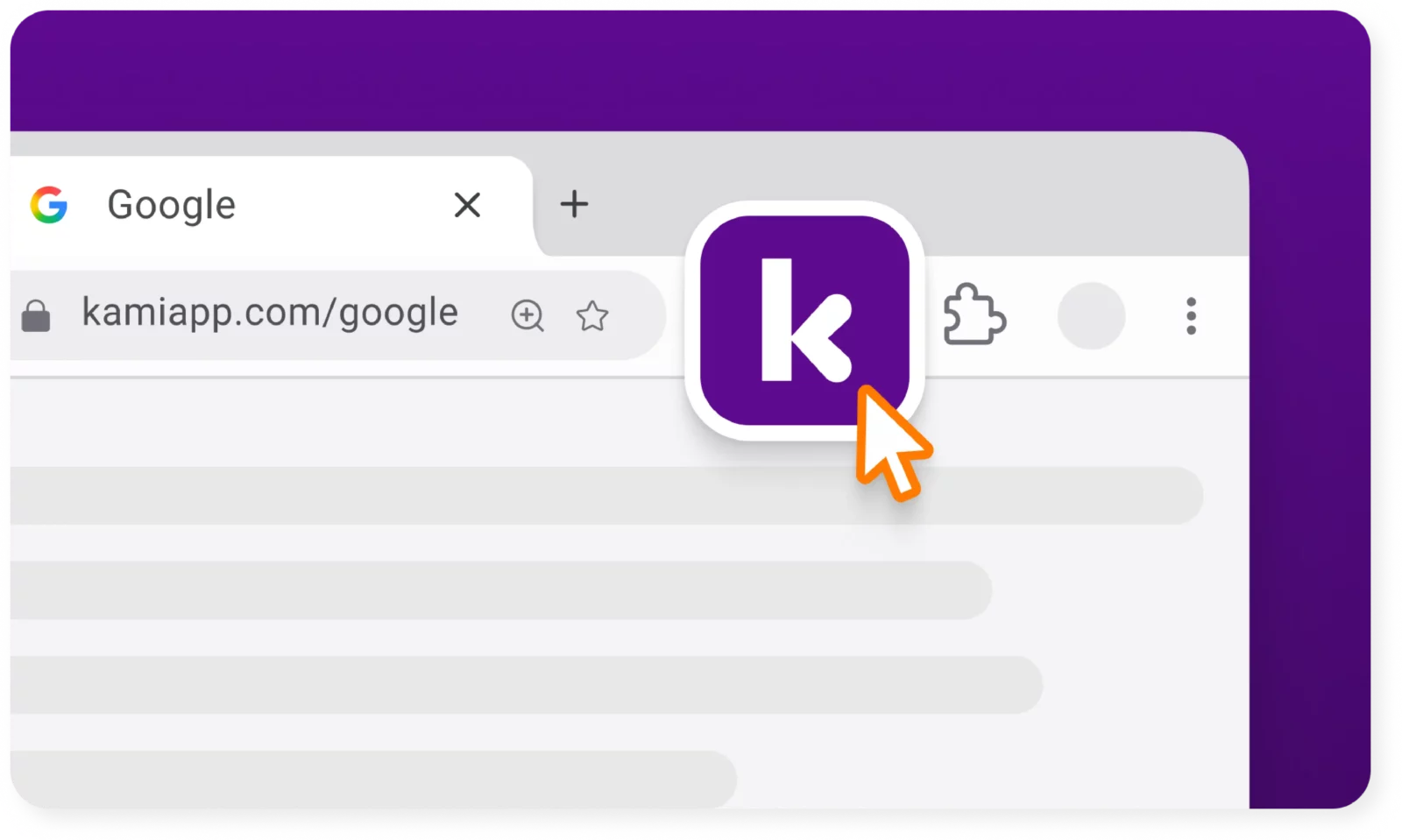
Get the Kami extension for a seamless experience
- Create Classroom assignments directly from Kami
- ‘Open with Kami’ buttons appear in Google Docs, Google Sheets, Google Slides.
Frequently asked questions
Browse our FAQs below, or visit our Help Center for comprehensive guides and troubleshooting support.
Does Kami App work with Google Classroom?
Yes. Kami App integrates with Google Classroom so teachers can assign Kami documents and collect student work using the Google sign-in students already have. See the Google Classroom integration.
Do I need a separate account or install anything?
No separate account is needed. Sign in with Google. Book Creator uses its own Google Classroom add-on, which a teacher installs once.
Does Book Creator work with Google Classroom?
Yes. The dedicated add-on lets teachers assign and grade multimodal student work inside Classroom. See Book Creator.
Can grades sync back to Google Classroom?
Kami App syncs grades back to Google Classroom. Book Creator work can be assigned and graded through its add-on. See the Google Classroom integration.
Do I need a paid plan to use Kami App with Google Classroom?
Yes. LMS integrations are available with paid Kami App plans. See the pricing page.
Does Kami Companion also integrate with Google Classroom?
It works alongside it as a browser extension, so students get supports on Classroom assignments and linked websites. Kami Companion doesn’t need a separate Classroom integration.
See how every grade can show what students understand.