
Kami Companion vs Read&Write
Read&Write has been a trusted tool in SPED and AT programmes, today there are more options available. Learn how Kami Companion compares.
Access, everywhere
Does the assistive technology tool support students outside of the LMS?
Companion
Read&Write
Why it matters
Language and comprehension
Does the assistive technology tool support students understanding and bridge languages?
Companion
Read&Write
Why it matters
Writing support
What writing supports does the assistive tool offer?
Companion
Read&Write
Why it matters
Admin, trust & roadmap
How are the assistive technology tools innovating?
Companion
Read&Write
Why it matters
Accessibility in action:
since 2025, Kami Companion has delivered
800k+
Words read
aloud
295k+
Reading levels adjusted
200k+
Language translations delivered
40k+
Ideas captured by voice
Where Companion has the advantage
If you’re evaluating tools for your programme, these are the areas where Companion has an advantage.
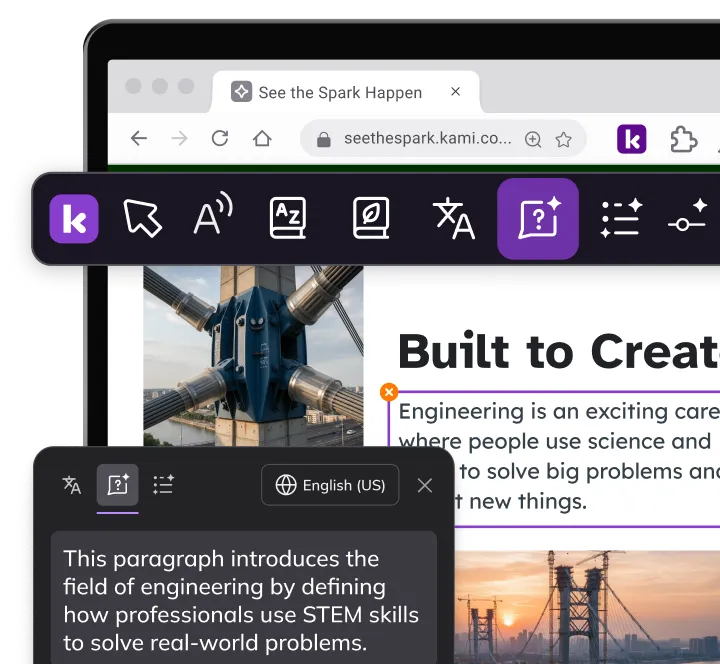
Comprehension scaffolding
The Understand Engine, has AI-powered tools to summarize, explain at different reading levels, and restate content in simpler language, on web-based content.
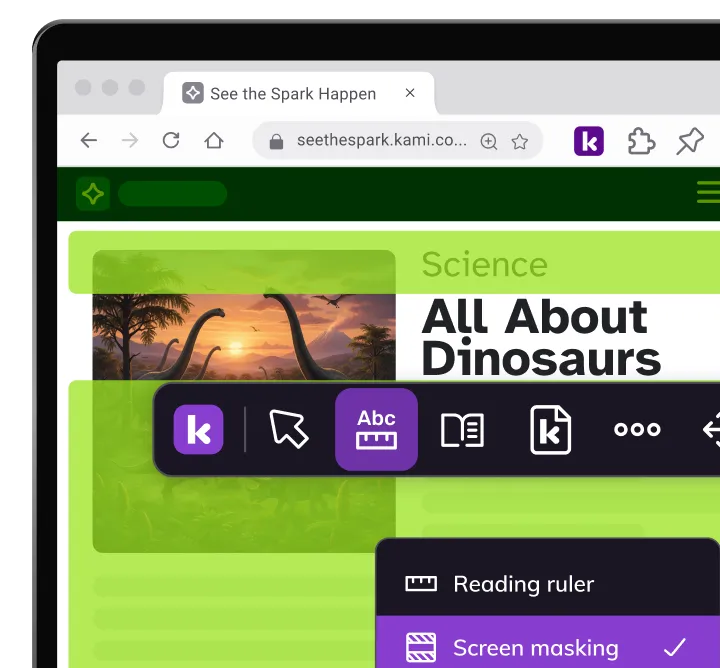
Reading assist across the web
Companion includes screen masking, reading ruler, and Immersive Reader, tools not listed on Read&Write’s current feature page.
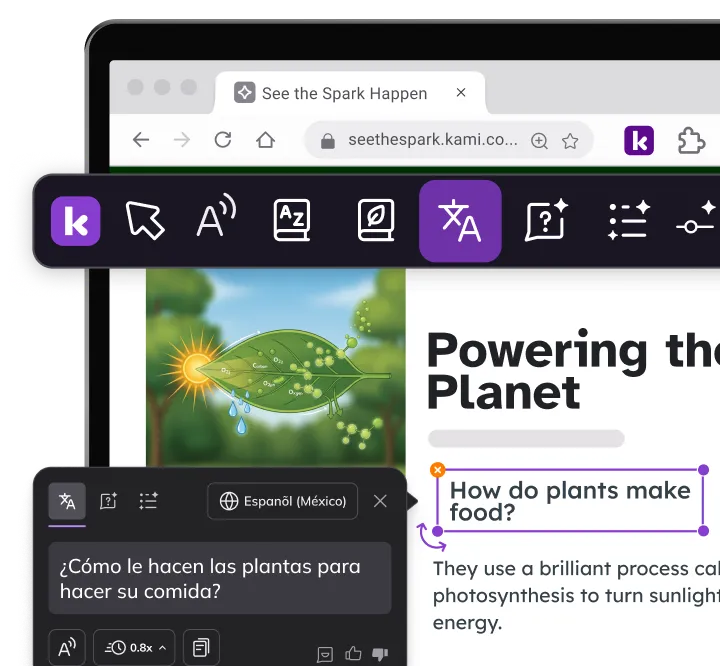
The dual IEP and MLL population
For the roughly 14% of ELL students who also have IEPs, Companion combines IDEA-appropriate AT features with support for 100+ languages in one toolbar.
Frequently Asked Questions about
Kami Companion vs Read&Write
Does Companion work on Google Classroom assignments?
Yes, on the student-facing content pages, including any open-web resources linked from assignments.
Do students need to configure Companion for different websites?
The toolbar activates automatically on website content. No per-domain configuration is required.
Can Companion be deployed district-wide through Google Admin Console?
Yes, force-install across any Chromebook fleet. Students see the toolbar on their next login.
Is Companion a separate extension from Kami App?
Kami Companion lives in the same extension as Kami App but runs independently. It keeps the same toolbar design, so students see a consistent interface as they move between the two.
Is FERPA compliance documented?
Documentation request is available at kamiapp.com/companion or through your account manager.
Can Companion and Read&Write run simultaneously?
Technically possible, but some features may conflict. If running both during an evaluation period, test for compatibility with your specific student configuration.
Product information, features, and pricing for Read&Write are based on publicly available information as of July 2026 and are subject to change without notice. Kami is not affiliated with, endorsed by, or sponsored by Texthelp, the maker of Read&Write. All trademarks, product names, and company names are the property of their respective owners. We’ve made every effort to ensure accuracy, if you spot something outdated, let us know at marketing@kamiapp.com.