Welcome to the Kami family
Use one, some, or all of our products for better instructional practice.
Kami app
Try now for free
Elevate instruction. Reach every learner.
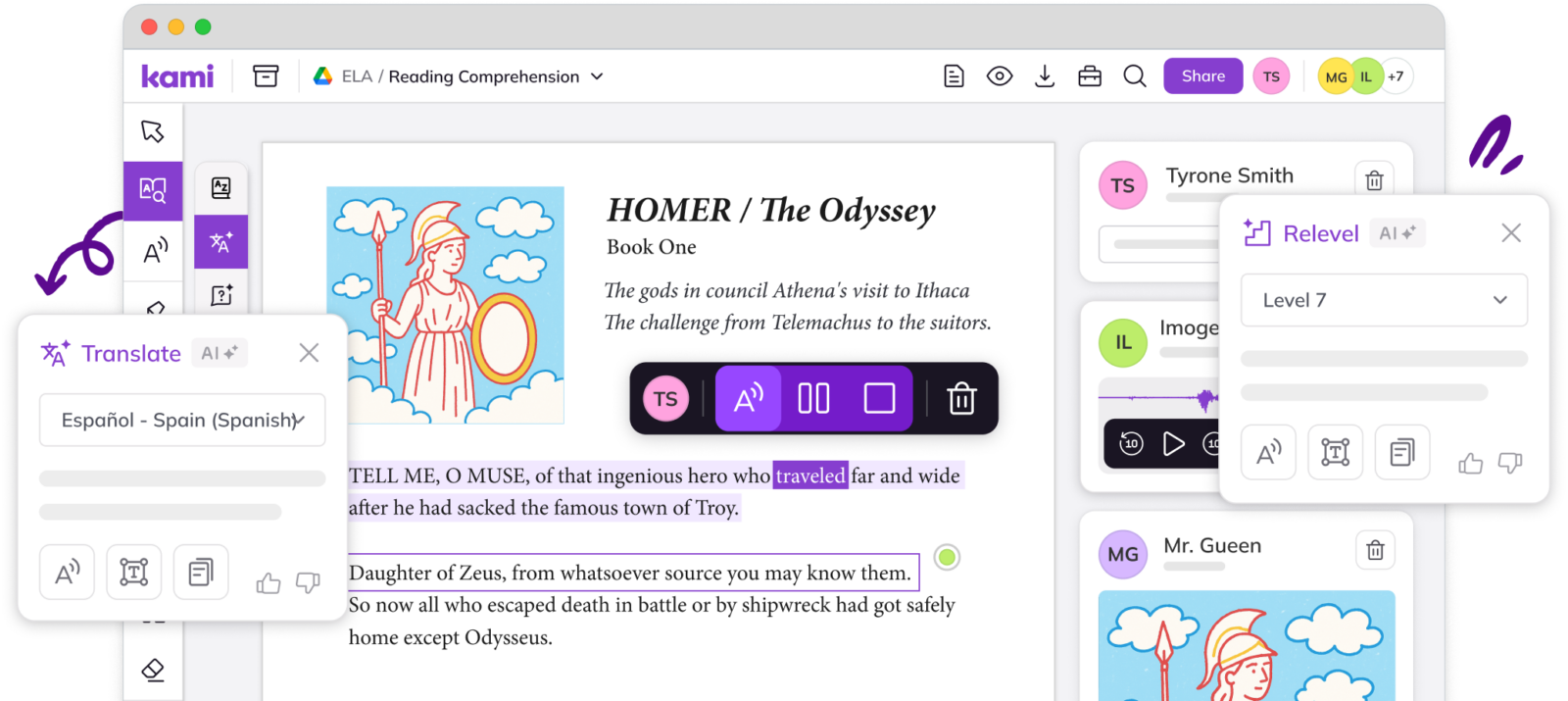
Kami app helps bring lessons to life. It turns everyday materials into interactive learning experiences, where teachers can see student thinking in real time.
Interactive learning
Turn static documents into active learning experiences that boost engagement.
Visible learning
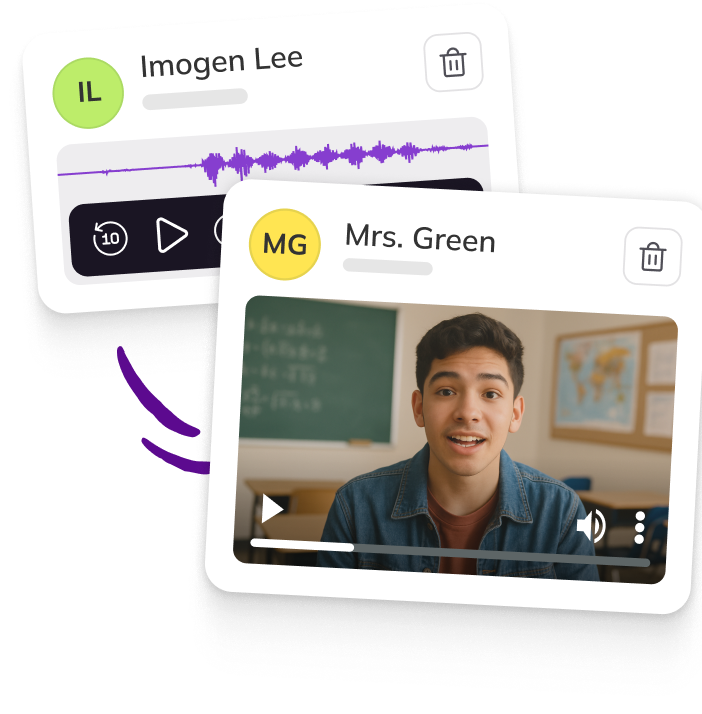
See student thinking in real-time, and give feedback in the moment.
Support all learners
From early intervention to targeted feedback Kami app personalizes instruction for all.
Book Creator
Try now for free
Create. Reflect. Share.
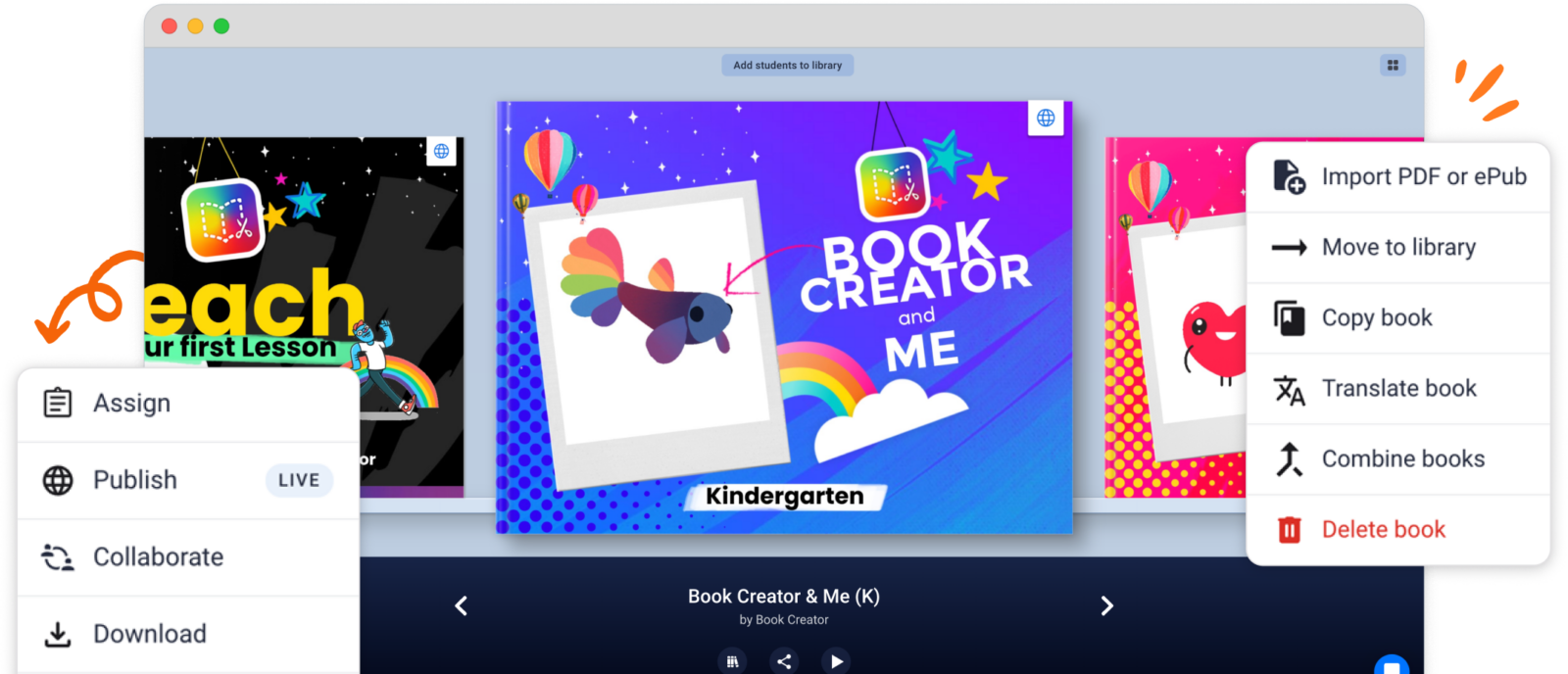
Book Creator gives students a powerful way to demonstrate understanding. It allows them to express ideas, reflect on learning, and create work they’re proud to share.
Demonstrate understanding
Students turn ideas into interactive, multimedia creations in any subject area.
Inclusive tools for every learner
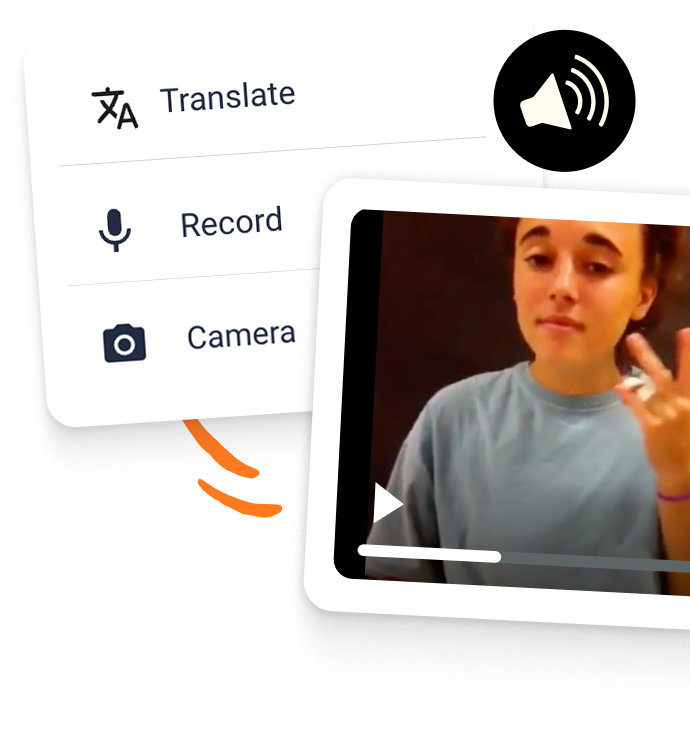
UDL-aligned accessible tools designed for diverse learning needs.
Share learning
beyond the classroom
Drive authentic learning by building portfolios that kids are motivated to share.
Kami Companion
Book a trial
Learning without limits.
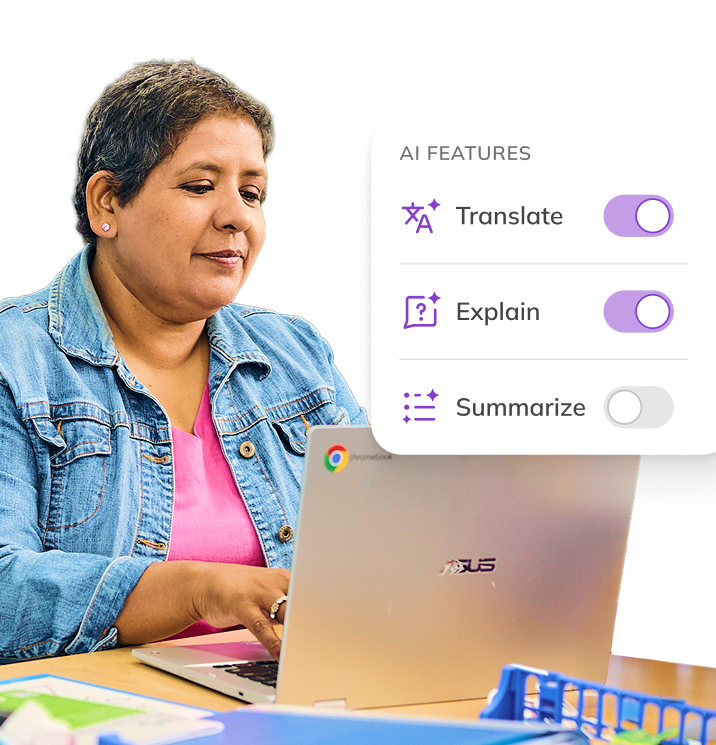
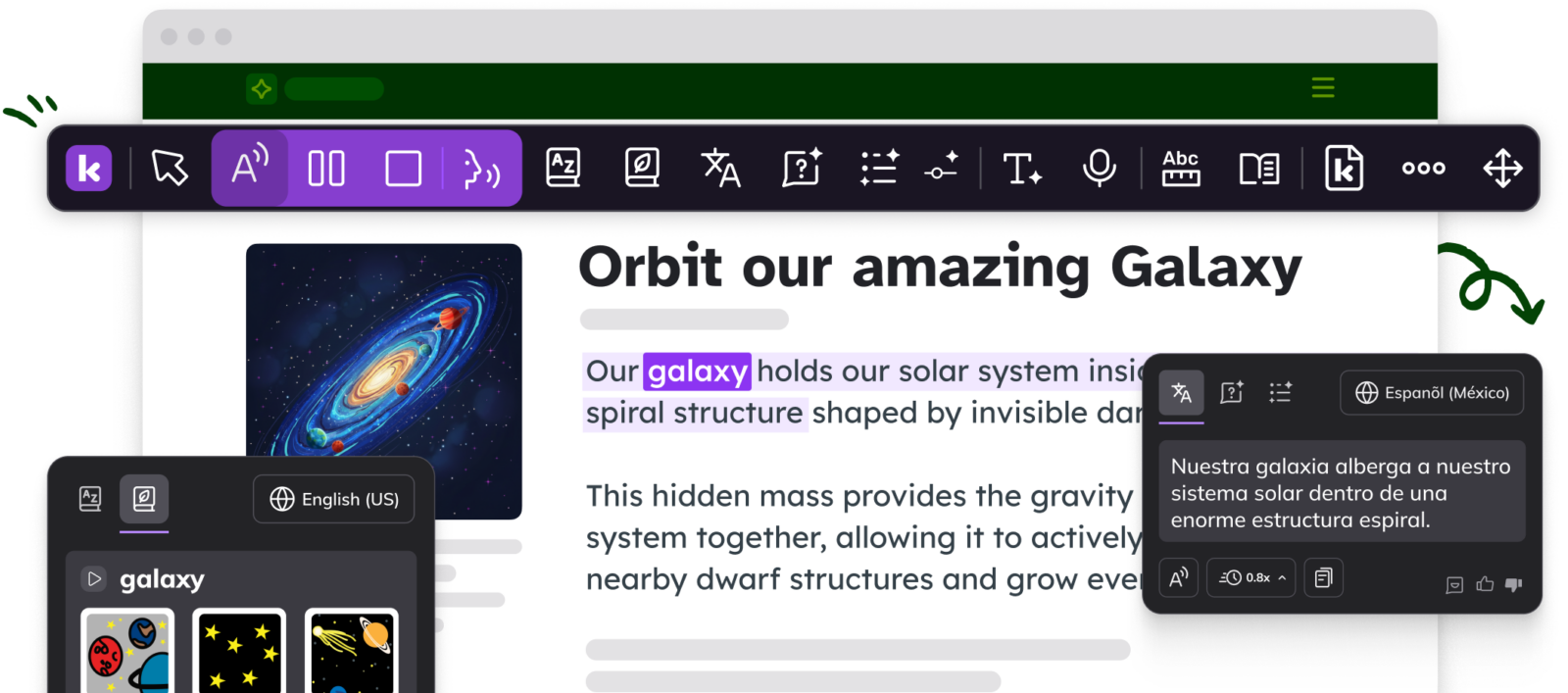
Kami Companion makes web-based learning accessible. It gives learners built-in supports, helping them access the same learning as peers without teacher intervention.
Independent learning
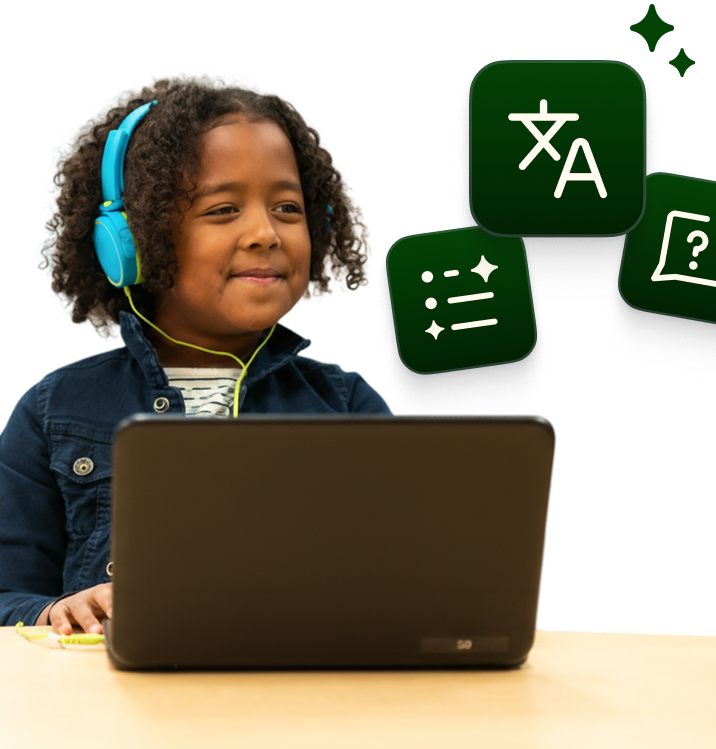
Each student’s unique needs are supported with the help of safer AI.
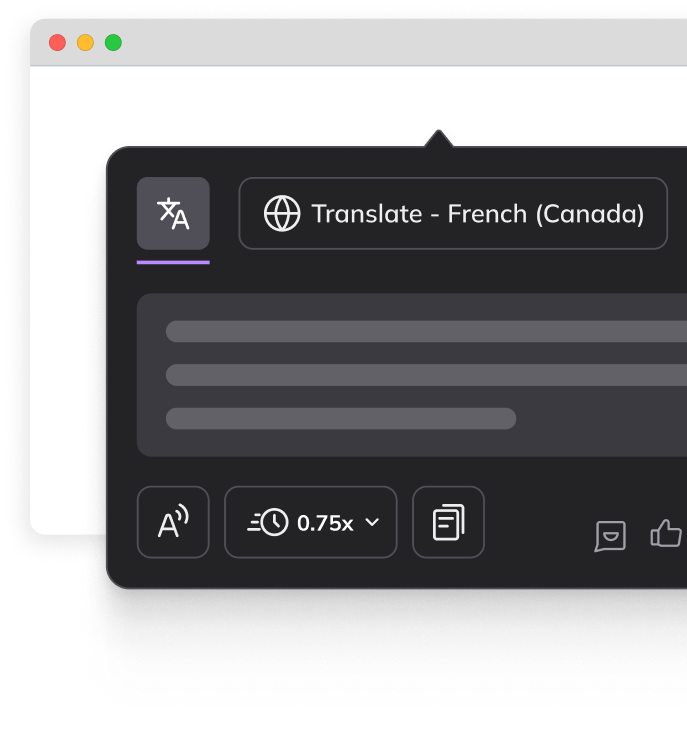
Builds fluency
Supports MLL learners with language practice and natural vocabulary growth.
Inclusive support
Read aloud, Voice typing, Screen masking and more helps students focus.

Kami Coach
Join the betaA brand new product has joined the Kami family.

AI-powered math support with Kami Coach.
Safer AI you can trust. Kami Coach responds to student thinking, so learners can work through problems independently.
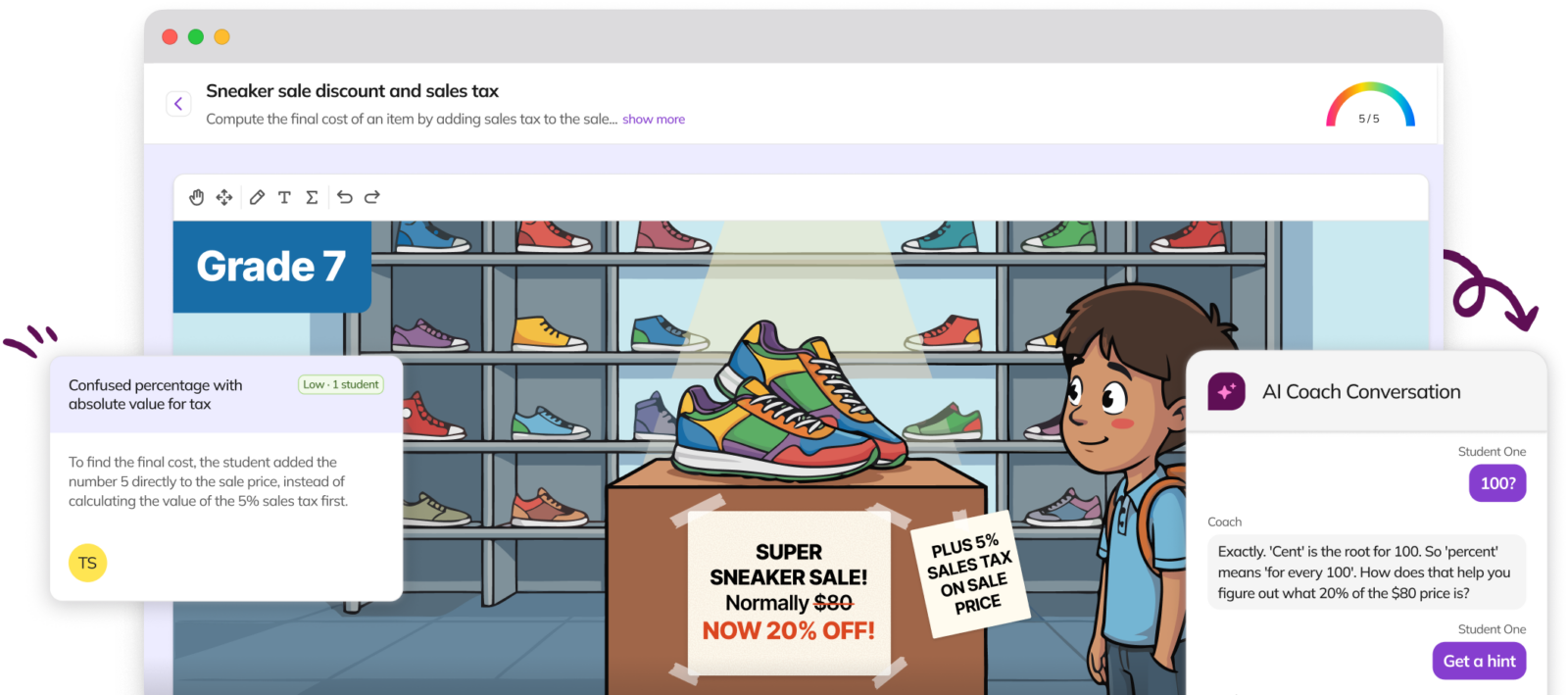
Real-time insights
Guided practice helps students stay on track while maintaining productive struggle.
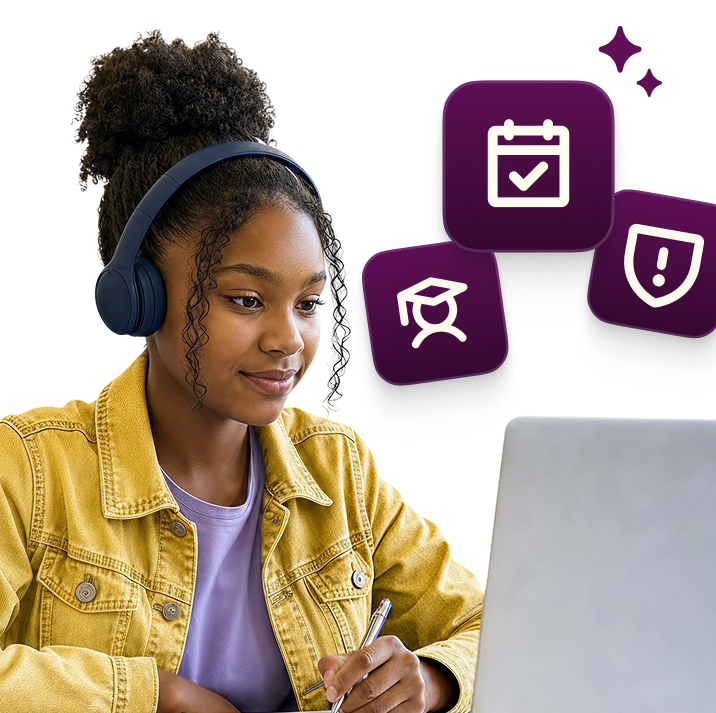
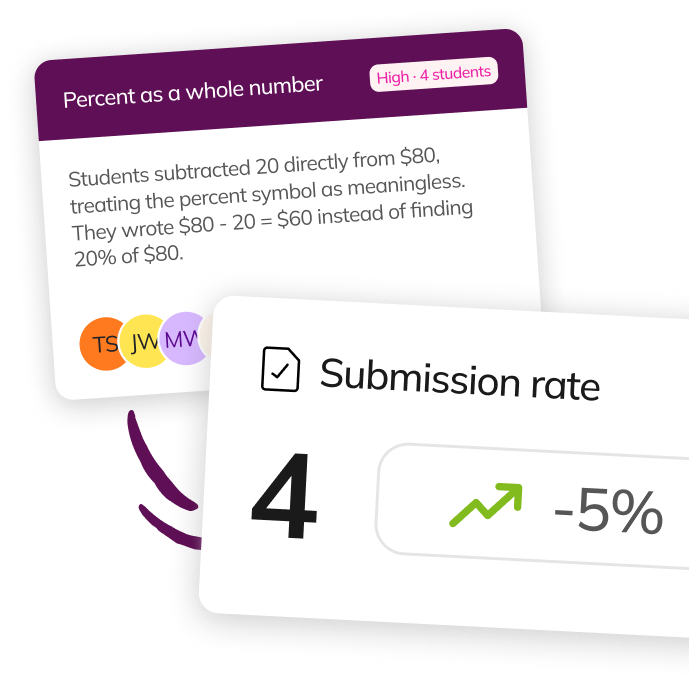
Early signals
Highlights learning gaps before they surface in formal assessments.
Confidence building
Helps students get unstuck and stay on track through guided independent practice.
Trusted by 50+ million teachers and students worldwide