
Same iPad, better Book Creator: why districts switch

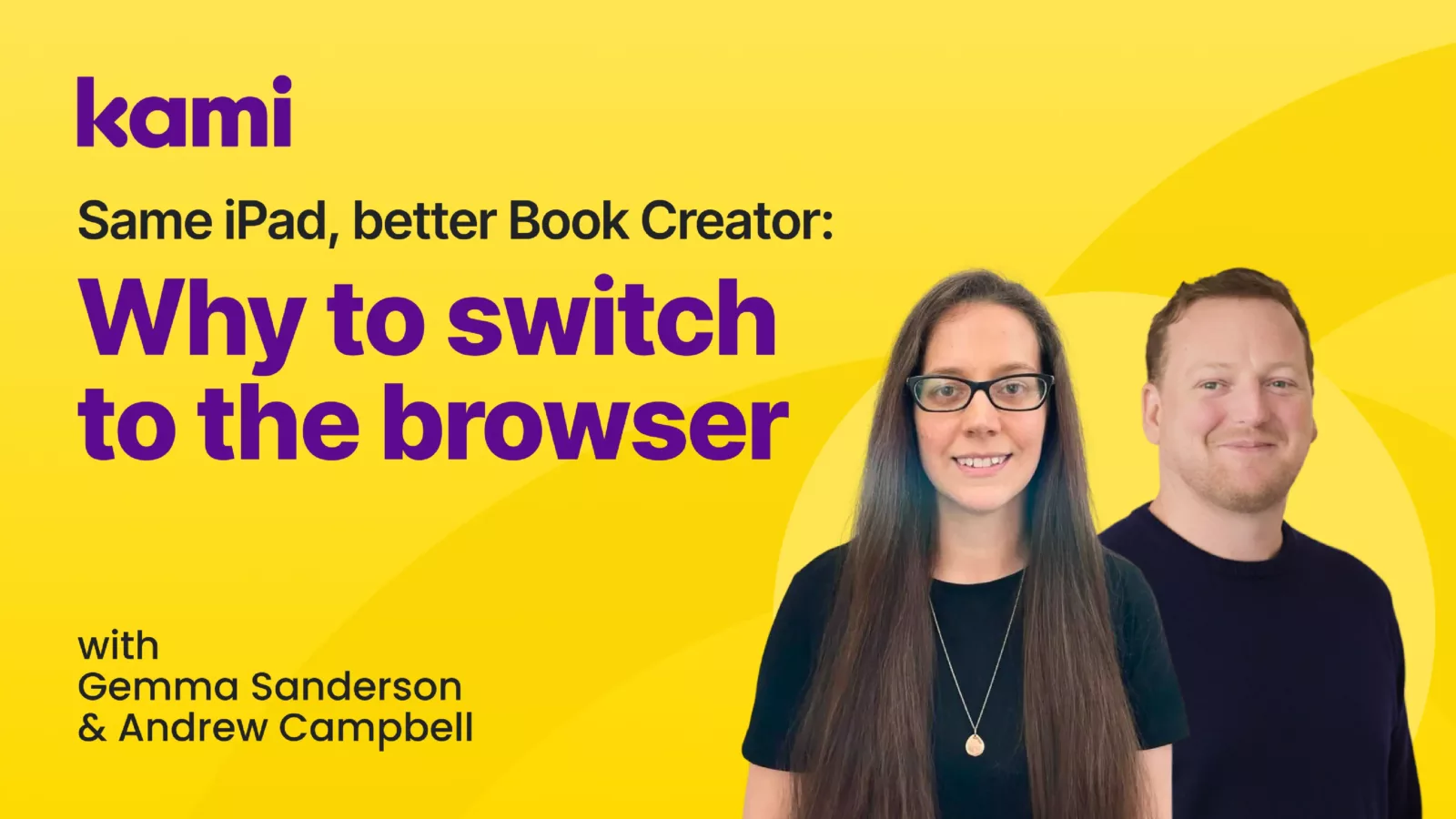

In a recent Kami Unstoppable 15 webinar, Andrew Campbell, Account Executive at Kami, sat down with Gemma Sanderson, Education Support Officer for Digital Learning in Fife. Gemma is primary trained and taught at Kirkton of Largo Primary School for nine years before moving into a central role supporting the use of digital across nurseries and schools in Fife. Together, they unpacked why schools are moving from the Book Creator iPad app to the browser-based version, and what that shift unlocks for teachers, learners, and councils.
District leaders and council teams across the UK have a familiar story. A school has a cupboard of iPads, Book Creator is on them, and learners are making wonderful work. Then the classroom reality catches up. Devices get swapped, batteries die, and the book that was “on that iPad” becomes a small mystery. Teachers lose time tracking down the right device, and learners lose momentum when their work is stuck in one place. These are common friction points when schools rely on the Book Creator iPad app at scale.
If you are rolling out 1:1 iPads, or expanding beyond a few shared iPads, those pain points scale quickly. That is why more schools are moving from the Book Creator iPad app to Book Creator online, the browser-based version of Book Creator. It is not a small upgrade. It is a different experience that gives schools more control, more flexibility, and stronger support for accessibility and collaboration.
Below is a clear, district-ready look at why the switch is happening and what it changes day to day when you move off the Book Creator iPad app.
The shift: from device-based work to account-based work
The biggest difference between the Book Creator iPad app and Book Creator online is where the work lives.
With the Book Creator iPad app, the work is often tied to the device. If a learner cannot remember which iPad they used, or a device needs to be wiped, repaired, or swapped, it is easy for work to get separated from the learner who created it. Even in well-managed classrooms with labeled iPads, it can turn into a time-consuming routine of opening the app and asking, “Is this yours?”
Book Creator online changes that pattern by using secure, account-based login. Learners sign in, and their work follows them. That single change reduces the everyday friction that adds up across a school or council.
For district leaders, this is more than convenience. It is a step toward a more resilient learning environment where device management events do not disrupt learning.
Access on any device supports equity and scale
Most councils are managing mixed device environments, even when iPads are a major part of the plan. Some schools are fully 1:1. Others are not. Some year levels might be 1:1, while younger learners share devices, or use laptops, Chromebooks, or desktop computers.
Book Creator online supports that reality because it can be accessed on any device with a browser. That means:
- Teachers can build and review work on a laptop or desktop, not only on an iPad.
- Learners can continue a project on another device when needed.
- Schools without full iPad coverage can still adopt the same creative workflows.
This matters for councils trying to standardize practice across multiple schools. A tool that works only on one device type can create pockets of adoption. A tool that works across devices makes it easier to support consistent teaching, learning, and professional development.
Teacher oversight reduces workload and improves support
Teacher workload is a constant pressure point, especially when a digital rollout adds new platforms without improving visibility and control.
One of the strongest reasons schools are switching to Book Creator online is the teacher’s ability to see student work more easily. In the webinar conversation, teachers described how valuable it is that learners are added into a teacher’s library. Instead of physically collecting devices to check progress, teachers can open a class view and see work in one place, in real time.
This supports better teaching in the moment. A teacher can look at the class view, identify who needs help, and choose where to spend attention next. It also supports better follow-up after a lesson. Teachers can review work later without chasing devices or files.
For council leaders, that oversight is a practical lever for impact. It helps teachers deliver more responsive support without adding extra steps.
Collaboration moves from “one device at a time” to shared learning
Collaboration is difficult when work is locked to a single iPad. Book Creator online makes collaboration more realistic through shared libraries and shared spaces where multiple people can contribute.
Schools are using this in student-facing ways, such as:
- Small groups building a shared book for a class topic
- Learners adding their voice, recordings, and evidence into a shared project
- Whole-class collections that bring together different contributions
It also supports teacher and staff collaboration. In the webinar example, a council team used shared libraries across a network to organize meeting content, collaborate on moderation, and share resources. This is a simple pattern with a big payoff. When approved resources live in a shared space, teachers can quickly reuse, remix, and build on each other’s work.
If you are responsible for professional learning and consistent implementation across schools, shared libraries can become a lightweight way to reduce duplication and keep resources in one trusted place.
Security and privacy support modern expectations
Account-based login is not only about convenience. It also supports privacy, security, and responsible practice.
When learners log in with usernames and passwords, or a QR code option for younger learners, it reinforces key digital literacy skills. It also reduces the risk that another learner picks up the wrong iPad and edits someone else’s work.
In the webinar discussion, teams highlighted a practical approach:
- Primary 1 to 3: QR code login can reduce frustration and support early learners as they build typing skills
- Upper primary and beyond: transition to email-based login, such as Glow accounts, to reinforce safe account use
For councils, that flexibility makes it easier to align classroom practice with broader policies and expectations, while still meeting learners where they are developmentally.
Accessibility tools help more learners show what they know
Accessibility is not a nice-to-have. It is core to learning design, and it is a key part of procurement conversations.
Schools shared that Book Creator online offers a wider range of accessibility-supporting features and workflows, especially around different ways to input content. Not every learner expresses ideas best through typing. Giving multiple options helps teachers reduce barriers without lowering expectations.
Practical examples include:
- Audio recording so learners can speak their ideas
- Speech-to-text to help learners get words on the page when writing feels like the barrier
- Translation features to support multilingual learners and enable participation from day one
In councils where classrooms may include 20 or more home languages across a school community, translation support changes what is possible. Learners can demonstrate understanding in their language, and teachers can translate key guidance to support learning and belonging.
For leaders thinking about inclusion, the question becomes less “What features does the tool have?” and more “How does the tool help more learners participate confidently?” The browser-based version supports that goal more directly.
Discover templates reduce the blank-page barrier for teachers
Even when educators love a tool, starting from a blank page can slow down adoption. Book Creator online includes a Discover library of templates that teachers can use as-is or remix.
That matters for scale. Templates:
- spark lesson ideas quickly
- provide proven structures that reduce planning time
- support scaffolding for different ability levels
For council-level implementation, template-driven practice can also help create consistency. When teams curate and share preferred templates in a central space, it makes it easier for schools to adopt common approaches while still leaving room for creativity.
Publishing options support authentic audiences
Publishing is where Book Creator often becomes more than an assignment. When learners know their work will be seen beyond the classroom, they tend to put more care into it.
With Book Creator online, schools can publish books privately and share a link with families and the wider community. A meaningful benefit shared in the webinar is that the link can stay the same even when the book is updated. That reduces friction for schools sharing ongoing projects, showcases, or event work.
One example shared was a school creating a book to accompany a community event entry, then adding a QR code so visitors could scan and view the story. That is a simple idea with a big learning payoff. It connects storytelling, creativity, and real audience in a way that feels purposeful.
Here is the book Gemma referenced:
A quick summary for council and district leaders
If you are advising schools that still rely on the Book Creator iPad app, the reasons to move to Book Creator online can be summed up in three council-ready benefits:
- Flexibility across devices: Learners and teachers can access work on any device, not only iPad.
- Shared libraries and collaboration: Schools can share resources and collaborate across classes, schools, and networks.
- More features that support modern classrooms: Stronger oversight tools, wider accessibility supports, and integrations that extend what teachers can build.
The Book Creator iPad app helped transform digital storytelling in classrooms. The browser-based version is built for how schools work now. If your goal is teacher control, secure access, collaboration, and inclusion at scale, the switch is worth planning for.
Blogs you may also like

How to Use Kami on an iPad

5 Tech Tools to use With Kami
Finding the right resource just got easier in Book Creator