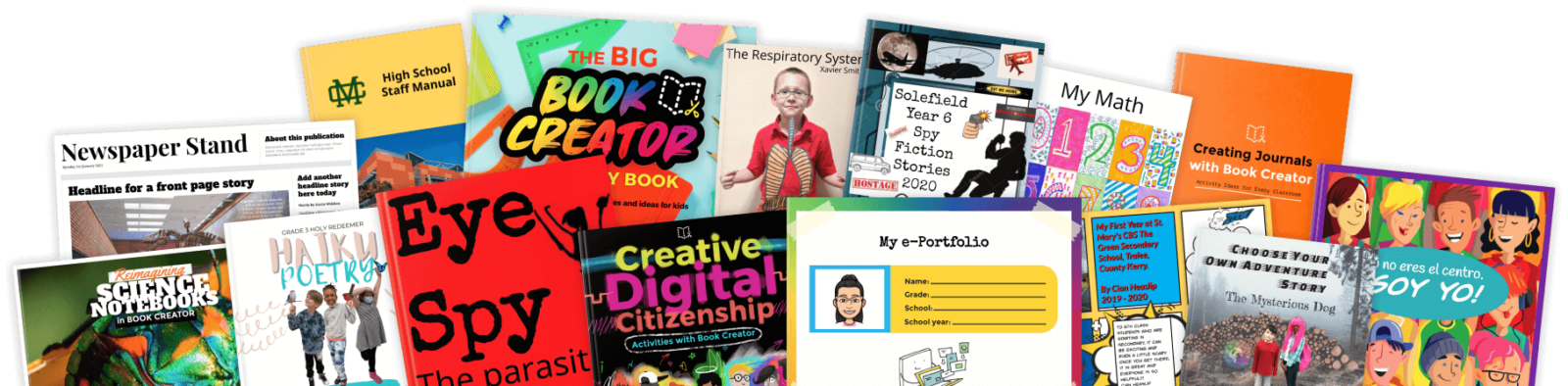
Book Creator features
Teacher favorites
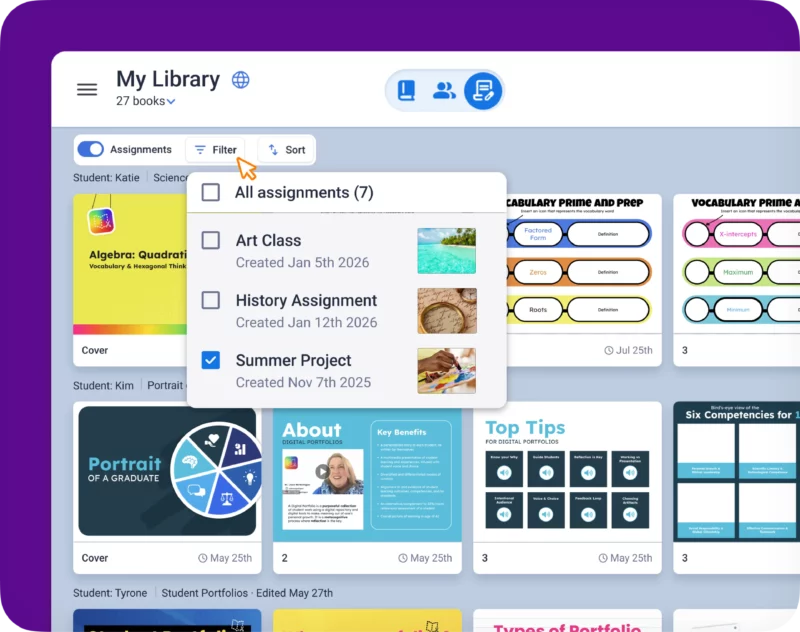
Class View
Monitors progress and gives feedback across your whole class library at once.
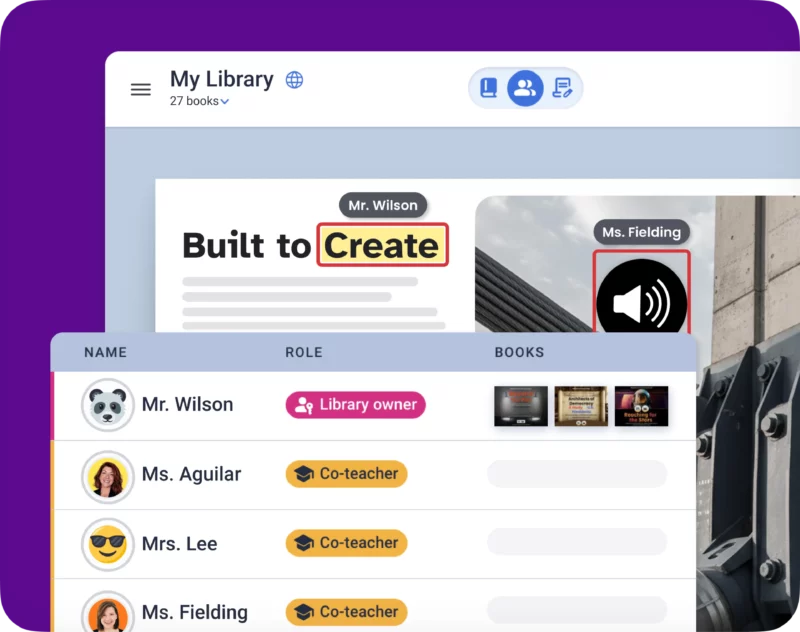
Co-Teacher
Collaborate with colleagues in the same library to provide student support.
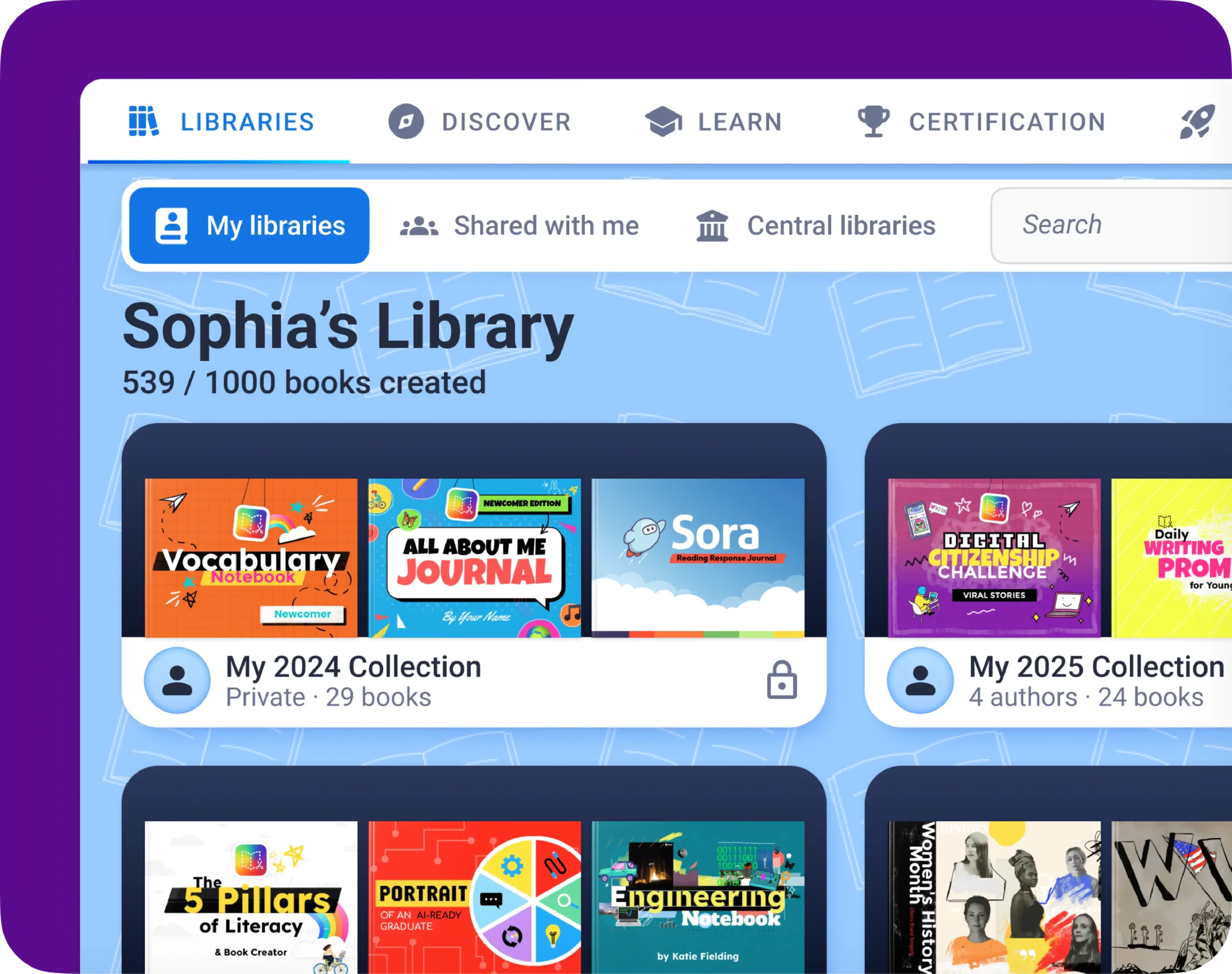
Digital portfolios
Build portfolios of books that showcase learning progress and creative work.
Student favorites
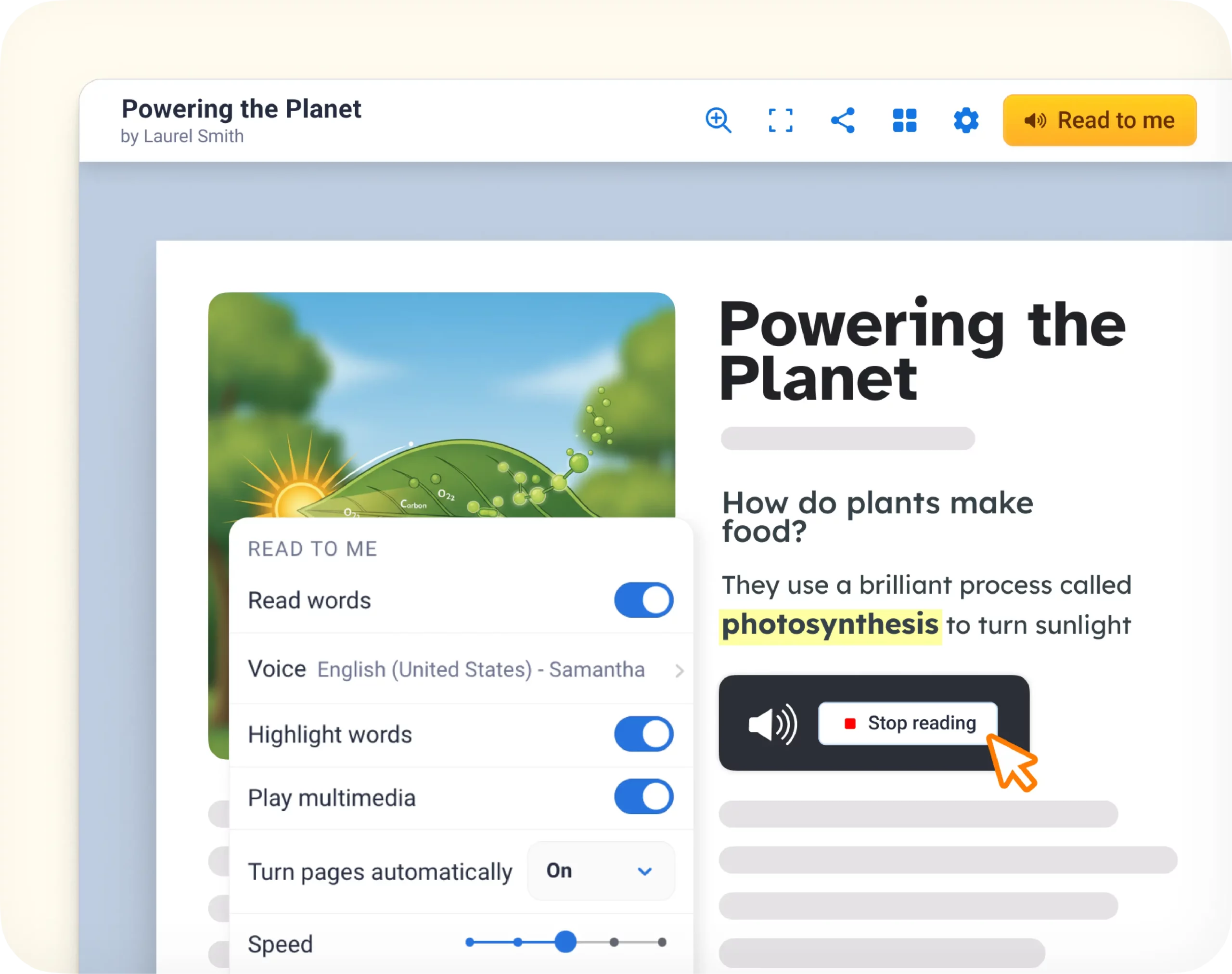
Read-to-Me
Support diverse needs with customizable narration and word highlighting.
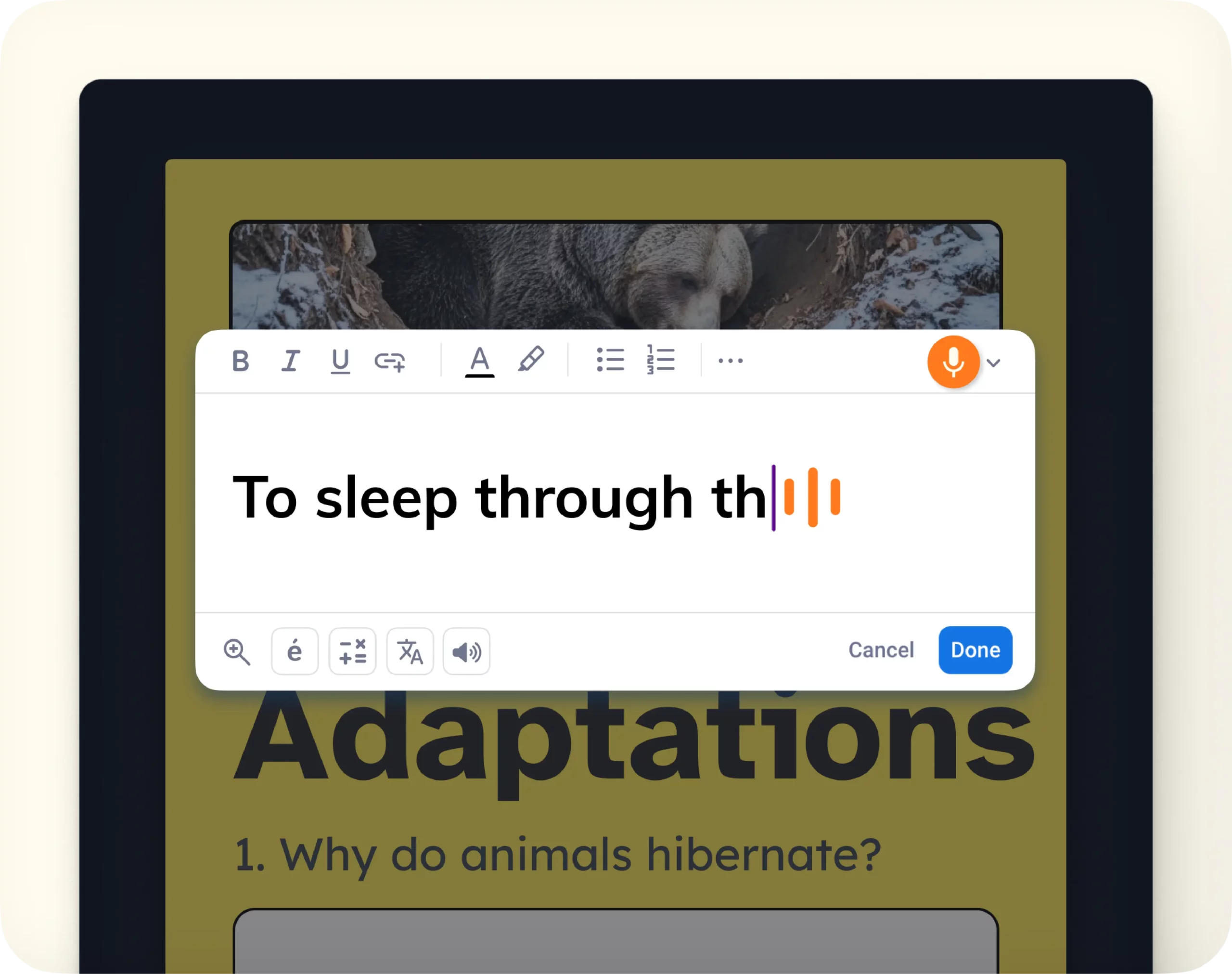
Speech to Text
Give every student a voice by letting them dictate words and ideas instead of typing.
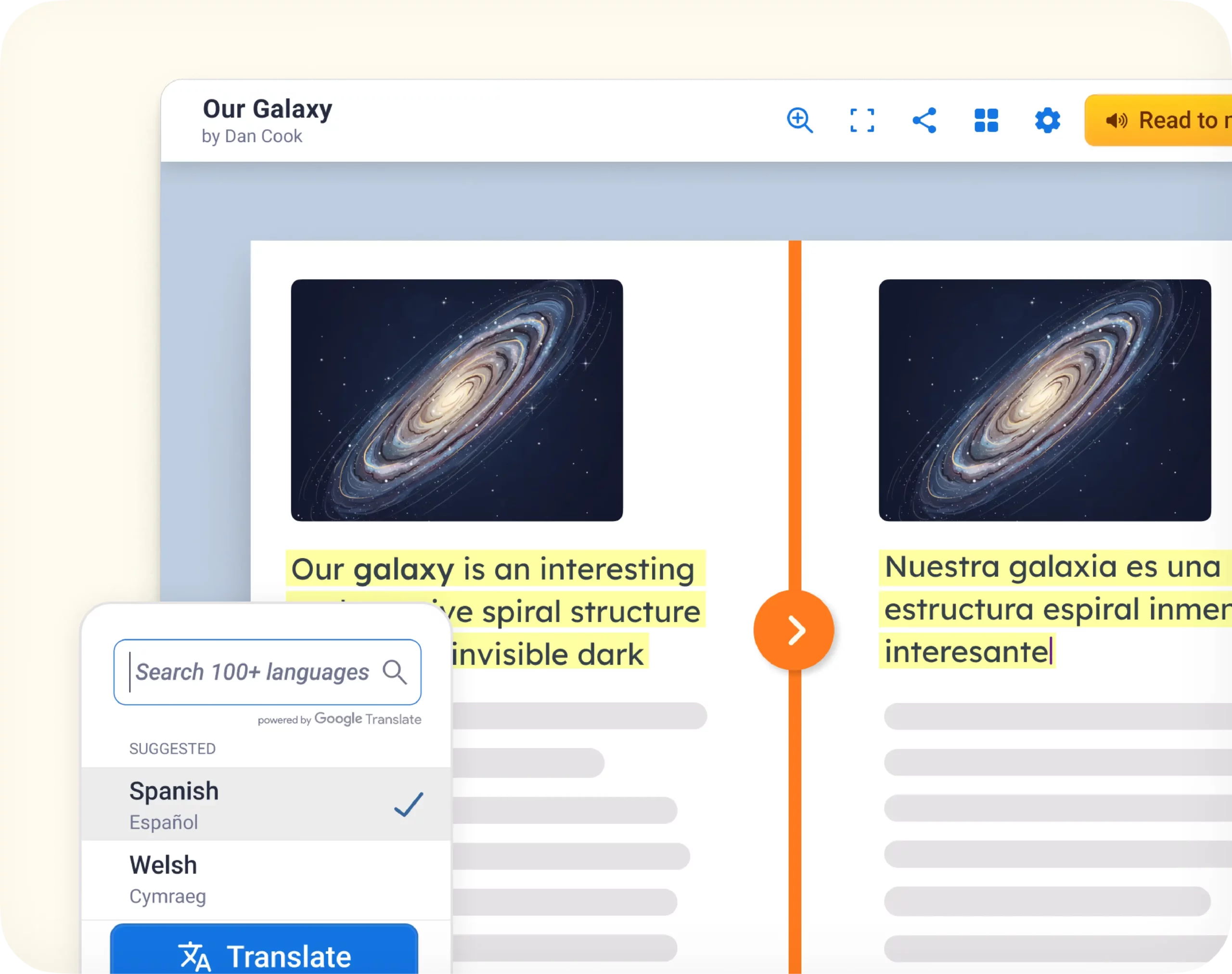
Translate
Make books accessible in 100+ languages so every student can learn their way.
Book Creator features for accessibility
Tools that remove barriers to reading, writing, and understanding, so every student can work independently.
Accessibility fonts
Offers dyslexia-friendly fonts, so students can choose the typeface that’s best for them.
AI alternative text
Generates descriptive alt text for images, so screen readers can describe them.
Audio transcripts
Generates transcripts from recordings to provide text-based accessibility.
Language options
Changes the dashboard and menu language, so the interface matches a student preference.
Text to Speech
Convert written text to spoken audio, during editing and from imported PDFs.
Read to Me
Synchronized text and audio playback, customizable narration, and word highlighting.
Screen reader support
Visually impaired users access and understand book content with screen readers.
Text recognition (OCR)
Identifies text in images so it can be read aloud, and translated when needed.
Touchscreen compatible
Supports touchscreen laptops and tablets for smooth interaction.
Video captions
Supports touchscreen laptops and tablets for smooth interaction.
Keyboard navigation
Moves through a book using keyboard shortcuts for quick, accessible control.
Speech-to-text
Gives every student a voice by letting them dictate words and ideas instead of typing.
Creating and organizing
Everything needed to build and structure a book, from a blank page to a fully organized project.
Add pages
Add as many pages as you like, choosing from a blank page or one of 1,000+ templates.
Add videos & images
Add any image or video to a page, from your device or Google Drive.
Download books
Exports a book as an ePub file, so it can be read outside Book Creator.
Copy a page
A teacher can send an individual page to each student’s book to chunk learning over time.
Page templates
Uses built-in graphic organizers and templates for clean, structured content.
Collaboration
Work together on books in your classroom or with other schools across the world.
Evidence of learning and assessment
Ways to assign work, connect to an LMS, and show learning growth over time.
LMS integrations
Seamless integrations with Google Classroom, Schoology, and Canvas LMS.
Digital portfolios
Builds portfolios of books that grow with students showcasing their learning progress.
Assign a book
Distributes a book to students in a few clicks, to personalize learning and track progress.
Book Creator features for feedback
Ways to respond to student work with comments, analytics, and live visibility into progress.
Stickers
Adds personality and fun to pages with expressive visuals students love.
Book analytics
Review how many people have read a published book and where they’re from.
Commenting
Provides personalized feedback with voice notes, videos, stickers, or text.
Class view
Live visibility into student work as it’s created, so feedback is timely.
Sharing features
Ways to publish, distribute, and control access to student work, in the classroom and beyond it.
Central libraries
Organize and share approved resources within a district in a central location.
Library settings
Control student access by turning specific tools on or off as needed.
Publishing
Celebrate work by publishing individual books and entire libraries.
Remixing books
Make a book available for others to copy to their library and edit.
Combine books
Merges multiple books together into one, bringing separate projects into one book.
Generate QR codes
Share work instantly with a scannable code that works on any device.
Trusted by 50+ million teachers and students worldwide







Support and administration
Deployment, login, training, and support tools that help schools and districts run Book Creator.
Admin dashboard
Manage teacher licenses, set district permissions, and see usage statistics.
Certification course
Distribute and track teacher certifications directly from the Admin Dashboard.
Customer manager
Receive personalized guidance and support tailored to a school or district’s needs.
Domain deployment
Rolls out across an entire school or district domain at once.
Professional development
Access the built-in certification course and webinars to maximize impact.
Customer testimonials
“Kami has opened accessibility doors in the classroom! Making assignments more inclusive for all my students.”
“Kami has been a game changer for my students. Kami allows all of my students to have a voice in the classroom.”

“Kami has been an invaluable tool to help teachers in our district respond to students’ needs”

“If you aren’t using Kami with your students right now you need to get it ASAP. This tech tool has been completely life-changing for my students this year. When I first got it I had no idea how it would change my teaching! Now it’s all my students use to do their work!”

“It’s a game-changer! There’s almost nothing I can’t do in Kami, and I use it every single day!”

Frequently Asked Questions
Browse our FAQs below, or visit our Book Creator Help Center for comprehensive guides and troubleshooting support.
Does Book Creator offer accessibility fonts?
Yes. Book Creator offers dyslexia-friendly fonts, so students can choose the typeface that’s easiest for them to read.
Does Book Creator generate transcripts?
Yes. Audio transcripts auto-generate from any recording, providing text-based accessibility for every student.
Can students navigate Book Creator with a keyboard?
Yes. Keyboard navigation moves through a book using keyboard shortcuts for quick, accessible control.
How many languages does Book Creator support?
Language options change the Book Creator dashboard and menu language to match a student’s or teacher’s preferred language.
What is Read to Me in Book Creator?
Read to Me uses synchronized word highlighting, pairing customizable narration with text at variable speeds.
Does Book Creator work with screen readers?
Yes. Screen Reader Support lets visually impaired users access and understand book content with a screen reader.
Does Book Creator work on touchscreens?
Yes. Book Creator fully supports touchscreen laptops and tablets for smooth, natural page interaction.
Can I archive old libraries in Book Creator?
Yes. Archive Libraries keeps past work available at the end of the year without cluttering the active library list.
Does Book Creator support certification course deployment?
Yes. Distribute and track every teacher certification directly from the Book Creator Admin Dashboard.
What will you create?
Book Creator is free to try. No setup required. Start a digital book today and see what your students can do when they have a real way to express themselves.