
Finding the right resource just got easier in Book Creator


If you have ever browsed the Discover section for inspiration and thought, “I know it is here somewhere…” — you’re not alone!
Teachers have told us that Discover is full of great ideas, but finding the right resource at the right moment could take time. So we listened.
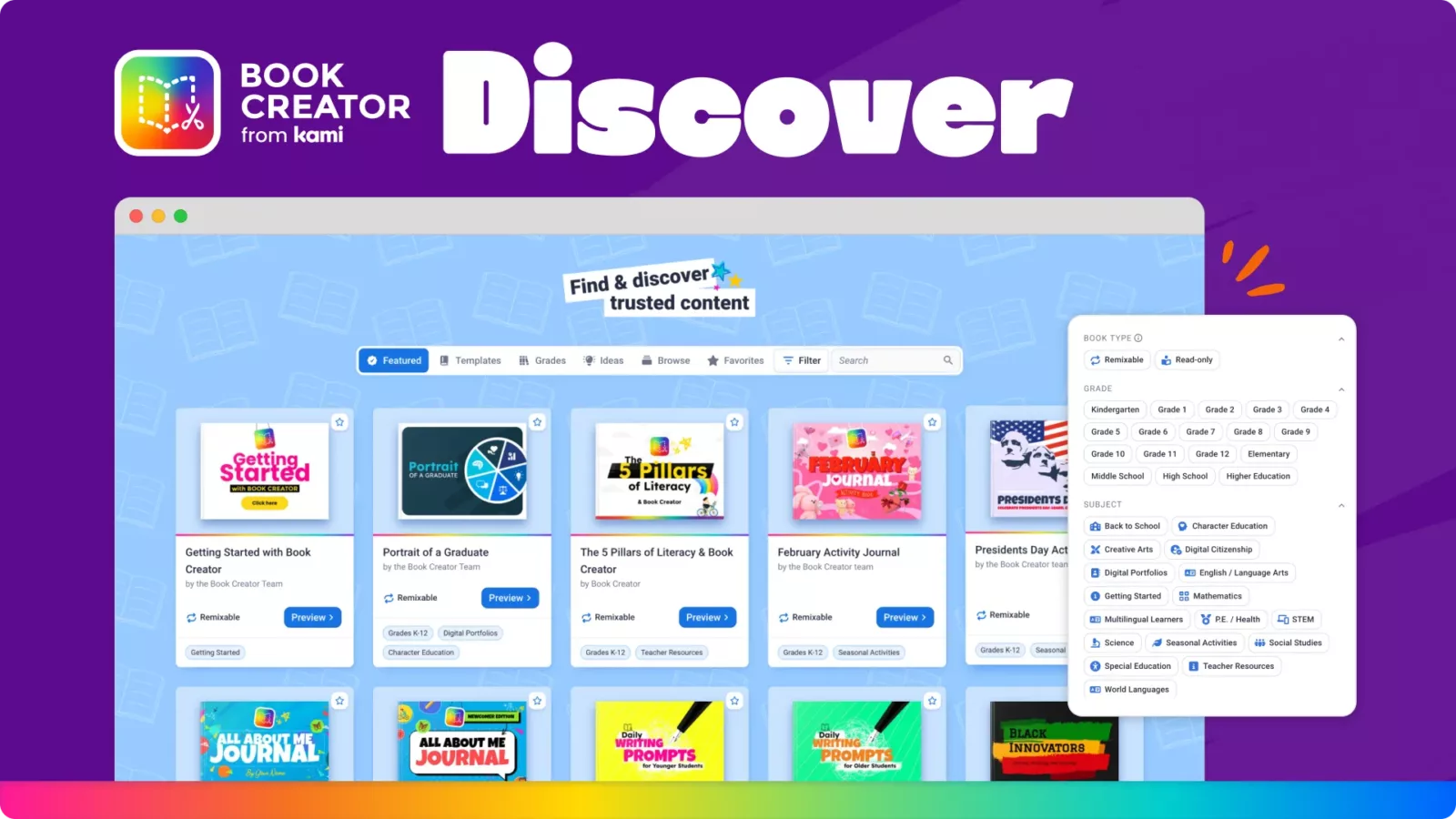
Search, filter, and favorite are now live in Discover and Public Reader, making it easier than ever to find Book Creator content you can remix and customize for your lessons and learners.
What is Discover?
Discover is Book Creator’s curated library of ready-to-use books. You can explore lesson ideas, classroom activities, templates, and examples across subjects and grade levels, then remix them for your own students.
So, what’s new?
1. Search what you need, when you need it
You can now search across Discover inside the app and at read.bookcreator.com to quickly find books by topic, subject, or idea. Whether you are planning tomorrow’s lesson or browsing for future inspiration, finding relevant content takes seconds instead of minutes.

2. Filter to focus
Filters help narrow things down so you can spend less time scrolling and more time teaching. Look for content that fits your context and your classroom, then build from there.
3. Favorite and come back anytime
Found something you love but not ready to use yet? Favorite it. Your saved books are easy to revisit when planning, collaborating with colleagues, or refreshing a lesson later in the year.
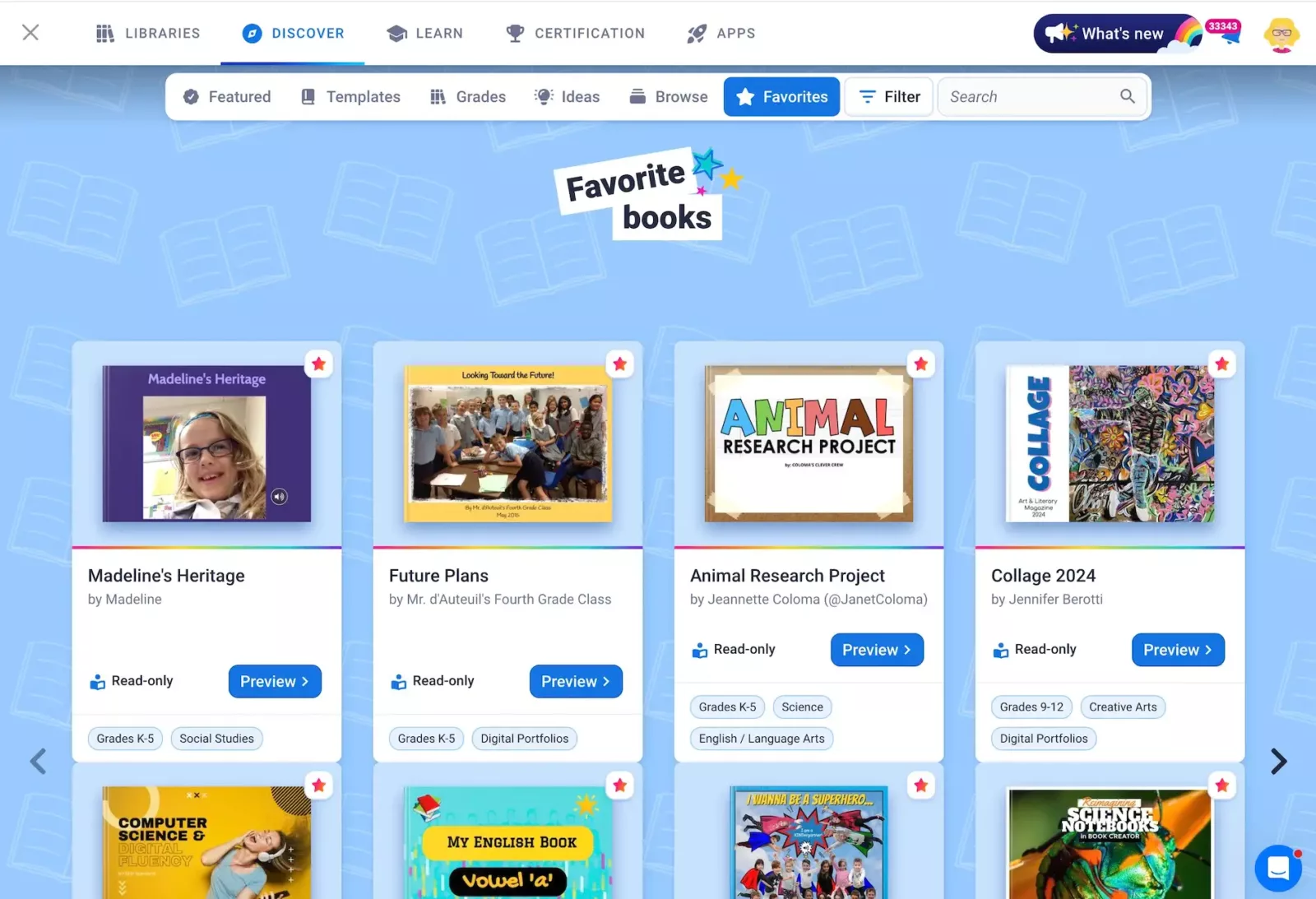
4. Built for remixing and sharing
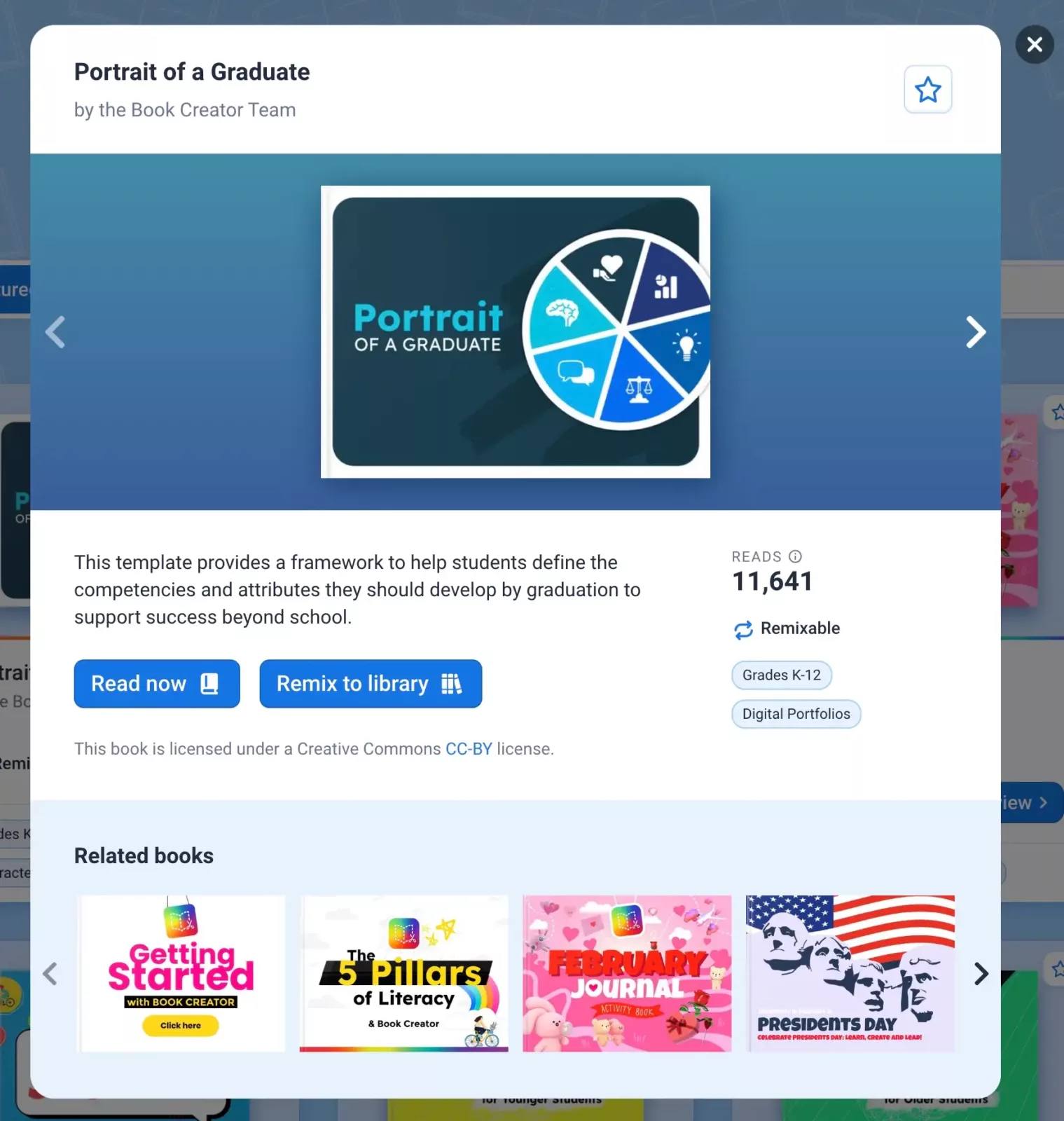
If you are looking for inspiration for your lessons and learners, our remixable books are designed to be customized. That means you can adapt content to your learners, add your own instructions, and make it work for your classroom. You can also submit your own books to help inspire other educators.
Learn more
Blogs you may also like
Welcoming Book Creator to the Kami family


10 Fun Classroom Activities to Boost Student Engagement

Creativity in the Classroom