Use the Kami Chrome Private Extension for faster, easier updates
Kami App and Kami Companion both connect through a single Chrome extension. The Kami Chrome Private Extension is now our recommended way to deploy it, giving your IT team faster updates and centralized control through Google Admin Console.
How it fits into your school day
Your IT admin deploys once
The Kami Chrome Private Extension rolls out centrally through Google Admin Console, no per-device setup.
Updates happen automatically
The latest secure and tested Kami versions reach every classroom faster, avoiding Chrome Web Store processing delays.
Teachers & students open Kami from anywhere
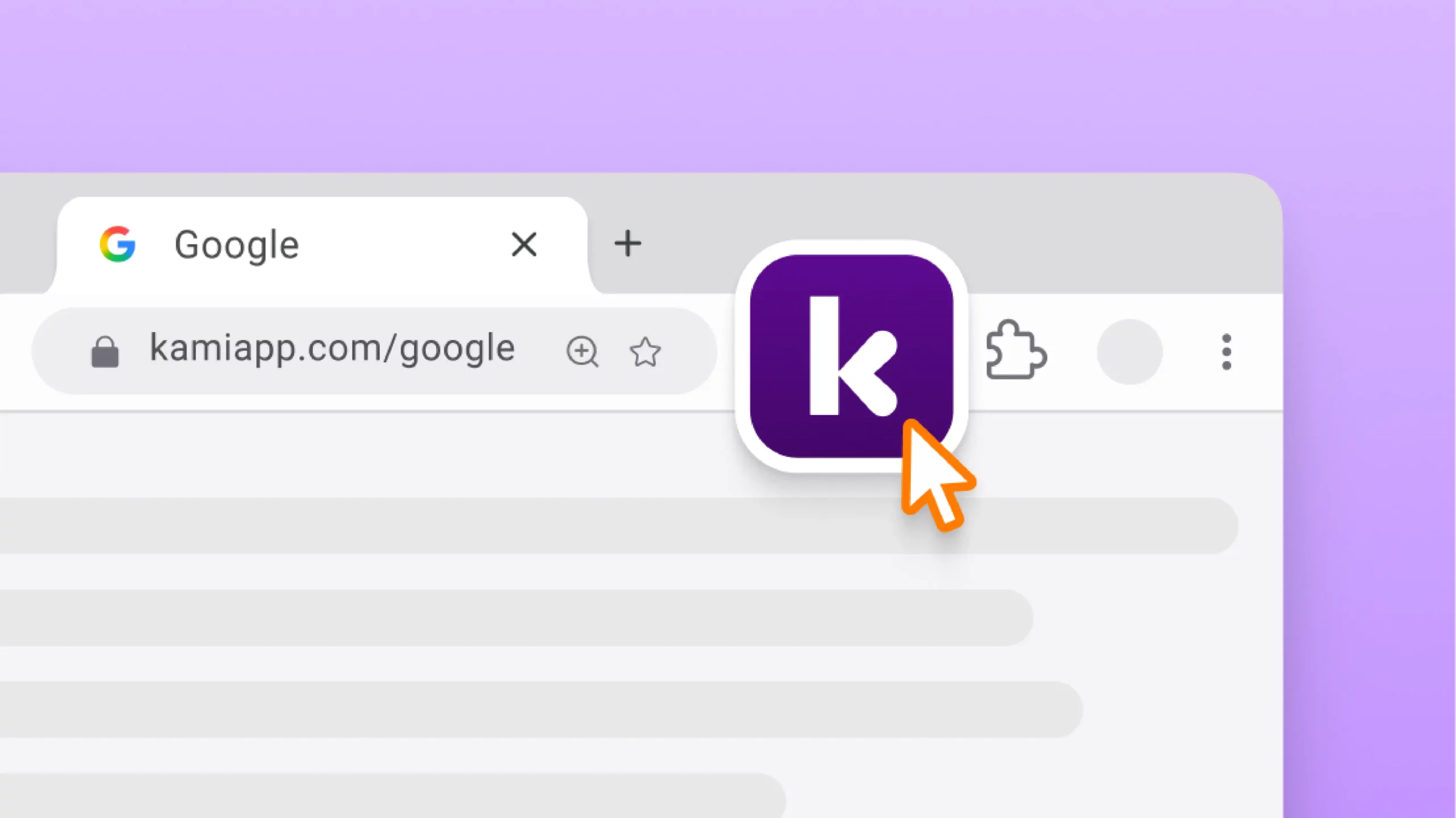
A Kami icon appears on Google Docs, Slides, Sheets, and any webpage, so Kami App, Kami Companion, and Book Creator are one click away.
One extension,
multiple ways to support learning
The Kami Chrome Private Extension connects your existing Google Workspace to the full Kami platform. Deploy it once through Google Admin Console, and every classroom gets access to Kami App and Kami Companion, kept current automatically.
Kami App
Turns any document, worksheet, or slide your teachers already use into an interactive, accessible lesson.
Companion
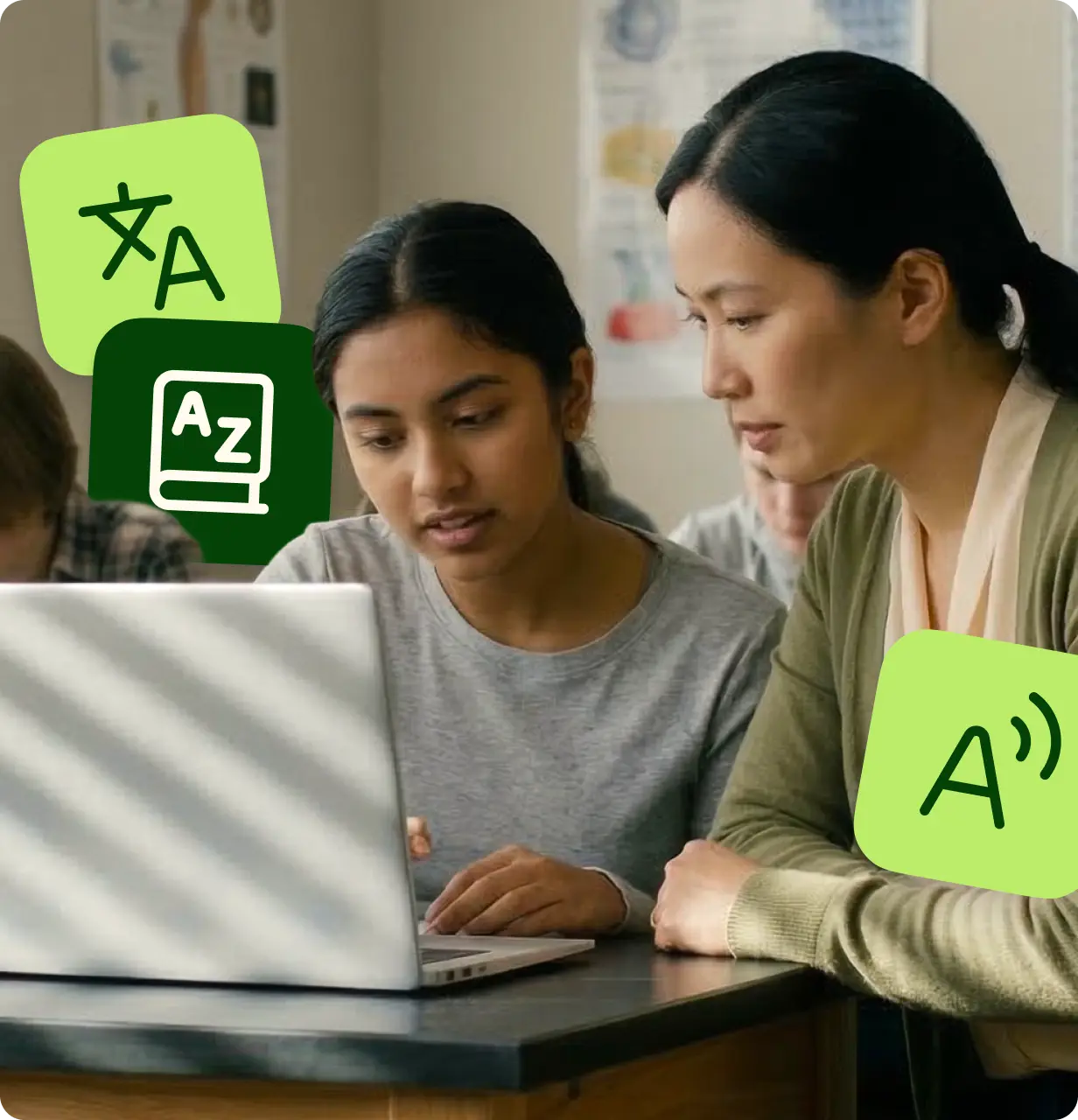
Puts read aloud, translation, and voice typing directly into any website, so more students can work independently.
Explore Kami Companion →
Why the Kami Private Extension
works for districts
Faster, more reliable updates
Fixes and features reach your classrooms without waiting on the Chrome Web Store review process, which can take three or more days.
One deployment, every product
Kami App, Kami Companion, and Book Creator all run through the same extension, so IT manages one rollout instead of three.
Less for teachers to manage
Updates happen automatically in the background. Teachers open Kami the same way they always have. Nothing changes for them day to day.
Built for the people rolling it out
IT Admin
Rolling out an extension to your whole district shouldn’t mean fielding support tickets when Chrome breaks something and the fix is stuck in review. Deploy the Kami Chrome Private Extension directly from Google Admin Console, force-install and pin it across your organization, and get fixes on your timeline instead of Google’s.
Tech Coach
When Kami stops working mid-lesson because of a Chrome update, it’s your inbox that fills up. The Kami Chrome Private Extension means fixes reach your teachers faster, with no visible change to how they already use Kami.



Customer testimonials
“Kami has opened accessibility doors in the classroom! Making assignments more inclusive for all my students.”

“Kami has been a game changer for my students. Kami allows all of my students to have a voice in the classroom.”

“Kami has been an invaluable tool to help teachers in our district respond to students’ needs”

“If you aren’t using Kami with your students right now you need to get it ASAP. This tech tool has been completely life-changing for my students this year. When I first got it I had no idea how it would change my teaching! Now it’s all my students use to do their work!”

“It’s a game-changer! There’s almost nothing I can’t do in Kami, and I use it every single day!”

Using Kami on your own?
Have your own Kami account? Install the Kami extension for Google Chrome yourself, no admin needed.
It’s free and takes just a few clicks. Looking for Kami’s Google Classroom integration instead?
Install
To install the extension, head to the Chrome Webstore, search for Kami, and select Add to Chrome.
Free and Fast Access
It’s totally free, provides a seamless experience, and is the quickest way to access our 40+ tools and features.
FAQ about the
Kami private extension
What is the Kami Chrome Private Extension?
The Kami Chrome Private Extension is Kami’s recommended way to deploy Kami App, Kami Companion, and Book Creator to a school or district. It’s delivered directly through your Google Admin Console instead of the Chrome Web Store, so updates reach your classrooms faster, without waiting on Google’s review process.
How is this different from the Chrome Web Store extension?
The experience is identical. Teachers and students won’t notice a difference in day-to-day use. The only change is how it’s delivered: the private extension goes directly from Kami to your organization, while the Chrome Web Store version goes through Google’s public review process, which can take three or more days.
Is the private extension as secure as the Chrome Web Store version?
Yes. It goes through the same security reviews, testing, and compliance standards as every other Kami extension. It’s a different delivery path, not a different product.
Do I need to install all three Kami products separately?
No. Kami App, Kami Companion, and Book Creator all run through the same extension. Deploying it once gives your classrooms access to all three.
What happens to our current Kami extension?
Your IT admin will need to make an installation policy update before installing the Kami Chrome Private Extension, to avoid conflicts. The installation guide covers this step by step.
How long does setup take?
About 10 minutes for a Google Workspace admin, using our step-by-step installation guide.
Can an individual teacher install Kami without district deployment?
Yes. Teachers with their own Kami account can install the Kami extension for Google Chrome directly, without admin involvement. See the note below for details.
Trusted by 50+ million teachers and students worldwide








Bring the full Kami platform into your classrooms