
Kami App and Book Creator,
both built for Google Classroom
Kami App connects directly with Google Classroom, so teachers can assign, annotate, and grade work without leaving the tools they already use every day.
Now Book Creator does too, letting teachers create and review student books right inside Classroom.
One login, one gradebook, two ways to support instructional practice.
What Kami and Google Classroom
looks like in the classroom
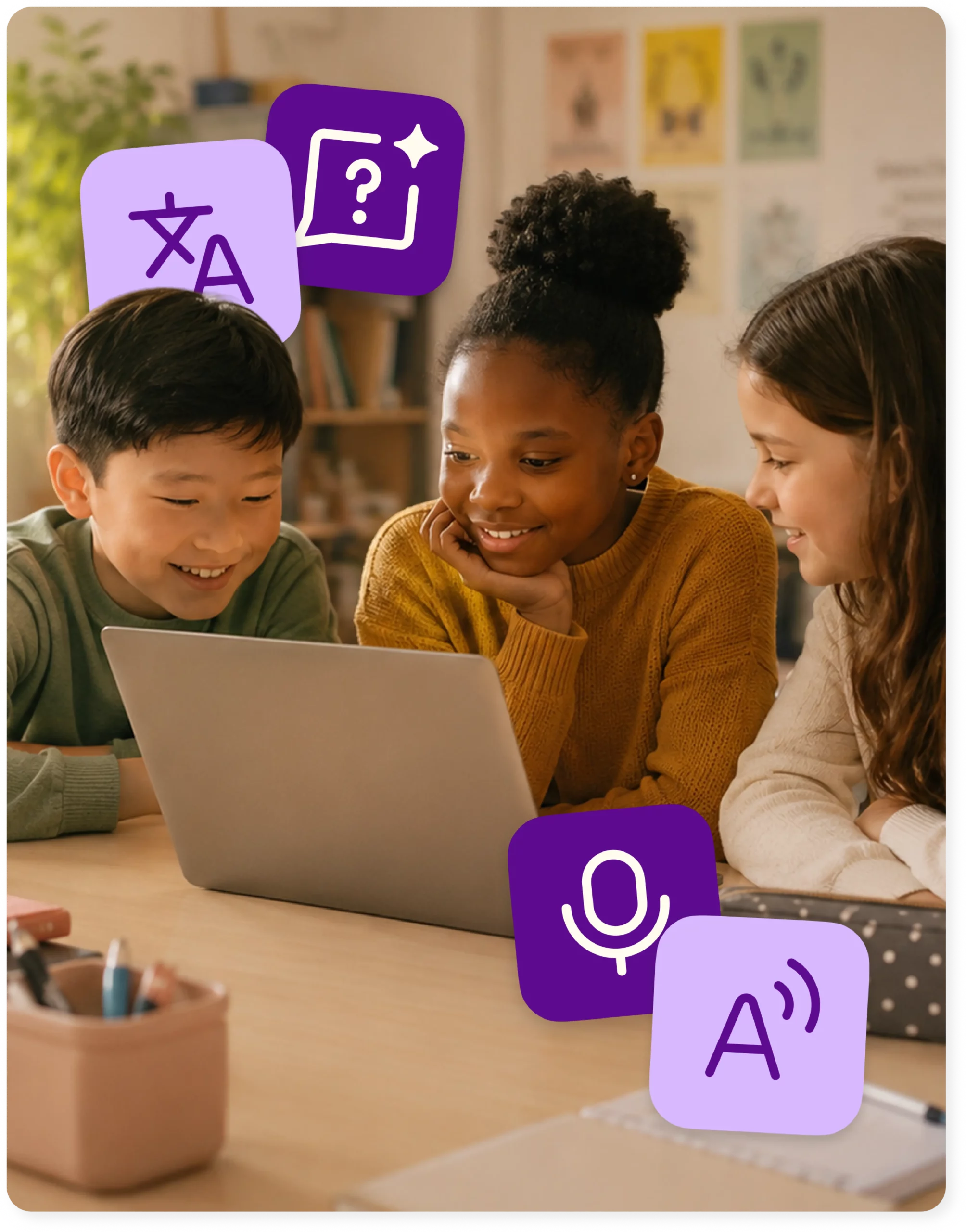
Assign work and support every learner, without extra steps
Teachers assign activities and templates directly from Google Classroom, and students annotate, highlight, and complete work using built-in accessibility tools such as read aloud, translation, and voice typing, right inside the same assignment as everyone else.
Real-time progress, with grades that sync automatically
Class View and Insights let teachers see how students are doing as the lesson happens, so a struggling student gets support in the moment instead of after it’s graded. Completed work and grades sync back to the Google Classroom gradebook automatically.
Stronger academic integrity with the Kami Google add-on
Once the add-on is installed, teachers can turn on Assessment Mode, schedule turn-ins, and give students a countdown timer on assignments.
Everything you do,
do it faster with Kami App and Google Classroom
Make any resource engaging and accessible
Differentiate and individualize instruction
Promote student voice and choice
Manage and distribute documents
Support student collaboration
Assess, grade, and feedback
Monitor live progress and provide support
Access individual & class insights
Book Creator and Google Classroom
In April 2026, Book Creator released a dedicated add-on for Google Classroom. Teachers create a Book Creator assignment as an attachment directly inside Classroom, then view, review, and grade student books from within the Classroom gradebook.
Kami App vs. Book Creator inside Google Classroom
Kami App
Book Creator
Trusted by 50+ million teachers and students worldwide








Unlock even more with our
Google add-ons
Our Kami App integration unlocks Assessment Mode and options for all Classroom document types.
There is now an add-on for Book Creator as well.
*This requires Google Workspace for Education Plus
Implement scheduled turn-ins
Set an assignment deadline, giving students a countdown timer
Ensure the academic integrity of student work with Assessment Mode
Expands support to include Materials and Announcements
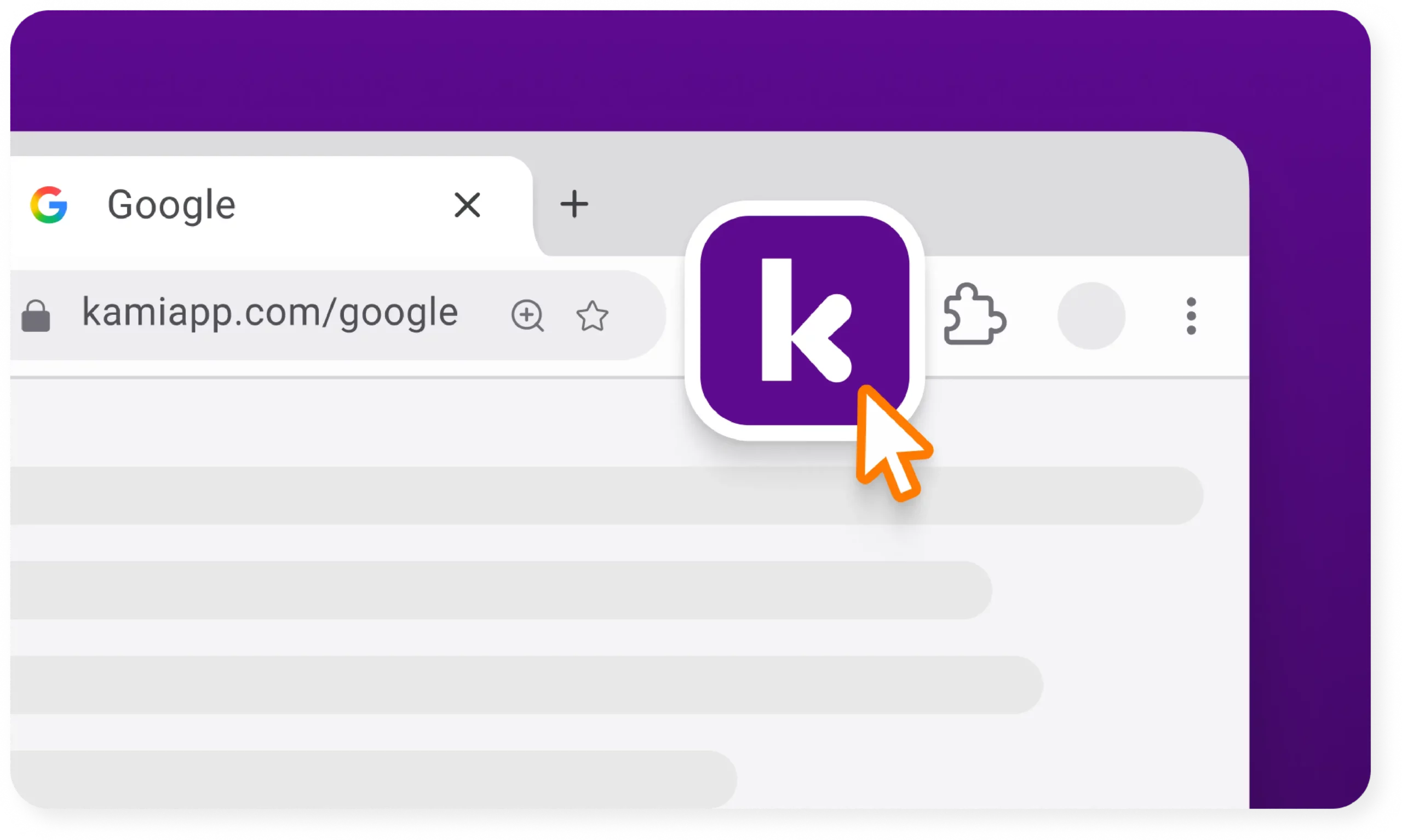
Get the Kami extension for a seamless experience
- Create Classroom assignments directly from Kami
- ‘Open with Kami’ buttons appear in Google Docs, Google Sheets, Google Slides.
Scale student attainment

Frequently asked questions
Browse our FAQs below, or visit our Help Center for comprehensive guides and troubleshooting support.
Does Kami App work with Google Classroom?
Yes. Kami App integrates directly with Google Classroom, so teachers can assign, annotate, and grade work without leaving Classroom.
Kami App works through the Kami Private Extension, so teachers push assignments straight into Classroom, students open and annotate the same file every classmate is working on, and completed work and grades sync back automatically.
Do I need to install anything to use Kami App with Google Classroom?
No separate install is needed. Teachers and students sign in with their existing Google account.
Does Book Creator work with Google Classroom?
Yes. Since April 2026, Book Creator has had a dedicated Google Classroom add-on that lets teachers create, review, and grade Book Creator assignments from inside Classroom. Your districts google admin will need to install it.
Do I need to install anything to use Book Creator with Google Classroom?
Yes. Book Creator’s Google Classroom add-on is installed once from the Google Workspace Marketplace, and requires a Google Workspace for Education license.
Can grades sync back to Google Classroom for both products?
Kami App syncs completed work and grades back to the Classroom gradebook automatically. With Book Creator, teachers review and grade student books directly from the Classroom gradebook once the assignment is submitted.
Is Kami family accessible and compliant for district use?
Kami App and Book Creator both hold the ISTE Seal of Alignment, and Book Creator holds a UDL Product Certification from CAST. For full accessibility conformance reports and privacy and security certifications, see the Security Hub.
What other learning management systems does Kami family work with?
Kami App also integrates with Canvas, Schoology, and Microsoft Teams. Book Creator also integrates with Canvas and Schoology. Visit our integrations page for the full list.
How does the Kami family of products integrate with Google Classroom?
Kami App and Book Creator both have Google classroom integrations. See our Help Center for full details.
Does adding Kami App and Book Creator mean managing another separate tool?
No. Kami App and Book Creator both work directly inside Google Classroom instead of alongside it, so they don’t add a new login for teachers or a new workflow for IT to support.
Will this replace our LMS, curriculum, or assessment plan?
No. Kami App and Book Creator are built to work with the LMS, curriculum, and assessment plan a district already has in place, not to replace any of them.
Does this add complexity to our classroom tech stack as we scale?
No. Because Kami App and Book Creator fit inside Google Classroom rather than running as a separate system, instructional practice doesn’t get harder to manage as adoption grows.
Does this add complexity to our classroom tech stack as we scale?
No. Because Kami App and Book Creator fit inside Google Classroom rather than running as a separate system, instructional practice doesn’t get harder to manage as adoption grows.
Do I need a paid plan to use Kami App with Google Classroom?
Yes. The Google Classroom integration is available on Kami’s paid plans, along with Canvas, Schoology, and Microsoft Teams.
Is there a way to get stronger academic integrity controls with Google Classroom?
Yes. A newer Kami Google add-on layers on Assessment Mode, scheduled turn-ins, and assignment countdown timers.
What do I need to use the Kami Google add-on?
The add-on requires Google Workspace for Education Plus.
Customer testimonials
“Kami has opened accessibility doors in the classroom! Making assignments more inclusive for all my students.”

“Kami has been a game changer for my students. Kami allows all of my students to have a voice in the classroom.”

“Kami has been an invaluable tool to help teachers in our district respond to students’ needs”

“If you aren’t using Kami with your students right now you need to get it ASAP. This tech tool has been completely life-changing for my students this year. When I first got it I had no idea how it would change my teaching! Now it’s all my students use to do their work!”

“It’s a game-changer! There’s almost nothing I can’t do in Kami, and I use it every single day!”
