Microsoft Teams integration that helps you get more out of Kami
Kami App connects directly with Microsoft Teams, so teachers can assign, grade, and give feedback on student work without leaving Teams or the Office apps their district already uses.
What Kami and Microsoft Teams
looks like in the classroom

Create assignments without leaving Teams
Teachers build a Kami assignment or a shared file directly inside a team, with no separate upload step required.
Feedback and grading that sync in real time
Teachers use the full set of Kami tools to give feedback and grade student work, with every annotation syncing as it happens.
Auto-grading and Office access built in
Questions AI scores objective questions automatically, files auto-save to OneDrive, and Kami tools are available directly inside Word and PowerPoint.
Kami and Microsoft Teams integration features
Make any resource engaging and accessible
Differentiate & individualize instruction
Promote student voice and choice
Manage and distribute documents
Support student collaboration
Assess, grade, and feedback (coming soon)
Monitor live progress and provide support
Access individual and class insights (coming soon)
You get the best Kami features
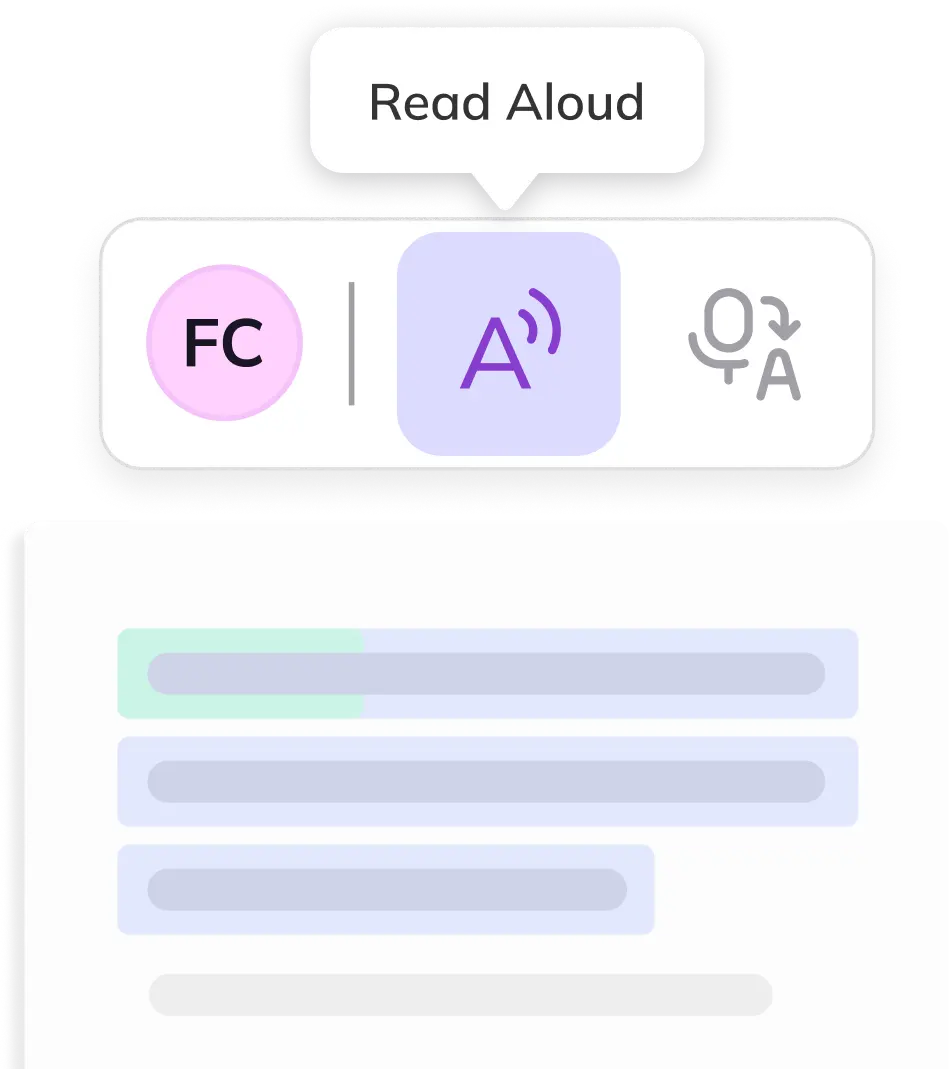
Accessible annotation
Make any learning resource interactive and accessible with over 40 tools.
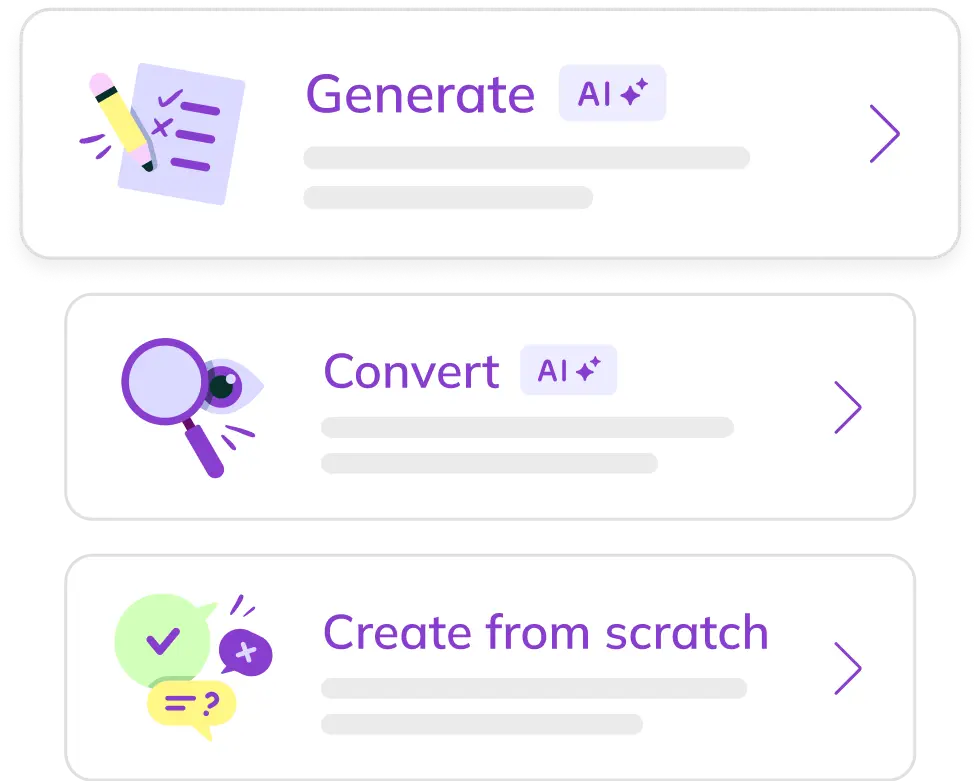
AI-powered assessment
Create autograding assessments to any Depth of Knowledge to suit all ages.
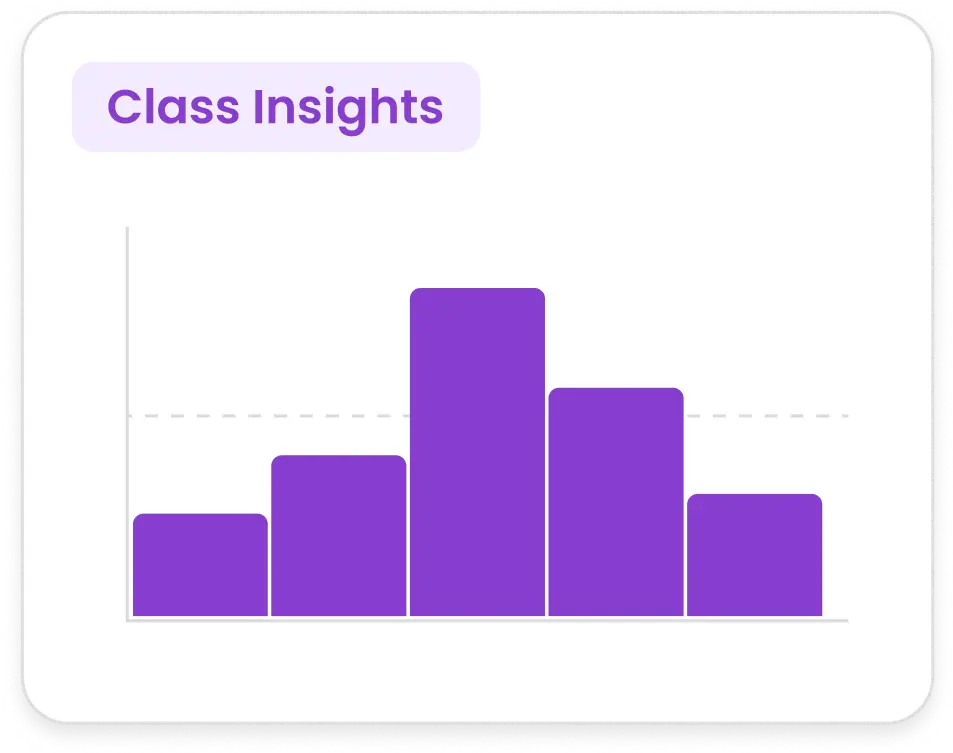
Class View
Monitor student progress in real time and identify issues early.
Trusted by 50+ million teachers and students worldwide








Make it even more seamless with Edge extension
-
Create Teams assignments directly from Kami
-
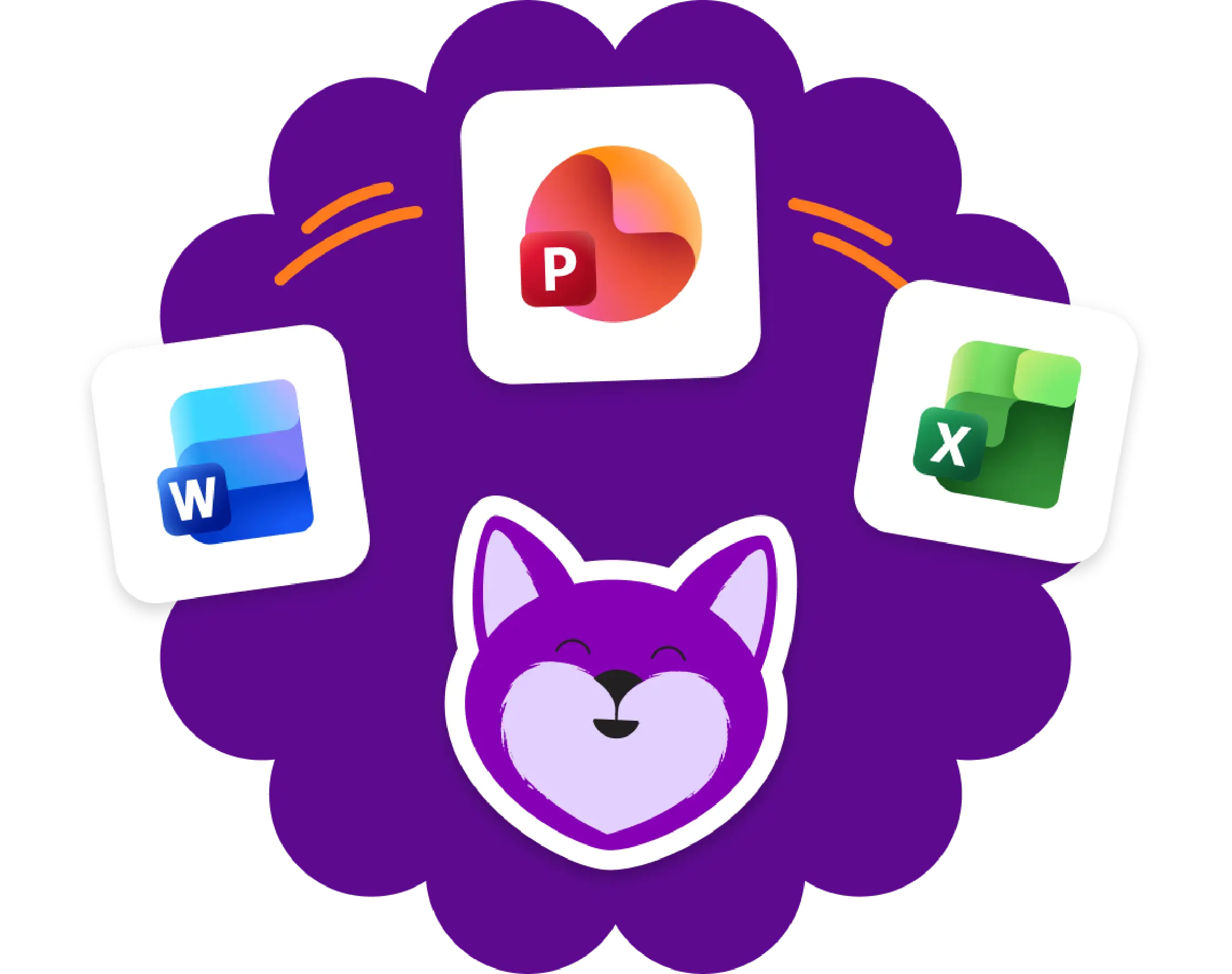
‘Open with Kami’ buttons in Microsoft Word, Excel and PowerPoint; Teachers Pay Teachers; and Canva.
Never lose a thing with OneDrive
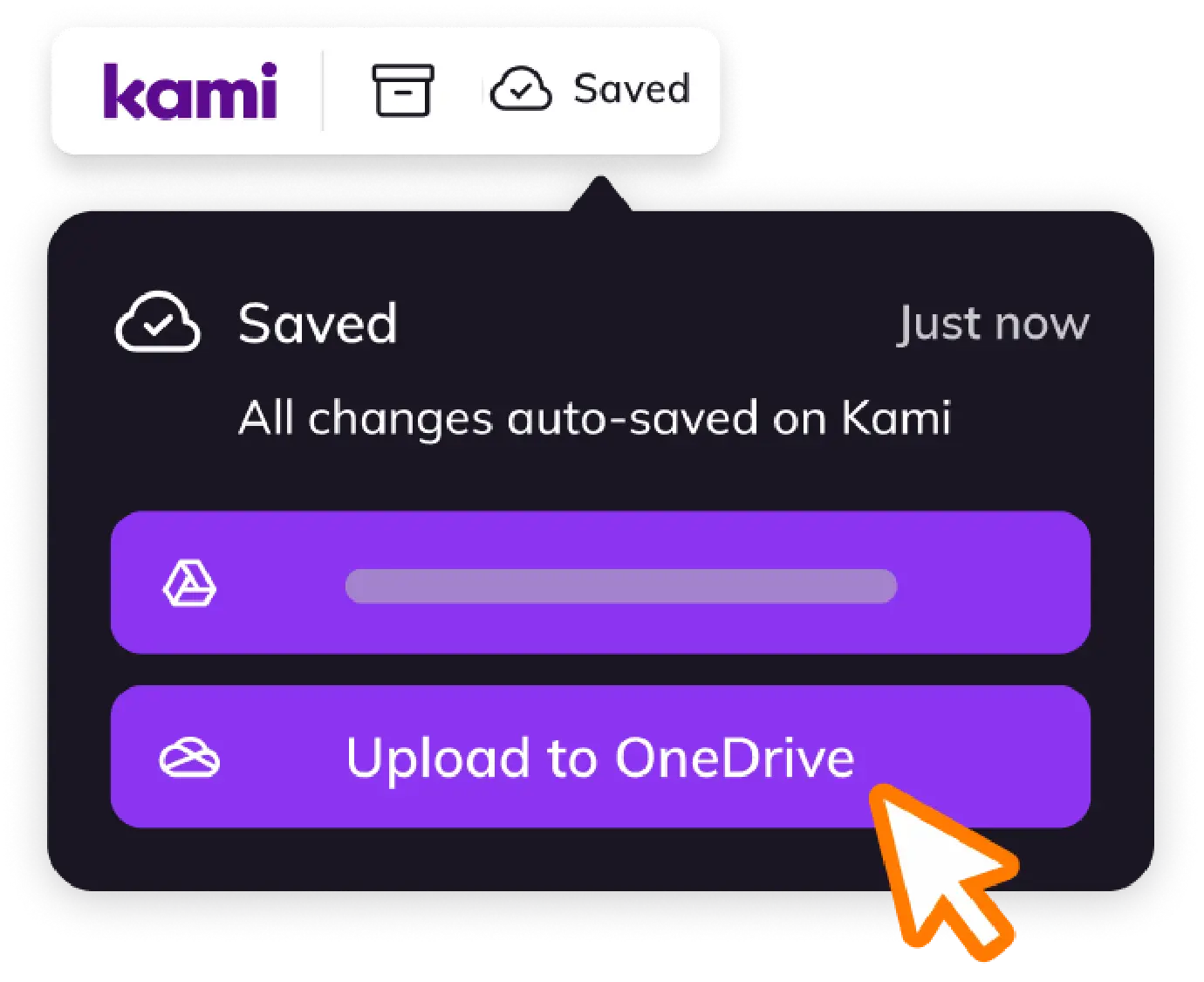
Don’t want to miss a thing? All work autosaves and syncs to OneDrive so no more dogs eating homework.
Customer testimonials
“Kami has opened accessibility doors in the classroom! Making assignments more inclusive for all my students.”

“Kami has been a game changer for my students. Kami allows all of my students to have a voice in the classroom.”

“Kami has been an invaluable tool to help teachers in our district respond to students’ needs.”

“If you aren’t using Kami with your students right now you need to get it ASAP. This tech tool has been completely life-changing for my students this year. When I first got it I had no idea how it would change my teaching! Now it’s all my students use to do their work!”

“It’s a game-changer! There’s almost nothing I can’t do in Kami, and I use it every single day!”

Frequently asked questions
Browse our FAQs below, or visit our Help Center for comprehensive guides and troubleshooting support.
Does Kami App work with Microsoft Teams?
Yes. Teachers can assign Kami App work inside Microsoft Teams.
Do I need a paid plan to use Kami App with Microsoft Teams?
Yes. LMS integrations are available with paid Kami App plans. See the pricing page.
Does Book Creator work with Microsoft Teams?
Not currently. Book Creator integrates with Google Classroom, Canvas, and Schoology.
Can I use Kami tools with Word or PowerPoint files?
Yes. Word and PowerPoint files convert to PDF first, then open in Kami App. See the Microsoft integration.
See how every grade can show what students understand.