
Book Creator gives every student a way to express what they've learned.
Create. Reflect. Share. Book Creator gives every student a flexible digital canvas to show their thinking in any subject, at any age, in their own words and their own way.
Demonstrable evidence of success

200M+
Over 200 million books made worldwide in Book Creator since 2011
97%
of special education teachers report a positive impact on progress
98%
of tech coaches surveyed would recommend Book Creator
Level 3
ESSA level III evidence certification for impact on literacy
Creation-first learning, for every student
Most tools focus on content delivery. Book Creator focuses on student creation. It gives every learner a flexible digital canvas to combine writing, audio, images, video, and drawing into a single piece of work – a digital book they can publish and share beyond the classroom.
Allow all learners to show what they know
Book Creator supports text, drawing, photos, video, and audio recording in a single book.
Students who struggle with writing can record themselves explaining an idea. Students who think visually can illustrate their understanding. No matter how a student communicates best, there’s a way to show what they know.
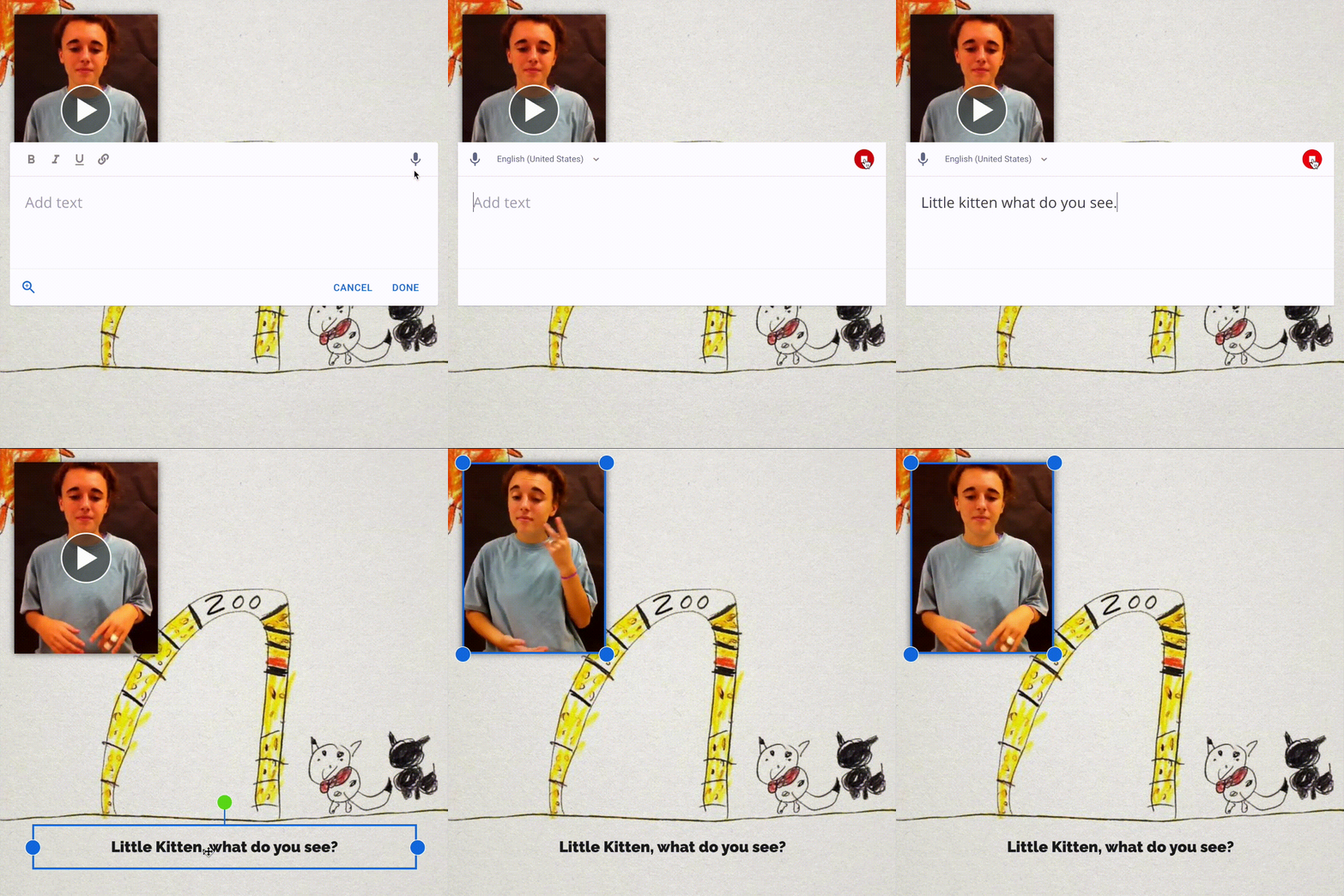
Speech-to-text, text-to-speech, closed captions, and a “Read to Me” feature mean that participation doesn’t depend on any one skill or modality.
Capture evidence of learning
Real evidence of learning, not just task completion.
A completed book is more than an assignment. It’s a record of thinking. Teachers can review student work at their own pace, leave comments, and build a portfolio of progress over time. Book Creator gives you something concrete to point to when you need to demonstrate learning impact.
Backed by an Every Student Succeeds Act (ESSA) Level III evidence study and awarded the 2026 ISTE Seal in the Creative Tools category, Book Creator has a demonstrated impact on student learning.
Fits into your workflows
Works within the subjects and curriculum you already teach.
Book Creator fits into any subject area: literacy, science, social studies, the arts. Students can write a research report, document a science experiment, create a storybook, or build a digital portfolio. There’s no separate system to learn. It works alongside whatever curriculum and learning management system (LMS) your school already uses.
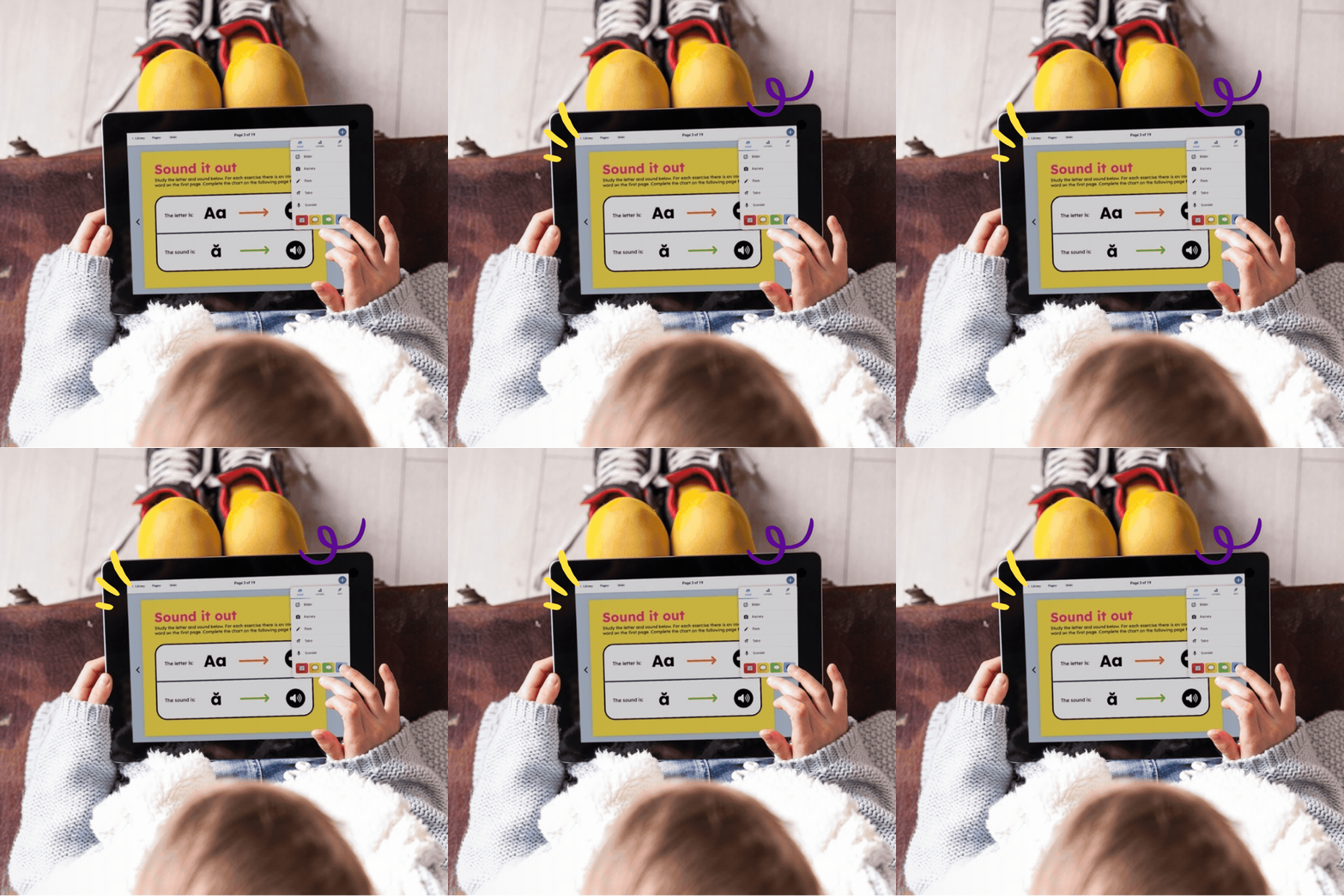
For literacy instruction specifically, Book Creator supports all five pillars: phonemic awareness, phonics, fluency, vocabulary, and comprehension.
Motivate students to do their best work
Evidence shows that creating for an authentic audience motivates students to do their best work.
When students know their book will be read by real people, the quality of their thinking changes. Book Creator lets teachers publish student books as a class library, creating a genuine audience for student expression.
Students become authors, not just assignment completers.




The ISTE Seal of Alignment
What's more, CUSD 300 in Illinois have proven that use of Book Creator helps teachers and students meet multiple ISTE standards.
Get started in three easy steps

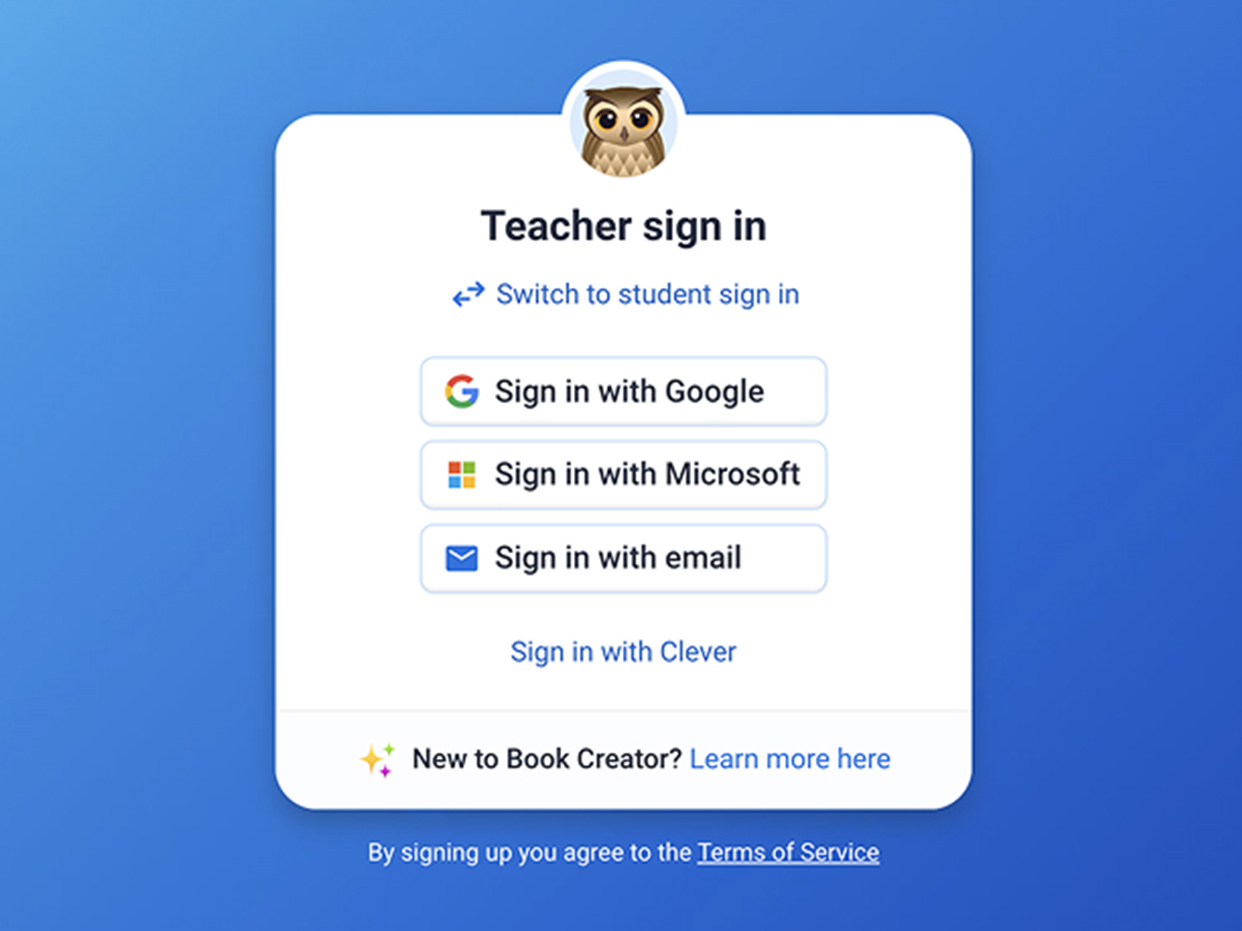
Sign in as a teacher
Teachers can sign up for a Book Creator account and get 1 library and 40 books for free. Get started at app.bookcreator.com/teacher.
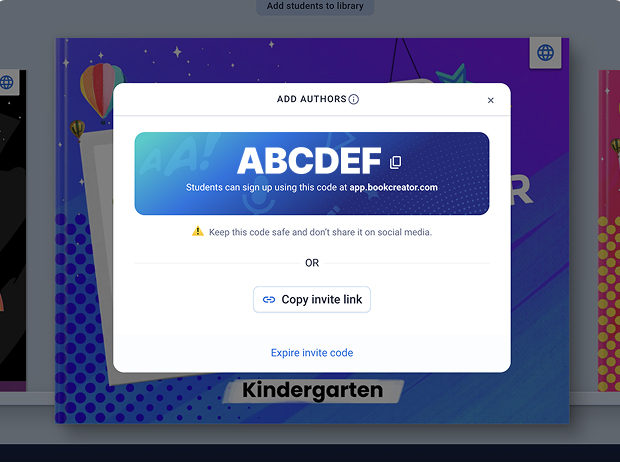
Invite your students
Students sign in with their usual school account and then type in the library code. We support Google, Microsoft, Clever and Classlink accounts, or easy sign-in with a link or QR code.
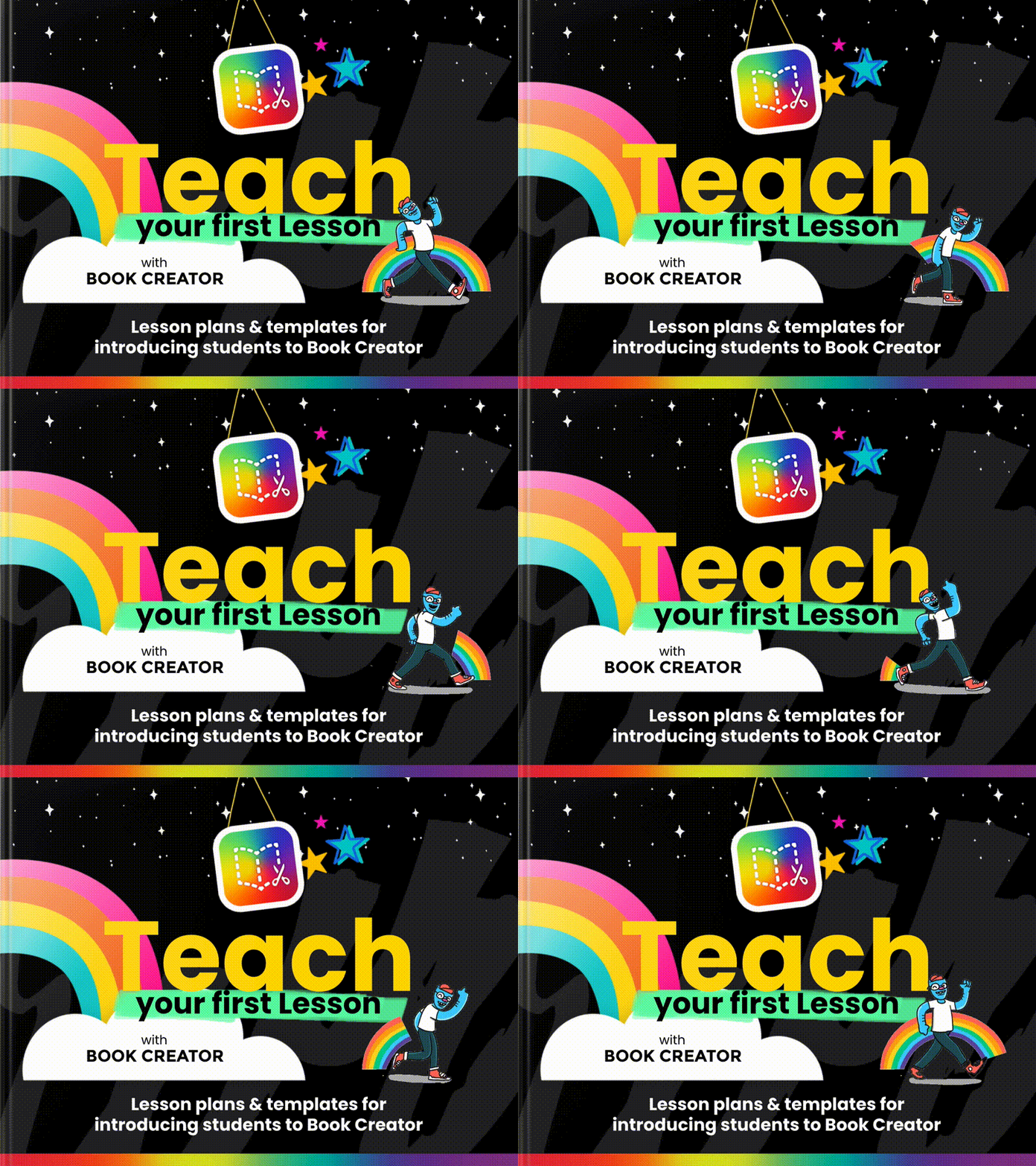
Teach your first lesson!
If you’re introducing Book Creator to your students for the first time, check out our lesson plans and templates for all grade levels.
Built for every classroom and every learner
Use case 1: Early literacy
Students in the early grades record themselves reading aloud, illustrate their own stories, and build confidence as authors.
Teachers see reading development in real time, across all five pillars of Science of Reading.
Use case 2: Special education
Students with diverse learning needs express themselves through whichever modalities work best for them: audio, drawing, video, or text.
No workarounds. No separate tools. The same creative experience, fully accessible.
Use case 3: Content areas
Science lab reports, history timelines, book reports, math explanations.
Book Creator turns any subject into an opportunity for authentic expression and evidence of higher-order thinking.
Use case 4: Multilingual learners
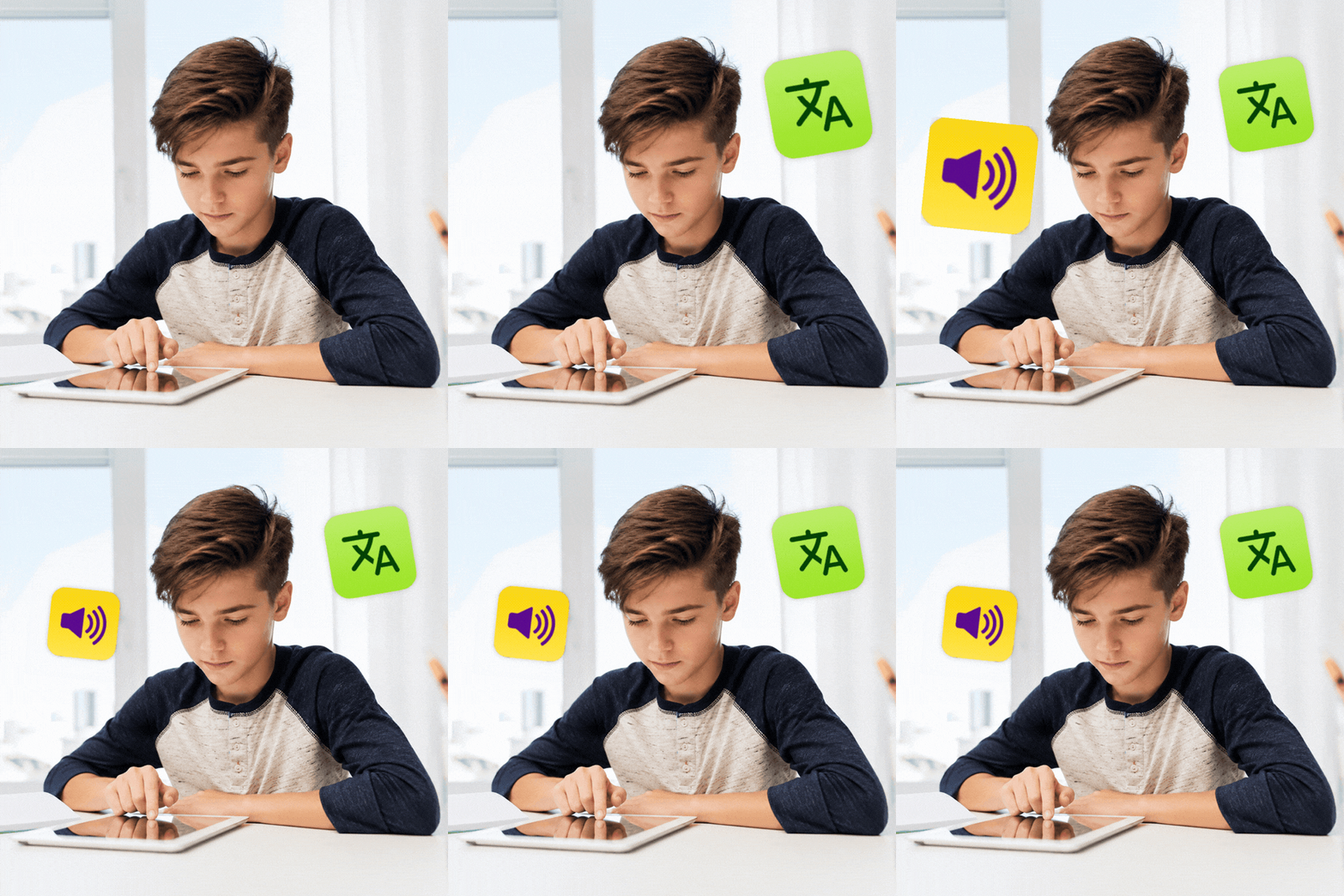
Students can record audio in their home language, combine it with images, and demonstrate comprehension before they’ve mastered written English.
Book Creator supports participation without waiting for fluency.
Bonus: Translate text, audio and whole books with one click!

Part of a complete picture of learning
Book Creator works alongside Kami App and Kami Companion to give teachers a fuller view of how students are engaging, accessing content, and demonstrating understanding.
Kami App helps teachers bring lessons to life and see student thinking as it happens.
Kami Companion gives every student the reading and language supports they need to participate independently.
Book Creator closes the picture, giving students the space to create, reflect, and share what they actually learned.
Together, they simplify your classroom tech stack while supporting a more complete view of instructional practice.
Trusted in classrooms across the world



What will you create?
Book Creator is free to try. No setup required. Start a digital book today and see what your students can do when they have a real way to express themselves.
Common questions about
Book Creator
Browse our FAQs below, or visit our Book Creator Help centre for comprehensive guides and troubleshooting support.
What is Book Creator?
Book Creator is a digital book-making tool for K-12 classrooms. Students and teachers create multimodal digital books combining text, images, audio, video, and drawing. It’s used for storytelling, research projects, science lab books, digital portfolios, and more, across every subject and grade level.
Is Book Creator free?
Book Creator offers a free plan that gives every teacher one library with up to 40 books. Paid plans unlock unlimited libraries and books, along with collaboration features and advanced sharing options. You can get started for free with no setup required.
What age and grade levels is Book Creator designed for?
Book Creator is designed for K-12. The tool is flexible enough for students in kindergarten through high school, and the multimodal creation options mean it works for a wide range of literacy levels and learning needs, not just confident writers.
How does Book Creator support students with diverse learning needs?
Book Creator includes built-in accessibility features including speech-to-text, text-to-speech, closed captions, and a “Read to Me” function. Students can express understanding through audio, drawing, images, or video instead of relying on text alone. 97% of Book Creator special education teachers agree there’s a positive impact on student progress.
What subjects can Book Creator be used for?
Book Creator works across any subject area. Teachers use it for ELA writing workshops, science lab reports, history timelines, math explanations, social-emotional learning journals, and cross-curricular projects. Because students create the content themselves, it supports higher-order thinking in any context.
Does Book Creator work with Google Classroom and other learning management systems?
Yes. Book Creator integrates with Google Classroom and works alongside the learning management systems (LMSs) schools already use, including Canvas and Schoology. There’s no separate system for teachers or students to learn. Assignment and sharing workflows connect directly to existing classroom tools.
Is there research evidence that Book Creator improves student outcomes?
Book Creator is backed by an Every Student Succeeds Act (ESSA) Level III evidence study demonstrating a positive impact on student learning. It has also been awarded the 2026 ISTE Seal in the Creative Tools category, recognizing deep alignment with ISTE Standards for student learning.
What's the difference between Book Creator and other classroom tools?
Most classroom tools focus on content delivery: students receive information and respond to it. Book Creator focuses on student creation. Students don’t just answer questions; they produce original work that demonstrates understanding, builds communication skills, and creates an authentic reason to do their best. That shift from consumer to creator is what makes Book Creator different.
How can Book Creator be used for digital portfolios?
Book Creator works as a flexible digital portfolio hub where students can collect and share evidence of learning over time. They can combine writing, images, illustrations, audio reflections, video, and work from other classroom tools into one multimodal book. Teachers and schools can use these portfolios to show progress across a semester, a school year, or a student’s wider learning journey, while giving students more ownership over how they reflect on and present their work.
How does Book Creator support 21st century skills?
Book Creator helps students build 21st century skills by creating work they can plan, produce, and share with a real audience. Students practice communication as they combine writing, voice, visuals, and video to explain ideas clearly. They build creativity through open-ended creation and design choices. Collaboration can happen through peer feedback and shared publishing, and critical thinking shows up when students research, synthesize, and reflect to produce an original book that represents their learning.