
Kami Companion and UDL — how built-in supports bring the framework to life


May is a complicated month in K-12 classrooms. The year is almost over, which means there’s urgency around students who still haven’t quite gotten there, and exhaustion among the teachers trying to reach them. It’s also the moment when the distance between what UDL promises and what’s actually in place becomes hardest to ignore.
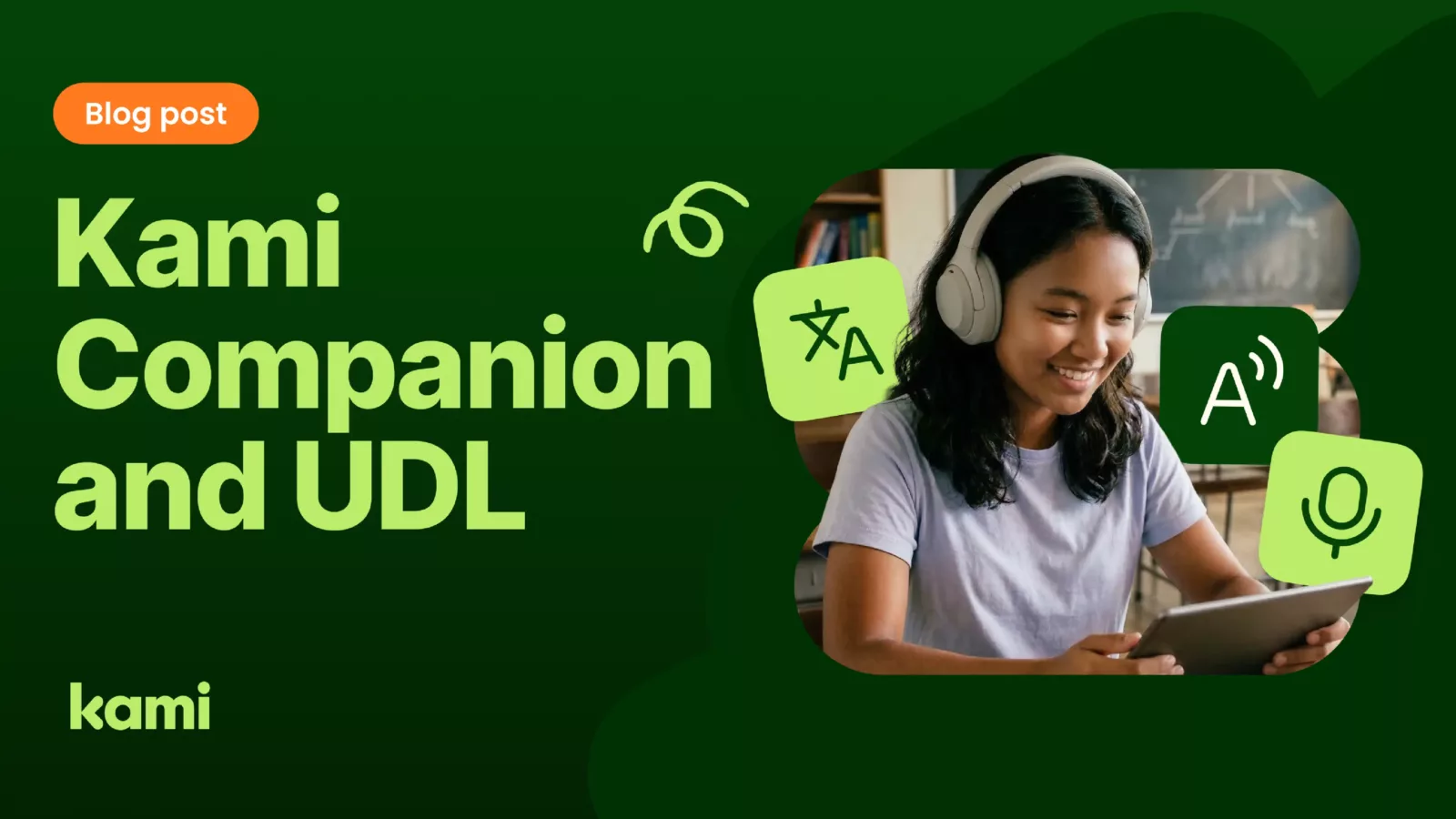
Kami Companion is a browser extension that delivers reading, language, and expression supports across web-based content. It doesn’t require teachers to create separate materials or redirect students to a parallel tool. It works on the content students are already looking at.
That design choice matters enormously for UDL principle implementation, as outlined by CAST.
Want to see how Kami Companion supports UDL principles in practice? Download the Kami Companion UDL one-pager for a shareable overview you can bring to your next planning conversation or team meeting.
The UDL principle of Representation
Representation is about giving students more than one way to access information. For students with decoding challenges, text-heavy web pages are a consistent barrier. For students who process language differently, academic vocabulary can stop comprehension before it starts. For multilingual learners, the gap between conceptual knowledge and English text can shut down participation entirely.
Rao, Torres, and Smith’s 2021 article in the Journal of Special Education Technology describes how digital tools aligned with the representation principle, particularly text-to-speech and vocabulary support, can meaningfully reduce learning barriers in online and blended environments (Rao, Torres, & Smith, 2021). Their core argument is that digital tools are most useful when their features align deliberately with UDL principles rather than sitting alongside instruction as optional add-ons.
Kami Companion delivers on the representation principle through features that work directly inside whatever page a student is reading.
Read aloud
Read aloud converts any selected text on a webpage into speech, with natural voices, accent options, and speed controls that students can adjust to their own needs. For students with dyslexia, students still building English fluency, and students who simply process information better through listening, the option to hear the text while following along is the difference between engaging with the ideas and falling out of the lesson.
Dictionary and Picture dictionary
Dictionary provides on-the-spot word definitions, plus a Picture Dictionary that pairs definitions with supporting images in a dyslexia-friendly format. Students can check an unfamiliar word without leaving the page and without signaling to the class that they need help. For younger readers, emerging readers, and students with visual processing differences, the image support adds a second pathway to the meaning.
Understand tools
The Understand tools group a set of AI-powered supports that help students make sense of content as they encounter it.
Explain breaks down a passage, image, or diagram into clearer language when a student gets stuck, functioning like a teacher stepping in to walk them through a tricky concept. Summarize condenses long or dense content into a shorter, digestible version, useful for review or for building background knowledge before a deeper read. Adjust modifies the text complexity to better match the student’s reading level, either simplifying dense academic language or adding challenge for students ready for more.
Together, the Understand tools give students multiple ways to meet content that might otherwise shut them out, and they give teachers a way to differentiate instruction without preparing multiple versions of every resource.
Together, these three features give every student multiple ways into the same content. That’s what multiple means of representation looks like when it’s built into the environment rather than requested one student at a time.
The UDL principle of Engagement
Engagement in the UDL framework isn’t about keeping students entertained. It’s about reducing the affective barriers that shut down learning before it begins. A student who has already concluded that they can’t access the content has disengaged before the teacher notices.
Supports that live inside the content reduce the activation cost of engagement. Students don’t have to decide to seek help. They don’t have to identify themselves as needing it. The help is already there, available to anyone. This is consistent with the core UDL premise that reducing barriers should be a design feature, not a reactive accommodation (Meyer, Rose, & Gordon, 2014).
Open in Kami
Kami Companion takes this a step further with the Open in Kami button, which lets students open any webpage directly in Kami with a single click, turning a static article into an interactive document students can annotate, highlight, mark up, and respond to. A news article becomes a close-reading exercise. A science explainer becomes a source students can pull evidence from. Instead of reading passively and losing the thread, students are doing the thinking on the page.
The shift is small but important. The barrier to engaging with a text isn’t the text itself. It’s the gap between reading and doing something with what was read. When that gap closes, engagement follows.
The UDL principle of Action and Expression
UDL’s third principle asks teachers to give students more than one way to show what they know. This is where Kami Companion connects naturally to the broader Kami family. A student who struggles to express understanding through written text shouldn’t have to. The expression pathway opens up without requiring the teacher to build an entirely different assignment.
Voice typing
Voice Typing converts spoken language directly into text, letting students dictate responses instead of typing them. For students with dysgraphia, fine motor challenges, or emerging literacy skills, and for students whose thinking moves faster than their keyboard, voice input removes a friction point that has nothing to do with the quality of their ideas.
Predictive text
Predictive Text offers real-time word suggestions as students type, supporting writing fluency for students who struggle with spelling, who are still building English vocabulary, or who benefit from seeing options instead of generating every word from scratch. The tool doesn’t write for the student. It scaffolds the student’s own writing.
How Kami Companion promotes UDL Implementation
Taken together, these tools change what counts as a valid response. A student can speak their answer, type it with predictive support, or combine the two. The assessment measures what the student knows, not how easily they can produce it in a particular format.
Westerlin and Folske-Starlin’s 2024 article Designing UDL with Equity makes this point clearly: UDL isn’t just a framework for accommodating disabilities. It’s a proactive approach to dismantling barriers for learners with language-based needs and students who have been historically underserved (Westerlin & Folske-Starlin, 2024). The tools that deliver on that promise are the ones that offer differentiated pathways as a default, not as an exception.
That matters beyond June, too. For districts thinking about summer learning programs, bridge courses, or extended year supports, the UDL argument doesn’t pause. Students with IEPs, multilingual learners, and students reading below grade level don’t stop needing multiple means of representation just because the calendar changes. Tools that work inside any web content travel with the program, whatever the setting.
UDL was always about the environment, not the student
Meyer, Rose, and Gordon’s argument has been consistent since CAST first articulated it: the curriculum is disabled, not the learner. Every time a student can’t access content, the right question is whether the environment was designed to include them.
Kami Companion is one answer to that question. Not a workaround for students who struggle, but an infrastructure change for classrooms that take UDL seriously. The supports are there. The content doesn’t change. And every student has what they need to stay in the lesson.
That commitment is backed by documentation, not just design intent. Kami Companion is aligned to WCAG 2.1 Level AA, the same standard that public school districts must meet under the updated ADA Title II rule that takes effect in April 2027 (U.S. Department of Justice, 2026).
Kami publishes a VPAT self-certificate, an accessibility conformance statement, and an accessibility roadmap, all available from the accessibility page on kamiapp.com. For procurement teams and instructional technology leaders evaluating whether a tool meets district accessibility requirements, those documents are the evidence layer underneath the feature list.
Kami Companion sits inside that same family-level commitment: a tool that is not only designed to reduce barriers but documented against the standards districts are now required to uphold.
Ready to share the case for UDL-aligned tools with your team? Download the Kami Companion UDL Report— a concise, research-grounded resource for instructional coaches, curriculum directors, and teachers building their accessibility toolkit.
Kami Companion is part of the Kami family of tools. Learn more about how Kami supports diverse learners or explore Kami’s approach to accessible instruction.
References
- Meyer, A., Rose, D. H., & Gordon, D. (2014). Universal design for learning: Theory and practice. CAST Professional Publishing.
- Ok, M. W., & Rao, K. (2019). Digital tools for the inclusive classroom: Google Chrome as assistive and instructional technology. Journal of Special Education Technology, 34(3), 204–211. https://doi.org/10.1177/0162643419841546
- Rao, K., Torres, C., & Smith, S. J. (2021). Digital tools and UDL-based instructional strategies to support students with disabilities online. Journal of Special Education Technology, 36(2), 105–112. https://doi.org/10.1177/0162643421998327
- U.S. Department of Justice, Civil Rights Division. (2024). Nondiscrimination on the basis of disability: Accessibility of web information and services of state and local government entities. 28 CFR Part 35. https://www.ada.gov/law-and-regs/title-ii-2010-regulations/
- Westerlin, S., & Folske-Starlin, H. (2024). Designing UDL with equity. Educational Research: Theory and Practice, 35(2), 68–72. https://eric.ed.gov/?id=EJ1434342
Blogs you may also like
An Educator’s Journey with Kami

Kami Companion: proven classroom accessibility tools that empower districts to deploy at scale

The Three Principles of UDL