


Kami Connect Speaker Sessions | Lilly Jensby
I’m a firm believer in encouraging students to develop a sustained interest in STEM fields from an early age. So we’re going to take a look into how Kami can enhance the learning experience for students, particularly in the areas of science, technology, engineering, and math!
Our goal is to find innovative ways to bring STEM learning to life, while supporting the “4 C’s”, with Kami:
Creativity
Allowing student voice and choice, and asking them to think outside the box
Collaboration
Working together to achieve a common goal
Critical thinking
Encouraging students to ask questions, look at problems in different ways, and find solutions that are innovative and new
Communication
Sharing thoughts and ideas with clarity and efficiency
Creativity
Kami is known as an excellent annotation tool, but let’s explore how Kami can be an amazing creation tool as well.
With Kami, students can design eye-catching and content-rich documents (like one-pagers, posters, and/or PSAs) using these tools:
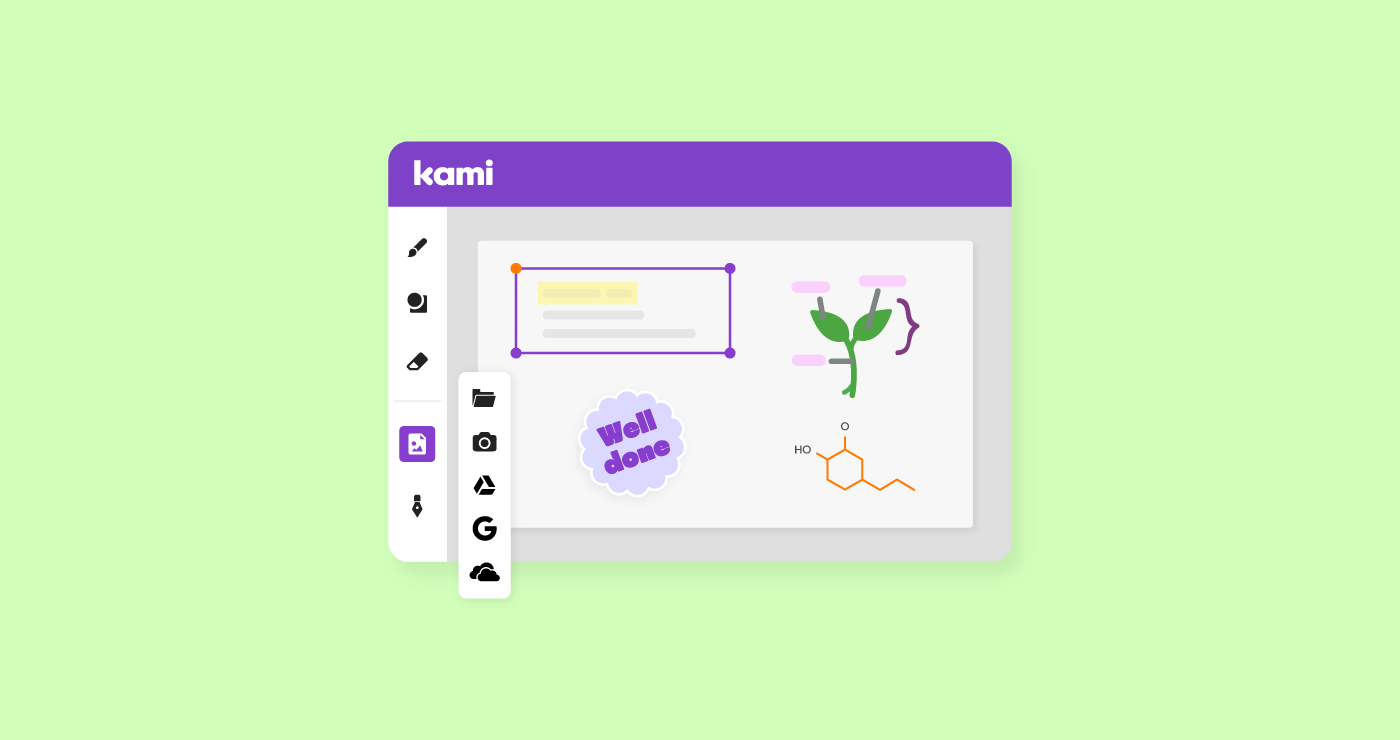
Add Media: Use this button to access Google Image Search. Use the image controls to move, resize, rotate, even crop the image for desired effect.
Text Box: Once you begin typing text, you can use the Rich Text Editor features to change font style, line spacing, highlighting, and even choosing background color. Plus, there’s voice typing, which is a great accommodation for students with dyslexia! Students can add video and voice comments to elaborate on their work, as well.
Personalization Tools: Finally, students can personalize their product by adding emojis, stamps, and “namemojis” in the signature tool. To do this, create a namemoji in Google Drawings by combining an image and your name. Then save as a .png and upload in the Kami signature. Here is an example.
Collaboration
Next, let’s look to engage learners and create a collaborative space with Kami, by using a HyperDoc. HyperDocs are an interactive lesson design that transforms the learning experience and empowers students to own their learning through voice and choice.
Students can embed videos, websites and text, and then respond by completing charts, forms and answering questions. They can add personalized elements to label their contributions and document progress. As students move through the activities, they are able to take screenshots of their progress and upload images from Google Drive or hard drive.
For example, in this roller-coaster activity, each student added a design to the chart, they then used Kami stickers to vote for their favorite version!
Critical thinking
A popular subject for Kami is math, and it’s easy to see why: Kami enables students to focus on critical thinking portions of the problem without distractions.
Using Kami as a whiteboard allows teachers to demonstrate the process of working out math equations, while also utilizing the “annotation bank” for frequently used formulas, charts, and grids.
A great use of the annotation bank is to add an image as an item, then insert it as you need it.
For example, add a rectangular prism then use it to cover other problems you’re yet to work on so that students are less distracted, as you’ll “reveal” problems as you go – like I’ve done, here.
For students, the signature tool can be helpful to insert frequently used images such as base ten blocks, x/y axis graphs, etc.
Finally, students can work together on one document, where they can compare and contrast their strategies and practice explaining their work. This helps to deepen their understanding of the work they are doing.
Communication
Lastly, communicating and sharing your designs online!
Coding has been shown to have many benefits and develop soft skills in students as young as Pre-K/K. For early learners, Kami can be quite helpful in building computational thinking skills.
In this example, students can plan and document their steps to solve the problem. By using the signature tool with “code blocks” uploaded, students can drag and drop blocks on their work page. As students develop their solutions, they are able to trade with peers and test the steps to see if they are successful in coding an escape. A page can easily be added to allow students to design their own mazes for others to solve.
Wrapping it all up
As we’ve just discussed, Kami can enhance student’s STEM learning experience by allowing student to:
- Creatively demonstrate understanding of content
- Build community with Collaborative challenges
- Interact with engineering design processes
- Allowing accessible Communication between teachers and peers in real-time
- Critically think in order to problem-solve efficiently and effectively
Kami accomplishes all this AND more in an engaging and interactive way!
I hope you’ve enjoyed this session and learned a little something to take your STEM activities to the next level.
—
Resources
Slides: kami.app/STEM-tastic-learning
Speaker: Lilly Jensby is a district Digital Learning Specialist and a Kami Hero based in Plano, Texas. She Co-Founded Gadget Girls, an engineering initiative raising interest in STEM disciplines for girls in Grades 3-5. She has presented at conferences such as ISTE, CAST, and TCEA, and is a proud alum of NASA’s LiftOff Summer Institute and the Pitsco TAG team.
Twitter: @LillyJensby
Blogs you may also like
What CAST UDL Guidelines 3.0 means for the tools already in your classroom


Teacher Burnout De-Implementation: A Back-to-School Audit Guide | Kami
A librarian toolkit for getting Book Creator off the ground this year