
Kami Companion features
Kami Companion
features for reading
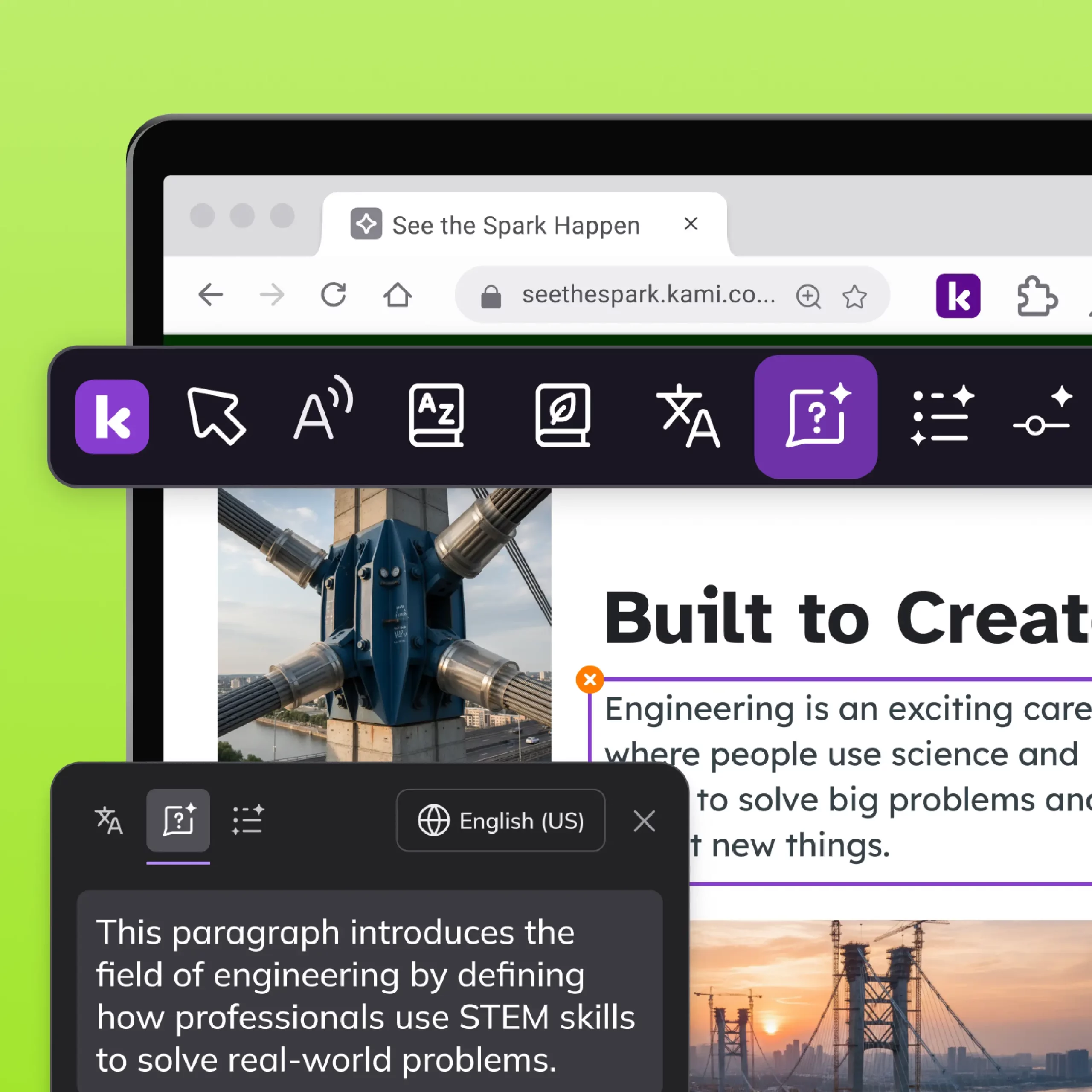
Explain
Breaks down complex web text into simpler language on demand, helping students understand content.
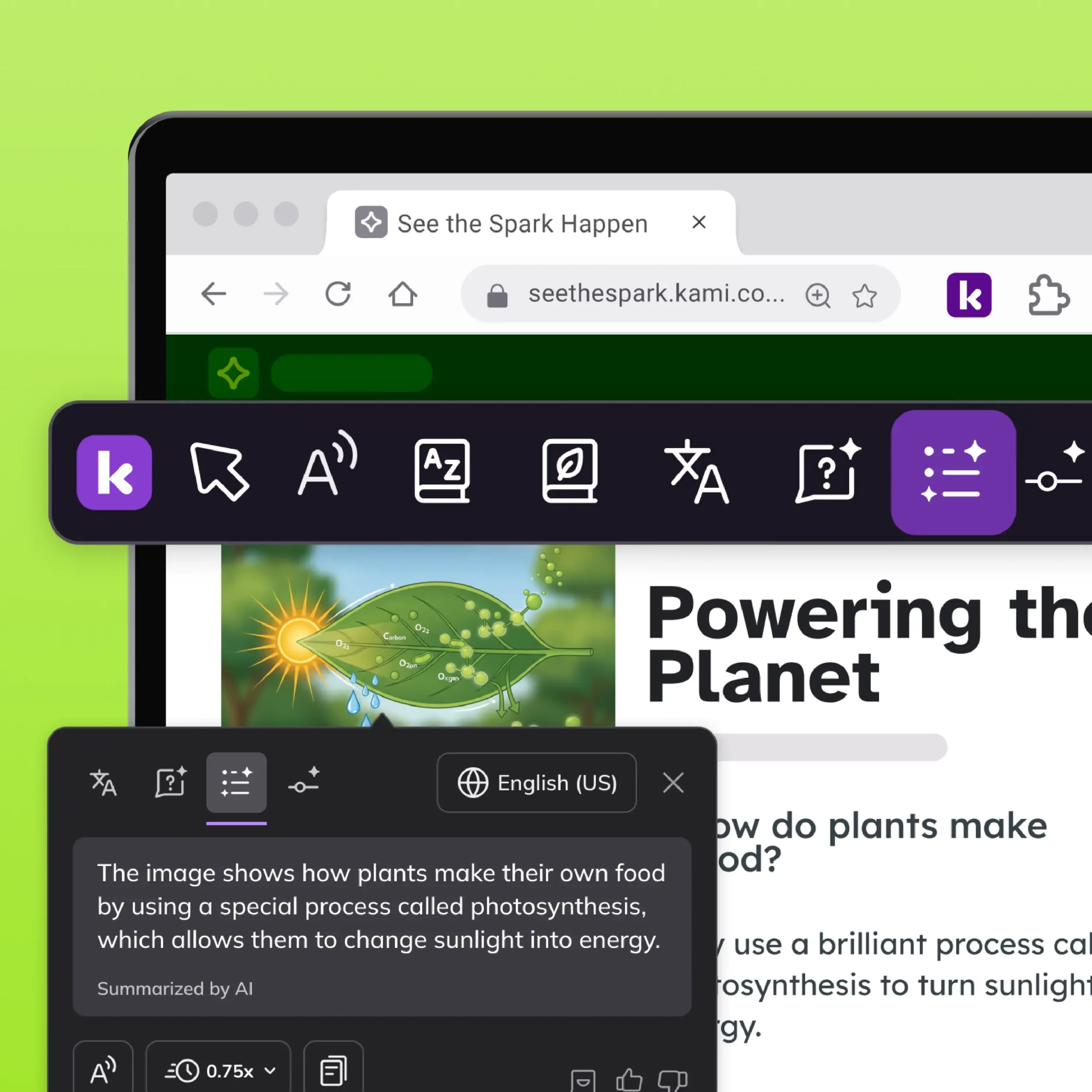
Summarize
Condenses long web articles or pages into short summaries students can use to check their understanding quickly.
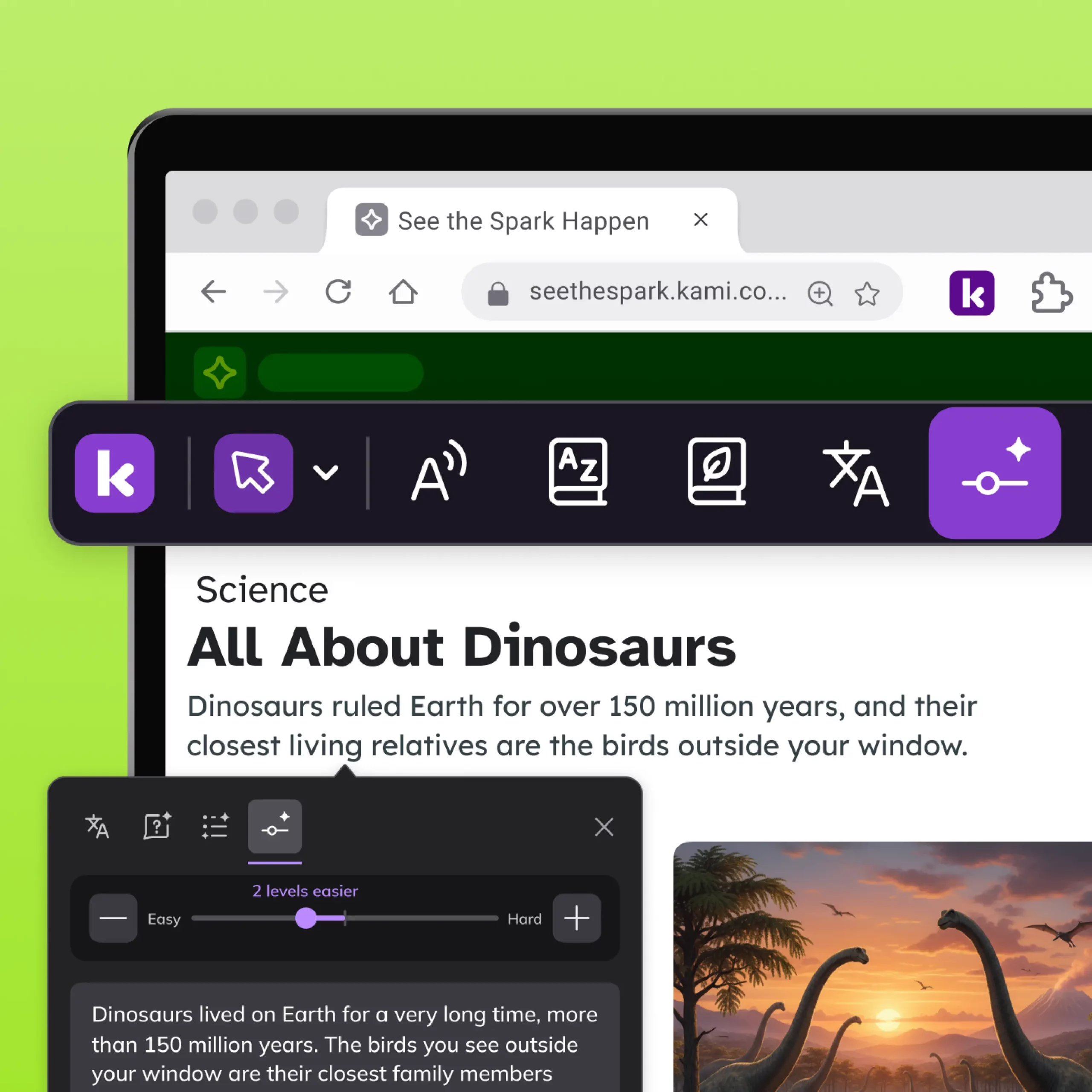
Adjust
Rewrites web text to a different reading level, giving each student content they can access independently.
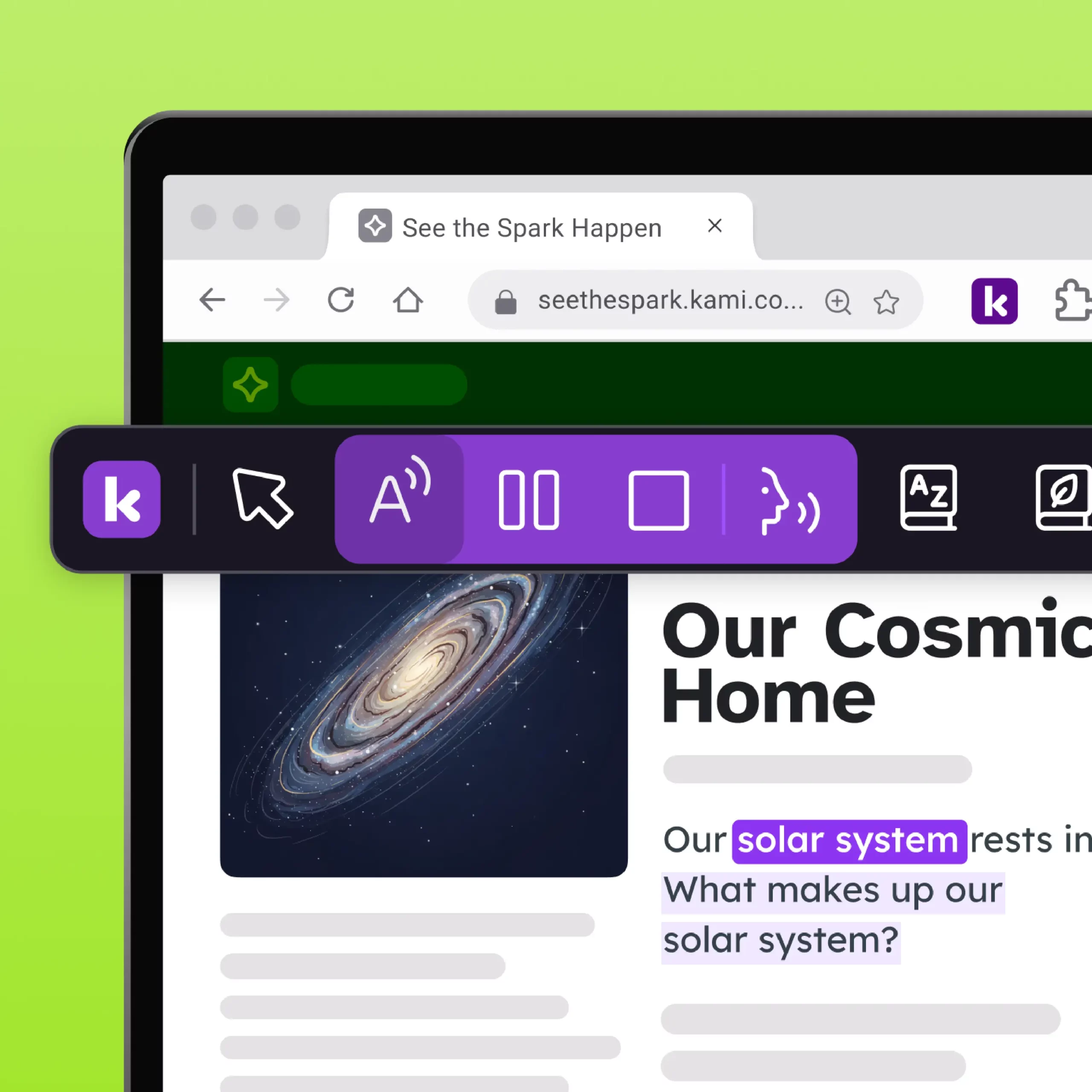
Read aloud
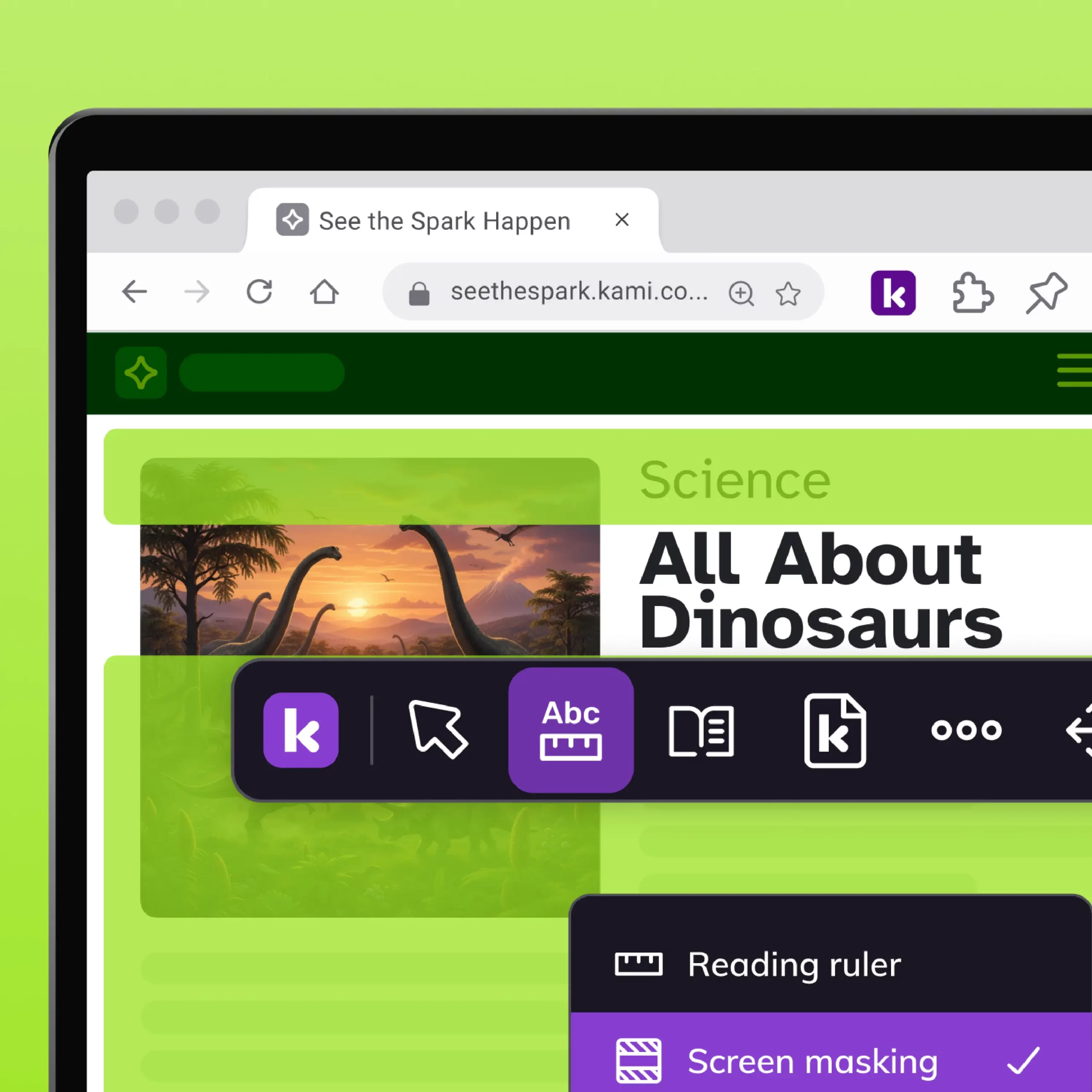
Masks the screen and focuses on one line at a time, helping students concentrate without visual clutter.
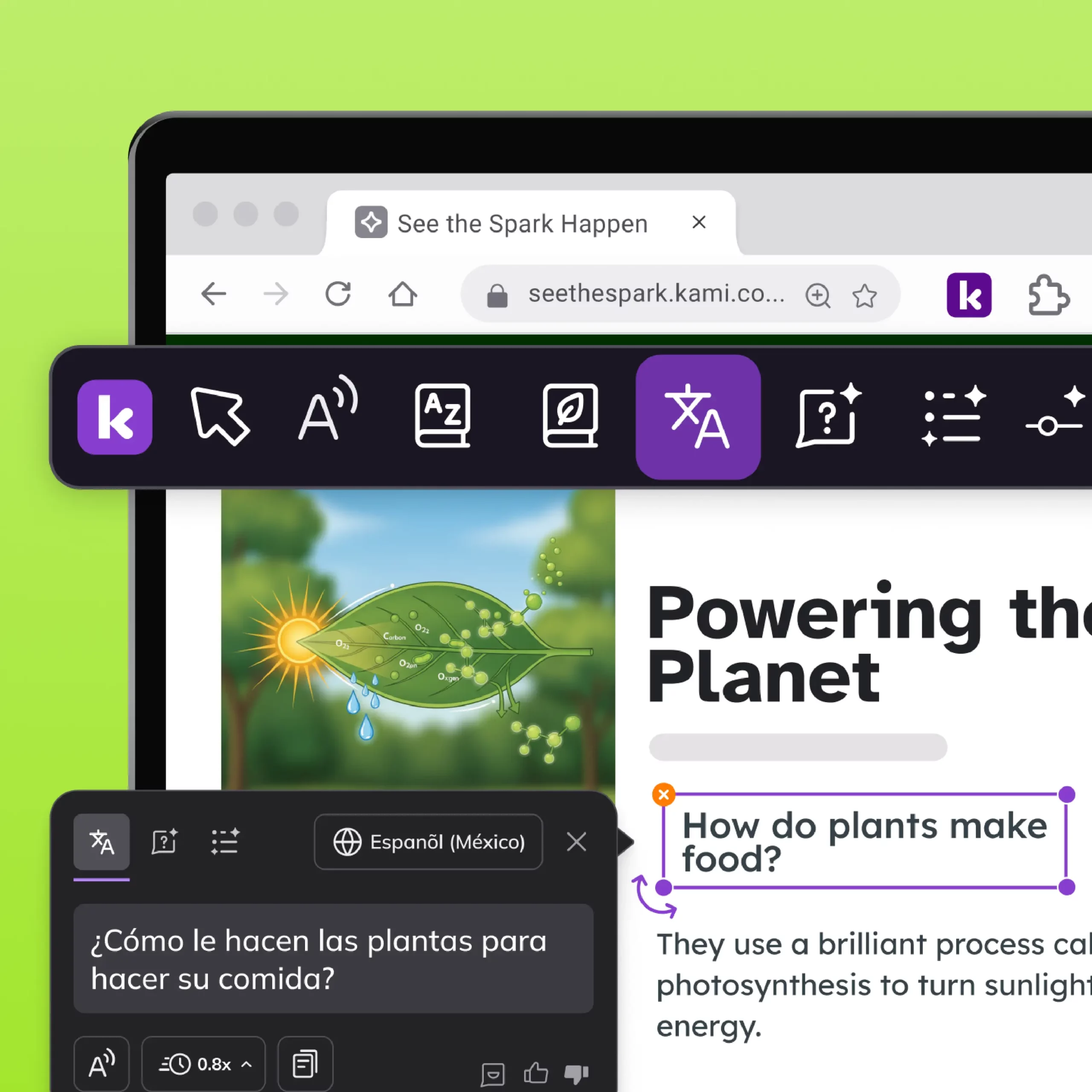
Translate
Translates web text into a student’s preferred language in real time, without ever leaving the page.
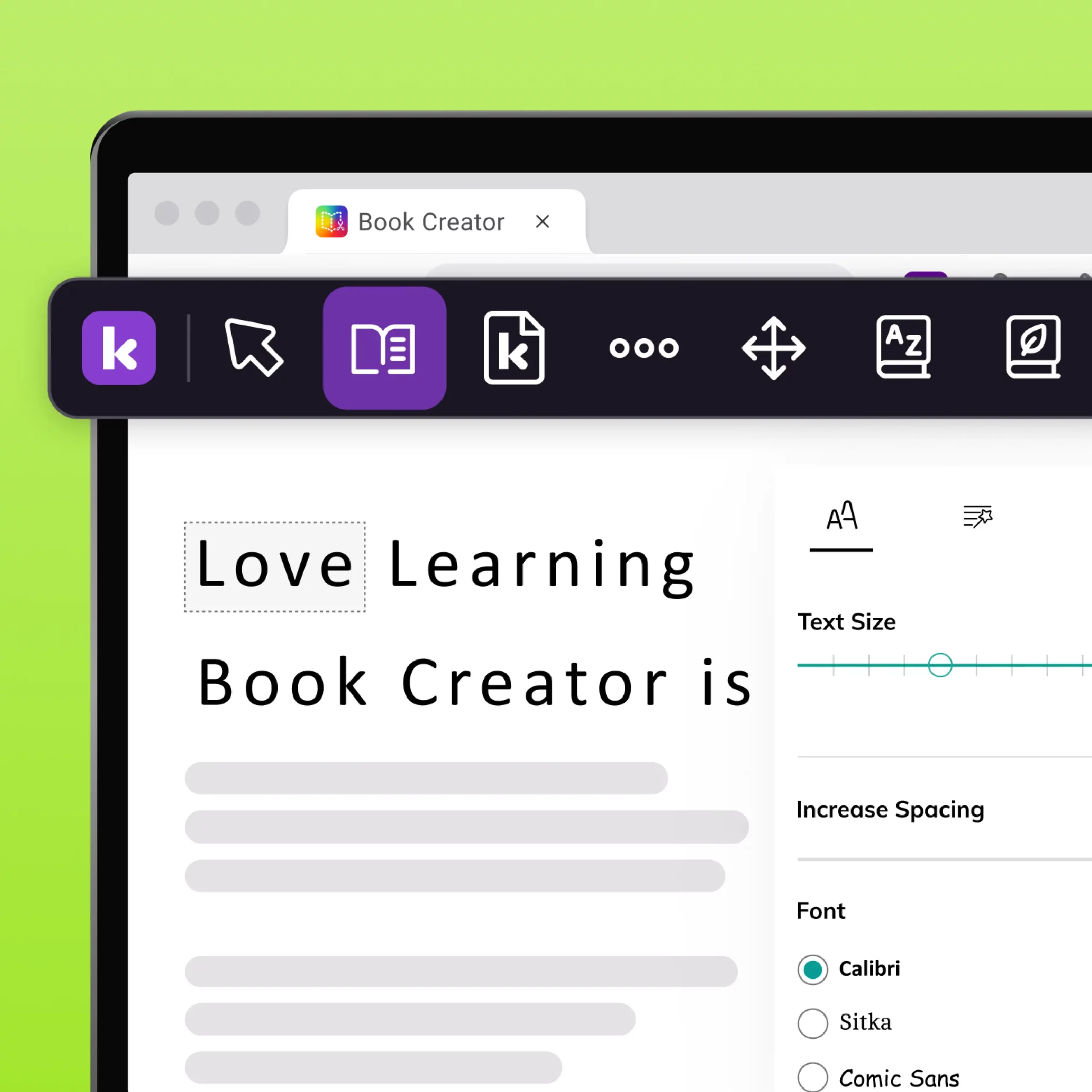
Immersive Reader
Strips away page clutter and distractions, presenting web content in one clean, focused reading view.
Reading assist
Screen masking and line focus to block out surrounding text, helping students concentrate one line at a time.
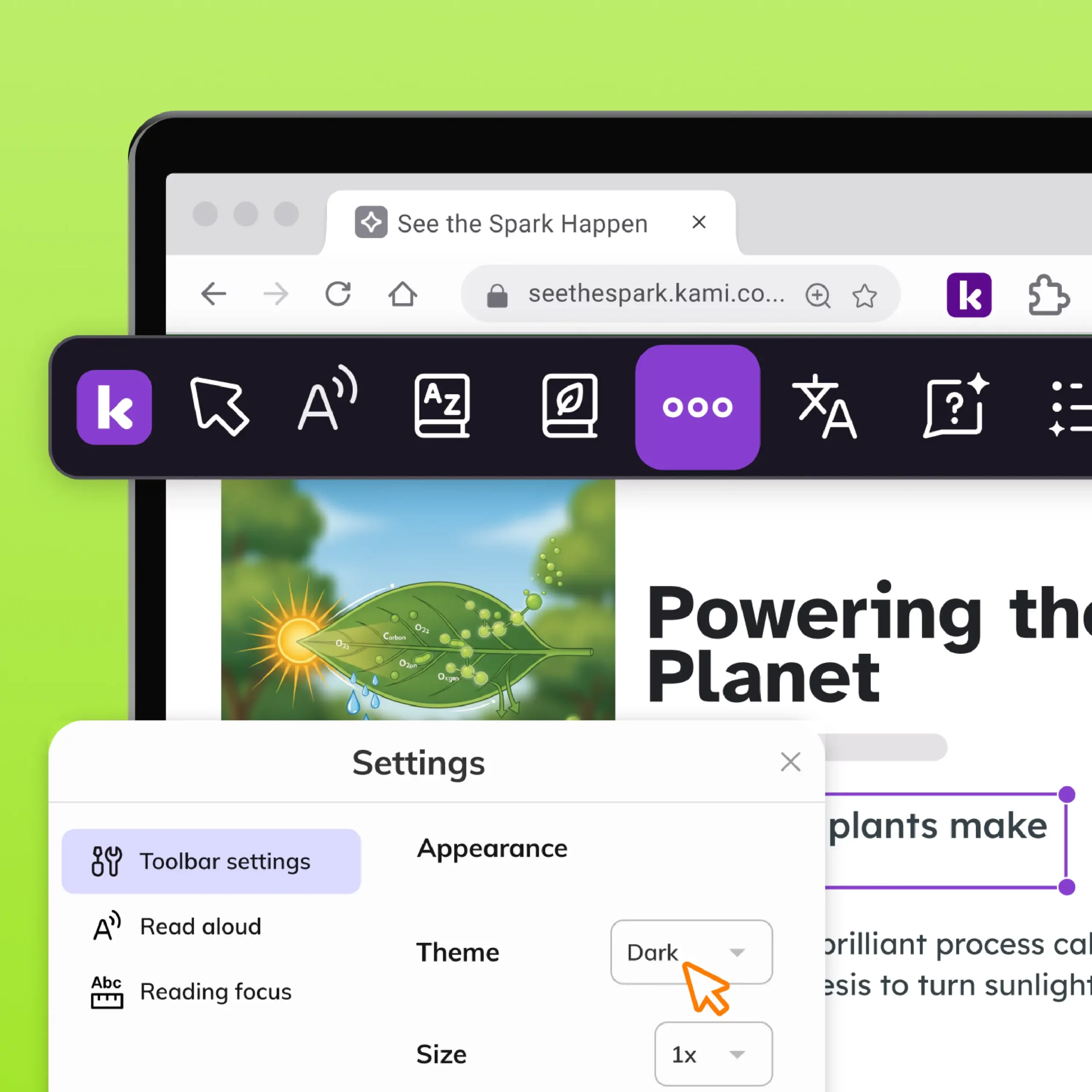
Dark mode
Switches the theme to dark mode for decreased eye strain, designed to accommodate learners who experience visual strain.
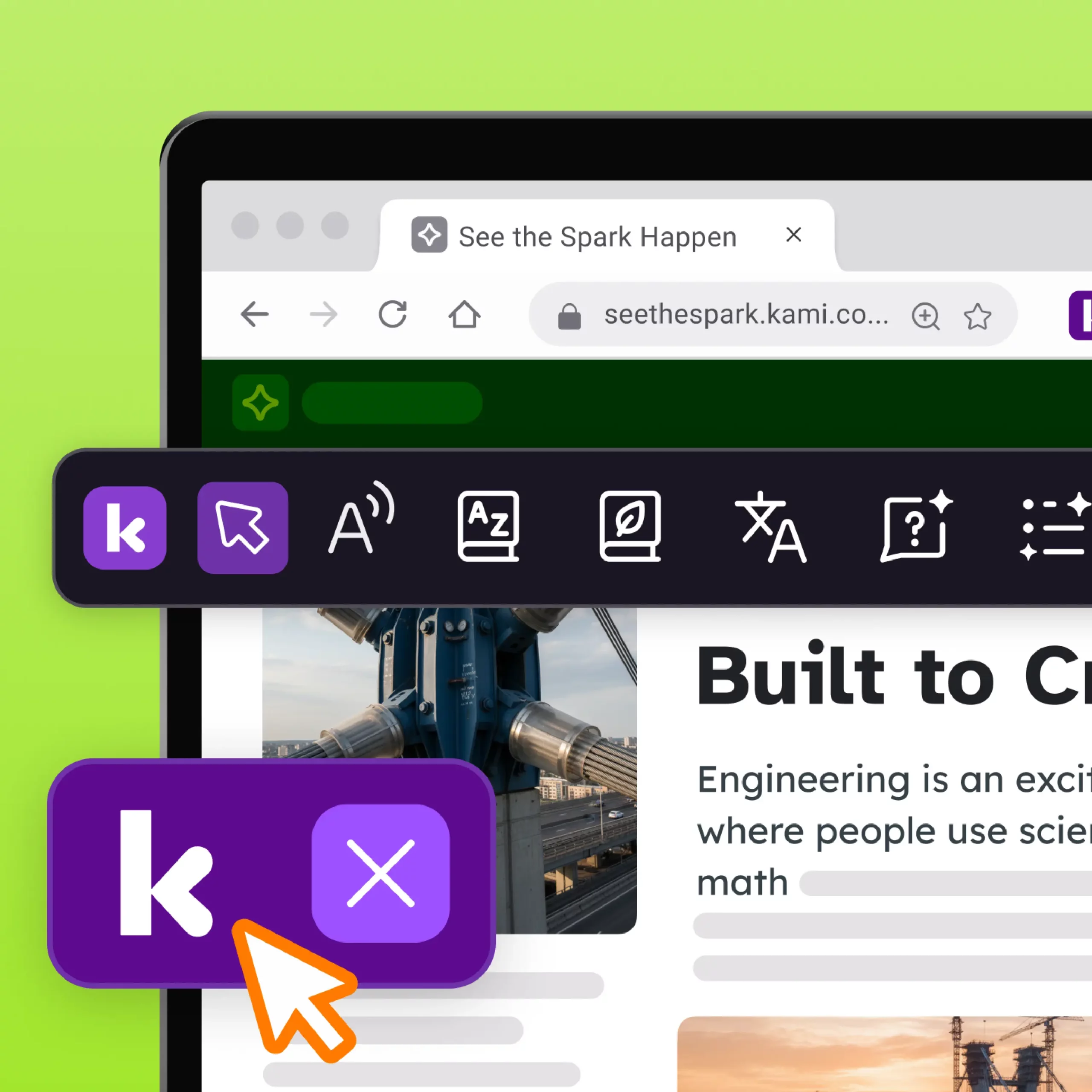
Floating K
Displays a persistent floating icon on screen, reminding students that Kami Companion tools are one click away.
Kami Companion
features for writing
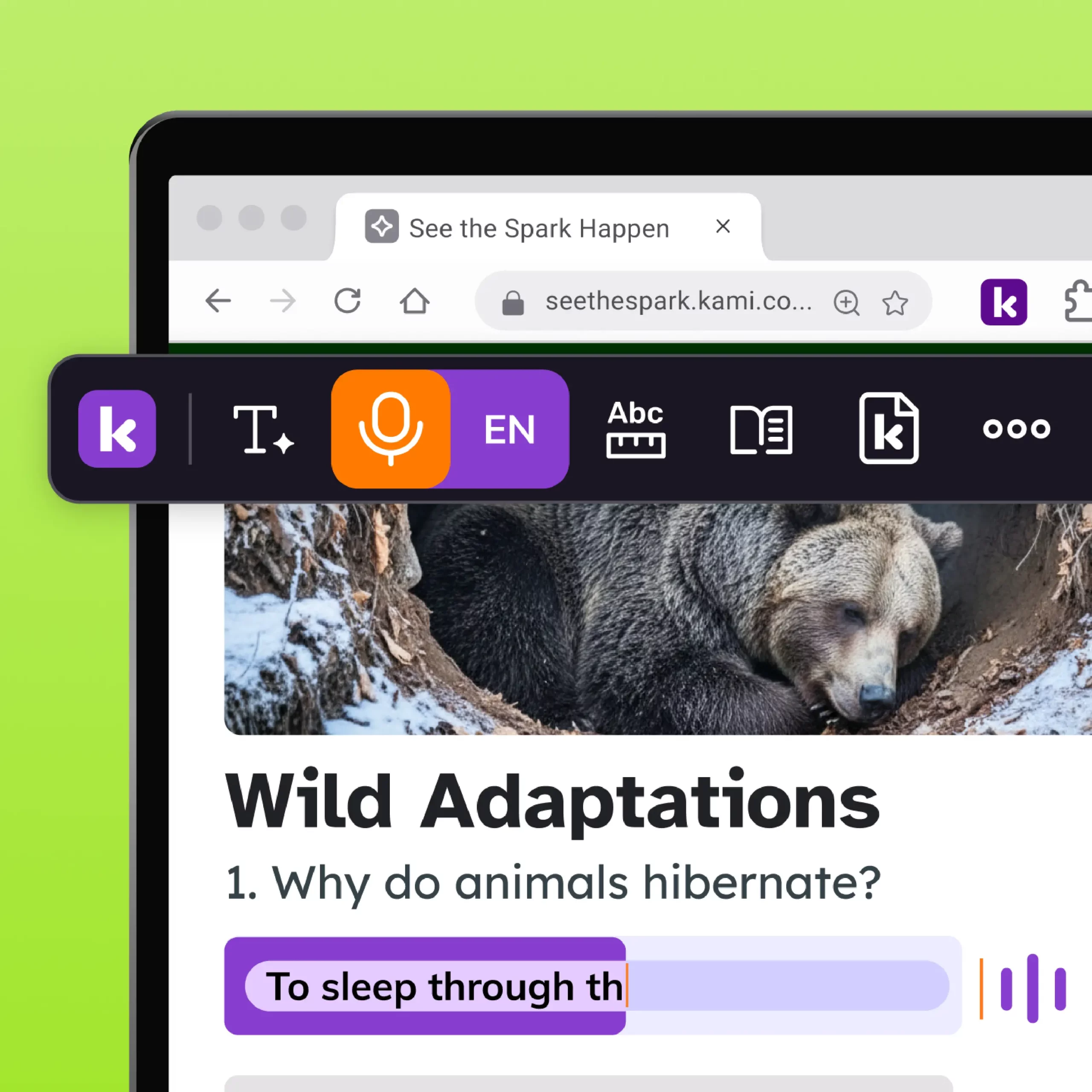
Voice typing
Lets students dictate their ideas instead of typing, giving every learner a way to get words on the page.
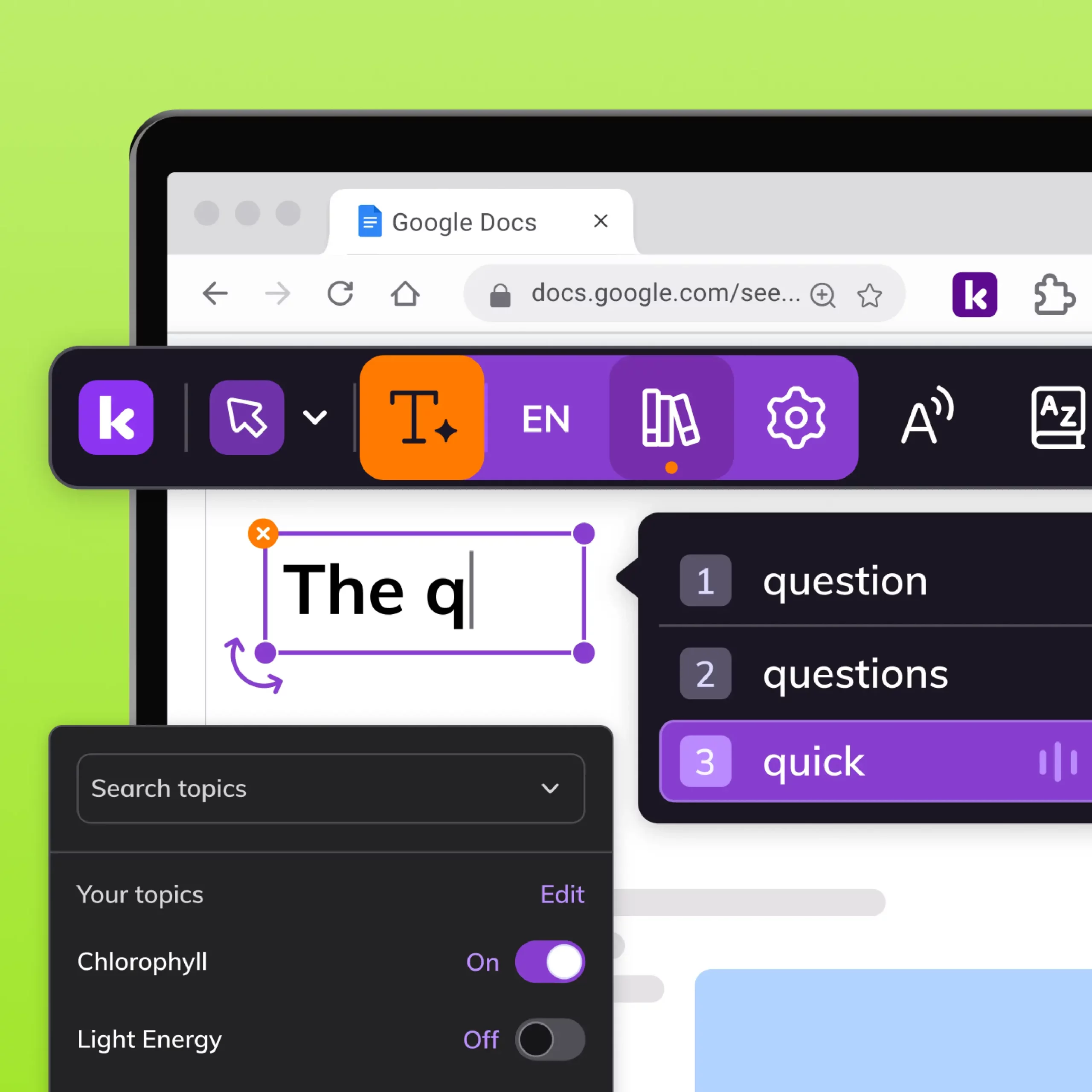
Predictive text
Suggests words based on topic as students type, helping them build vocabulary and write with more confidence and speed.
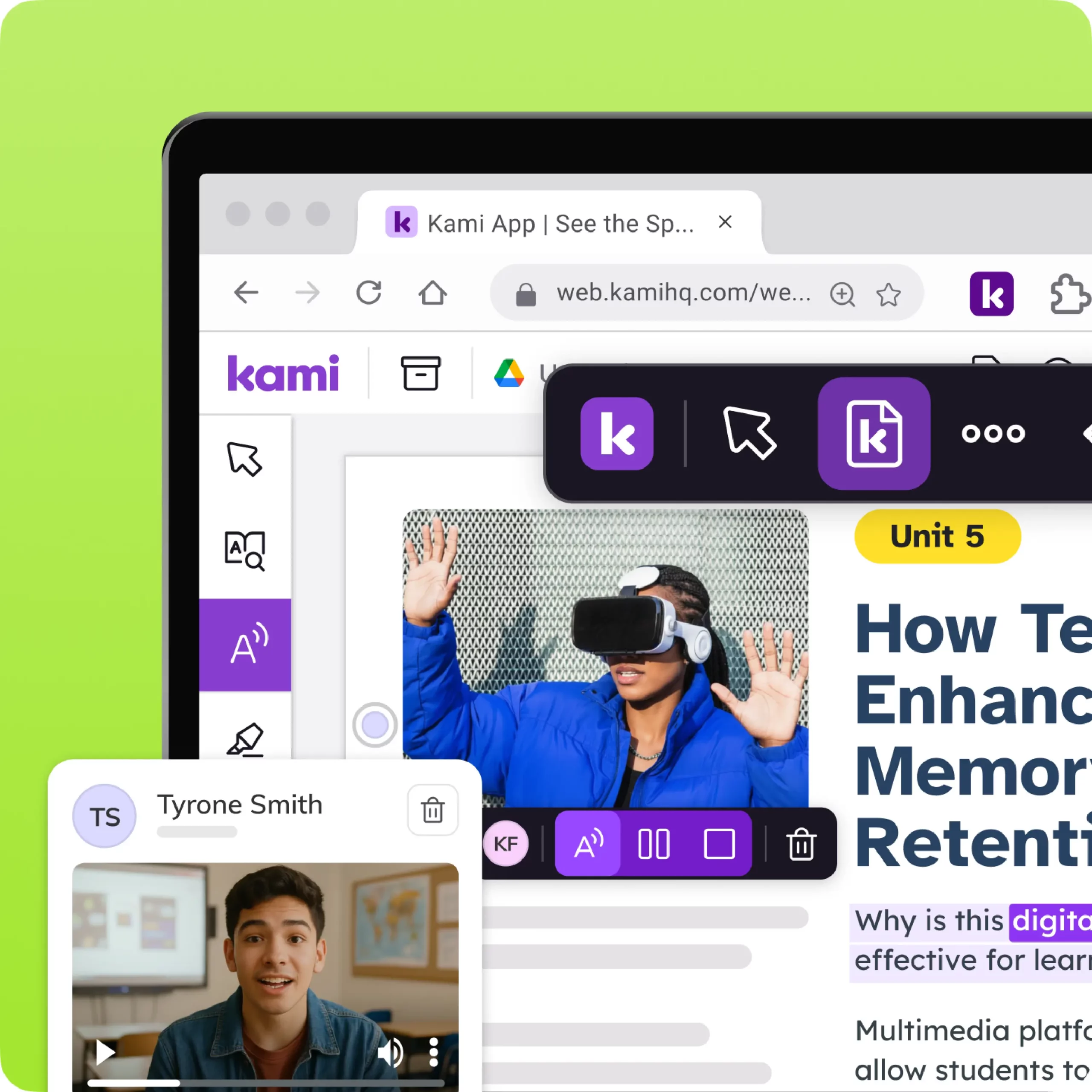
Open with Kami
Adds an ‘Open with Kami’ button across the web, so students and teachers can open files in Kami instantly.
Kami Companion features for
support and administration
Deployment, login, training, and support tools that help schools and districts run Kami Companion.
Dedicated customer manager
Receive personalized guidance and support tailored to a school or district’s needs.
Domain-wide deployment
Deploys Kami Companion across a school or district at once.
Professional development
Access the built-in certification course and webinars to maximize impact.
Trusted by 50+ million teachers and students worldwide








Frequently asked questions about Kami Companion features
Browse our FAQs below, or visit our Kami Companion Help Center for comprehensive guides and troubleshooting support.
What does Adjust do in Kami Companion?
Adjust rewrites web text to a different reading level, giving each student content they can access independently.
Does Kami Companion have a built-in dictionary?
Yes. Dictionary gives students instant word definitions anywhere on the web, without switching tabs or tools.
What does Explain do in Kami Companion?
Explain breaks down complex web text into simpler language on demand, helping students understand content at their own pace.
Can students navigate Kami Companion with a keyboard?
Full keyboard navigation is in development for Kami Companion, targeted for the second half of 2026. Read our Accessibility page for full accessibility roadmap details.
How many languages does Kami Companion support?
Language options support translating content into 100+ languages, so students can engage with material in their preferred language.
What is the picture dictionary in Kami Companion?
The picture dictionary pairs word definitions with visual supports, helping younger learners and multilingual learners build vocabulary.
Does Kami Companion offer predictive text?
Yes. Predictive text suggests words as students type across the web, supporting writing fluency for developing writers.
Can Kami Companion summarize web content?
Yes. Summarize condenses long web articles or pages into short summaries students can use to check their understanding quickly.
How do Kami Companion features compare to Read&Write?
Visit our comparison page for the full answer.