
Digital citizenship resources for two big weeks in October


A student cites a statistic they found on social media. Another shares a classmate’s photo in a group chat without asking first. A third insists an AI chatbot “wouldn’t just make something up.” None of these moments show up on a lesson plan, but they show up in classrooms constantly, and they are exactly what digital citizenship instruction exists to prepare students for.
October gives teachers two back-to-back reasons to make that instruction visible. Digital Citizenship Week runs October 19 through 23, 2026, led by Common Sense Media to promote safe, ethical, and balanced technology use among young people. The following week, October 26 through 30, brings U.S. Media Literacy Week, hosted by the National Association for Media Literacy Education (NAMLE), with a daily focus on accessing, analyzing, evaluating, creating, and acting on media. Together, the two weeks cover the full range of what it means to be a thoughtful, capable digital citizen, from online safety and privacy to spotting misinformation and using AI responsibly.
Below is a set of resources from the Kami library and Book Creator that fit either week, or any lesson on digital citizenship and media literacy throughout the year. And once both weeks wrap up, there is an October activity journal waiting for the last stretch of the month, for classrooms ready to trade digital citizenship lessons for a little seasonal fun.
How Kami and Book Creator work together on digital citizenship
Digital citizenship is easiest to teach when it is practiced, not just discussed. Kami App and Book Creator support that in different ways that complement each other well.
In Kami App, teachers can annotate a source, a screenshot, or a scenario alongside students in real time, then use collaborative tools so students can respond, question, and build on each other’s thinking in the same document. That makes it simple to walk a class through something like a suspicious message or an AI-generated image and talk through what to notice, together, instead of one student at a time.
Book Creator gives students a place to turn that thinking into something of their own. A class discussion about online kindness can become a shared class book. A lesson on password safety can turn into a student-made guide for younger grades. Because the two products connect, a digital citizenship unit can move from guided annotation and discussion in Kami App to independent or small-group creation in Book Creator without switching tools or losing momentum.
Digital citizenship resources from the Kami library
The Kami library’s digital citizenship collection is a good starting point for any grade level. A few standouts:
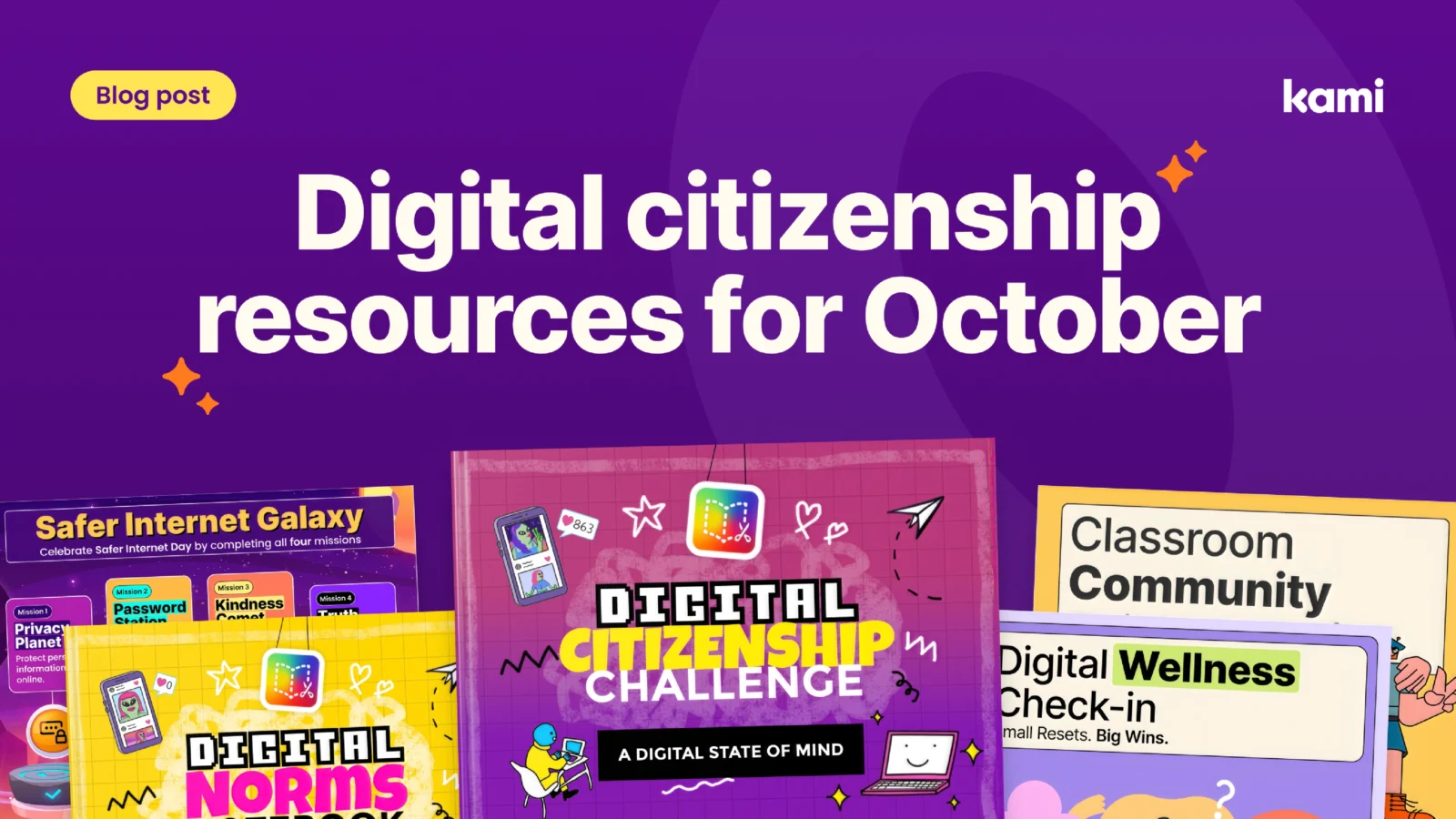
Safer Internet Day digital citizenship galaxy missions. A multi-mission resource that teaches students essential online safety skills, including protecting personal privacy, password security, combating cyberbullying, and identifying “fake news.” It is built for elementary and middle school students and works well for building critical thinking and responsible online behavior through hands-on tasks. View the resource.
Digital wellness check-in: screen time and mindfulness activity. A six-page interactive workbook built around three “Feeling Guides” that help students understand digital balance, focus, and emotional regulation online. Students work through “Quick Moment” tasks to identify digital triggers, manage distractions, and build a personalized digital reset plan. It fits well in middle and high school advisory periods or standalone digital citizenship lessons. View the resource.
Classroom community builder. A four-page, Kami-ready activity that strengthens classroom community before students head into more serious digital citizenship conversations. Students partner up to interview each other about their group work strengths, then combine what they learn to design a creative digital poster together, practicing active listening, role assignment, and problem-solving along the way. View the resource.
Book Creator resources for digital citizenship
Book Creator’s collection covers digital norms, wellbeing, and the newer territory of AI literacy:
- Digital norms, elementary. A starting point for younger students to build shared expectations for online behavior.
- Digital norms, secondary. The same conversation, reframed for older students navigating more complex digital spaces.
- Digital wellbeing journal. A reflective tool students can return to throughout the year to check in on their own digital habits.
- What is AI activity book. An approachable introduction to AI for students who are already using it, whether or not their teachers know it yet.
- Profile of an AI-ready graduate. A resource that frames AI literacy as a long-term skill set rather than a single lesson.
- Digital citizenship challenges with WeWillWrite. A set of challenges available in the full digital citizenship library on Book Creator, built for students to work through independently or in small groups.
For students who benefit from more concrete, step-by-step supports, Book Creator also has social stories for caring for school devices, covering laptops and tablets. These are useful across grade levels, particularly for students in special education settings who need clear, predictable expectations spelled out.
Bringing media literacy into the same lessons
Media Literacy Week is a natural extension of everything above, since evaluating a source is its own kind of digital citizenship skill. A few ways to fold it in using the Kami family:
Use Kami App’s annotation tools to slow students down on a single article, image, or social post. Highlighting claims, circling the author or publication, and adding comment threads about bias or missing context turns a quick scroll into an actual evaluation.
Use Book Creator for the “create” side of media literacy. Once students can identify what makes a source credible or a claim questionable, have them build their own media, a fact-check page, an annotated infographic, or a short guide for younger students on spotting misinformation. Creating media with intention is one of the fastest ways to understand how it is made and how it can mislead.
Use Kami Companion to make the reading side of media literacy accessible to every student in the room. Built-in read-aloud, translation, and reading level supports mean a multilingual learner or a student who struggles with dense text can engage with the same news article or source material as their peers, at the same time, without a separate assignment or extra intervention from the teacher.
None of this requires a special unit. A single week built around real skills, real sources, and real student work does more than a poster on the wall ever could.
Blogs you may also like
Back-to-school activities for elementary students that build community fast

Kami Customer Story: How Comal ISD won teacher buy-in
Back to school activities for secondary students that earn buy-in fast