Model instruction with confidence, own the screen-time conversation
PD-ready resources, defensible AI guardrails, and evidence of sustained classroom adoption.
With Kami you can walk into a room of teachers, or a leadership meeting, and speak with authority.


The pressure on instructional coaches
When evidence doesn’t keep pace with instruction, the question stops being what a tool does and becomes what it can actually prove.
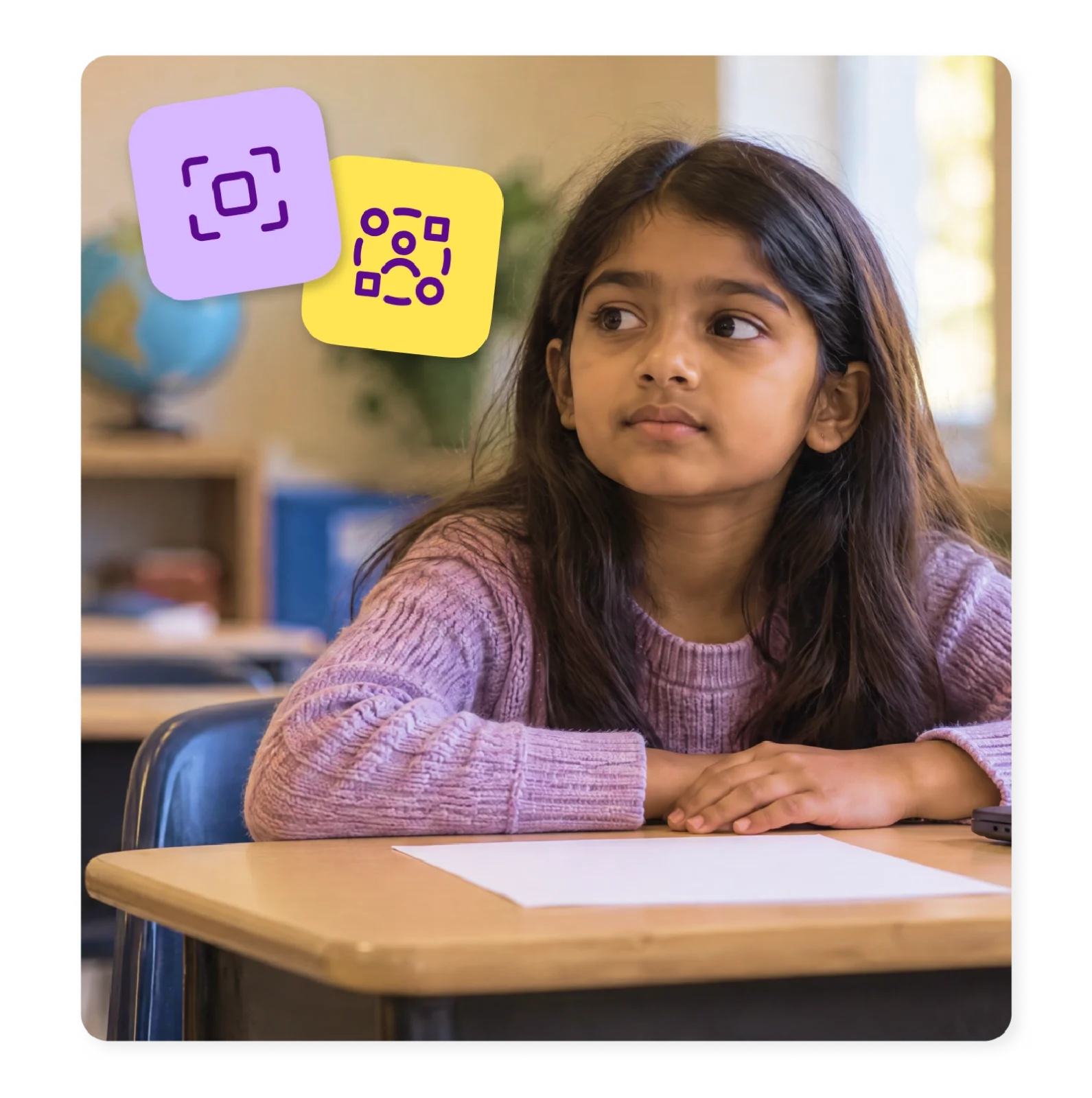
Expected to model redefinition, not just substitution
A new tool is supposed to transform a task, not just move the same worksheet onto a screen, and you’re the one who has to show teachers the difference.
Keeping recommendations consistent across every school
A support that works well in one building has to hold up the same way in the next one, without a separate setup step per school.
Proving adoption is sticking, not just spiking after training
Leadership wants evidence beyond launch-week enthusiasm, and that evidence doesn’t build itself.
Substitution or transformation?
A family of apps, each built around a different part of the same classroom day
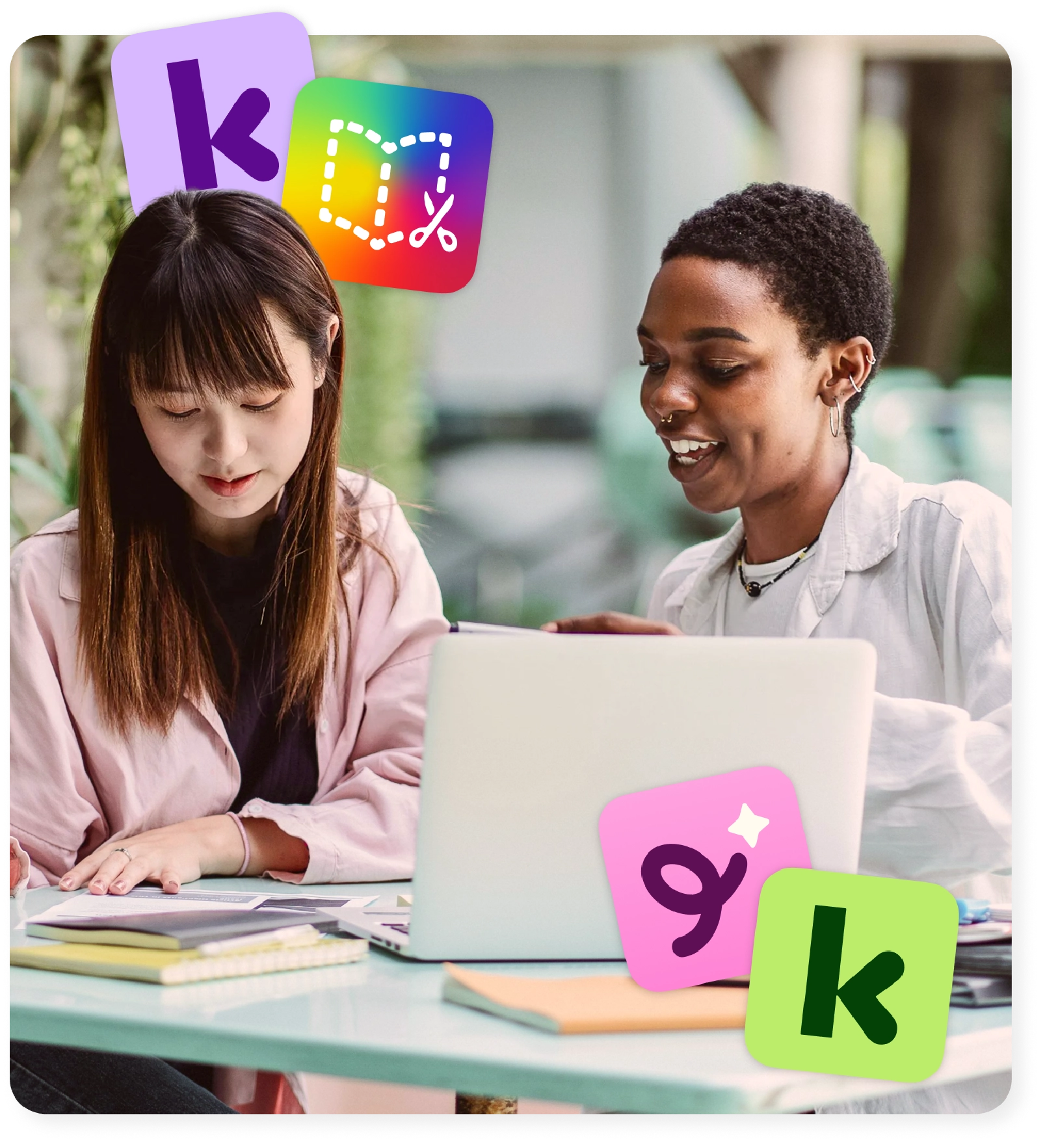
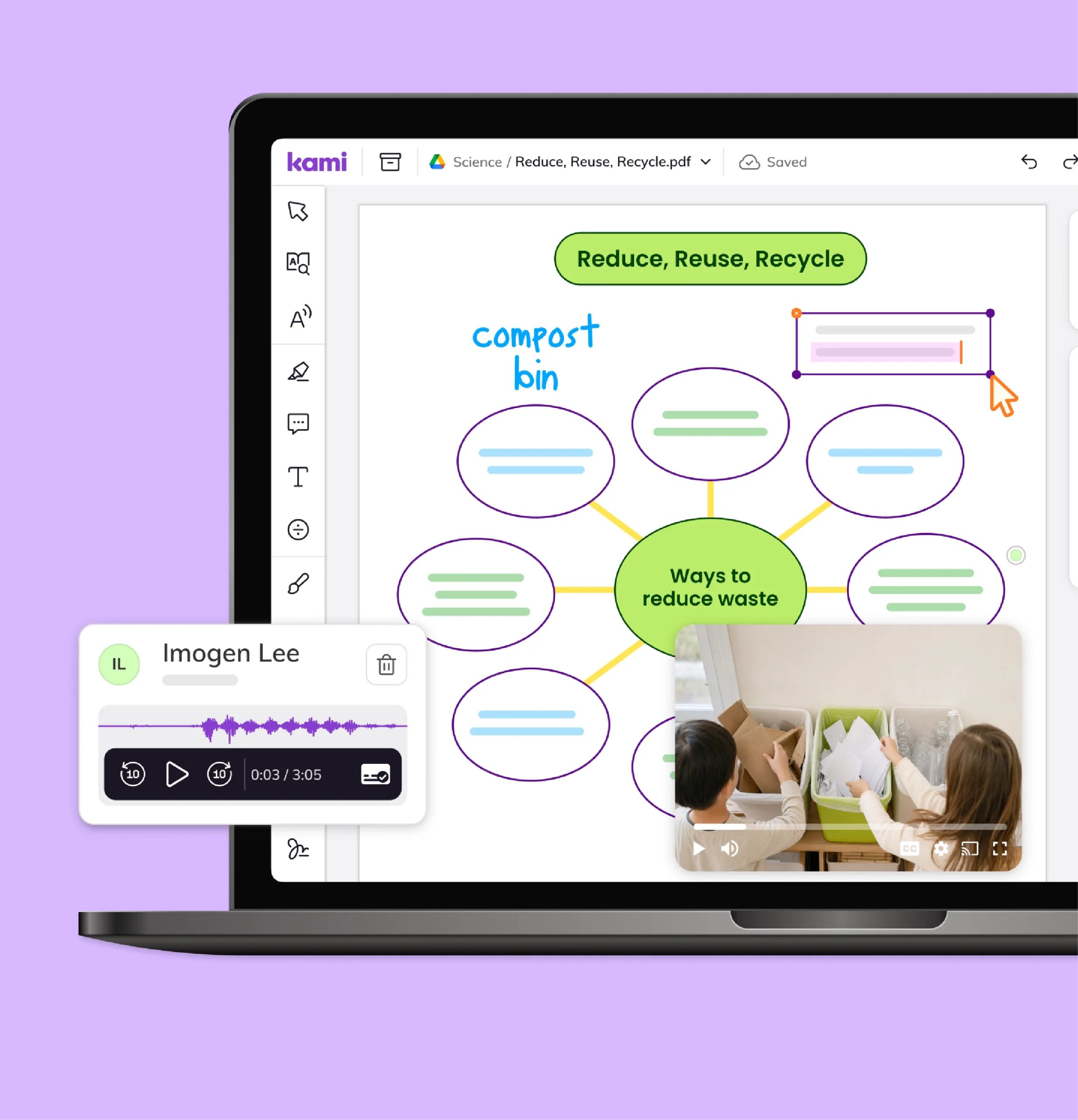
Kami App
AI-assisted feedback in Kami App supports a teacher’s judgment rather than replacing it, giving you a defensible example the next time a teacher asks what’s allowed.
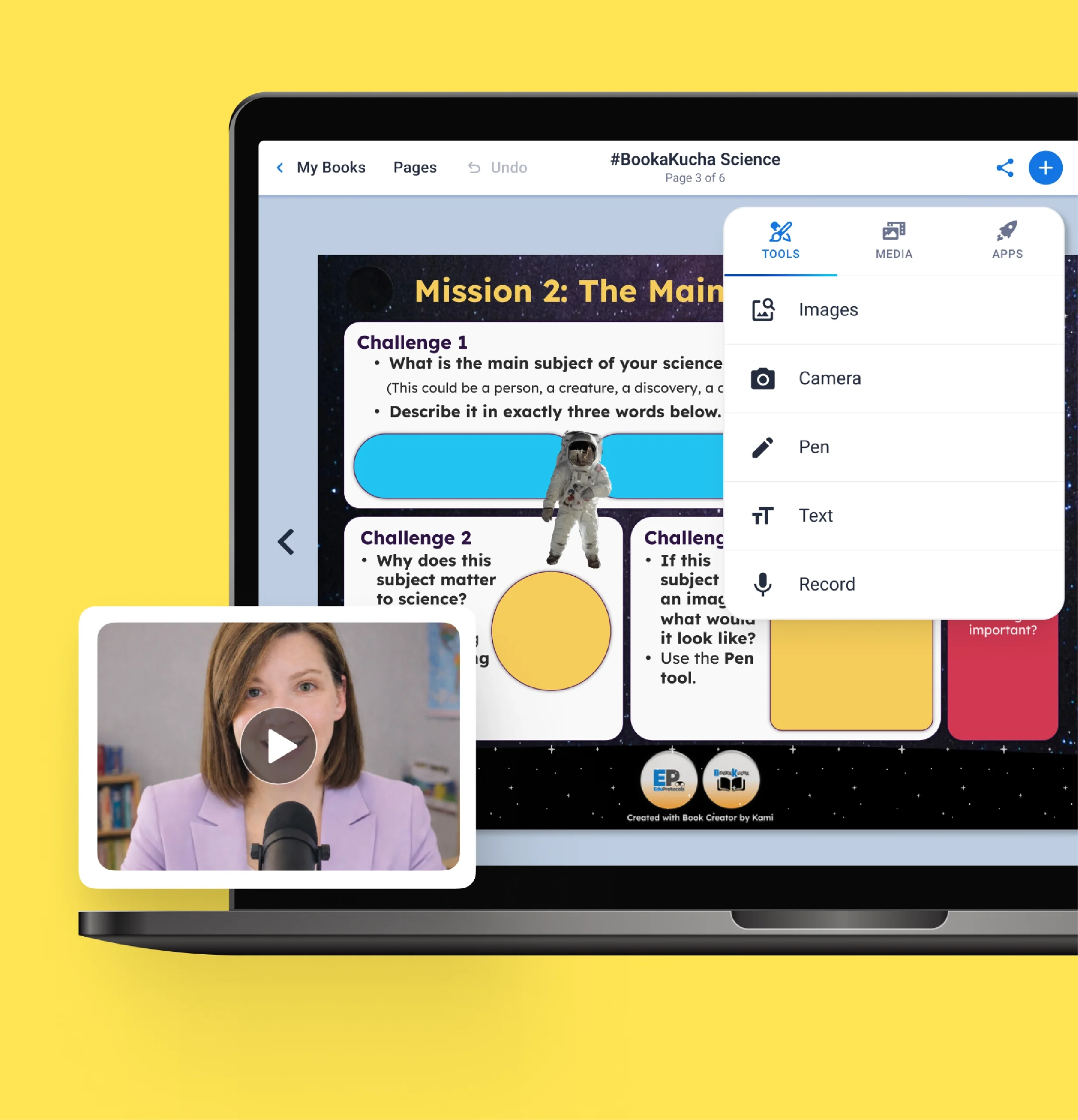
Book Creator
Lets students create and reflect in ways a worksheet never could, combining writing, voice, video, and drawing on a canvas certified for Universal Design for Learning by CAST.
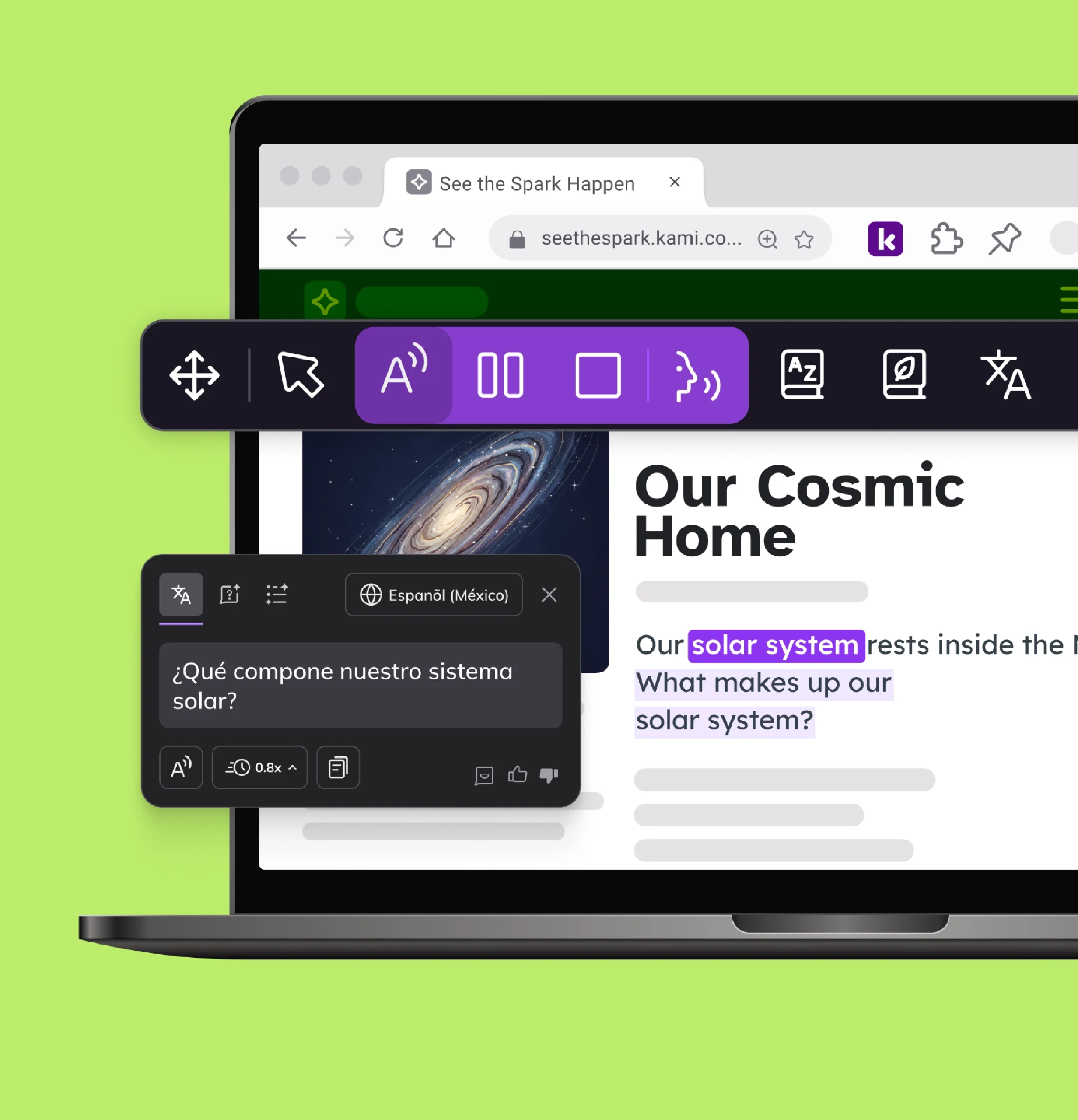
Kami Companion
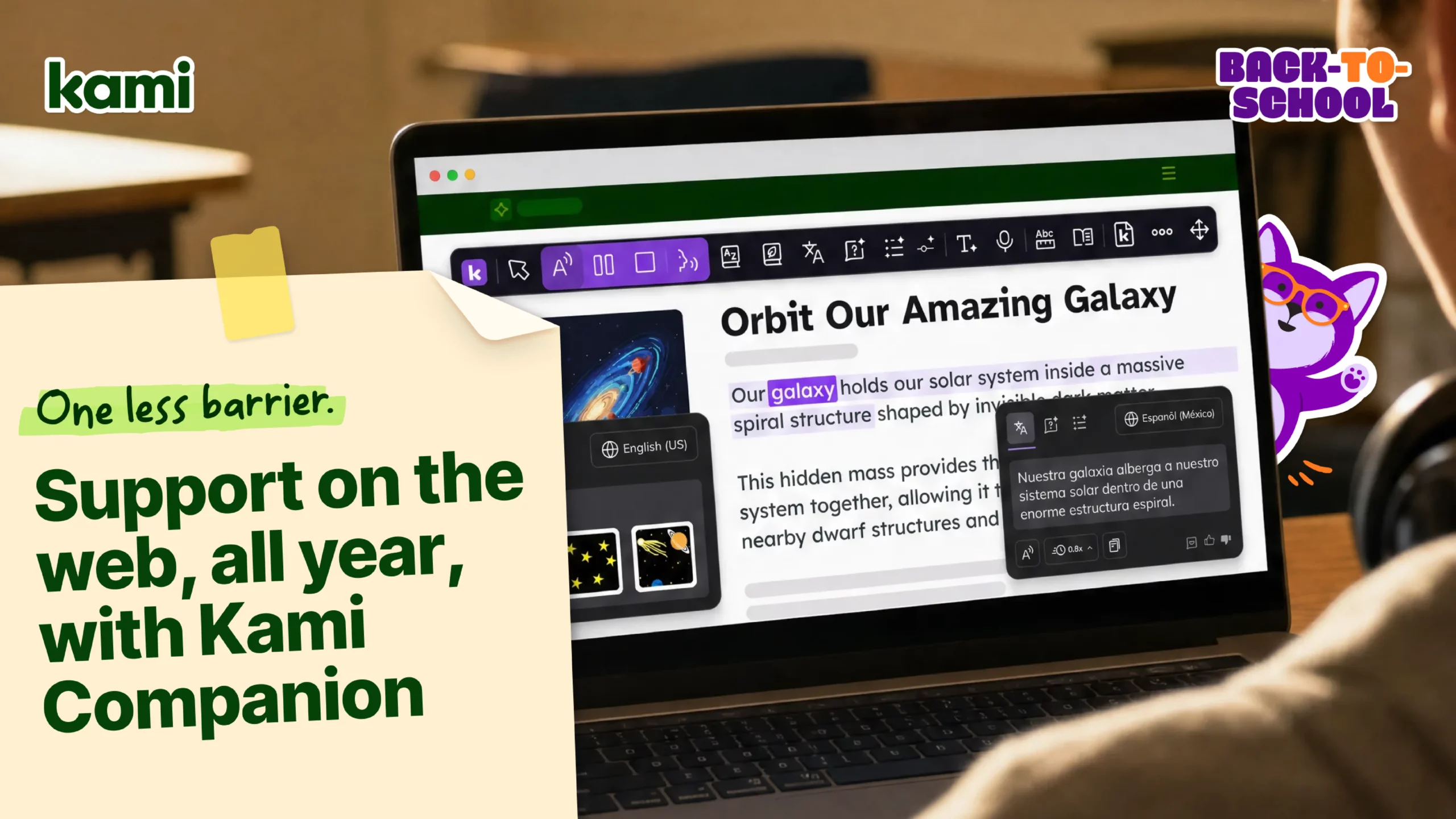
Brings read aloud, voice typing, screen masking, and translation into web-based learning by default, so the differentiation supports you recommend hold up the same way across every school, without a separate configuration step per building.
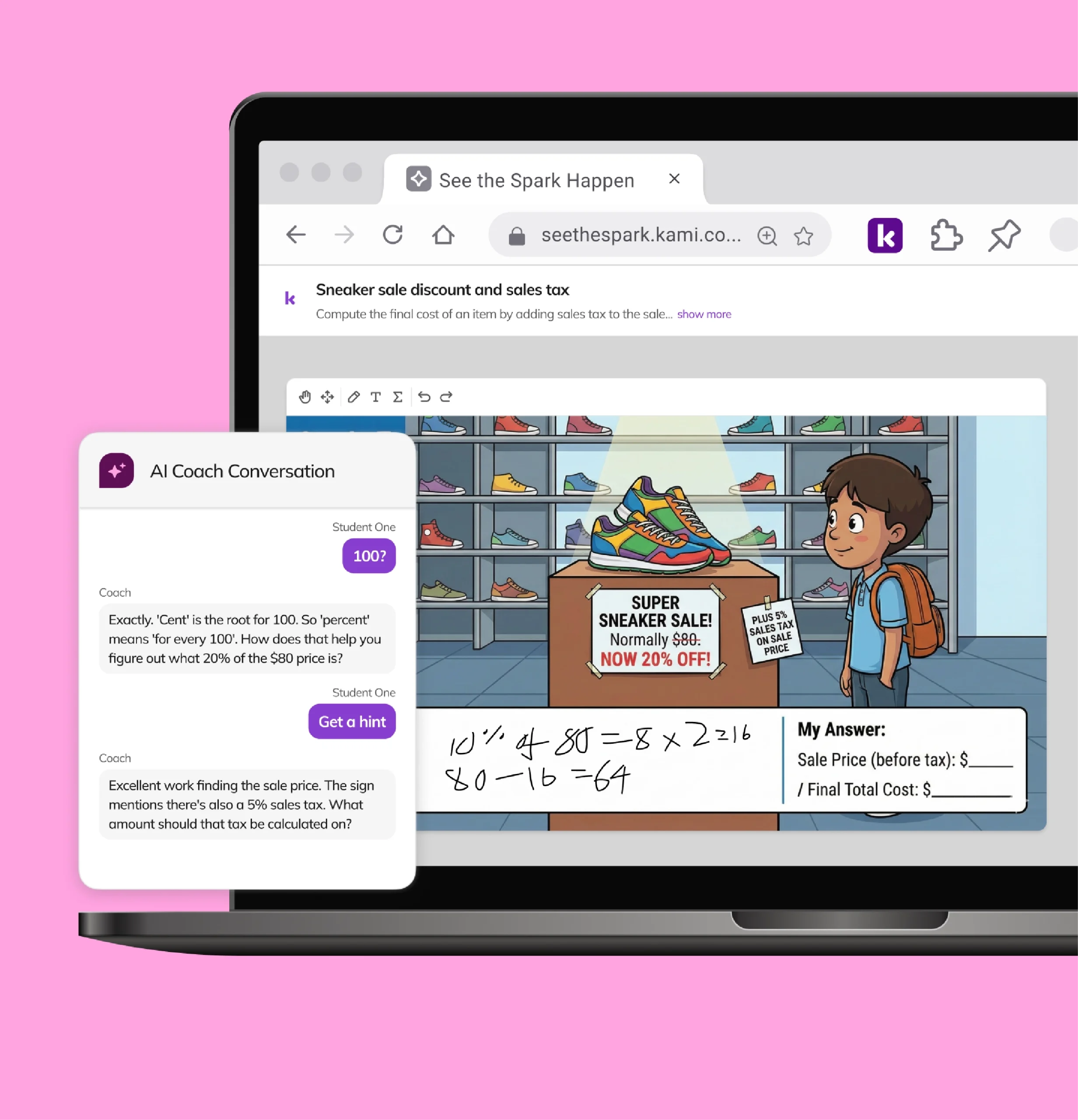
Kami Coach
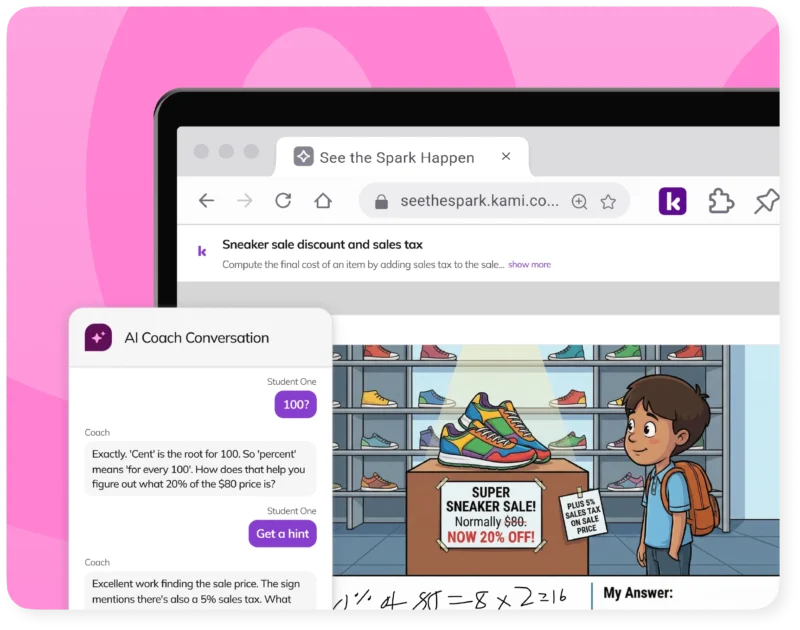
Built around guided hints grounded in a student’s own reasoning rather than a handed-over answer, giving you a working model of defensible AI use to point to in a PD session.
Example workflows
Enhance your planning, grading, and assessment processes so you have more time for the important things.
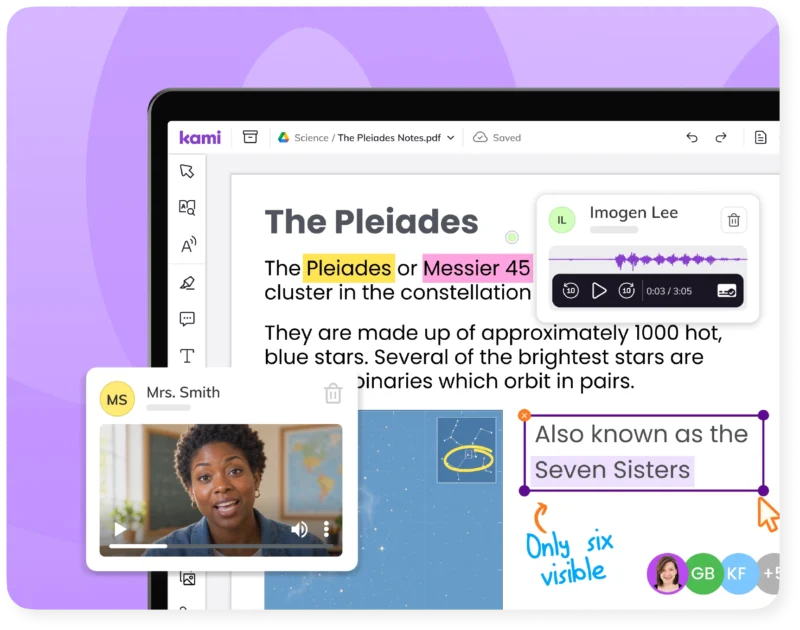
Modeling redefinition in a PD session
Kami App turns a static PDF into live annotation and feedback, giving you and a teacher something to monitor in real-time.
Bringing evidence to a leadership walkthrough
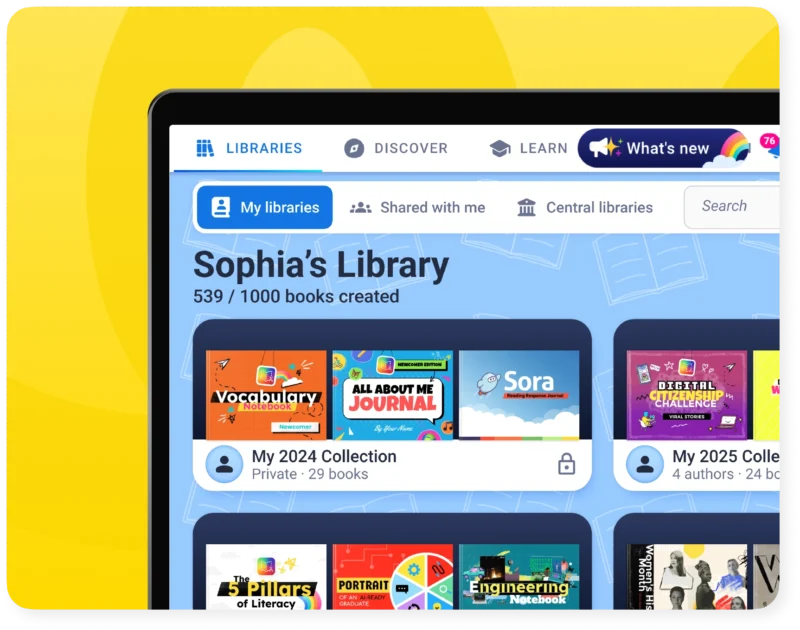
Book Creator portfolios give you an artifact that shows sustained use over a semester, not just a spike after training day.
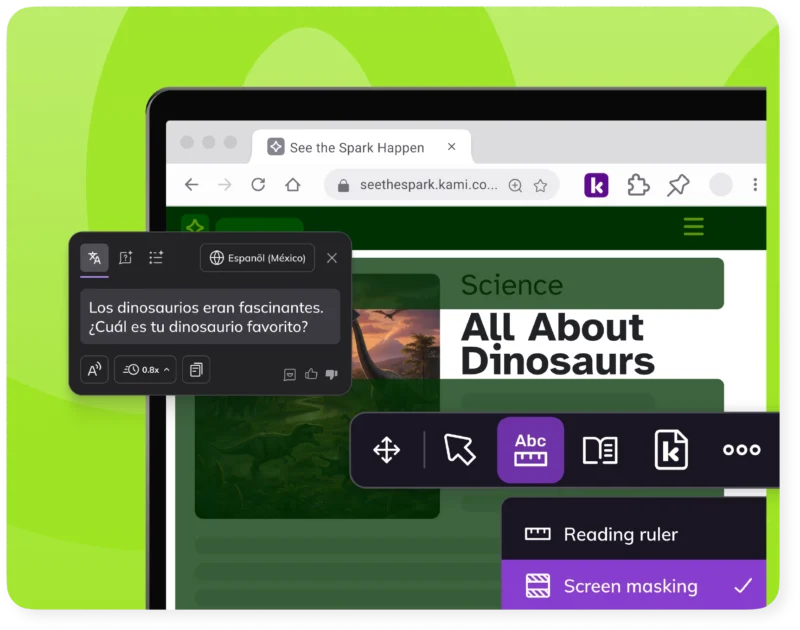
Recommending the same supports in every building
Kami Companion’s default read aloud, voice typing, screen masking, and translation mean your recommendation holds up the same way from one school to the next, without a separate setup per building.
Answering "can we use AI for this?" on the spot
Kami Coach’s guided-hint approach gives you a working example of AI that supports a student’s reasoning instead of replacing it.
Explore by use case
Visible
See how every student is doing while they’re learning, not after. Kami’s AI-powered tools turn everyday assessments into engaging materials that give you real evidence of learning.
Accessible
With Kami, every student can work from the same lesson, at the same pace. Built-in supports for language, reading, and math help every learner fully participate.
Meaningful
Learning sticks when students collaborate, create, and think for themselves. Kami supports authentic work in class and online, building skills students carry well beyond the lesson.

Resources for instructional coaches
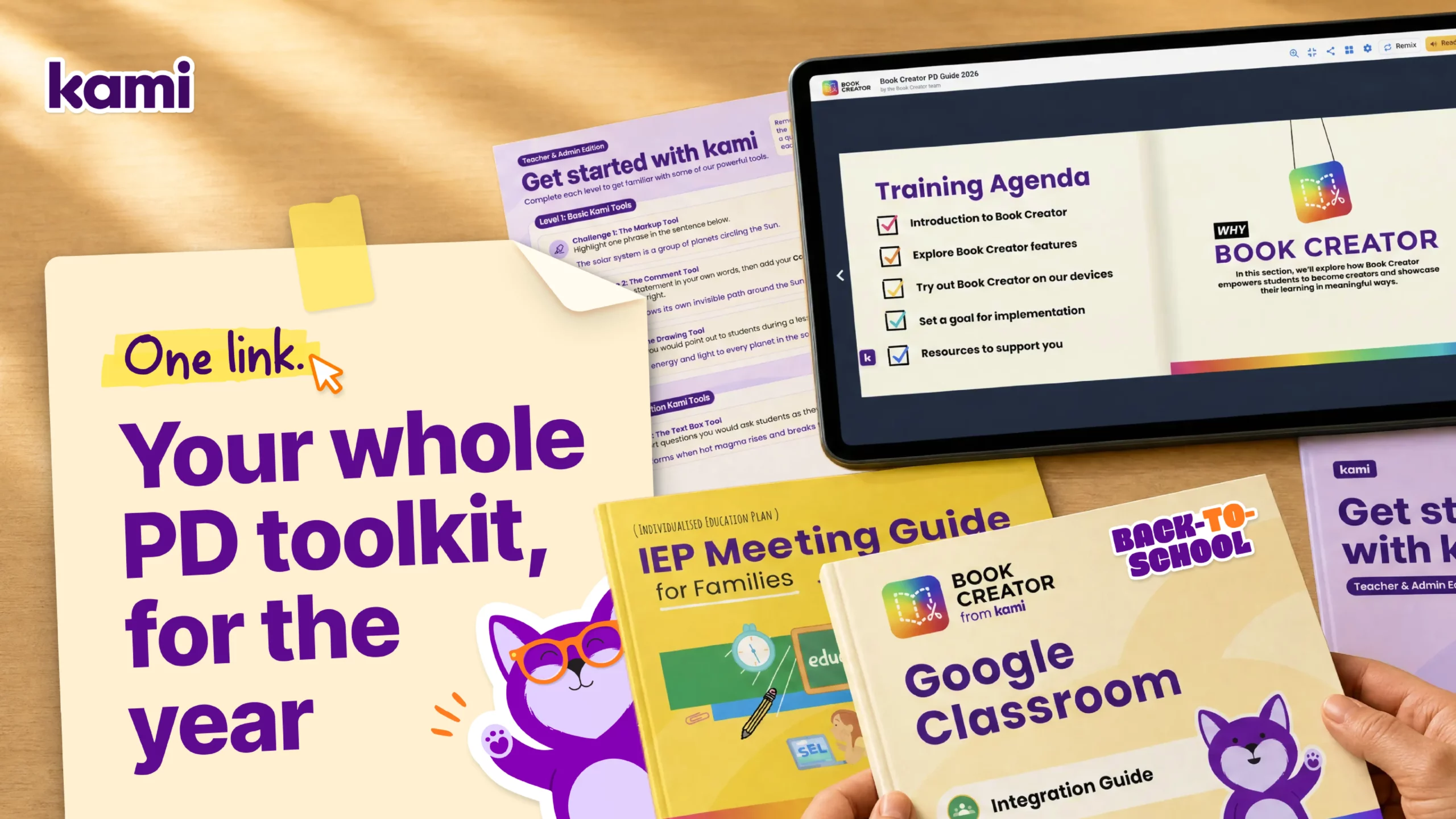
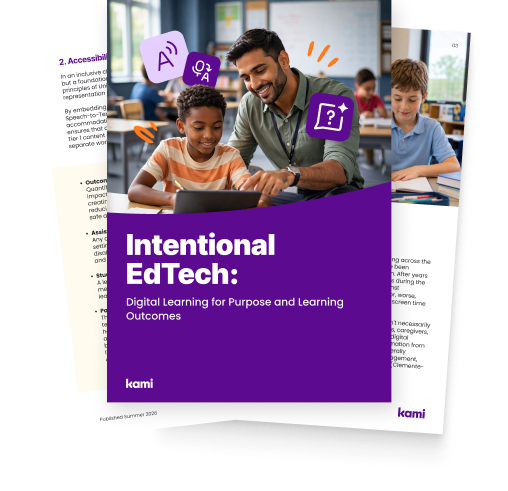
Get the coaching toolkit
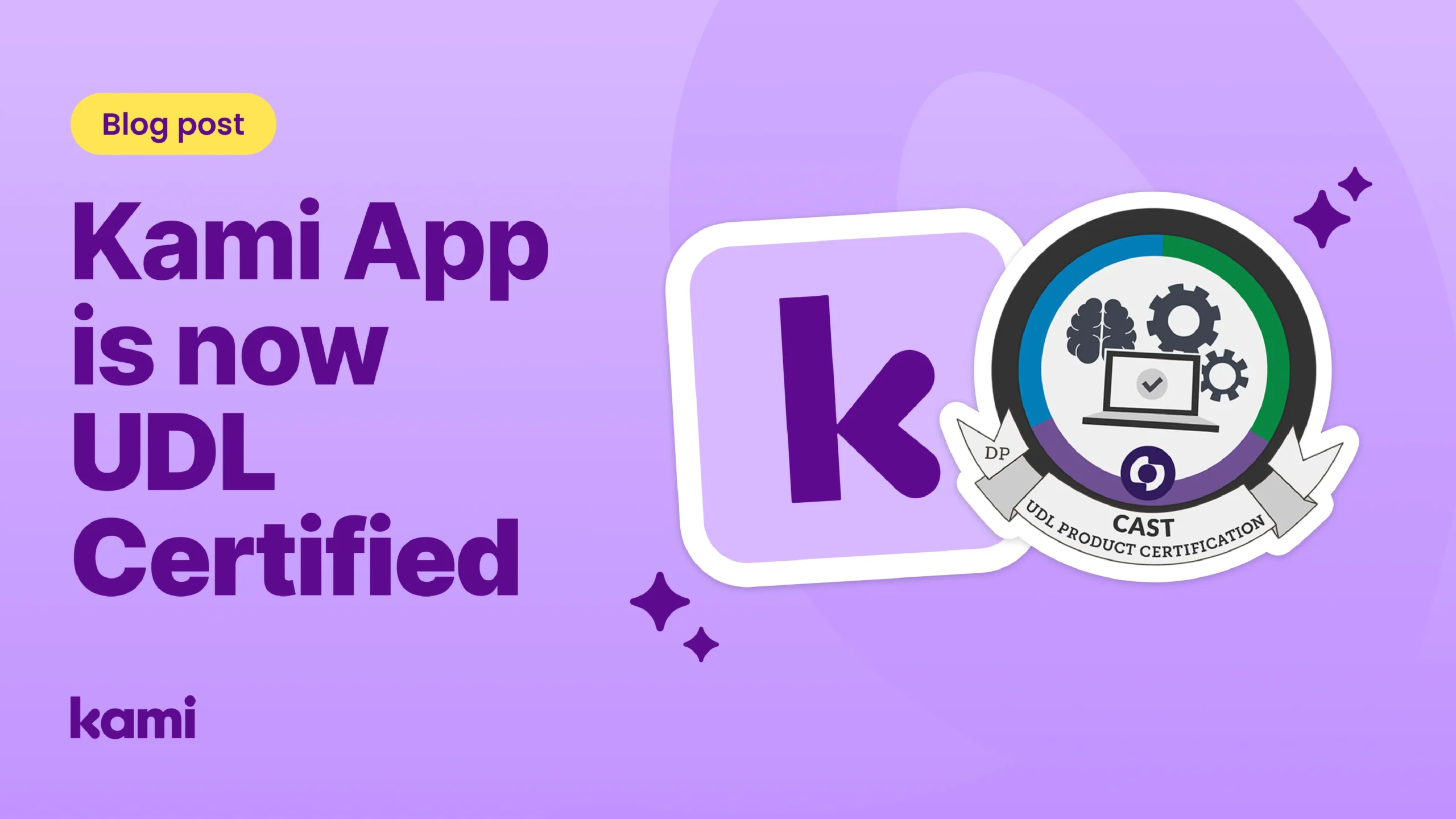
Kami app is now UDL certified
Differentiated instruction: How Kami builds student confidence
Frequently asked questions
Browse our FAQs below, or visit our Help Center for comprehensive guides and troubleshooting support.
How does Kami help me answer teacher questions about AI use?
Kami’s AI features are built around teacher judgment and clear guardrails coaches can explain. See Kami App, Book Creator, and Kami Coach for how each one handles AI, and Kami’s responsible AI commitment.
Does Kami provide ready-made PD or implementation resources?
Yes. Lesson frameworks, coaching guides, and walkthrough tools come built in across Kami App, Kami Companion, and Book Creator. Coaches can also use the SAMR model to talk about moving from substitution toward redefinition.
How do I show leadership that adoption is sticking, not just spiking after training?
Usage data in Kami App, learning moments in Kami Companion, and portfolios in Book Creator give ongoing evidence of use over time.
Can I recommend the same accessibility supports across every school I coach in?
Yes. Accessibility supports are built in by default in Kami App and Kami Companion, so the same supports are available in every school.
What support is available once teachers are past onboarding?
Kami offers quick-start guides, short courses, and the free Kami Certified Educator pathway. Talk to our team about ongoing support for your schools.
See the spark happen.