
Writing that gets read: evidence-based writing instruction in a real classroom

Most teachers know the folder. It holds a stack of drafts, a few rubrics, and some final copies that took students hours to write. The teacher reads them. Maybe a few make it home to the refrigerator. Then the folder goes in a drawer, and the writing has had an audience of one.
That folder is a quiet problem for evidence-based writing instruction. Students revise more carefully, cite more honestly, and think harder about their readers when they know someone other than the teacher will read the work. The research has been saying this for years. The harder part is building it into a real week, with real students, and into a curriculum that’s already full.
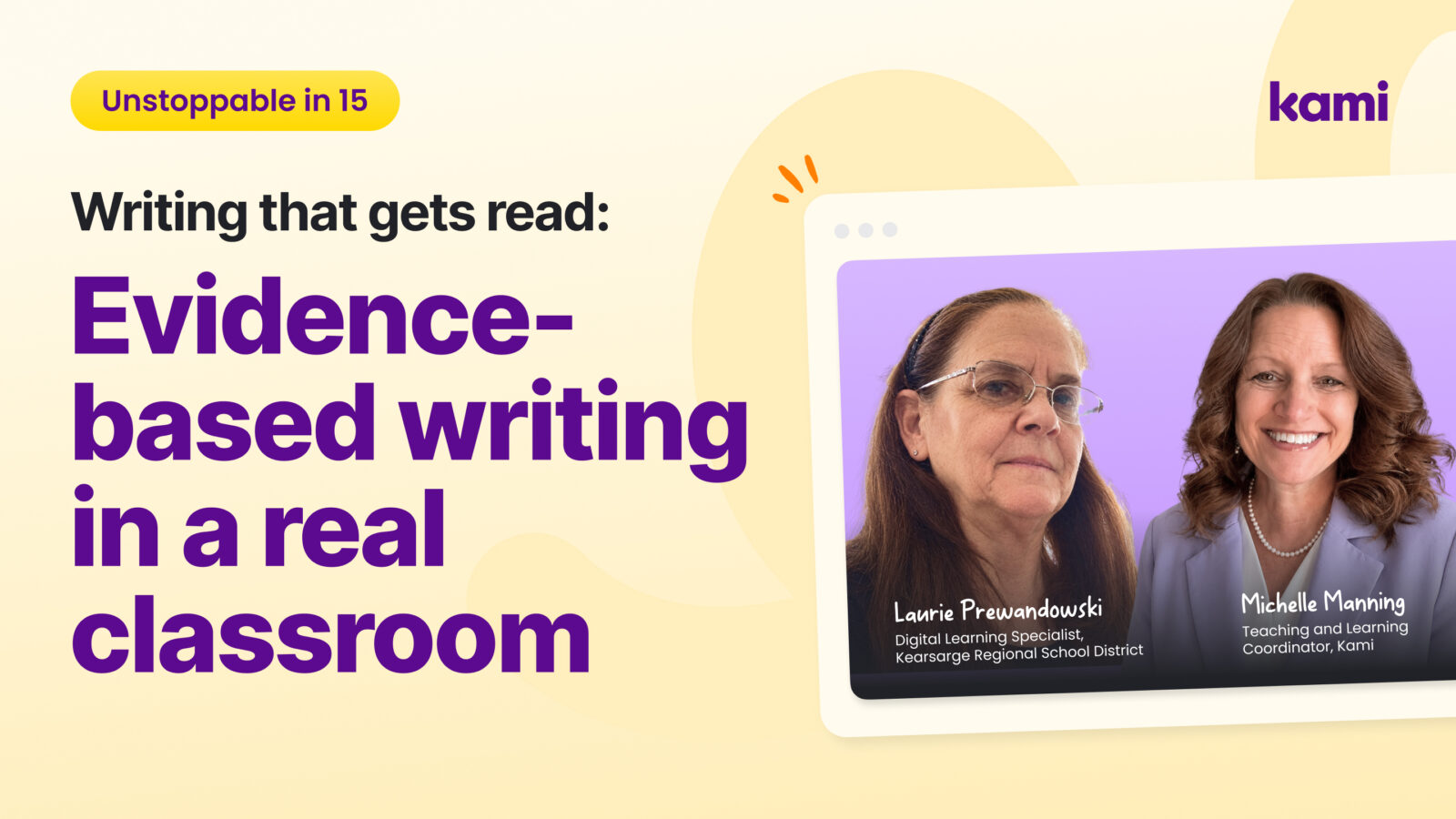
In a recent Unstoppable in 15 episode, Michelle Manning, a Teaching and Learning Coordinator at Kami, sat down with Laurie Prewandowski, a Digital Learning Specialist in New Hampshire, to walk through one classroom project that does exactly that. This 15-minute conversation shares her lesson, why it lines up with the research, and classroom-ready ideas you can try this week.
What evidence-based writing instruction asks of teachers
New Hampshire educators have a new evidence-based writing initiative on their desks this year. The conversation started there, but the research behind the initiative isn’t a state policy. That research comes from the Institute of Education Sciences (IES) practice guide Teaching Elementary School Students to Be Effective Writers, which makes four recommendations:
- Provide daily time for students to write.
- Teach students to use the writing process for a variety of purposes.
- Teach students to become fluent with handwriting, spelling, sentence construction, typing, and word processing.
- Create an engaged community of writers.
The guide was written for grades 1 through 6, and the strongest evidence sits behind the second recommendation, teaching the writing process. But none of these ideas stop working in middle or high school. They describe what good writing instruction has always looked like, at any grade.
The Regional Educational Laboratory Program also built a free toolkit to support evidence-based writing instruction around the guide. It breaks the writing process into seven components: planning, drafting, sharing, evaluating, revising, editing, and publishing. It also makes a point worth holding on to. Writing isn’t linear, and students should be able to move back and forth between those components as they work.
If you teach writing, one of these recommendations is probably taking most of your energy right now. It might be finding daily writing time, getting students past a first draft, helping students who struggle to get words on the page, or finding a real audience for their work. Laurie had the same list. Here’s what she did about it.
One classroom: a colonies project in U.S. history
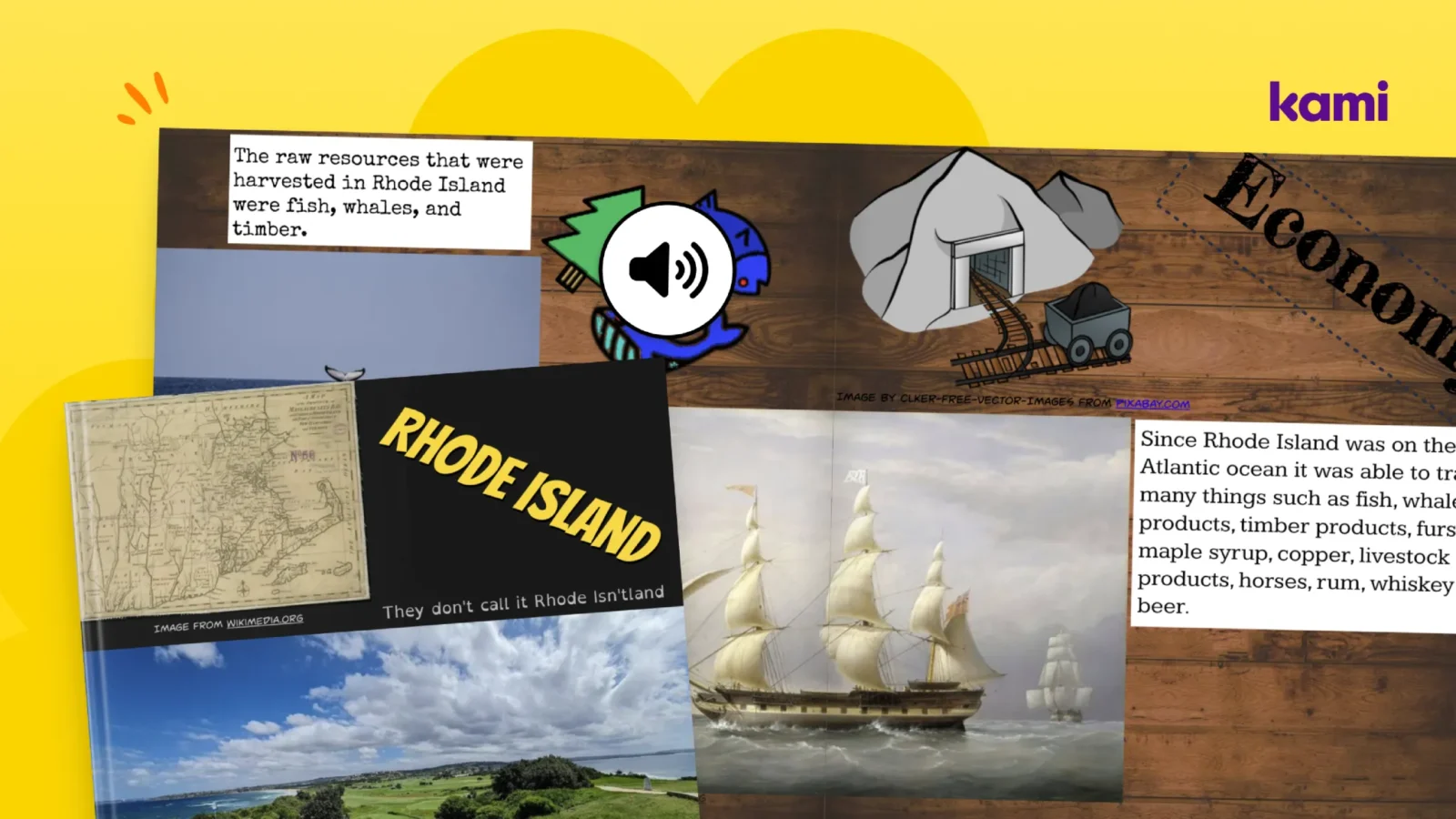
The project came from a high school U.S. history class. In the past, a colonies unit might have ended with a poster or a mock newspaper article. This time, students built a book in Book Creator.
The premise gave the writing a purpose. Each student was down at the dock, trying to convince settlers to choose their colony. They needed a slogan, a period-accurate map, at least one authentic image, and a book that made the case.
The research week
Before anyone opened Book Creator, students spent the week researching. They worked from a scripted outline in a Google Doc, with a box for each section of the book. Every box had to be filled with complete sentences, an in-text citation, and the source the information came from.
Laurie’s team asked students to write a full script, even for the parts they planned to record as audio. They also told students not to fill every page with text. “Those don’t make for good books,” Laurie said. The script was where the thinking happened. The book was where it went public.
This is where Kami fits naturally. Students can open the same Google Doc in Kami to annotate sources, mark up a mentor text, and give a classmate feedback without changing the original file.
The book
Each book moved through the colony’s geography, economy, culture, government and religion, and ended with a final pitch. Students wrote short, accurate snippets for each section, then used images, maps, drawings, and audio recordings of their own voices to carry the rest of the story.
The final pitch was the synthesis. Everything students had researched had to come together into one argument: this is why you should come here.
Students also paid close attention to design. Many built images and layouts that stretched across a two-page spread, which meant working on one half of the page at a time without seeing the whole thing until it went full screen.
The audience
This is the part that changed the writing. Students shared their books with the class, and classmates read them and voted on which colony they would join. Then each student presented, flipping through their own book on the smart board and playing their audio while the class read along.
After each pitch, classmates gave feedback. “I would come to your colony because you said this.” “I didn’t, because of this.” The writing had readers, the readers had a job, and the writers heard what landed.
How the project maps to the IES writing recommendations
The colonies project wasn’t designed as a checklist of research recommendations, but it’s worth noticing how well it lines up.
Daily time to write. The research week gave students sustained, daily writing time inside a content-area class, not only in ELA. The toolkit encourages exactly this kind of writing across subjects.
The writing process for a real purpose. Students planned in the outline, drafted in complete sentences, shared and revised based on feedback, and published a finished book. The purpose was persuasive, and the audience was their peers.
Fluency and multiple ways in. Typing, speech-to-text, and audio recording gave students more than one way to get their thinking out. Students who find traditional text entry slow, tiring, or challenging could still show what they knew, which keeps the focus on ideas first and mechanics second.
An engaged community of writers. Classmates read, voted, and responded. Publishing wasn’t the last step before a grade. It was the start of a conversation.
What surprised the teacher
Two things stood out to Laurie. The first was effort. Students spent real time making their books work as books, lining up visuals across pages, adding icons, drawing by hand, and recording their own narration. “Kids like to talk more than they like to type,” she said. Given a way to use their voice, they used it.
The second surprise came later. The teacher who ran the project during the day asked Laurie to bring it to the district’s night school, where many students hadn’t found success in a traditional school day. The night school students did the same project, and the quality of their books was similar. “If something works in the day school and works in the night school,” Laurie said, “we’ve landed on something really good.”
Photo credits as a writing lesson
Laurie closed with a detail that’s easy to overlook. Every image in a student’s book needed attribution. In Book Creator, students click an image and add the credit right there on the page.
Students often assume anything online is free to use. A full works cited page can feel like a separate chore. Putting the credit on the page, next to the image, makes citing sources part of the writing rather than something tacked on at the end. It’s also a practical lesson in digital citizenship: if the credit isn’t there, readers assume the work is yours.
Where Kami and Book Creator fit in the writing process
The colonies project shows a pattern any teacher can borrow. Planning and revising happen in one place. Publishing happens in another. Same students, same week, and no new logins.
Kami is where the thinking happens. It turns everyday materials into interactive learning experiences where teachers can guide instruction, ask questions, and see student thinking in real time. For a writing unit, that means annotated research, marked-up mentor texts, and peer feedback that doesn’t overwrite anyone’s draft.
Book Creator is where the writing goes public. It gives students a powerful way to demonstrate understanding. Students express ideas, reflect on learning, and create work they’re proud to share, using text, audio, images, video, and drawing. Book Creator also holds ESSA Level III evidence certification for improved learning outcomes in ELA. If you want to see how multimodal options support different learners, our post on the three principles of UDL is a good next read. For a district-wide example, see how CUSD 300 used Book Creator to meet ISTE Standards.
Two things to try this week
You don’t need a week-long research project to start. Michelle has used Book Creator with kindergarten and first grade students, and the same approach scales up to high school. Start small.
Publish one piece you already assign. Pick a writing assignment that’s already on your calendar, like a lab summary, a science experiment or STEM activity, a personal narrative, or a book response, and have students publish the final version in Book Creator. Keep the draft and revision work where it already lives, or bring it into Kami.
Give readers a job. Before students publish, decide who will read the work and what those readers will do. They might vote, like Laurie’s class did, or leave one piece of feedback tied to the writing. A reader with a purpose turns publishing into a community of writers. If students publish their books online, Book Creator’s analytics show how many times each book has been read, and paid plans add a map of where readers are coming from. Sharing those numbers with students makes the audience real in a way a grade can’t.
Keep the conversation going
Watch the full episode with Michelle and Laurie to see the colonies books up close. If you’d like help bringing evidence-based writing instruction into your classroom, reach out to your Kami representative or email community@kamiapp.com, and we’ll connect you with the right person.
Blogs you may also like

What is Universal Design for Learning?


The Three Principles of UDL
Kami and UDL