
post

3 minutes
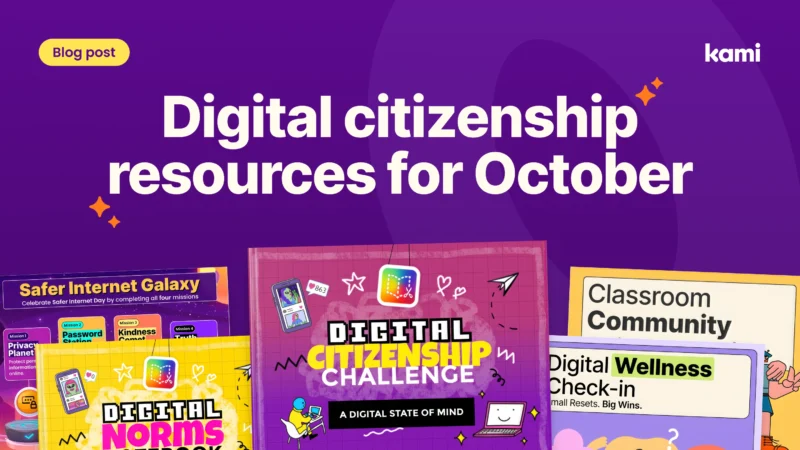
Digital citizenship resources for two big weeks in October
Digital citizenship resources for Digital Citizenship Week and Media Literacy Week, with activities for Kami App, Book Creator, and Kami Companion.
Kami Collection
Teacher
post
10 minutes
What CAST UDL Guidelines 3.0 means for the tools already in your classroom
Industry-recognized CTE credentials prove a student passed an assessment.
Featured
Product
UDL
post
10 minutes
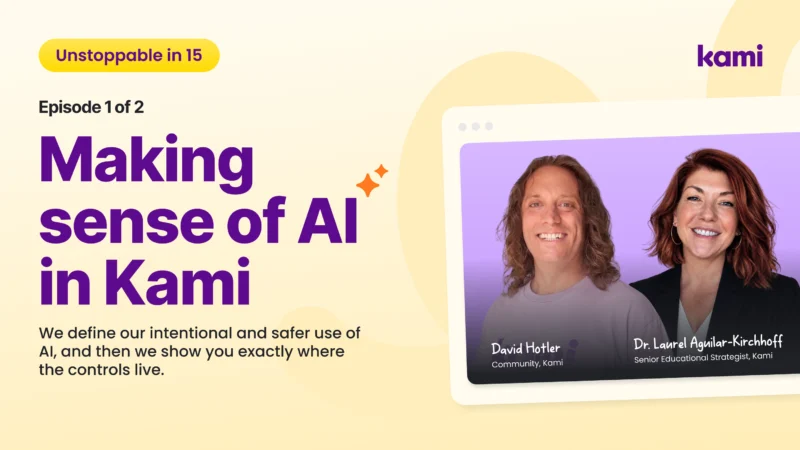
Making sense of classroom AI in Kami
What classroom AI actually does in Kami, where student work goes, and how admins and teachers turn features off. Plus a 15-minute video.
classroom ai
Product
Video
5 minutes
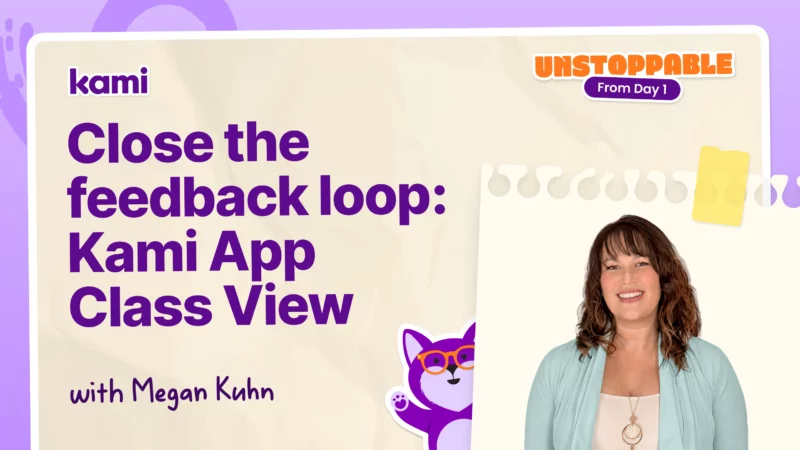
How to use Kami App Class view to close the feedback loop
Learn how Kami App Class View lets teachers give real-time feedback so students can revise their work before they move on.
Assignments & Assessment
Kami App
Multilingual & Language Support
Video
10 minutes
How to use Kami App Microsoft Teams integration
Learn how to connect Kami App to Microsoft Teams to create assignments, add voice and video comments, and grade student work through class view.
Integrations
Kami App
Teacher Workflow
Video
8 minutes
How to use Kami App with Schoology
Learn how to pair Kami App with Schoology to attach a file, set feature control, and assign it to students quickly.
Integrations
Kami App
Teacher Workflow
Video
17 minutes
How to use Kami App Google Classroom integration
Learn how to connect Kami App to Google Classroom to create assignments, control tool access, and grade student work from a single dashboard.
Integrations
Kami App
Teacher Workflow
Video
8 minutes
How to use Kami App Feedback Tools
Give feedback that sticks in Kami App using audio, text, and video comments, plus an annotation bank that saves your most repeated notes.
Accessibility & Learning Supports
Assignments & Assessment
Kami App
Video
5 minutes
Supporting multilingual learners with the Understand tools
Learn how Kami Companion's Understand tools supports multilingual learners with translation, read-aloud, and word-for-word or full-passage support in over 100 languages.
Accessibility & Learning Supports
Kami Companion
Video
7 minutes
No LMS, No Problem with Kami
Learn how to share Kami documents with students without a learning management system, using individual copies, permission controls, and QR codes.
Collaboration & Engagement
Kami App
Teacher Workflow
Video
4 minutes
How to use Kami App for Multilingual Learners
These Kami App tips help multilingual learners access rigorous texts through background videos, vocabulary support, and translated summaries.
Accessibility & Learning Supports
Kami App
Multilingual & Language Support
Video
7 minutes
Kami for Multilingual Learners
Learn how Kami Companion gives students built-in scaffolds like read aloud, translation, and predictive text, so differentiation doesn't fall on you alone.
Accessibility & Learning Supports
Kami App
Multilingual & Language Support
Video
6 minutes
How to use Kami App and Book Creator Together
Combine Kami and Book Creator to build one accessible learning cycle, from interactive digital notebooks to real time feedback in class view.
Accessibility & Learning Supports
Book Creator
Collaboration & Engagement
Video
9 minutes
How to use Kami App with Canvas
Learn how to pair Kami App with Canvas to assign, customize, and monitor student work from day one.
Integrations
Kami App
Teacher Workflow
Video
12 minutes
Building classroom community with reusable Kami templates
See how reusable Kami templates like the Frayer model and hexagonal thinking help teachers build classroom community and routines at the start of the school year.
Kami App
teaching strategies
Video
8 minutes
How to use Kami App Annotation Tools
These Kami App annotation strategies use the comment tool, question tool, and class view to make any lesson accessible, interactive, and self grading.
Collaboration & Engagement
Kami App
teaching strategies
Video
1 minutes
How to use Kami App
Learn how the kami app supports every learner with collaboration, built-in accessibility, and real-time insights that help educators capture learning moments and personalize instruction.
Kami App
Teacher Workflow
Video
2 minutes
How to Use Kami: Full Walkthrough for Teachers
Learn how to use Kami with this complete teacher walkthrough! This step-by-step tour will show you exactly where to find every tool and feature.
Kami App
Teacher Workflow
post
3 minutes
Safer AI with Kami: responsible classroom AI that keeps teachers in control | Kami
Watch this webinar to find out how your students can use Safer AI with Kami App
Artificial intelligence in schools
Kami App
Product
post
3 minutes
Kami Community webinars: real classroom ideas from teachers | Kami
Join the Kami Community to get real ideas you can use today from other educators.
Community
Kami Community
Webinar
Video
5 minutes
No Printer, No Problem with Split and Merge
Learn how the split and merge tool in Kami lets you remove answer keys and turn worksheets into digital documents you can share instantly.
Accessibility & Learning Supports
Assignments & Assessment
Kami App
Video
1 minutes
How Students Sign Up for Kami | Teacher Guide
Quick guide: How students create Kami accounts on school plans, teacher plans, or free trial.
Kami App
teaching strategies
Video
1 minutes
How to Install the Kami Extension in 60 Secs
Installing the Kami extension takes about two minutes and gives you one-click access to Kami from your browser, plus an easy way to pin it for everyday use.
Kami App
Kami App
Kami Companion
Video
1 minutes
How to Use the “Open with Kami” Button
The “Open with Kami” button makes app-smashing easy. You can open TPT, Canva, Google Slides, and more directly in Kami.
Kami App
post
3 minutes
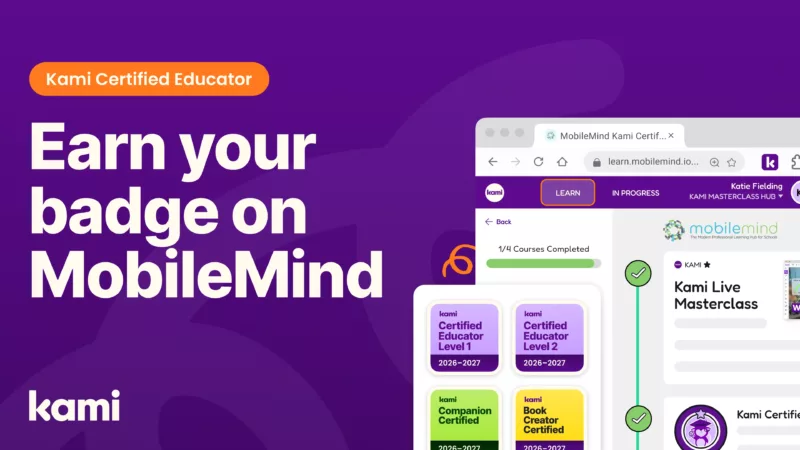
Earn your Kami Certified Educator badge on MobileMind
Earn your Kami Certified Educator badge in MobileMind with self-paced modules built for real classroom workflows. Start, track progress, and share your credential.
Community
Kami Certified Educator

post
3 minutes
AI feedback for teachers: faster, more meaningful comments | Kami
What is Kami Companion? Its the Universal Report for learning! Watch this webinar to find out more!
Community
Inspiration
Kami App
post
3 minutes
Checking for understanding in independent work
What does checking for understanding look like during independent work? Checking for understanding means noticing student thinking while it is still forming, while students are still working. During independent work, this means finding a misconception early, instead of discovering it...
Book Creator Class View
Checking for understanding
Featured
Video
1 minutes
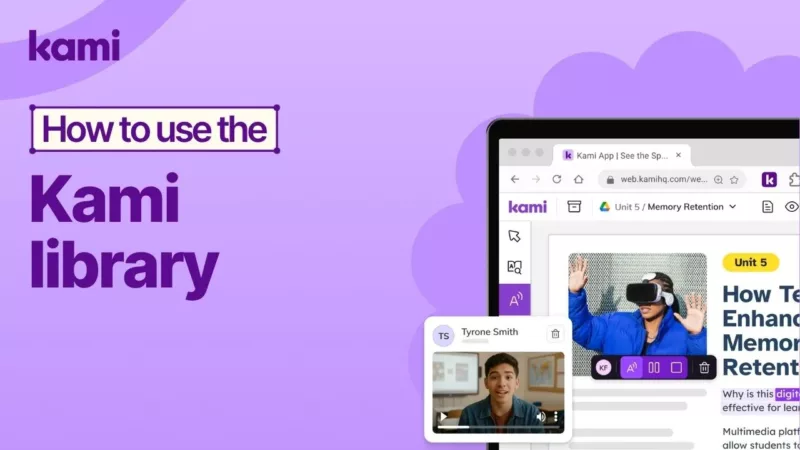
Kami Library Guide: Free Templates in 1 Min
The Kami Library is your free, ever-growing hub of teacher templates, lesson activities, and classroom resources.
Kami App
Resources
Video
1 minutes
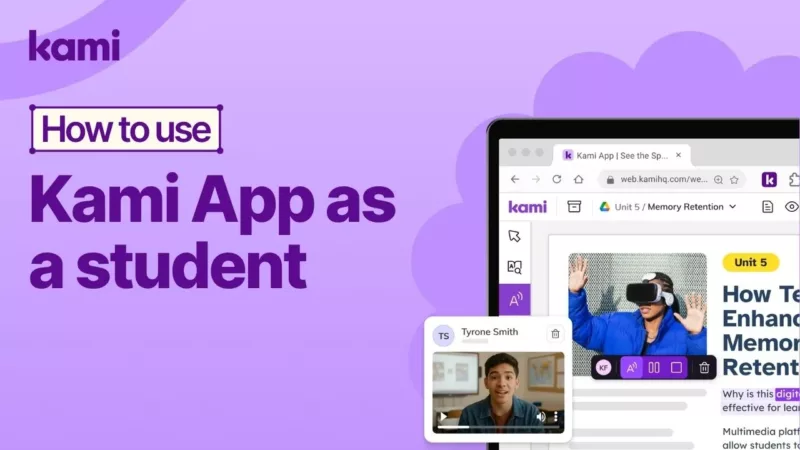
How to use Kami App as a student
See Kami from the student perspective and learn how students open assignments, use interactive tools like Markup and Dictionary, and submit work with one click.
Kami App
teaching strategies
Video
4 minutes
How to Use Kami with Canvas | Tutorial
See how Canvas assessments become faster to create, easier to differentiate, and more accessible when you build, assign, monitor, and return work using Kami.
Integrations
Kami App
LMS Integrations
Video
4 minutes
How to Use Kami with Schoology
Learn how to build and assign a Schoology assessment with Kami, then use Class View, Answers View, and Update All to support students and sync grades to your gradebook.
Kami App
LMS Integrations
Video
4 minutes
How to Use Kami with Microsoft Teams
Learn how to create a Microsoft Teams assignment with Kami, set Feature Control, monitor work in Class View, and update all student files to support real-time intervention.
Kami App
LMS Integrations
Video
4 minutes
Kami with Google Classroom | Assign and review PDFs in Google Classroom
Learn how to create and assign a Google Classroom assessment in Kami, then monitor progress, update student copies, and sync grades automatically.
Kami App
LMS Integrations
Video
2 minutes
Getting Started: Kami Feature Overview
Kami Shapes Tool makes it easy to add precise, editable shapes like rectangles, polygons, and lines to any doc.
Kami App
Kami App
Video
1 minutes
How to Use Feature Control in Kami
Kami Feature Control lets teachers manage tools students use, keeping lessons focused and distraction-free.
Kami App
teaching strategies
Video
1 minutes
Kami App Split and Merge tool | Remix your documents
Remix teaching resources fast with Kami Split & Merge, combine, split, rotate, and duplicate files in minutes.
Kami App
Video
1 minutes
Kami Understand tools | Improve comprehension with scaffolds
Kami makes scanned files simple: use Text Recognition (OCR) to turn them into editable, accessible documents.
Accessibility & Learning Supports
Kami App
Video
1 minutes
Kami Questions AI | Auto-Graded Assessments Fast
Kami Questions AI lets teachers create engaging, auto-graded assessments fast, saving time and supporting every student.
Assignments & Assessment
Kami App
Video
1 minutes
Kami Dictionary Tool | Instant Student Definitions
Kami Equation Tool makes it simple to insert the right math, science, or music symbols directly into your work.
Accessibility & Learning Supports
Kami App
Video
1 minutes
Kami Text Recognition tool | Making documents more accessible
Kami makes scanned files simple: use Text Recognition (OCR) to turn them into editable, accessible documents.
Kami App
Kami App
Video
1 minutes
Kami Eraser tool | Remove Annotations & Shapes
The Kami Eraser Tool keeps your documents neat and tidy by removing unwanted annotations in just a click.
Kami App
Video
1 minutes
Kami AI-Assisted Feedback | Generate faster, more consistent comments
Kami makes scanned files simple: use Text Recognition (OCR) to turn them into editable, accessible documents.
Kami App
Teacher Workflow
Video
1 minutes
Kami Equation tool | Insert Math & Science Symbols
Kami Equation Tool makes it simple to insert the right math, science, or music symbols directly into your work.
Kami App
Kami App
Video
1 minutes
Kami App Drawing tool | Annotate & Measure Easily
Kami Drawing Tool lets you sketch, annotate, and measure angles—flexible ways for teachers and students to engage.
Collaboration & Engagement
Kami App
Video
1 minutes
Kami Annotation Bank | Save & Reuse Feedback
Kami Annotation Bank saves teacher time by storing favorite notes, comments, and feedback for quick reuse.
Assignments & Assessment
Kami App
Video
1 minutes
Kami Add Media Tool | Insert Images & Videos
Add media lets you insert images, videos, graphic organizers, and stickers into a Kami doc, so resources feel more interactive and easier for students to follow.
Collaboration & Engagement
Kami App
Video
1 minutes
Kami Markup tool | Highlight & Annotate Easily
Kami Markup Tool lets teachers & students highlight, annotate & format text for better understanding.
Collaboration & Engagement
Kami App
Video
1 minutes
Kami App Comment tool | Personalize Feedback Fast
The comment tool lets you share text, voice, video, or screen capture feedback directly on a page, so students get timely guidance in the format that works best.
Assignments & Assessment
Kami App
Video
1 minutes
Kami Read aloud tool | Accessible Text for All
Read aloud lets students listen to selected text or the full page, then use playback controls to change the voice, accent, and speed for better comprehension.
Accessibility & Learning Supports
Kami App
Video
1 minutes
Kami Select Tool | Edit & Manage Annotations
Kami Select Tool works like a cursor, letting you move, adjust, and control annotations or objects on any page.
Collaboration & Engagement
Kami App
Video
1 minutes
Kami Signature tool | Sign & Timestamp Easily
Sign documents digitally in Kami, upload or draw your signature, add date & time stamps, and finish forms fast.
Collaboration & Engagement
Kami App
Video
1 minutes
Kami Text Box tool | Add Text, Links & Formulas
Kami Text Box Tool lets teachers & students add editable text, notes, or answers anywhere on a page.
Collaboration & Engagement
Kami App
Video
1 minutes
Kami App Understand Tools | Creating more accessible documents
Boost comprehension, accessibility & independence for every learner with Kami’s Understand Tool.
Accessibility & Learning Supports
Kami App