


A director of educational technology called us on a Tuesday afternoon. He had a school board meeting that night and one question to answer: is Kami an AI tool? Their district had already paid for the licenses. Whether teachers could use them came down to how well they could explain something nobody had clearly defined for their district.
The questions about appropriate AI use in education are very timely and important. So here is a plain-language answer to what classroom AI actually does in Kami, how we use it to provide accessibility across our suite of products, where student data goes, and who holds the controls.
Definitions matter: what classroom AI in Kami actually does
Four terms around AI are often used interchangeably, and the difference matters once you are writing classroom AI policy: traditional AI, generative AI, AI-powered, and AI-enabled.
Traditional AI predicts, classifies, or recommends. It picks from things (a set of data or instructions) that already exist. Spam filters, face unlock, and translation (like Google Translate) have been around for years, and people are generally familiar with it.
Generative AI (often called a large language model, or LLM) makes predictions based on prompts and creates something new (an image, code, an email) from patterns in large data sets. This is what most classroom AI policies are actually trying to address.
For Kami products, AI-powered means AI is the means to provide a specific accessibility feature. Take the AI out and the feature stops working. Read aloud, translation, explain, summarize, relevel, text-to-speech, speech-to-text all sit here. If you remove the AI power behind the tool, you lose the tool’s functionality, which in the case of Kami is accessibility.
AI-enabled means AI extends something that already worked without it. Today, we have exactly one: image description in Book Creator. Students who use screen readers have always needed alternative text to describe images, and there has always been the ability to add it manually for students. AI can also draft it. If you turn the AI off in this case and you keep the feature, you only lose the shortcut.
Without definitions, this is where a lot of the confusion around classroom AI starts. Traditional and generative describe the kind of AI. Powered and enabled describe whether the accessibility tool works without it. Some tools sit in both lists: some of our translation and predictive text runs on traditional AI models, and some on newer ones.
Definitions provide clarity, and most of the conversations stalling right now are stalling for lack of them.
Where student work goes when classroom AI is involved
Students never interact with an AI or LLM model directly in Kami, Companion, or Book Creator. There is no open chatbot. Partner apps in Book Creator, like Adobe and Canva, have their own AI features, and teachers and admins can switch them off.
Students work in Kami, Companion, or Book Creator. When a student needs an accessibility tool, Kami sends an AI-powered prompt on their behalf, under strict rules we set. Kami is the intermediary and the safety net, so teachers and students never interface directly with AI models.
Our Kami-specific AI rules carry a curriculum model, so the system uses education-focused instructions or pedagogically grounded responses rather than the way a generalized AI search engine would.
The work stays in a closed ecosystem, on US-based infrastructure, under a commercial agreement that restricts use to educational purposes. Student data is not used to train models, and there is no ad targeting. Kami holds a current SOC 2 Type II report from an independent auditor, aligned with GDPR in the UK and EU, holds the ST4S badge, is TrustEd Apps Data Privacy Certified, and carries the Common Sense Privacy Seal. The documentation your IT team will ask for, including our EU AI Act declaration and data processing agreements, can be found right on our website in the Security Hub.
An extra bonus for visibility, clarity, and transparency: features are labeled, so teachers and admins can see which accessibility tools are AI-powered.
Kami houses our AI-powered tools in a closed ecosystem, with commercial-grade data privacy agreements and rigorous testing for quality assurance. Our closed ecosystem is a secure digital environment where Kami controls applications, content, data flows, and user access, restricting or blocking deep integration with external or non-approved third-party tools. What’s the difference? A free consumer chatbot is like a public park: open to anyone, and whatever a student leaves there, they leave there. At Kami, the safety of data and responsible and intentional use of technology always come before convenience.
Who controls classroom AI in Kami
District admins can turn classroom AI features off across the district from the Admin Dashboard. If your policy says no, the answer is a setting, not a procurement decision.
Teachers decide which tools are available, for which student, at which moment.
Here is the honest part. Turning features off reduces functionality, but can also keep you aligned with your policy, depending on what that AI policy defines. Both can be true at once.
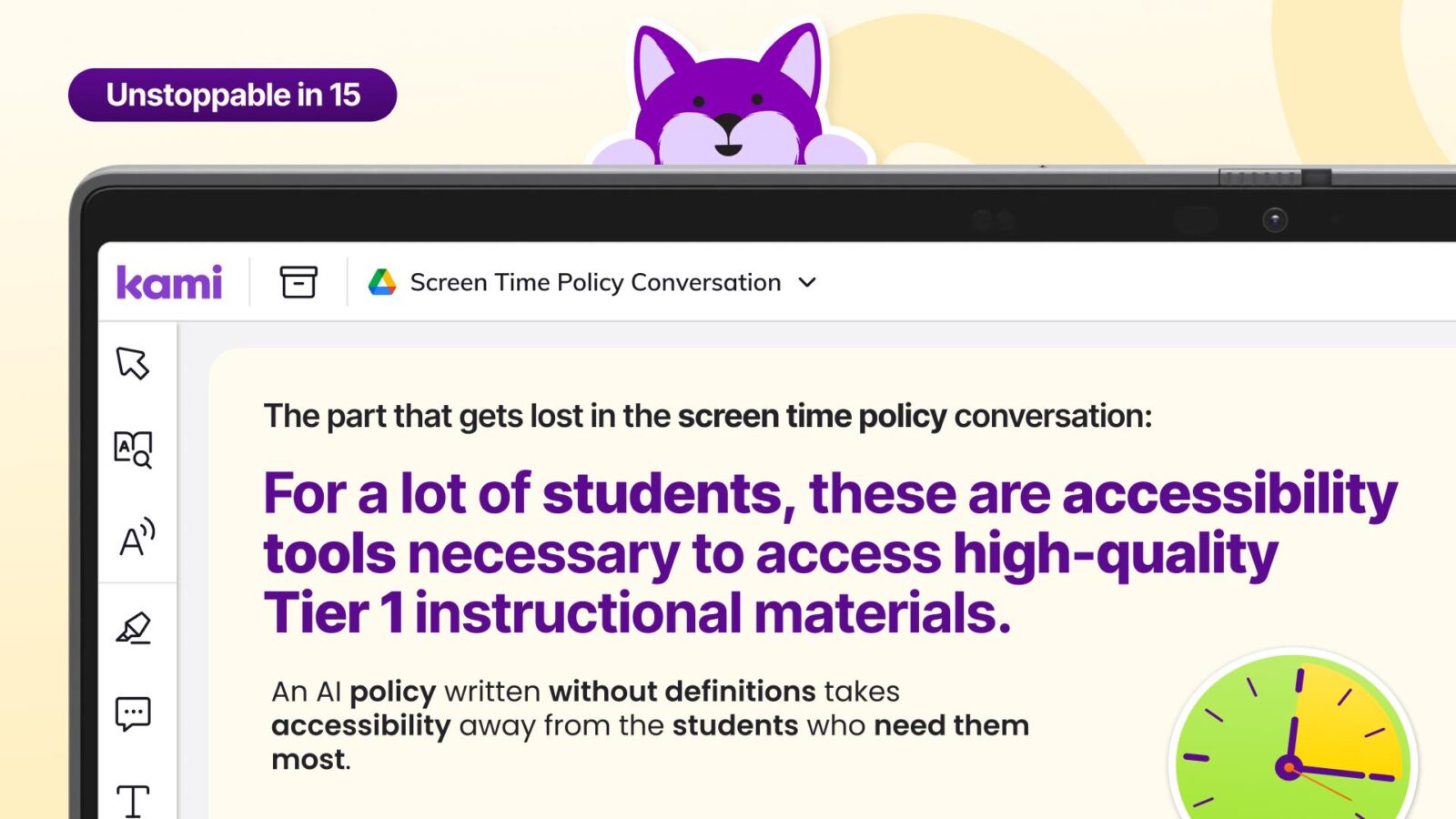
It is worth noting that students can lose accessibility when classroom AI definitions are missing. For many students, accessibility features are legally required for their needs written into an IEP or 504 plan. But accessibility is good for all students. For a student who reads below grade level, text-to-speech is not a shortcut. It is the difference between joining the lesson and sitting it out. For a multilingual learner, translation is how the science unit becomes reachable this week. These accessibility supports live inside everyday instruction, which is exactly where the heart of “all means all” in education lives.
What schools are actually aiming for
A classroom AI policy is a floor, but should not be the only goal. The more useful question is: what students should be able to do by the time they leave K-12 education?
ISTE+ASCD put it plainly in their Profile of an AI-Ready Graduate: “Preparation means more than AI literacy. Students need to know how to partner with AI to become better thinkers, creators, and problem solvers.” Their framework describes six competencies, including researcher, synthesizer, and problem solver. None of them are reachable if the tools go dark and the conversation ends there.
It’s also why academic integrity is a design question more than a detection question. We have written about that at more length in authentic learning in the age of AI, which argues that AI did not create the problem with assignment design. It exposed it.
Getting the definitions right is the first step in both directions. It lets you write a policy that stops what you actually want to stop, and protects what your students need to learn for the digital and AI world that is awaiting them.
Watch it, print it, or take it to your board
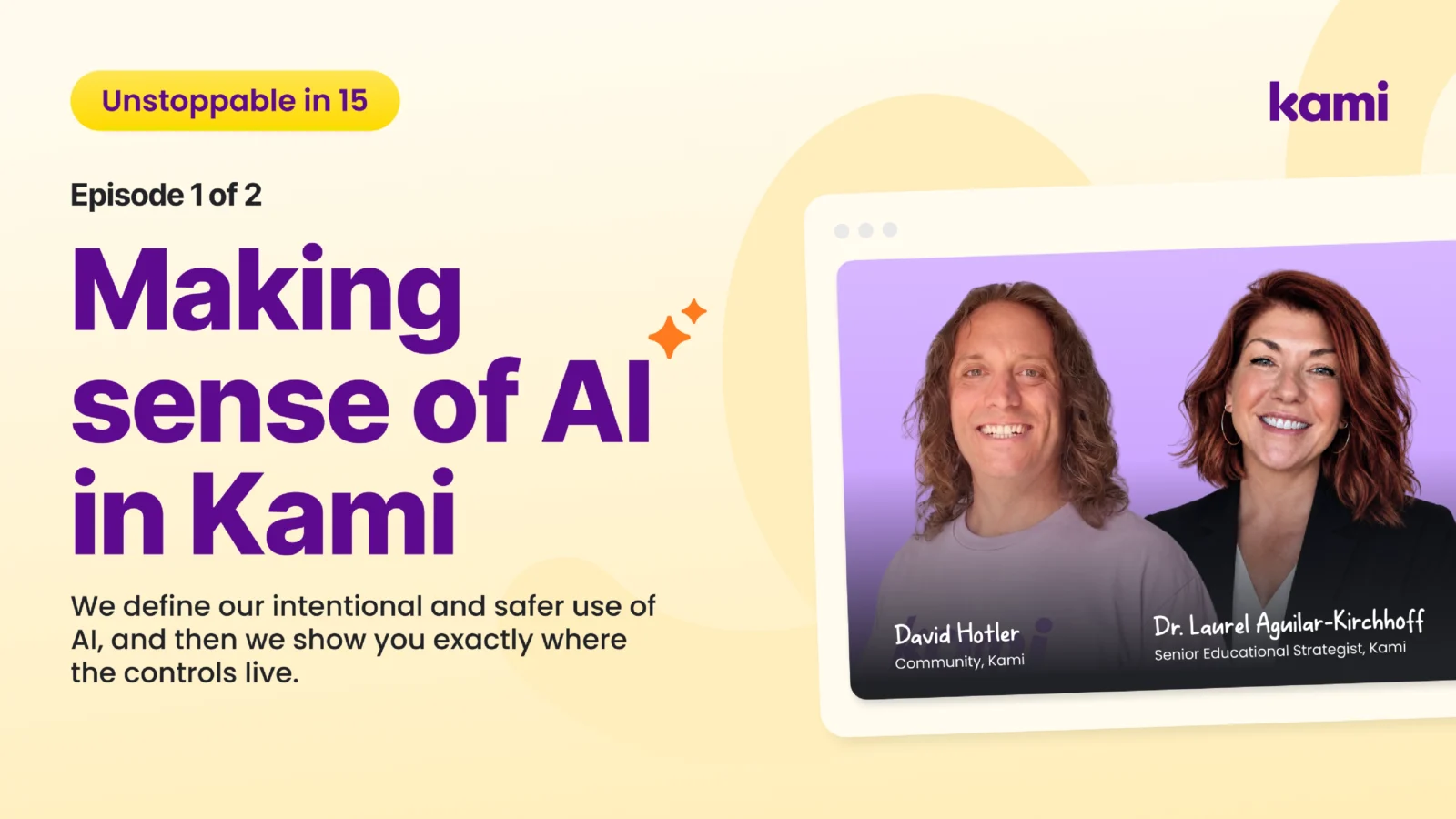
The 15-minute version. Dr. Laurel Aguilar-Kirchhoff and David Hotler walk through the definitions and demo the at the classroom level.
The one-pager. One sheet with the definitions, a diagram of where student work goes, and what admins and teachers each control. Built to bring to a meeting.
The white paper. The longer version for anyone preparing a board presentation or working through a vendor questionnaire.
If your board is asking questions this month, talk to your Kami contact.
Blogs you may also like
Stop Asking AI to Brainstorm for you…and other AI in Education Tips and Tricks

What CAST UDL Guidelines 3.0 means for the tools already in your classroom
Kami Customer Story: How Comal ISD won teacher buy-in