
Leading through the noise: How to navigate digital accessibility without losing your focus


As an education leader, your day is a non-stop juggling act of budget meetings, staffing choices, and curriculum rollouts.
So, when buzzwords like “universal access” and “digital equity” start trending alongside looming digital accessibility compliance deadlines, it’s easy to get pulled in multiple directions. But what if shifting your district toward true digital accessibility isn’t just a regulatory chore, but your secret weapon for boosting student engagement and simultaneously saving teachers time?
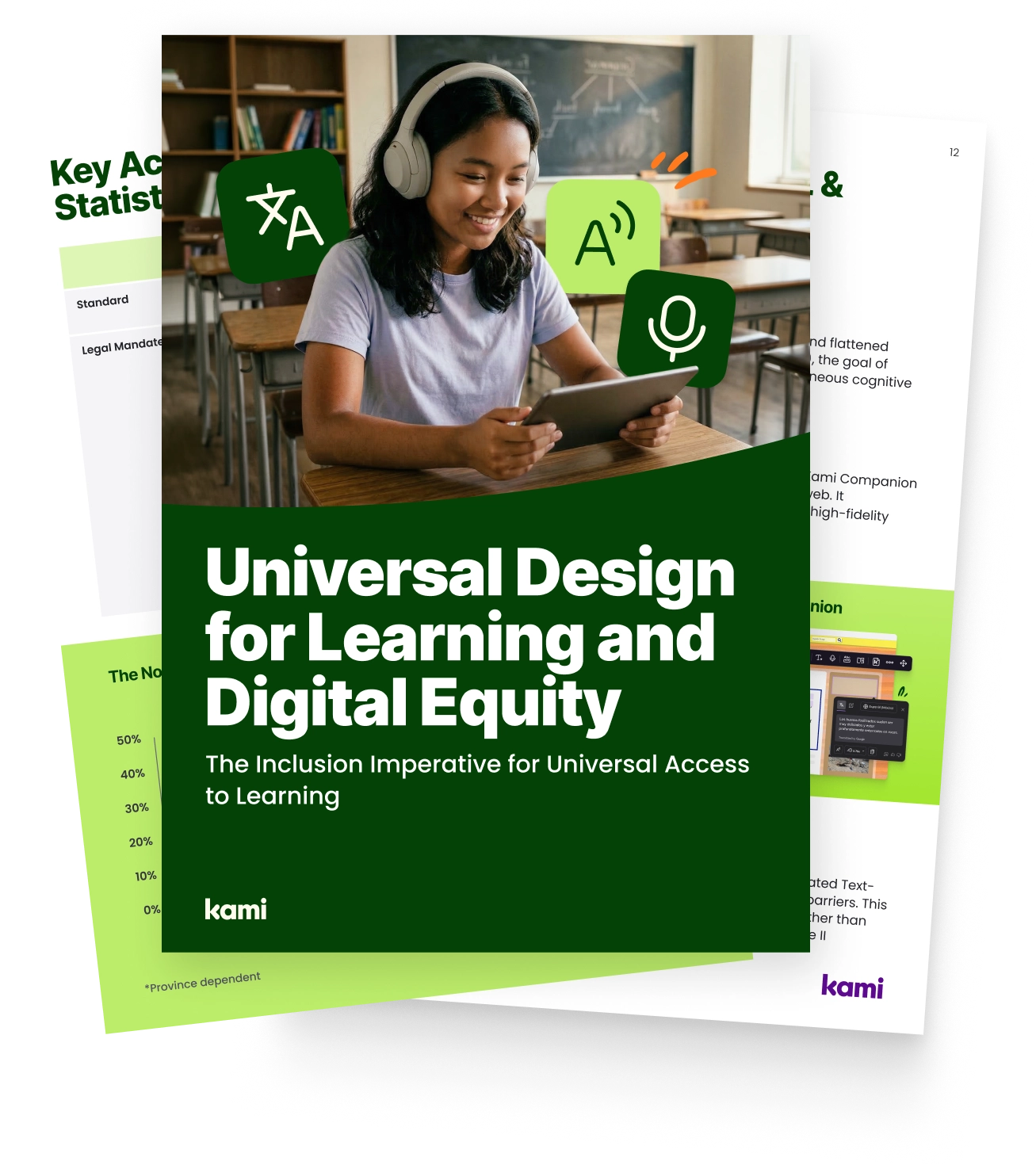
The groundbreaking report, Universal Design for Learning and Digital Equity, highlights a critical shift hitting K-12 spaces right now.
Globally, the compliance landscape is an increasingly important priority, from the US ADA Title II updates to Ontario’s AODA requirements and the UK’s Public Sector Bodies Regulations. Effective leaders know that providing blended learning strategies means looking past the compliance checkbox and focusing on what matters most: helping every student thrive, often by integrating technology in the classroom.
Meet the ADA Title II deadline with confidence. Get the research and framework to build accessible learning across every classroom.
The real cost of inaccessible content
Traditional digital resources, like flattened PDFs or static webpages, impose a heavy cognitive tax on learners. When a student with dyslexia, a visual impairment, or language-learning needs spends 80% of their mental energy simply trying to decode a document, they only have 20% left for actual comprehension.
Worse yet, districts frequently fall into the Retrofit Trap: we design curriculum for a mythical “average” student and then force teachers to manually adapt materials for everyone else. This creates massive time poverty for your staff and leaves students facing a clunky “toggle tax” as they jump between siloed assistive apps.
The solution? Designing for the margins to serve the center – a phenomenon known as the “Curb-Cut Effect.” When you implement accessibility tools that are used by every student, everyone benefits, and inclusion becomes invisible and stigma around students with disabilities disappears.
Your actionable blueprint for district-wide accessibility
Moving from a reactive posture to an “inclusion-by-default” framework doesn’t have to happen overnight. Here is how you can systematically integrate blended learning strategies and return valuable hours to your teachers:
- Ditch the silos with unified tools: Stop forcing students to jump between dictionary apps, screen readers, and text-to-speech software. Implement browser-based layers like Kami Companion that provide a floating toolbar right on top of live web content, cutting out the “toggle tax” entirely.
- Automate the accessibility workflow: Protect your teachers from “time poverty”. Use tools equipped with instant Optical Character Recognition (OCR) to automatically unlock legacy PDFs and third-party web content on demand, sparing staff from manual conversions.
- Empower student agency: True equity means moving the choice from the teacher to the student. Give learners direct access to features like high-fidelity read-alouds, voice typing, translation overlays, and screen masking so they can self-direct their learning supports.
- Bridge the gap to active learning: Don’t just look for passive accessibility. Choose solutions that allow students to easily strip away web distractions and transition content straight into active workspaces like Kami App for deep, multimedia annotation and expression.
From compliance to belonging
Meeting modern accessibility standard deadlines is vital to protect district funding and avoid legal risks. But the real win is human-centered. By shifting from reactive retrofitting to proactive, universal design, you aren’t just protecting digital rights, you are building a culture of true belonging where every learner can succeed.
Read the full white paper, including research and in-depth recommendations for educators.
Blogs you may also like
Writing that gets read: evidence-based writing instruction in a real classroom

Digital citizenship resources for two big weeks in October
Kami Customer Story: How Comal ISD won teacher buy-in