
Stop Asking AI to Brainstorm for you…and other AI in Education Tips and Tricks


Generative artificial intelligence in education has officially moved from the “shiny new toy” phase into the lexicon of available edtech tools. Every week, a new edtech AI tool or platform promises to plan your lessons, write your rubrics, and grade your essays in milliseconds.
Some very common edu-AI advice? “Just ask AI for ideas when you feel stuck!”
However, when you outsource your initial creative spark to a large language model, you trade authentic context, student relationships, and intuition that only you have for homogenized and often very average ideas. (“Delving into a tapestry of educational ideas,” anyone?)
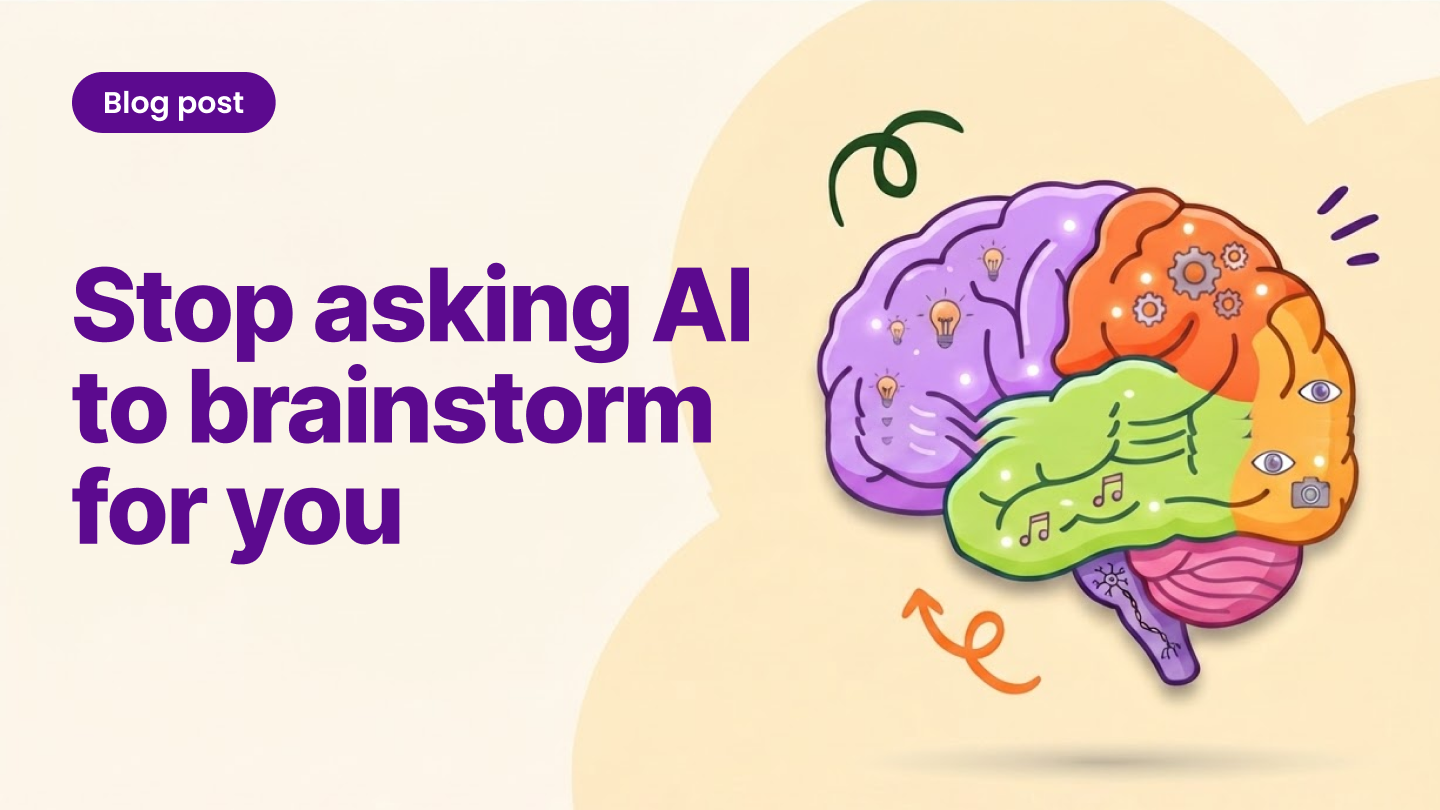
Here is my controversial hot take: Stop using AI to brainstorm
Brainstorming is literally allowing ideas, the good, the messy, and the wild, to storm through your brain. It is also great for our brains to use our critical thinking skills and develop a sense of growth mindset-not everything has to be perfect! At Kami, we often say “progress over perfection.” By keeping brainstorming human, we protect our pedagogical practice and model true learning for our students.
If we want to build a sustainable, ethical, and high-impact culture around AI in education, we need to do something different. Here are my real Do’s and Don’ts of AI usage for modern educators, and how to model transparent AI literacy for your students along the way.
AI Idea #1: Brainstorming vs. Fleshing Out
DON’T: Use AI to brainstorm or offload ideas to an algorithm before giving your brain a chance.
I know, this goes against what a lot of edtech marketing is promoting right now. But, prompting AI with “Give me 5 lesson ideas for 8th-grade physical science lessons on the solar system” produces generic, textbook-style outlines that lack engagement. Worse, relying on AI for initial ideas gradually erodes your own pedagogical creativity and reduces your unique teaching voice and agency.
DO: Brainstorm first with your human experience, knowledge, and talents, then use AI to expand, differentiate, and refine.
Always start with your teacher human intuition. Jot down your rough, chaotic, or ambitious ideas first. Once you have the core vision, use AI as your canvas to “flesh out” the details and give feedback (Pro-tip: ask AI for “honest critique” on a lesson plan or idea. I tried this recently, and receiving critical feedback from a program felt surprisingly painless because my human ego didn’t get involved!)
- Your Human Spark: “I want my students to learn about ecosystems by designing a zoo enclosure for an endangered animal, but I need 3 tiered scaffolding options for my English Language Learners.”
- AI’s role: Takes your original idea and context to generate differentiated reading passages, customized vocabulary lists, or graphic organizers in seconds.
AI Idea #2: Privacy & Data Protection
DON’T: Feed identifiable student data into LLMs or any AI programs not specifically approved by your district IT department.
This is crucial and also the law. Copying and pasting student essays, IEP goals, full names, behavior notes, or grades into unvetted AI tools is a direct violation of student privacy laws. Consumer AI platforms often use input data to train their models, exposing sensitive information.
DO: Master privacy compliance and stick to district-approved tools.
US Privacy laws like FERPA and COPPA apply to AI just like any other digital tool. Never “go rogue” and create a personal/school login for unapproved AI programs; using unapproved tools dramatically increases legal liability if data is compromised.
- FERPA: Keep all Personally Identifiable Information (PII) out of prompts.
- COPPA & State Laws: Check student age limits carefully, and remember that state-level privacy laws are often even stricter than federal ones.
- Anonymize Everything: If you use AI to analyze patterns in student work, strip out all identifying context first (e.g., convert names to “Student A”).
AI Idea #3: Accuracy & Critical Evaluation
Don’t: Treat AI as the All-Knowing Educational Oracle
Large language models that drive generative AI are created to sound confident, eloquent, and authoritative, even when they are spectacularly wrong. AI programs tend to flatter and give a lot of compliments, which in turn makes us feel good, validated, and continue to use the model. When educators treat AI outputs as finished, infallible truth, biased perspectives, outdated facts, and made-up citations (hallucinations) can pass directly on to students.
DO: Keep a “human in the loop:” YOU are the educational expert and learning curator
Treat every AI response as an eager, fast, but occasionally sloppy teaching assistant. Use it for the rough draft, then apply your professional lens:
- Fact-Check Everything: Verify dates, formulas, definitions, and external sources before sharing them with students.
- Audit for Bias and Tone: Adjust generated text to make sure it is meeting your standards for appropriate, culturally responsive teaching practices.
- Model Critical Evaluation: Show students examples of AI hallucinations or faulty/inaccurate reasoning. Teaching students how to be critical of AI-generated information and check with reliable sources is one of the most critical digital literacy skills they can learn today.
AI Idea #4: Transparency and the Two-Way Trust Model
DON’T: Pretend you didn’t use AI, or expect students to “just know” what’s allowed.
If we want students to use AI ethically and avoid dishonest shortcuts (or straight-out AI plagiarism), we must practice transparency with AI use ourselves. Secrecy creates suspicion; visibility builds trust. We can also include conversations about ethics with our students in a very real and meaningful way. Openly discuss why and how you use AI in your prep work, as well as the lines you draw on what you won’t use AI for (like writing personalized feedback or brainstorming for initial ideas).
DO: Openly discuss your AI boundary lines and teach AI literacy explicitly (with parents/caregivers too)
Talk to your class about why and how you use AI in your prep work, as well as what you won’t use it for. There are many resources available to build your own AI capacity and also teach students about AI literacy. Some reliable resources include:
Bring AI Transparency into your classroom with “AI Literacy Tags”
To move from abstract AI rules (red, yellow, green) to creating AI literacy as a daily practice, consider adding AI Literacy Tags to your lessons. This is a framework created and presented by educational leader Cate Tolnai at the 2026 ISTE + ASCD Summer Conference. These tags give teachers and students a simple, shared vocabulary to explicitly label how AI was used on any task:
- AI for Composition: Supported drafting, revising, or refining tone and sentence structure.
- AI for Media Generation: Generated visual aids, diagrams, or graphics to enhance clarity.
- No Intentional AI Use: Highlights pure human effort, original thought, and authentic reflection.
Adding these tags to assignment slides, rubrics, and submission portals normalizes ethical agency over compliance. (You can explore Cate’s full toolkit at Catetolnai.com).
Other Great Resources to Build AI Literacy:
- For Teachers & Admin: NEA AI in Education Hub | ISTE+ASCD Portrait of an AI-Ready Graduate
- To Use with Students: ISTE+ASCD AI Lessons | Code.org AI Lessons
AI Idea #5: Teacher Workflow and Efficiency
DON’T: Confuse “more AI content” with better teaching.
Teacher burnout can be exacerbated with a mountain of administrative tasks. AI shouldn’t add more tasks to your plate or create busywork; it should give you back hours of your week so you can spend them where they matter most: with your students.
Just because AI can generate 20 variations of a worksheet, 15 extension tasks, and a 4-page rubric in 3 seconds doesn’t mean you should. Over-generating with AI won’t make you a better teacher; it just clutters your workflow, can overwhelm your students, and leaves you with an even bigger stack of grading.
DO: Streamline your teacher workflow by automating repetitive, time-draining tasks
Focus your AI usage on rote, time-draining tasks that require low pedagogical human creativity:
- Work Smarter with Built-in Tools: Instead of copy-pasting back and forth into external AI bots, use the power of one platform like Kami’s Understand menu tools. You can adjust reading levels, translate passages, or break down tricky concepts directly on the lesson document in a secure, district-approved environment. (No additional clicks or AI required)
- Draft Initial Feedback Frameworks: Use tools like Kami’s AI-Assisted Feedback to draft targeted, rubric-aligned comment starters that you can review, edit, and approve in a fraction of the time.
- Format and Scaffold: Instantly turn raw notes into structured graphic organizers, generate discussion prompts from a text, or draft email templates for family/caregiver communications.
The Wrap-up:
At the end of the day, we don’t want AI to replace the art (and heart) of teaching; let’s use it to handle the administrative heavy lifting so we can focus on building relationships, digging into inquiry, and supporting our students on their learning journey.
The next time you open an AI prompt box, take a deep breath, write down your own raw thoughts first, and let your teacher intuition lead the way.
Blogs you may also like
Your March Classroom Activities, Planned


Summer Reading Resources: Journals, Author Studies, and More

An Educator’s Journey with Kami