
Browse all Kami Companion
Showing all Kami Companion modules.

Video

4 minutes
How to use Kami Companion Tools
Class view in Book Creator lets you monitor student progress and give feedback, including two way comment dialogues, before work is even turned in.
Accessibility & Learning Supports
Kami Companion
Multilingual & Language Support
Video
10 minutes
How to support Multilingual learners with Kami Companion
Kami Companion gives multilingual learners read aloud, translation, dictionary, and text simplification tools so they can work through web content independently.
Integrations
Kami App
Teacher Workflow
Video
6 minutes
Differentiate faster with Kami Companion
Learn how Kami Companion gives students built-in scaffolds like read aloud, translation, and predictive text, so differentiation doesn't fall on you alone.
Accessibility & Learning Supports
Kami Companion
Multilingual & Language Support
Video
1 minutes
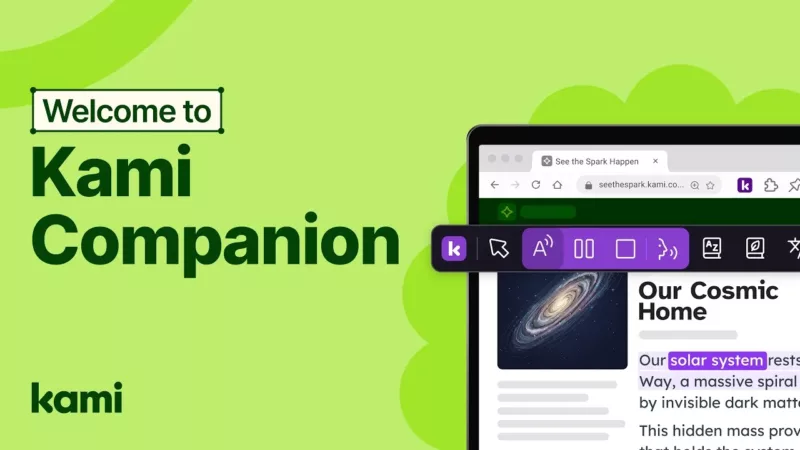
How to use Kami Companion
Kami Companion helps remove barriers by supporting access to web-based resources for every learner, with UDL-aligned learning supports powered by safer AI.
Accessibility & Learning Supports
Kami Companion

post
3 minutes
What is Kami Companion? A teacher guide to accessibility across the web | Kami
What is Kami Companion? Its the Universal Report for learning! Watch this webinar to find out more!
Community
Inspiration
Kami Companion
Video
1 minutes
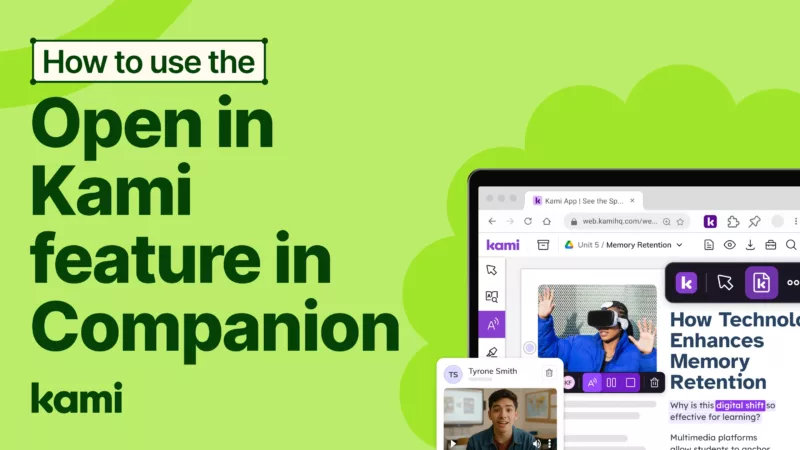
How to use Open in Kami in the Kami Companion toolbar
Learn how to create Kami activity documents from any webpage using Open in Kami, then add text boxes, media, and comments to deepen engagement.
Accessibility & Learning Supports
Kami Companion
Video
1 minutes
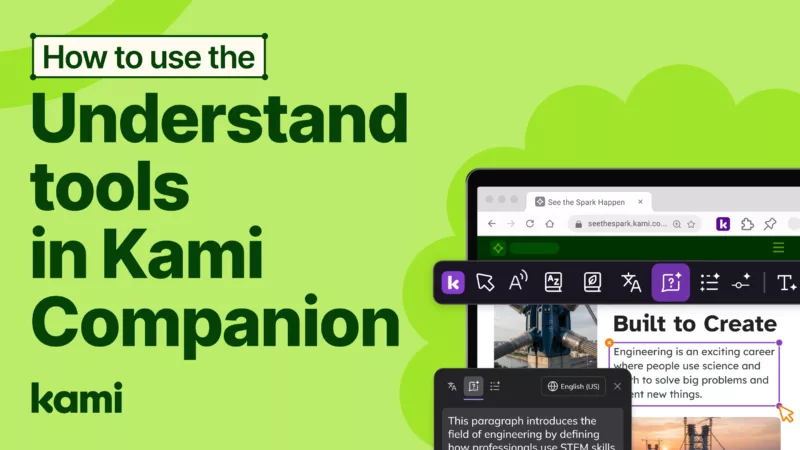
How to use Kami Companion Understand tools
Learn how Kami Understand tools in Kami Companion help students explain, summarize, and adjust reading level for text and images, then read aloud or copy results as needed.
Accessibility & Learning Supports
Kami Companion
Video
18 minutes
Language Support by Design: Built-In, Not Bolted On
Learn how Kami App, Kami Companion, and Book Creator help multilingual learners access content, build vocabulary, and share ideas.
Accessibility & Learning Supports
post
3 minutes
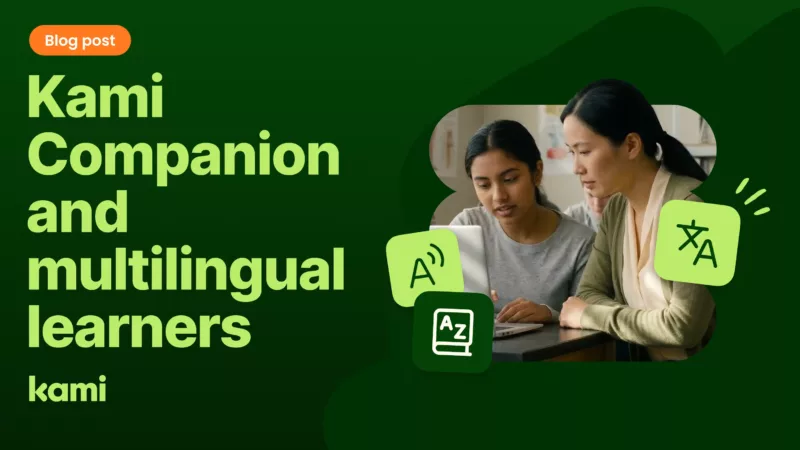
Kami Companion for multilingual learners: built-in language support that works
It's the second week of June. School's been out for ten days. A student is at the kitchen table with a tablet, watching a YouTube video about volcanoes because she got curious. She speaks Tigrinya at home, attended school in...
Edtech
ELL classroom tools
emergent bilingual students
Video
1 minutes
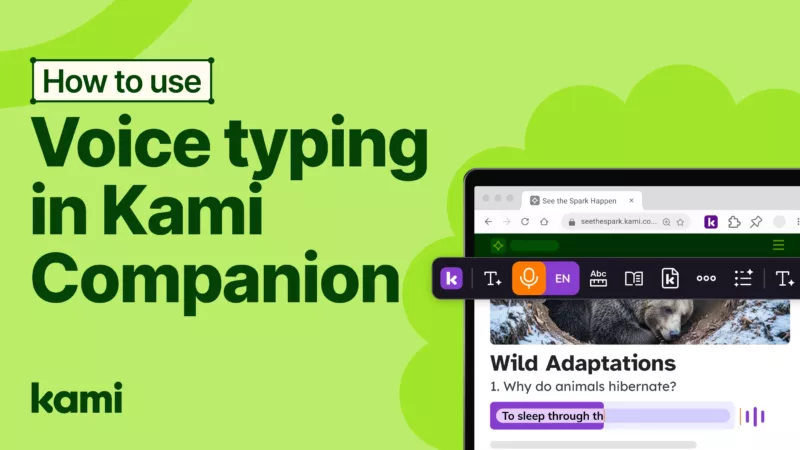
How to use Kami Companion Voice typing
Learn how speech-to-text works with Voice typing in Kami Companion, including language settings and voice punctuation, so students can write faster and more confidently online.
Accessibility & Learning Supports
Kami Companion
Multilingual & Language Support
Video
3 minutes
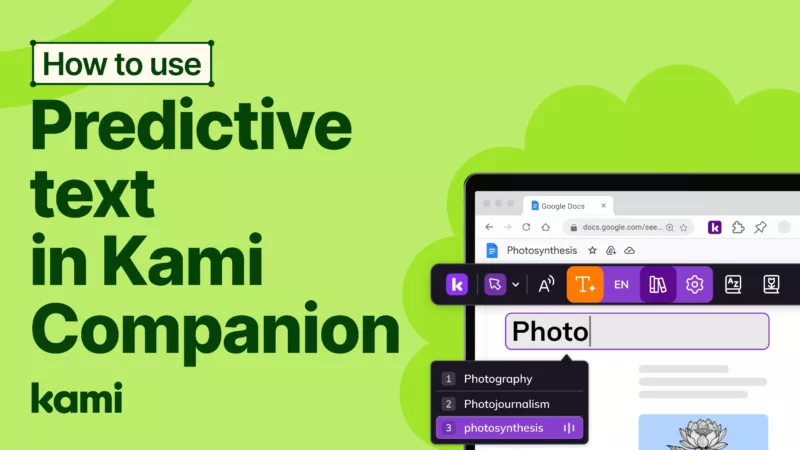
How to use Kami Companion Predictive text
Learn how Predictive Text in Kami Companion suggests words as you type, with settings for spelling support, visibility, and optional read-aloud help.
Accessibility & Learning Supports
post
3 minutes
Kami Companion and UDL — how built-in supports bring the framework to life
May is a complicated month in K-12 classrooms. The year is almost over, which means there's urgency around students who still haven't quite gotten there, and exhaustion among the teachers trying to reach them. It's also the moment when the...
Product
Video
1 minutes
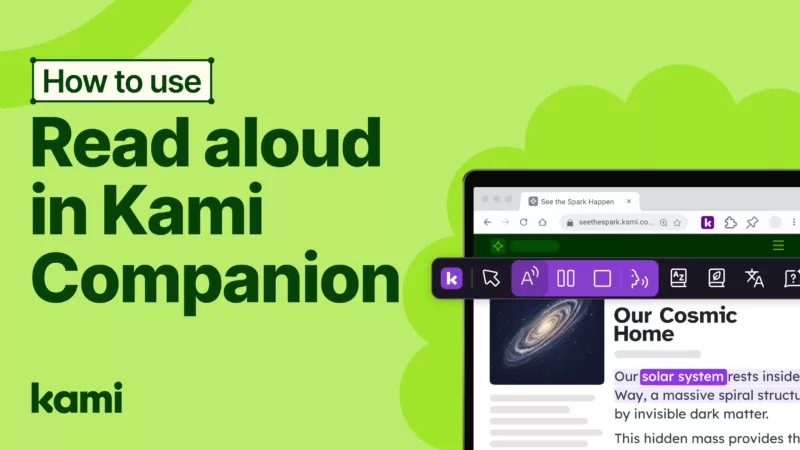
How to use the Read aloud tool in Kami Companion
Kami Companion Read Aloud lets you turn web text into natural audio and customize voice, pitch, and speed—an accessible way for learners to engage with reading.
Accessibility & Learning Supports
Kami Companion
Multilingual & Language Support
Video
1 minutes
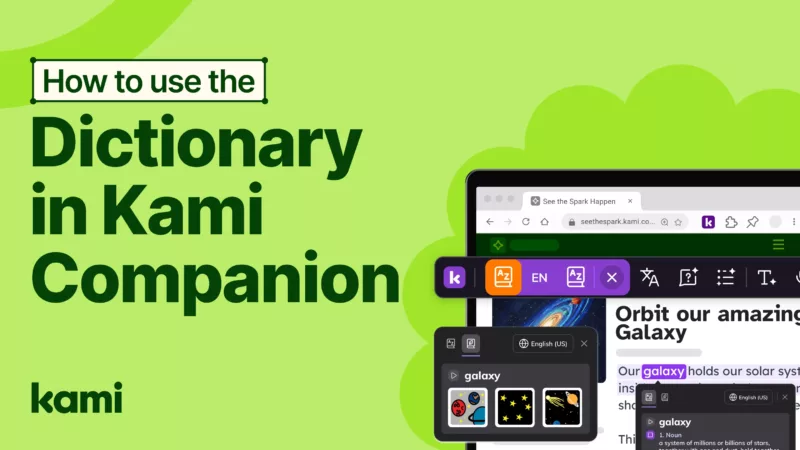
How to use Kami Companion Dictionary tool
Learn how Kami Understand tools in Kami Companion help students explain, summarize, and adjust reading level for text and images, then read aloud or copy results as needed.
Accessibility & Learning Supports
Kami Companion
Video
1 minutes
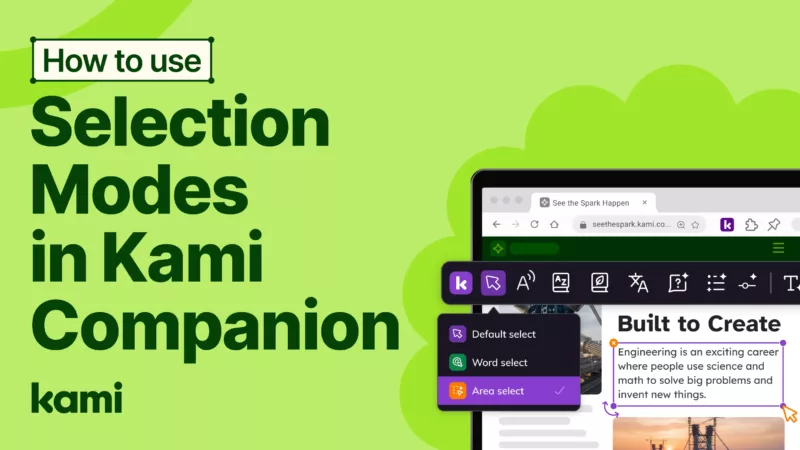
How to use Kami Companions Selection modes
Selection modes helps students choose Default, Word, or Area select in Kami Companion so they can use Explain, Read aloud, and Dictionary tools with confidence.
Accessibility & Learning Supports
Kami Companion
Multilingual & Language Support
Video
1 minutes
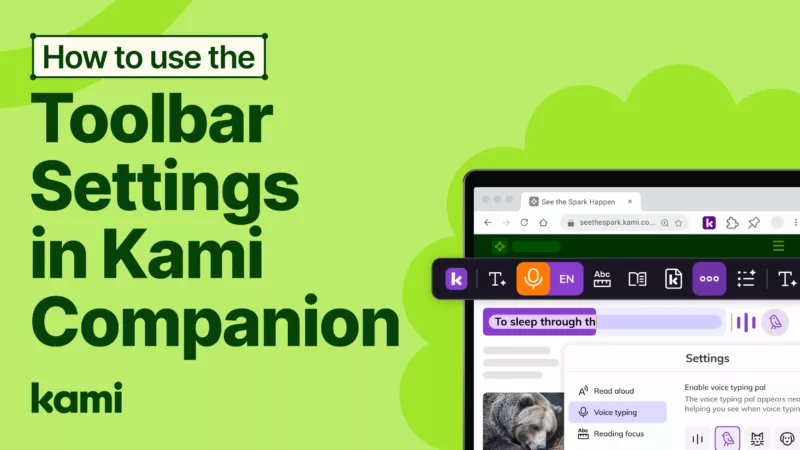
How to edit the Kami Companion toolbar settings
Learn how the customized toolbar settings in Kami Companion help students switch dark or light mode, resize the toolbar, and auto-open tools on any new webpage.
Accessibility & Learning Supports
Kami Companion
Video
1 minutes
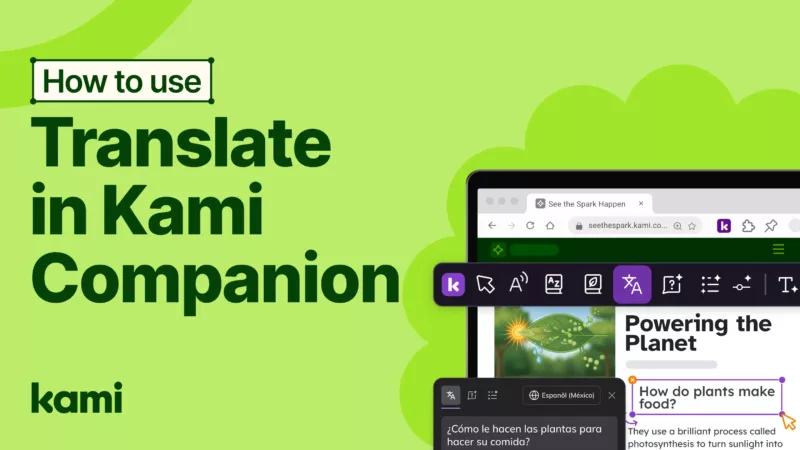
How to use the Kami Companion translate tool
Learn how Translation tools in Kami Companion help multilingual learners translate webpage text, listen with read aloud, and keep working without switching tabs.
Accessibility & Learning Supports
Kami Companion
Multilingual & Language Support
Video
1 minutes
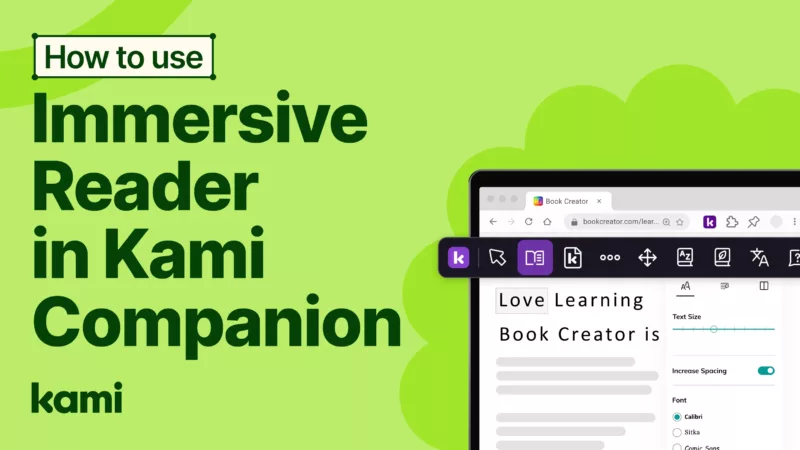
How to use Immersive Reader in Kami Companion
Immersive reader in Kami Companion clears distractions and adds reading supports like text preferences, parts of speech, line focus, picture dictionary, and translation for focused reading.
Accessibility & Learning Supports
Kami Companion
Multilingual & Language Support
Video
1 minutes
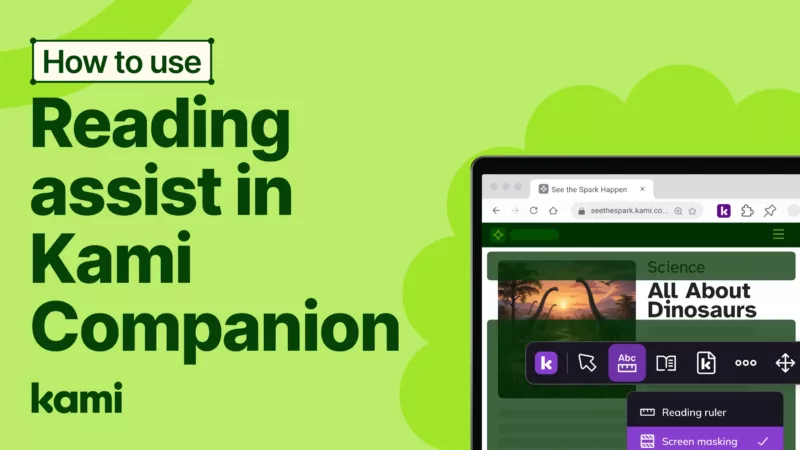
How to use Kami Companion Reading assist
Learn how tracking tools in Kami Companion, including the reading ruler and screen masking, help students stay focused, follow lines of text, and reduce visual overwhelm.
Accessibility & Learning Supports
Kami Companion
Multilingual & Language Support