Fewer tools.Full compliance. Real evidence of learning.
You’re accountable for every tool in the stack: whether it’s secure, whether it’s compliant, and whether it’s actually improving outcomes.
Kami App, Kami Companion, Book Creator, and Kami Coach replace several separate tools with one family. Each one is built on the standards your district already requires.

The problem: more tools, more to defend
Technology leaders are expected to reduce risk and cost, while everyone else asks for one more tool.
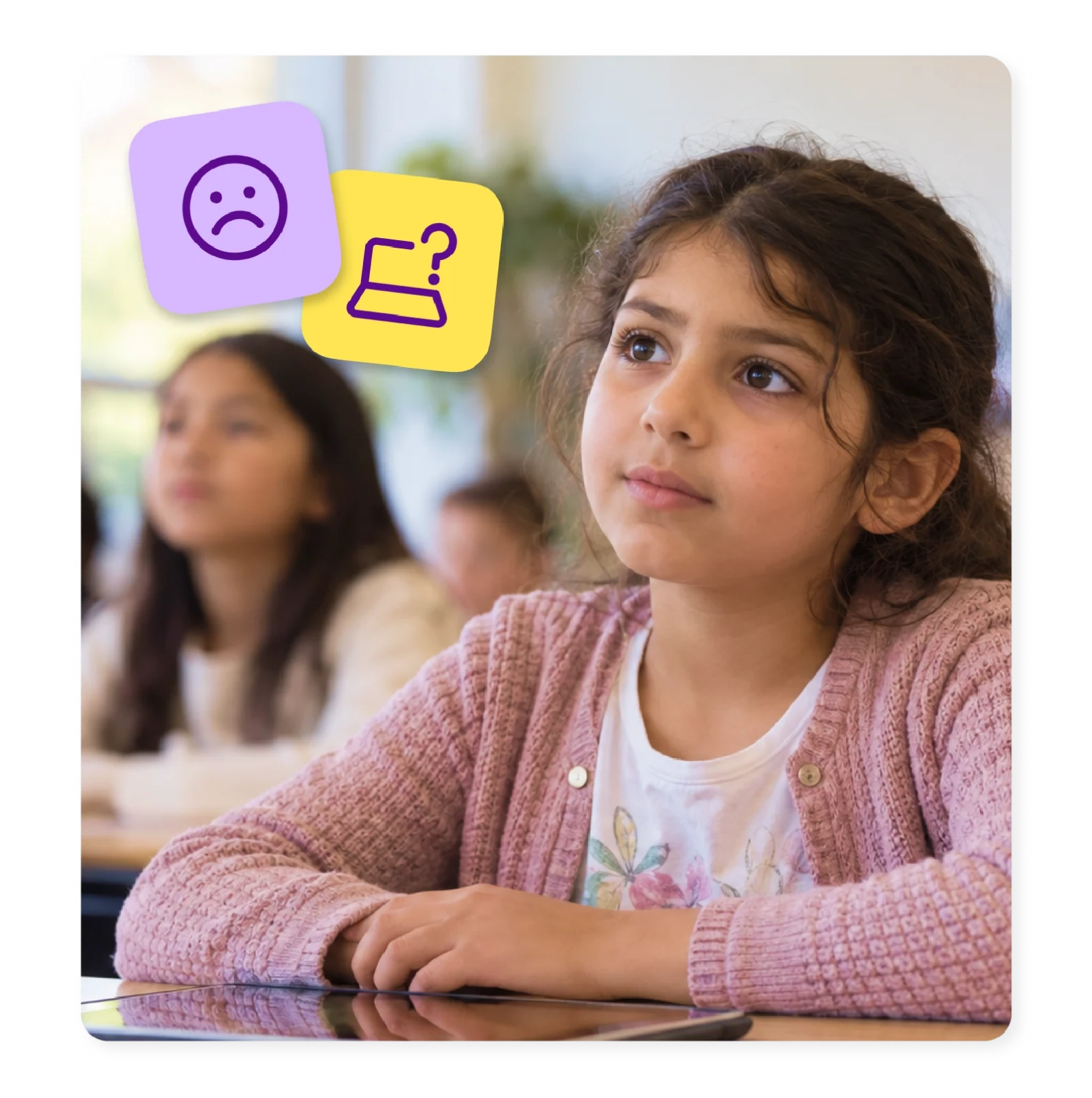
Too many tools, not enough oversight
Every department picks its own app. The stack grows faster than anyone can audit it. Then a security review or budget cycle forces the question: what’s still in use?
Compliance with a small team
Student data privacy laws, accessibility mandates, and security certifications keep expanding, and most technology teams aren’t growing to match them.
Hard to prove it's working
Boards and superintendents want proof that technology spending improves learning. A login report isn’t enough.
"Free" AI still has a cost
Consolidate your tool set with Kami
Kami App
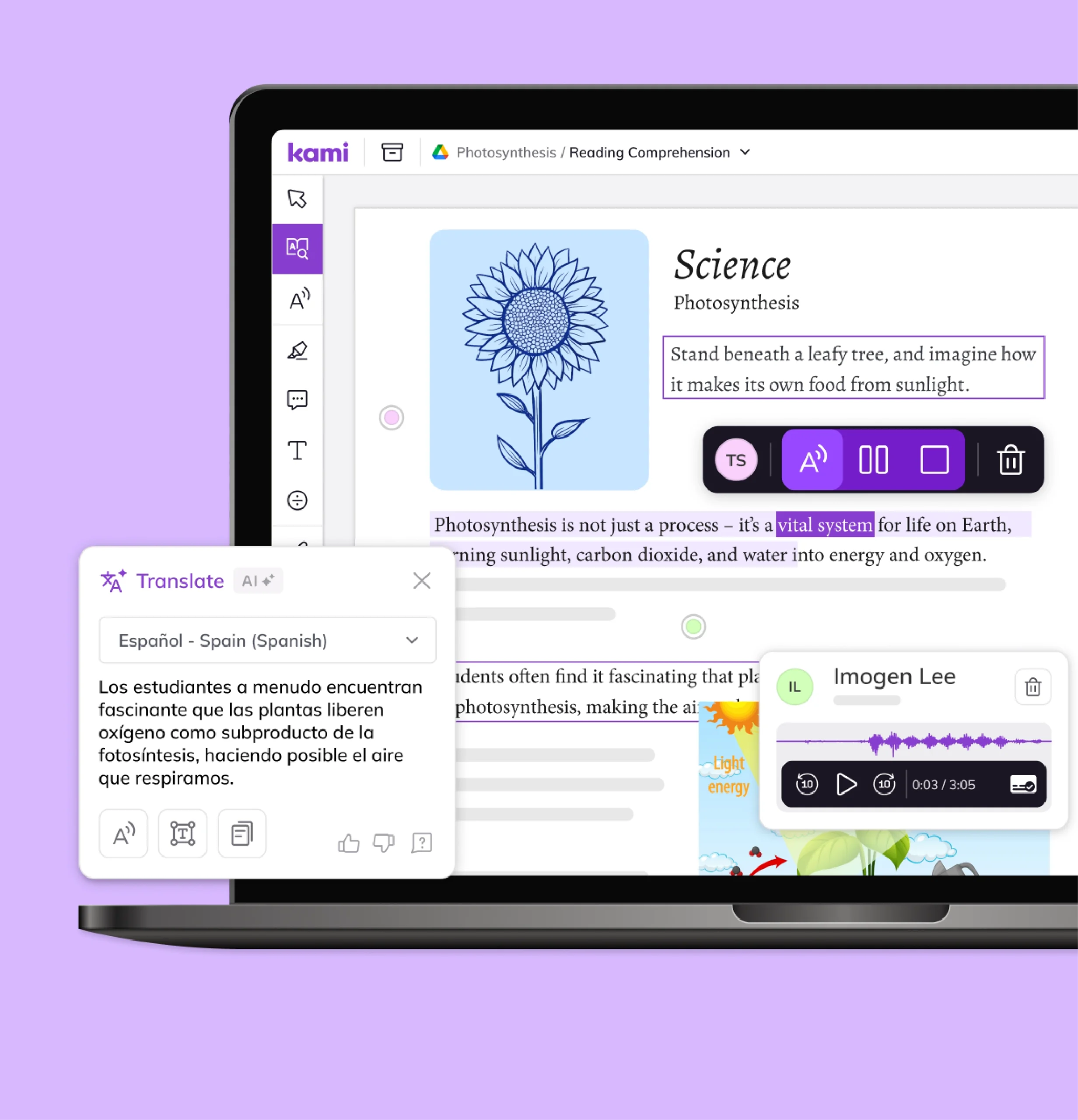
Kami App takes the materials teachers already use and turns them into interactive lessons with built-in accessibility. You can replace several separate annotation and engagement tools with one that already meets your compliance requirements.
Book Creator
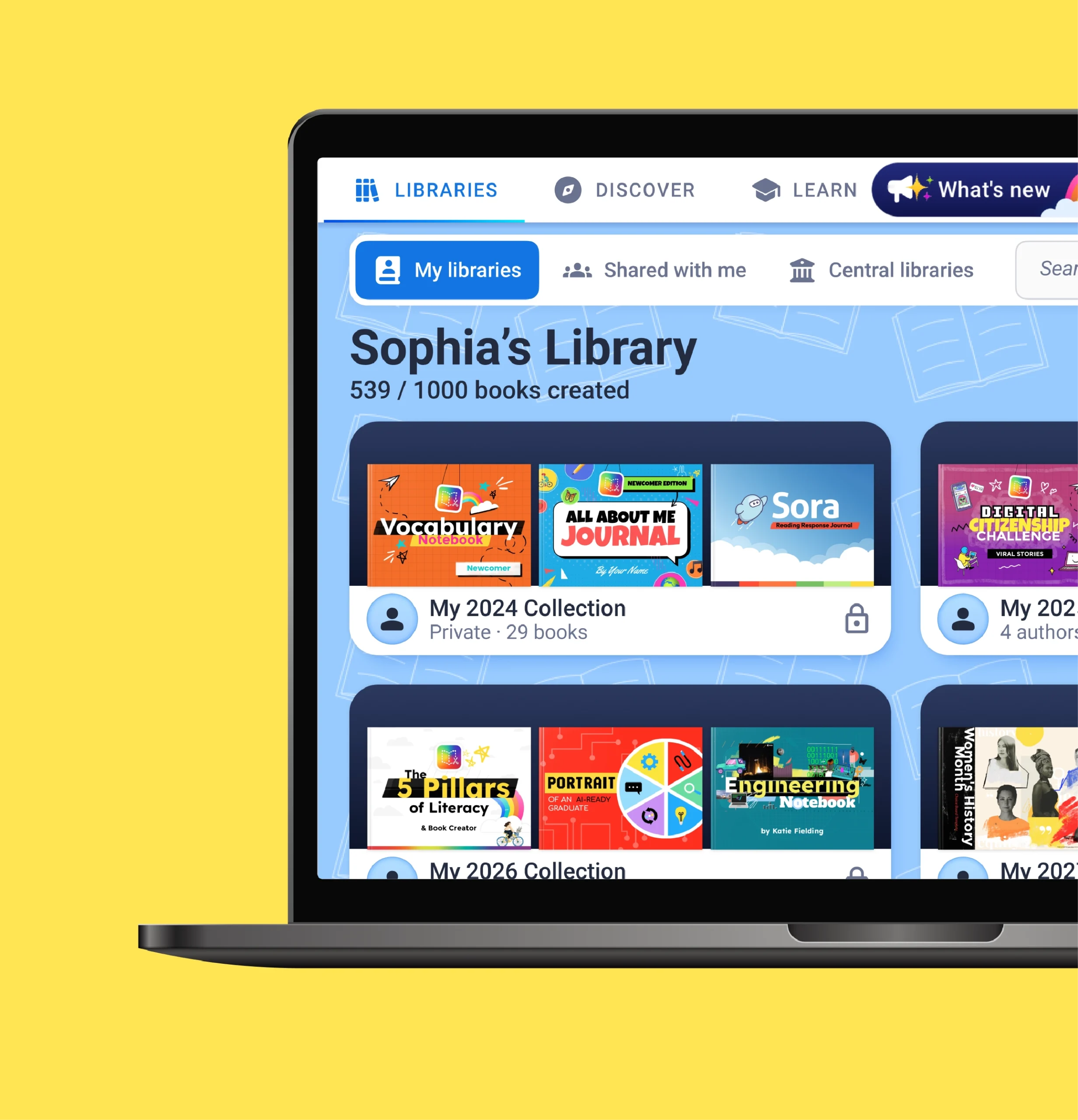
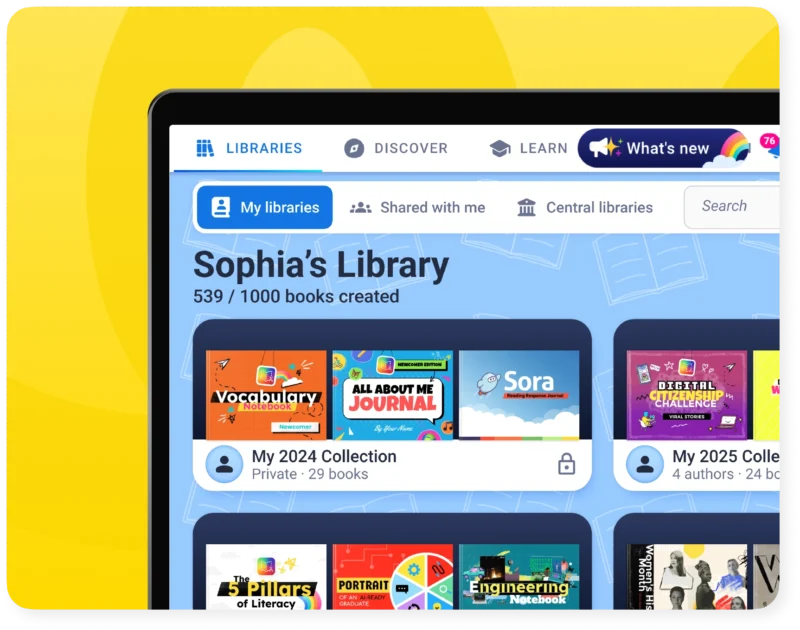
Book Creator gives every student one consistent way to demonstrate understanding, and gives you a single, ESSA Level III-certified tool for portfolios and evidence of learning, instead of a mix of separate creation apps.
Kami Companion
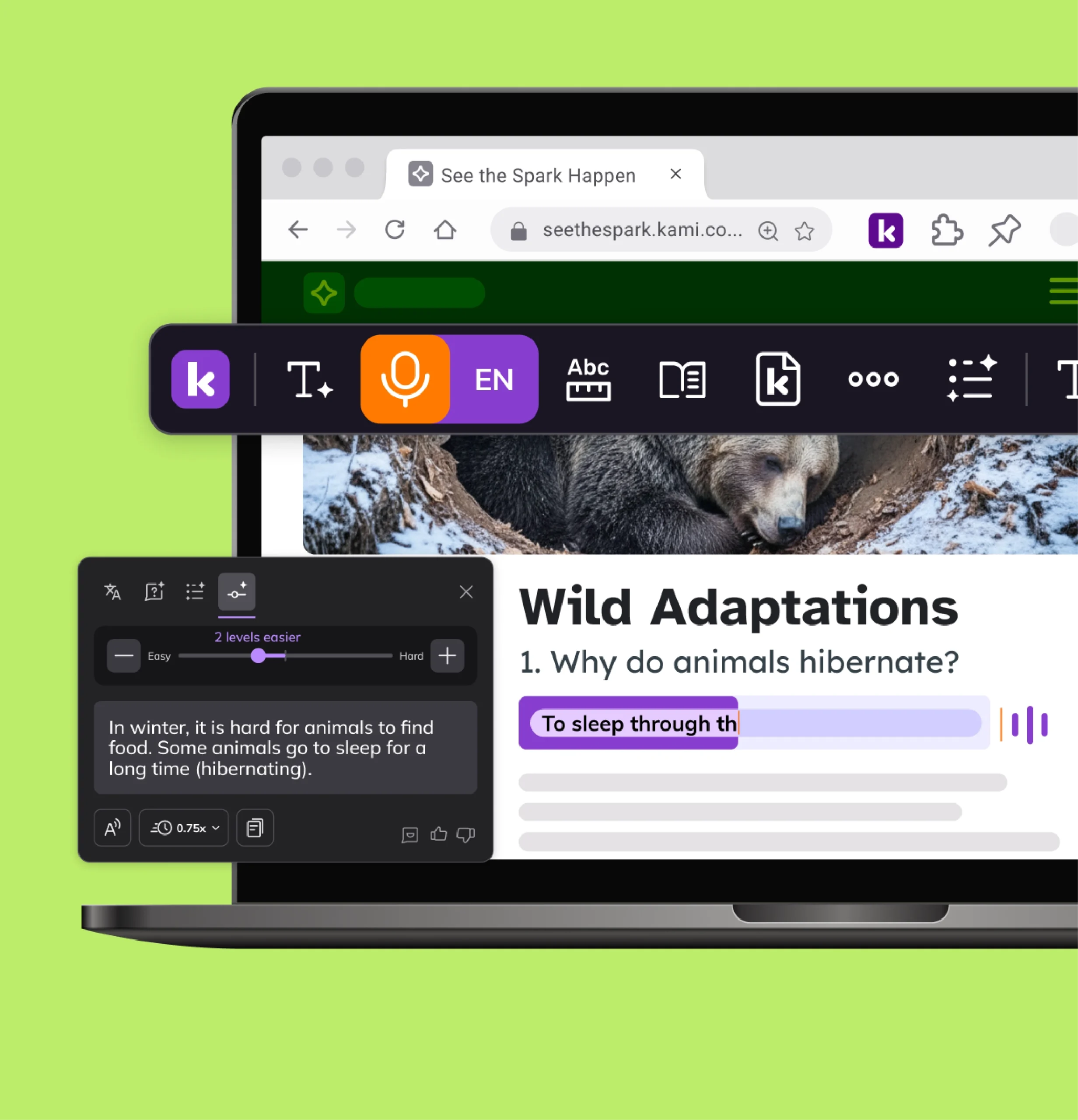
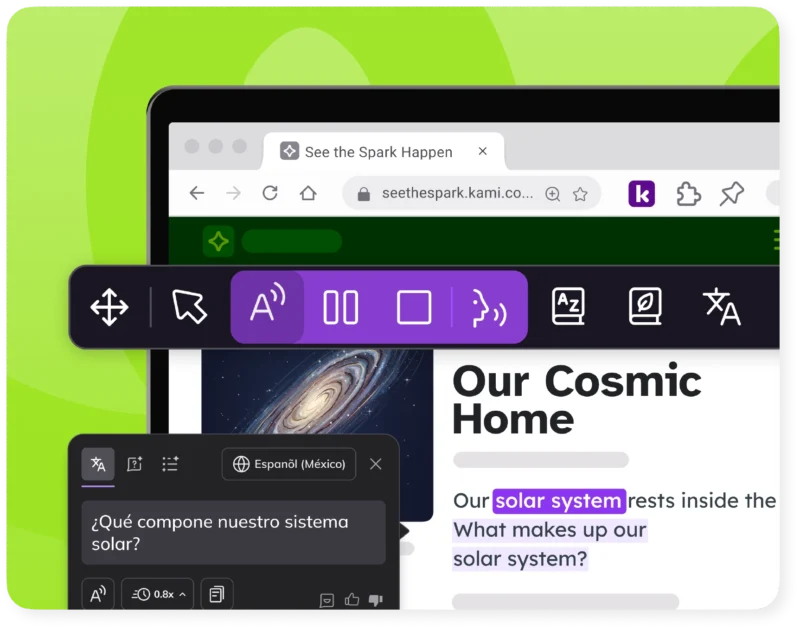
Kami Companion adds built-in reading, language, and expression supports across web-based content. You can retire a handful of standalone assistive technology licenses instead of asking teachers to manage another separate tool.
Kami Coach
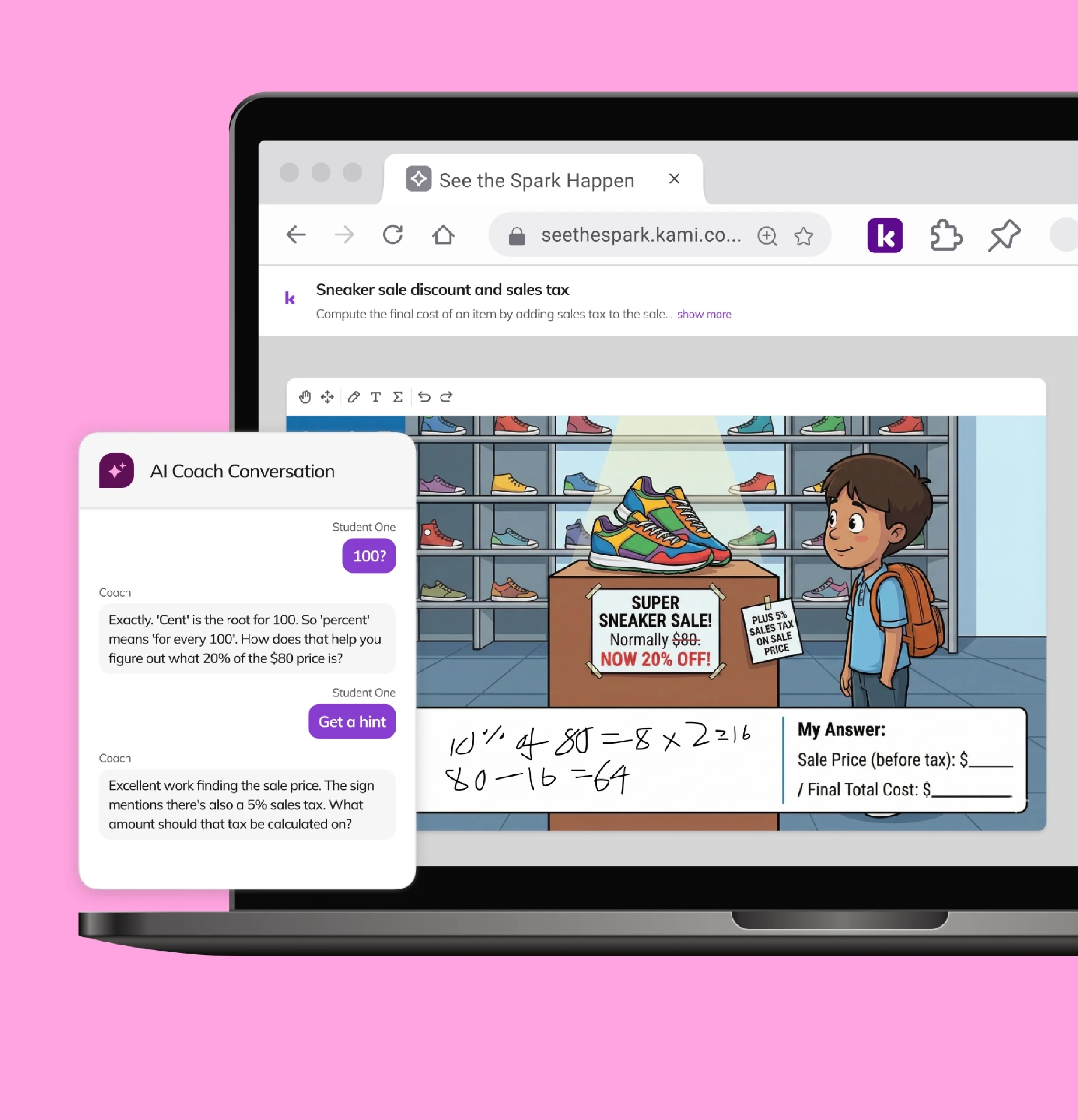
Kami Coach is Kami’s newest addition, a math formative assessment tool that gives teachers real-time insight into student thinking. It extends the same family of standards-aligned tools into math practice.
Example workflows
Enhance your planning, grading, and assessment processes so you have more time for the important things.
District-wide rollout without new tickets
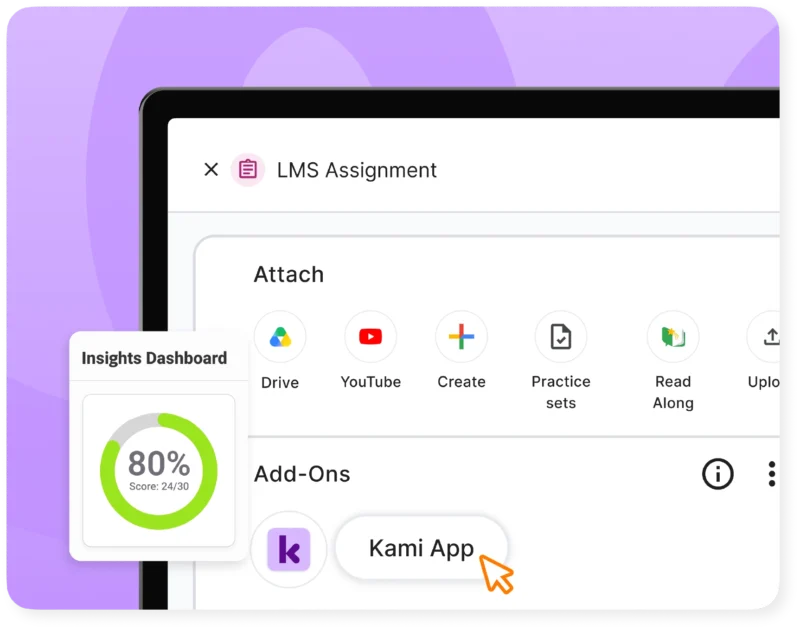
IT deploys Kami App with Google, Microsoft, or Clever single sign-on. Teachers and students open it inside their existing LMS. No new account requests land on the helpdesk.
Evidence your board can see
When the board asks if the technology budget is improving outcomes, district leaders need a clear answer. Kami App usage data and Book Creator portfolios give them one.
One fewer license to track
Kami Companion adds read-aloud and translation to the web content and curriculum you already use. That’s one contract and one vendor to manage, not several.
Explore by use case
Visible
See how every student is doing while they’re learning, not after. Kami’s AI-powered tools turn everyday assessments into engaging materials that give you real evidence of learning.
Accessible
With Kami, every student can work from the same lesson, at the same pace. Built-in supports for language, reading, and math help every learner fully participate.
Meaningful
Learning sticks when students collaborate, create, and think for themselves. Kami supports authentic work in class and online, building skills students carry well beyond the lesson.



Resources for technology leaders

EdTech Evaluation Framework
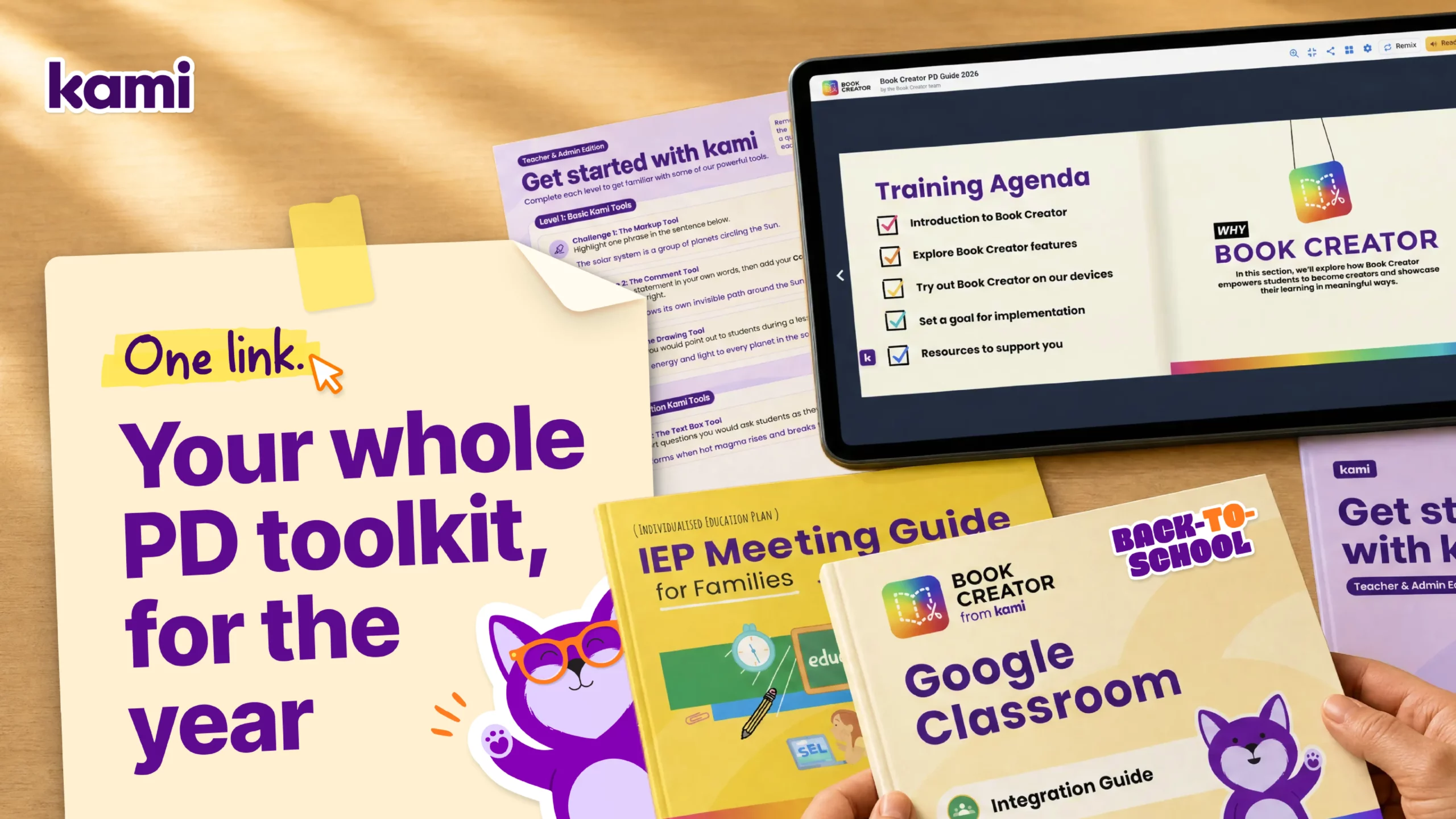
Tech coach toolkit
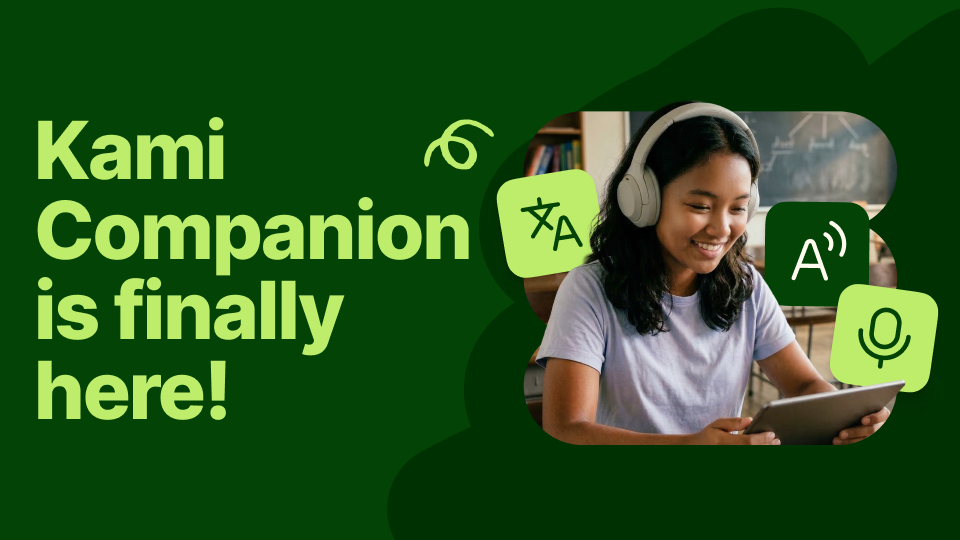
Kami Companion
Frequently asked questions
Browse our FAQs below, or visit our Help Center for comprehensive guides and troubleshooting support.
What is Kami for technology leaders?
Kami is a family of instructional technology built on shared standards for security, accessibility, and single sign-on, so IT teams can consolidate several point solutions. It includes Kami App, Kami Companion, Book Creator, and Kami Coach.
Does Kami meet WCAG 2.1 AA standards?
Yes. Accessibility conformance reports and the current accessibility roadmap are available through the accessibility page. WCAG 2.1 AA is the standard.
Is Kami aligned with SOC 2 and GDPR?
Yes. Kami is aligned with SOC 2 Type 2, ST4S, and GDPR DPF EU-US requirements. Full documentation is on the Security Hub.
How does Kami integrate with our LMS?
Kami works with Google Classroom, Canvas, Schoology, Microsoft Teams, and D2L Brightspace, with single sign-on through Google, Microsoft, or Clever.
What usage data can we get to support a renewal decision?
Admins can view sign-ups, document loads, annotations created, and page counts over any time frame in the Kami license dashboard. Talk to our team about breakdowns by school or teacher and what your account includes.
Does Kami support district-wide rollout?
Yes. Talk to our team about deployment support and regular usage reporting through a dedicated customer manager.
See the spark happen.