
Adobe Acrobat alternative for classroom annotation and feedback
Kami App vs. Adobe Acrobat Pro
Kami App vs. Adobe Acrobat Pro
Adobe Acrobat Pro has long been the familiar way to mark up a PDF. For a district assigning, grading, and monitoring student work across every classroom, there is now a tool built specifically for that job.
Here is a side-by-side look at where Kami App and Adobe Acrobat Pro each stand today.
How to annotate PDFs and everyday classroom materials
The right tool should fit the district’s classroom workflows – not just handle PDFs.
Kami App
Adobe Acrobat Pro
Why it matters
Assignments, feedback, and grading on PDFs
Can a student respond with multiple means of expression? Does the tool grade work and show where a class is stuck?
Kami App
Adobe Acrobat Pro
Why it matters
Accessibility in every document
Is accessibility built-in, or does it rely on other tools?
Kami App
Adobe Acrobat Pro
Why it matters
LMS integrations, privacy, and pricing for schools
How do the tools compare on student privacy, school pricing, and features beyond classroom annotation?
Kami App
Adobe Acrobat Pro
Why it matters
Kami App in classrooms
Proof and impact
+4
Percentile points
STAAR Reading, associated with daily Kami App use
+8
Percentile points
STAAR Reading for multilingual learners
92%
of US K-12
public schools have active Kami users
94%
of Kami teachers
report improved student engagement
CAST UDL
Product Certification
Independently certified to Universal Design for Learning standards

ISTE Seal
Seal of Alignment as a ‘Platform’ tool
Kami makes learning materials more engaging
See what Kami can do for your district
Discover how Kami can enhance learning experiences and drive measurable success at scale and at speed, across schools and districts.

Where Kami App has the advantage as a PDF annotator for classrooms
If you’re evaluating tools for your program, these are the areas where Kami App has an advantage.
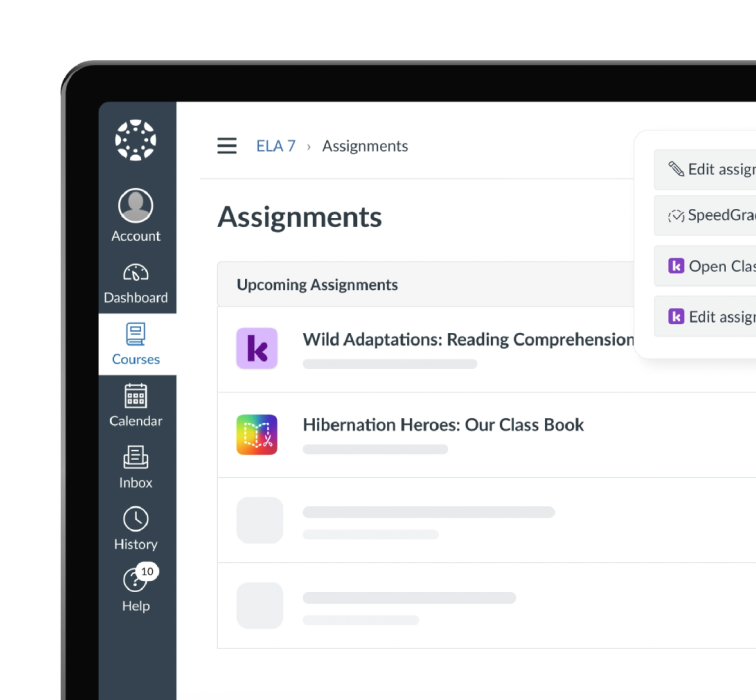
Built for the classroom
Kami App has class rosters, assignment distribution, and LMS integration built in. It’s not a generic tool for working with PDF files.
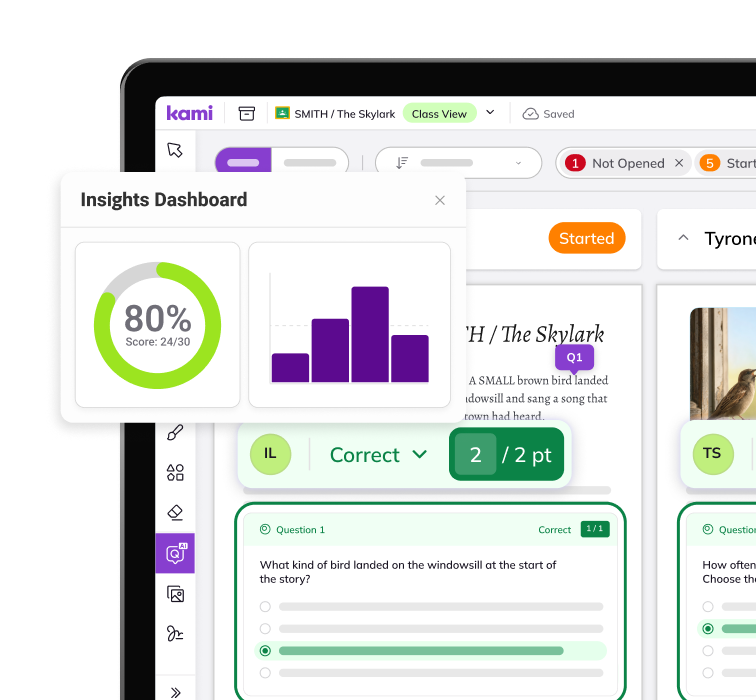
Grading and insight, not just markup
Questions AI and the Insights dashboard turn annotation into class-wide, question-level evidence a curriculum director can act on.
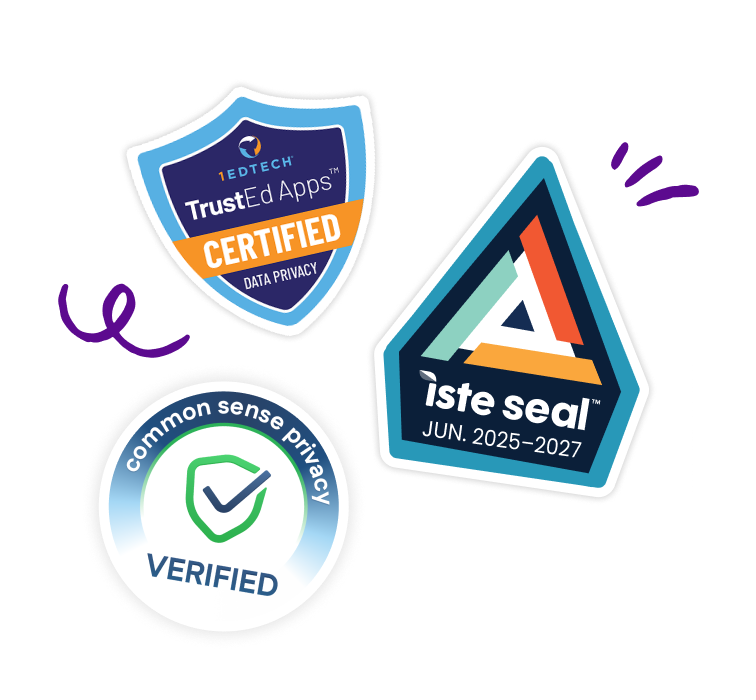
Documentation ready for K-12 procurement
ISTE Seal, WCAG 2.1 AA, SOC 2 Type 2, 1EdTech Trusted App, and Common Sense Privacy Seal, all in one Security Hub built for a school board review, not a general enterprise compliance packet.
Frequently Asked Questions about Kami App vs Adobe Acrobat
Is there a free Adobe Acrobat alternative for teachers?
Yes. Kami App’s free Basic plan is an option for teachers who need to annotate PDFs, add text comments, highlight, and draw. It covers everyday classroom markup, rather than every Acrobat Pro workflow. Features such as LMS integrations and voice or video feedback require a paid plan.
Is Kami App a free PDF annotator?
Yes. Kami App’s Basic plan is free and includes core PDF annotation tools such as text boxes, text comments, highlighting, and drawing. Teachers and students can use it to mark up existing materials and collaborate on documents. Paid plans add tools for richer feedback and connected classroom workflows.
What should schools look for in Adobe Acrobat alternatives?
Start with the work teachers and students need to do: annotate existing PDFs, distribute assignments, give feedback, and review student understanding. Check compatibility with school devices, LMS integrations, accessibility support, student privacy documentation, and which features each license includes. If administrative teams also need redaction, e-signatures, or document conversion, evaluate those needs separately from classroom annotation.
What makes the best PDF annotator for classrooms?
The best fit lets students show their understanding and teachers respond without adding unnecessary steps. Look for easy-to-use markup, feedback options beyond text, real-time collaboration, and accessibility tools that work with existing materials. For school-wide use, also consider LMS assignment workflows and how teachers monitor work across a class, not just whether the tool can highlight a PDF.
Can Kami App open the PDFs I already use?
Yes. Kami App opens existing PDFs, including scanned worksheets, so teachers can keep using their current materials. Students and teachers can annotate the document without rebuilding it. If a scan contains no selectable text, run Text Recognition to make the words selectable for text-based tools.
Can Kami App recognize text in scanned PDFs?
Yes. Kami App’s Text Recognition tool uses optical character recognition (OCR) to identify text in scanned PDFs and images and make it selectable. Open the document, choose Tools, then Run text recognition. The tool is available on all Kami plans, including Basic; results depend on scan quality and formatting.
Is Kami App an Adobe Acrobat alternative for schools?
Yes. Kami App covers classroom annotation, assignment, and feedback with features built for K-12, such as class rosters, LMS integration, and auto-grading, that are not part of Adobe Acrobat Pro.
The two tools do not conflict, so a district can pilot Kami App while keeping its existing Acrobat Pro licenses in place, and you can use your existing PDFs easily within Kami.
Product information, features, and pricing for Adobe Acrobat Pro are based on publicly available information as of October 2026 and are subject to change without notice. Kami is not affiliated with, endorsed by, or sponsored by Adobe, the maker of Acrobat. All trademarks, product names, and company names are the property of their respective owners. We’ve made every effort to ensure accuracy, if you spot something outdated, let us know at marketing@kamiapp.com.
See the difference for your district