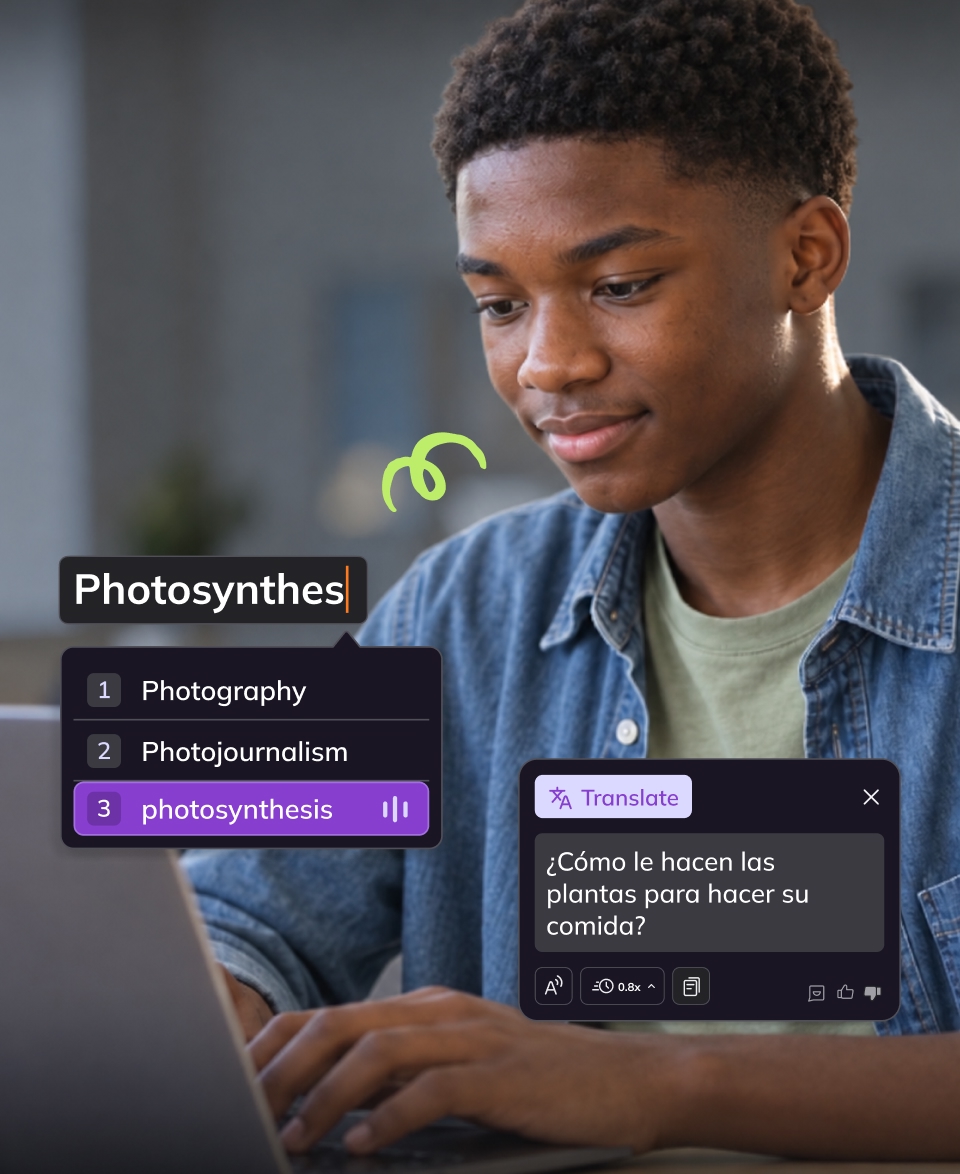
What does your district need beyond a free reader?
Kami Companion vs. Microsoft Immersive Reader
Kami Companion vs. Microsoft Immersive Reader
Microsoft Immersive Reader comes built into Word, Teams, OneNote, and Edge, already available to most districts at no separate cost.
Kami Companion is a different kind of tool: a district-managed browser extension built to work on any website a student visits, not only inside Microsoft’s own apps. Here is how the two actually compare.
Microsoft Immersive Reader is already built into Kami Companion, so you get the best of both worlds.
Immersive Reader support in Chrome and across the web
Does the tool follow a student everywhere they read, or only inside certain apps?
Kami Companion
Immersive Reader
Why it matters
Comprehension and language support for students
Once a student is in the tool, what helps them read and understand?
Kami Companion
Immersive Reader
Why it matters
Writing and expression
What tools help students put ideas into their own words?
Kami Companion
Immersive Reader
Why it matters
Immersive Reader for education: deployment, privacy and admin
What does a district actually need to confirm before rolling this out?
Kami Companion
Immersive Reader
Why it matters
Kami Companion in classrooms
Accessibility in action
Since 2025, Kami Companion has delivered
8.4m
learning moments
2m
words read aloud
450k
reading levels adjusted
500k
translations delivered
Where Kami Companion has the advantage as assistive technology for reading
If you’re evaluating tools for your district, these are the areas where Kami Companion has an advantage.
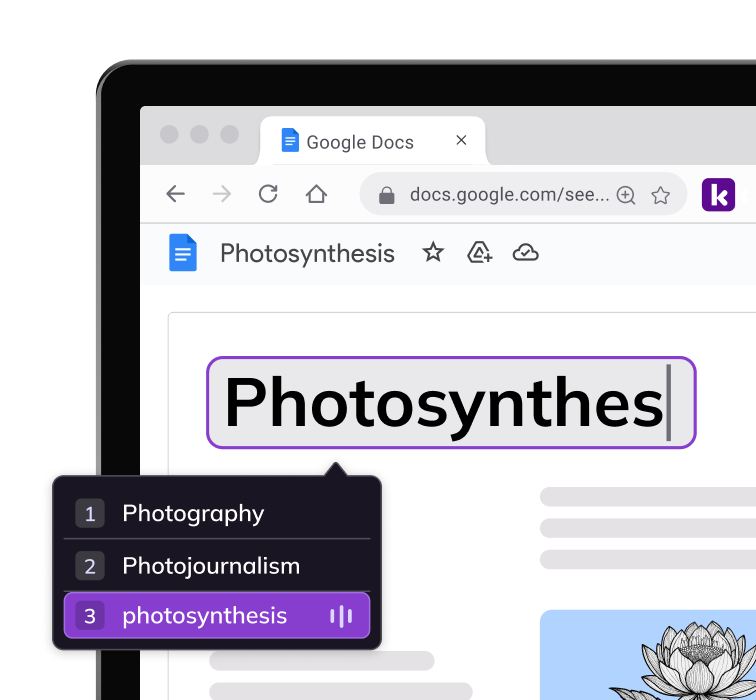
Works everywhere a student reads
Kami Companion isn’t limited to Microsoft’s own apps. It activates on any website in Chrome or Edge, including curriculum platforms, research sites, and Google Docs, not just inside Word, Teams, or OneNote.
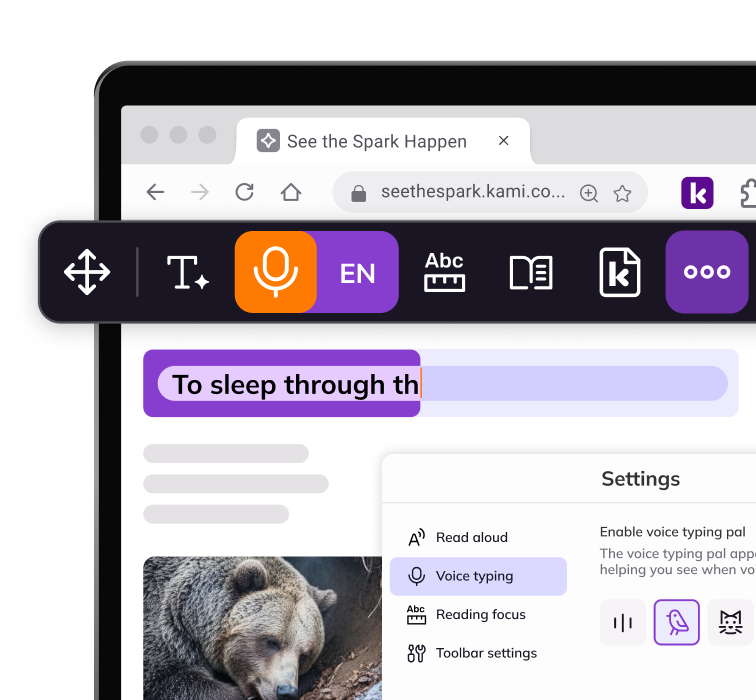
Built for writing, not only reading
Voice typing and predictive text give students a way to get their own ideas down, not just take in text that’s already there. Immersive Reader’s published feature set doesn’t include either.
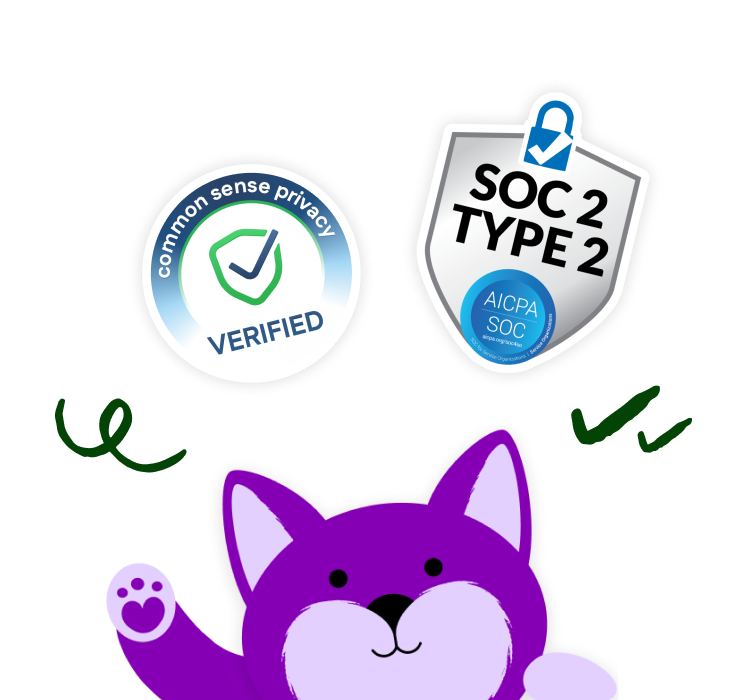
Privacy and compliance built in
Kami’s WCAG 2.1 AA conformance letter, VPAT, and privacy certifications (COPPA, FERPA, SOPPA, SOPIPA, SOC 2 Type 2) are published for Kami Companion specifically, ready for a district’s own review process.
Deploying Kami Companion
Many districts already have Immersive Reader available through Microsoft 365 or Edge. You don’t need to remove it to evaluate Kami Companion.
- Install the Kami Private Extension using Google Admin Console or Microsoft Intune.
- Try both tools together. Check for conflicts on your devices and browsers before rolling out district-wide.
- Compare the tools with a 30-day trial before deciding.
Frequently Asked Questions about
Kami Companion vs. Microsoft Immersive Reader
What is Microsoft Immersive Reader?
Microsoft Immersive Reader is a reading mode and set of literacy tools available in supported Microsoft apps and Microsoft Edge. It can simplify a page and offer tools such as Read Aloud, text preferences, translation, and grammar support. The available tools depend on the app. See Microsoft’s Immersive Reader guide for Edge.
Does Microsoft Immersive Reader work in Google Chrome?
Immersive Reader is not a general-purpose webpage reader built into Chrome. It may be available inside supported Microsoft apps, depending on the app; Microsoft’s built-in Immersive Reader for reading webpages is an Edge feature.
How do teachers use an Immersive Reader in the classroom?
Open the lesson or webpage in a supported app, then choose the app you want to use. Teachers can model tools such as Read Aloud, text preferences, translation, and focus controls, then let students use the supports that work for them.
Can Kami Companion and Microsoft Immersive Reader be used together?
Yes. Kami Companion can run alongside Microsoft Immersive Reader in Chrome or Edge. If both tools are enabled on the same device, test them on the websites and devices your district uses before a wider rollout.
What’s more Microsoft Immersive Reader is already available inside Kami Companion.
Do we need Microsoft 365 to use Kami Companion?
No. Companion is a Chrome and Edge extension and works regardless of whether a district is standardized on Microsoft 365, Google Workspace, or a mix of both.
How do districts deploy Kami Companion?
A district administrator can deploy the Kami Private Extension through Google Admin Console or Microsoft Intune. Students and staff then use the Companion toolbar in Chrome or Edge. Ask your IT team to confirm browser and device policies before deployment.
How much does Kami Companion cost?
Kami Companion is licensed separately at the school or district level, and pricing is quote-based. The cost depends on your school’s or district’s needs. Request a quote to discuss your needs, and compare the cost against your specific Microsoft 365 or Education licensing.
Does Kami Companion work on iPads?
Not currently. Kami Companion requires its Chrome or Edge browser extension, and it is not currently supported in Safari on iPad. For device-specific deployment questions, contact the Kami team.
Product information, features, and pricing for Microsoft Immersive Reader are based on publicly available Microsoft Support documentation as of October 2026 and are subject to change without notice. Kami is not affiliated with, endorsed by, or sponsored by Microsoft, the maker of Immersive Reader. All trademarks, product names, and company names are the property of their respective owners. We’ve made every effort to ensure accuracy, if you spot something outdated, let us know at marketing@kamiapp.com.
Remove barriers. Unlock learning.