
Kami for library media specialists
Library media specialists run the one classroom every student visits: the library. Book Creator, Kami Companion, and Kami App help you publish student authors, support every reader, and build research skills, all in one connected toolkit.
Build a library of student-published books
Help every student grow as a reader and a creator
Use Book Creator to co-create accessible, multimedia books that showcase learning and build real reading habits.
Support literacy in every form: media, digital, AI, and more
Support reading, digital, AI, and media literacy with a platform that lets students analyze, create, and communicate in new ways.
Curate with purpose and collaborate with impact
Partner with educators to build rich digital libraries, co-create content, and deliver inclusive, student-centered learning experiences.
From poster assignment to board-ready proof
CREATE
Ignite student voice & creativity
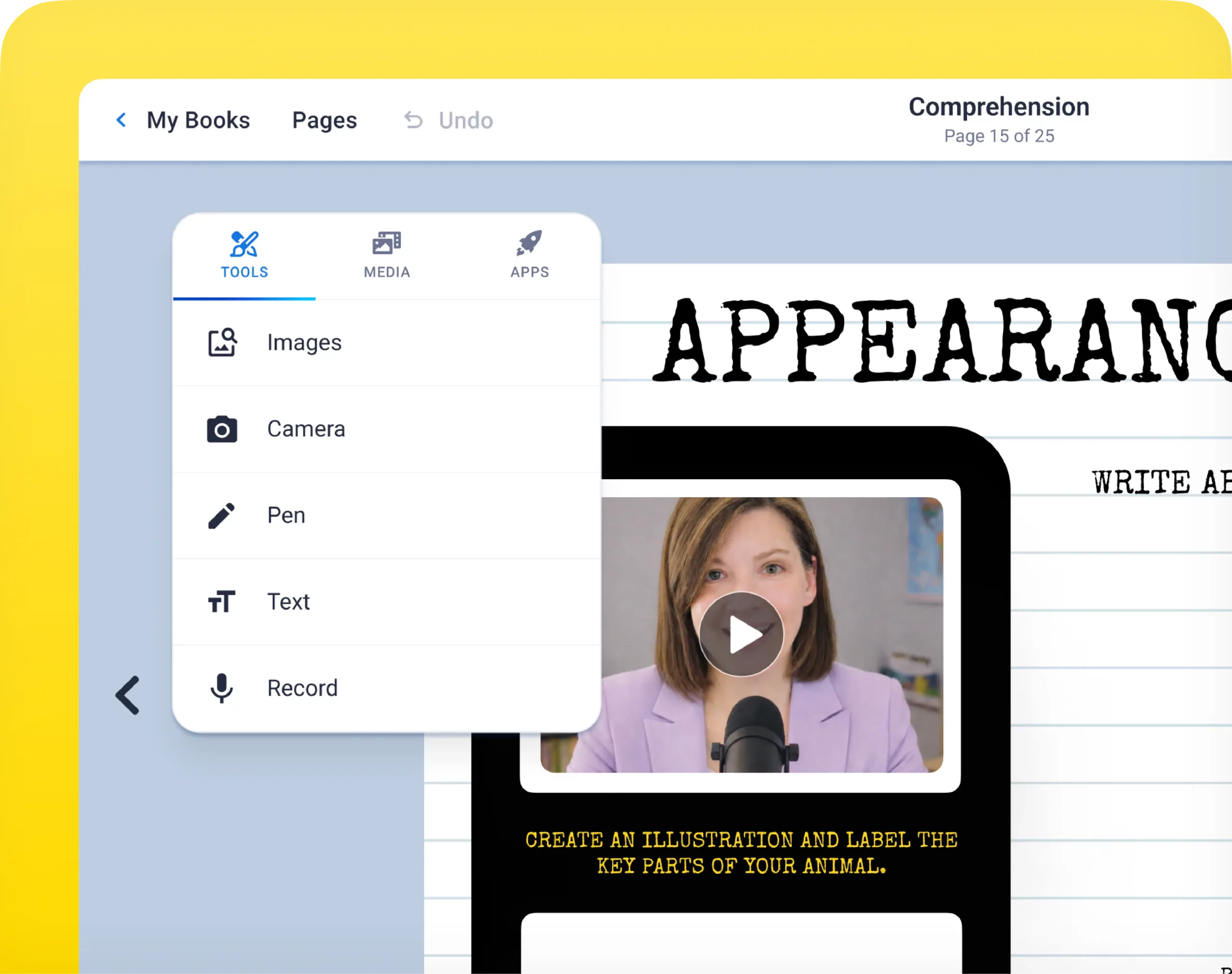
Multimodal creation
Build interactive books with text, images, drawings, audio, and video, so every student can express themselves in a way that feels true to them.
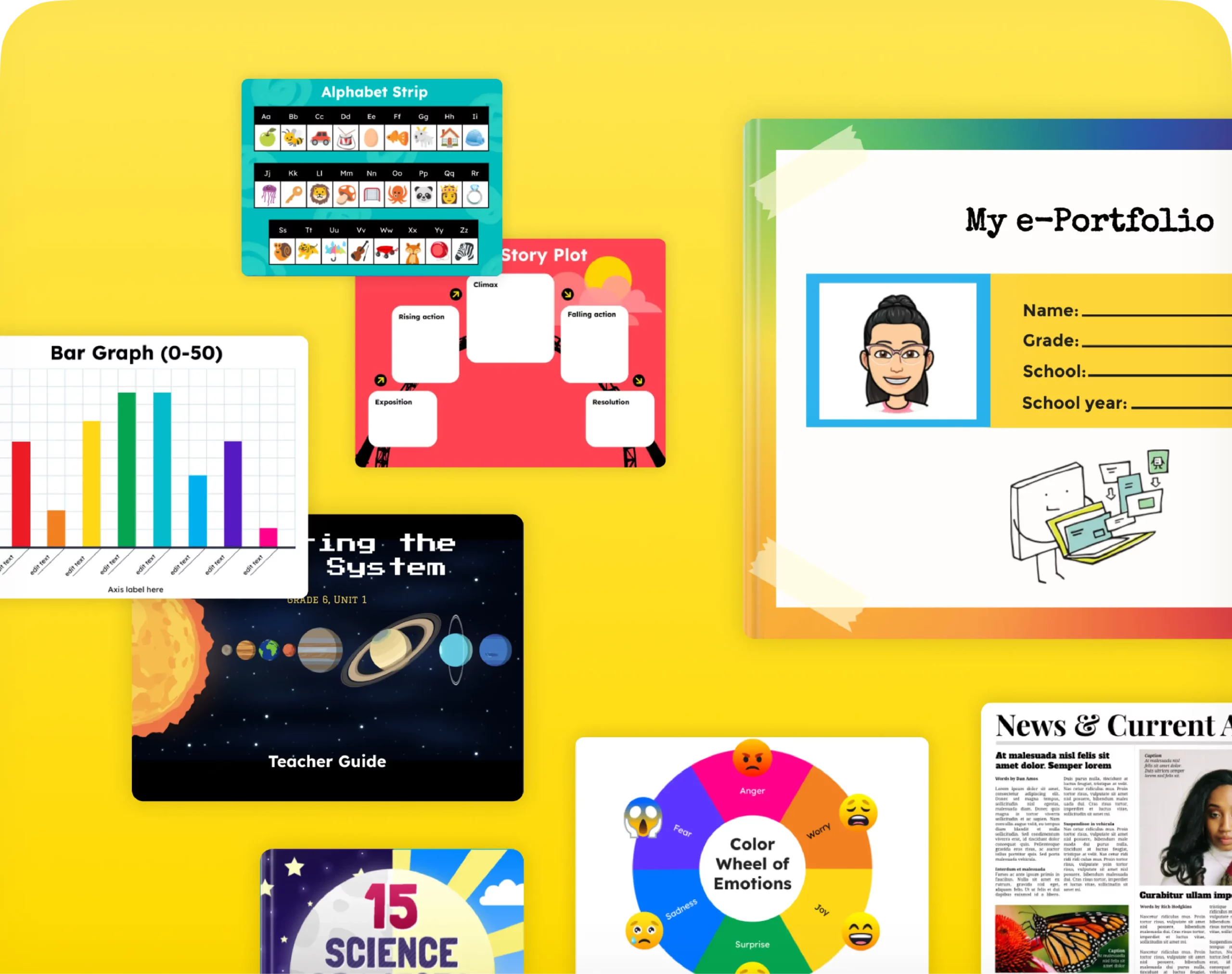
Page templates
Jumpstart projects with standards-aligned templates for reading journals, research projects, digital portfolios, choice boards, and more.
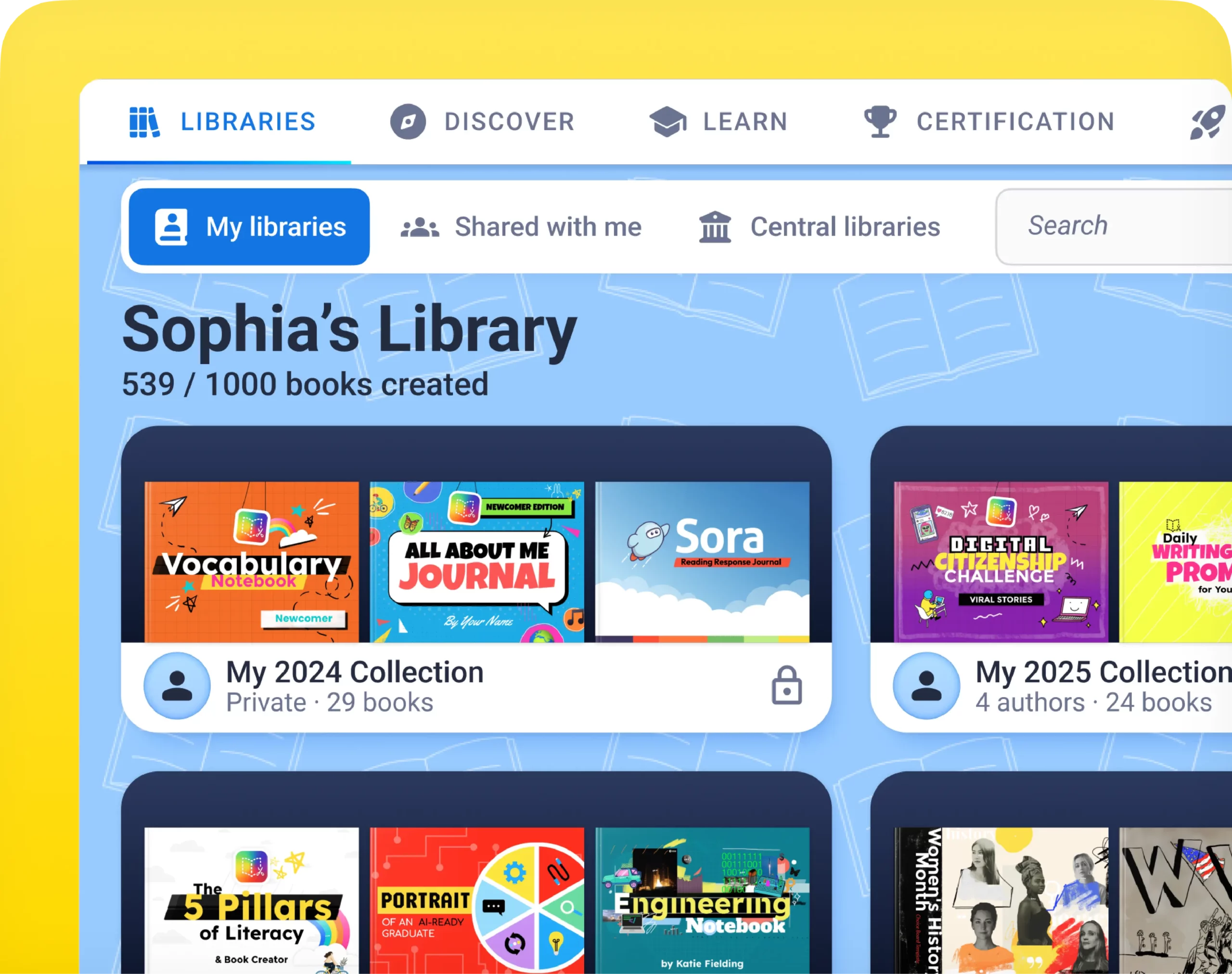
Student portfolios
Students become authors by documenting their learning, reflecting through digital portfolios, and publishing their own stories in a safe space.
CURATE
Empower instruction & resource sharing
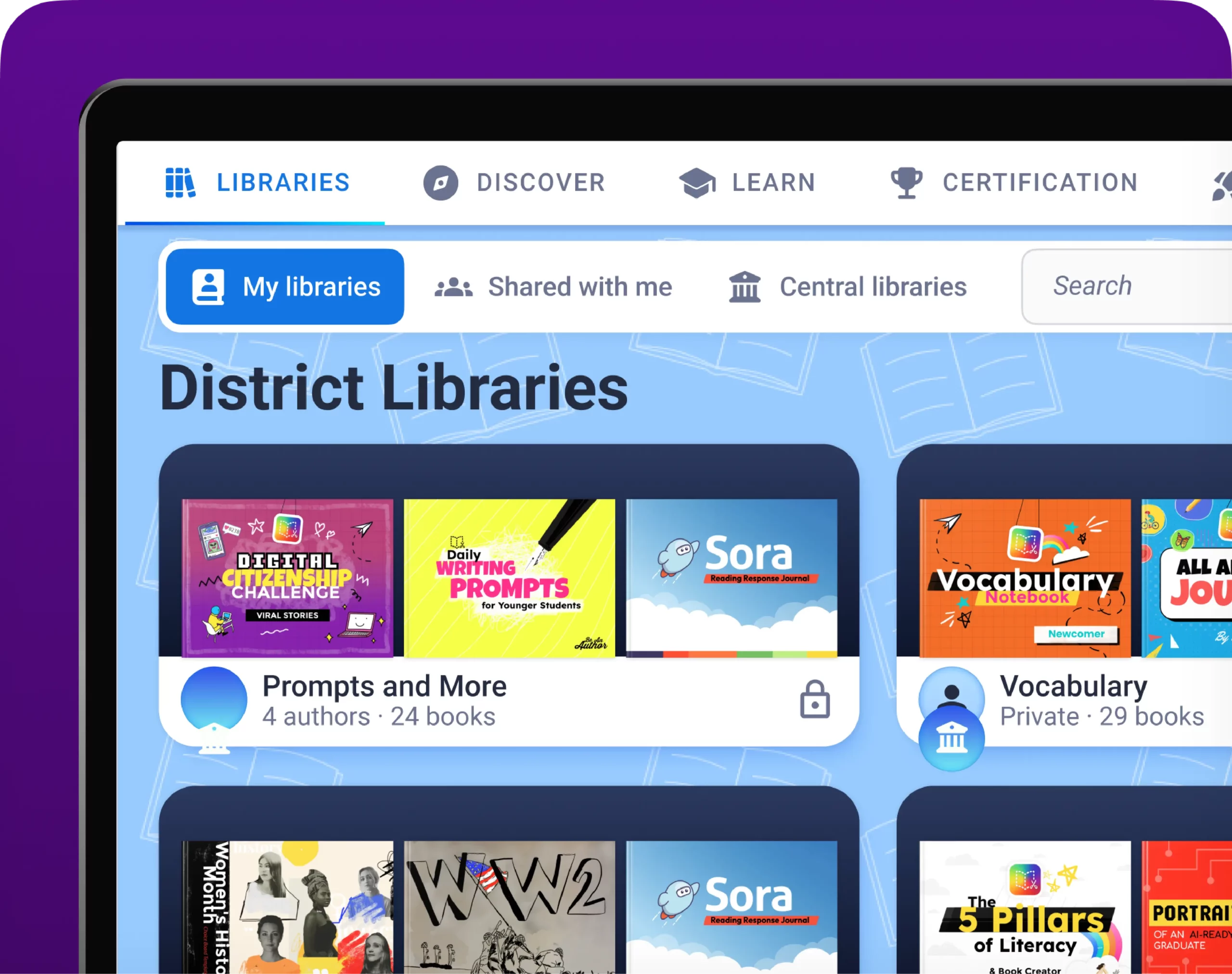
Central library
Curate, organize, and share collections of student publications, choice boards, library newsletters, and instructional resources in one place.
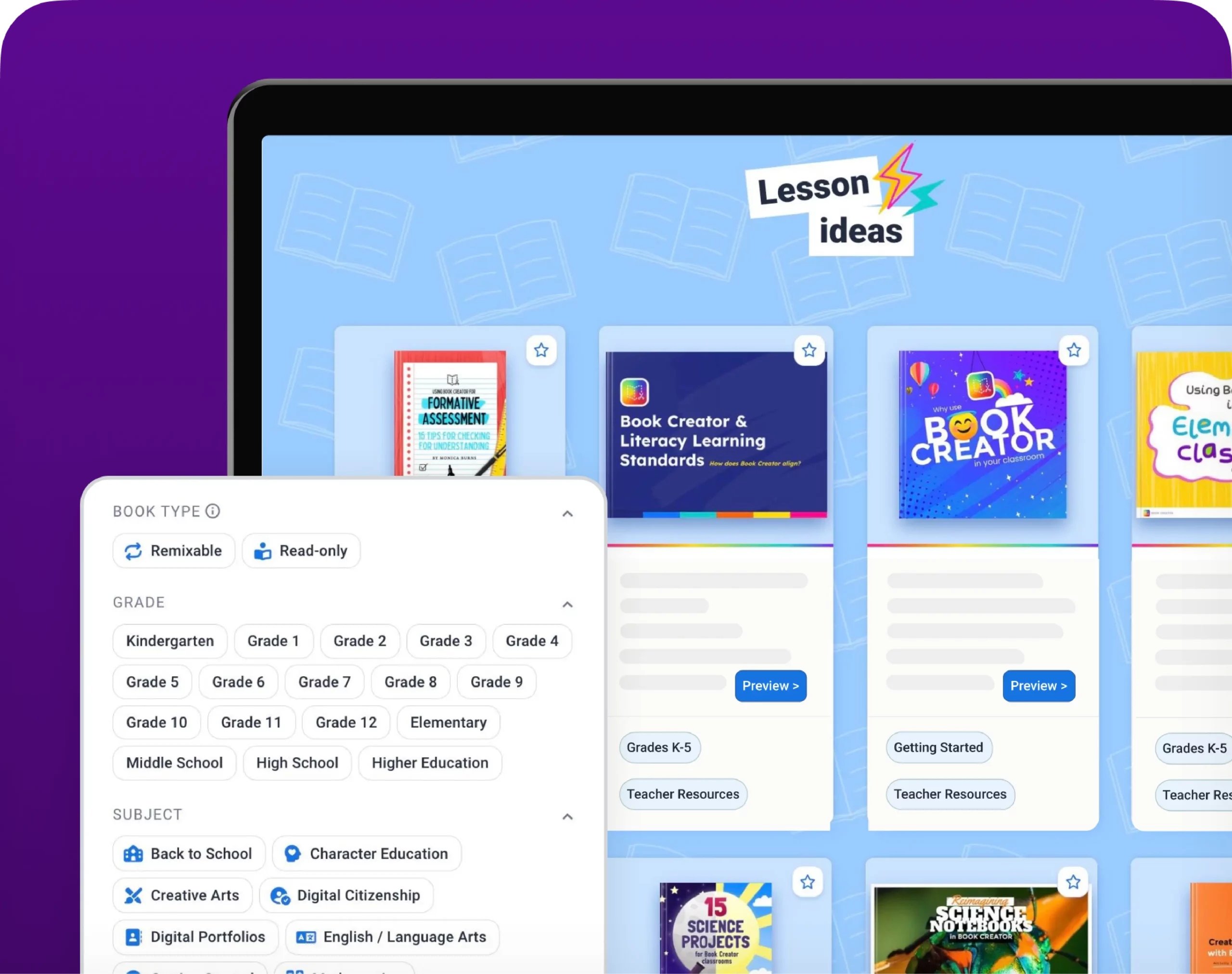
Resources
Partner with educators to build rich digital libraries, co-create content, and deliver inclusive, student-centered learning experiences.
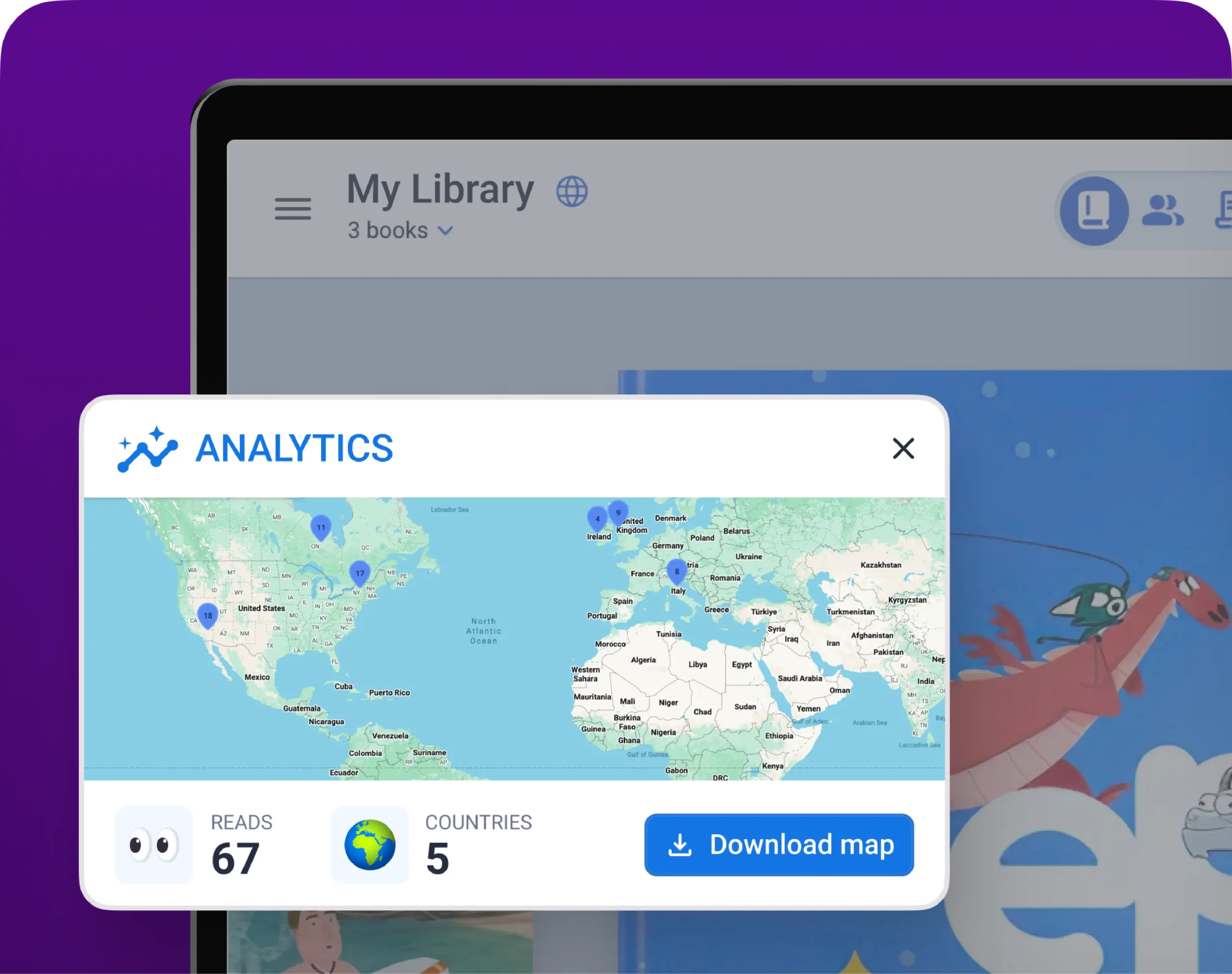
Book analytics
Review book engagement with analytics to see where and how students are reading your books, extending your impact beyond the classroom.
COLLABORATE
Ignite innovative learning partnerships
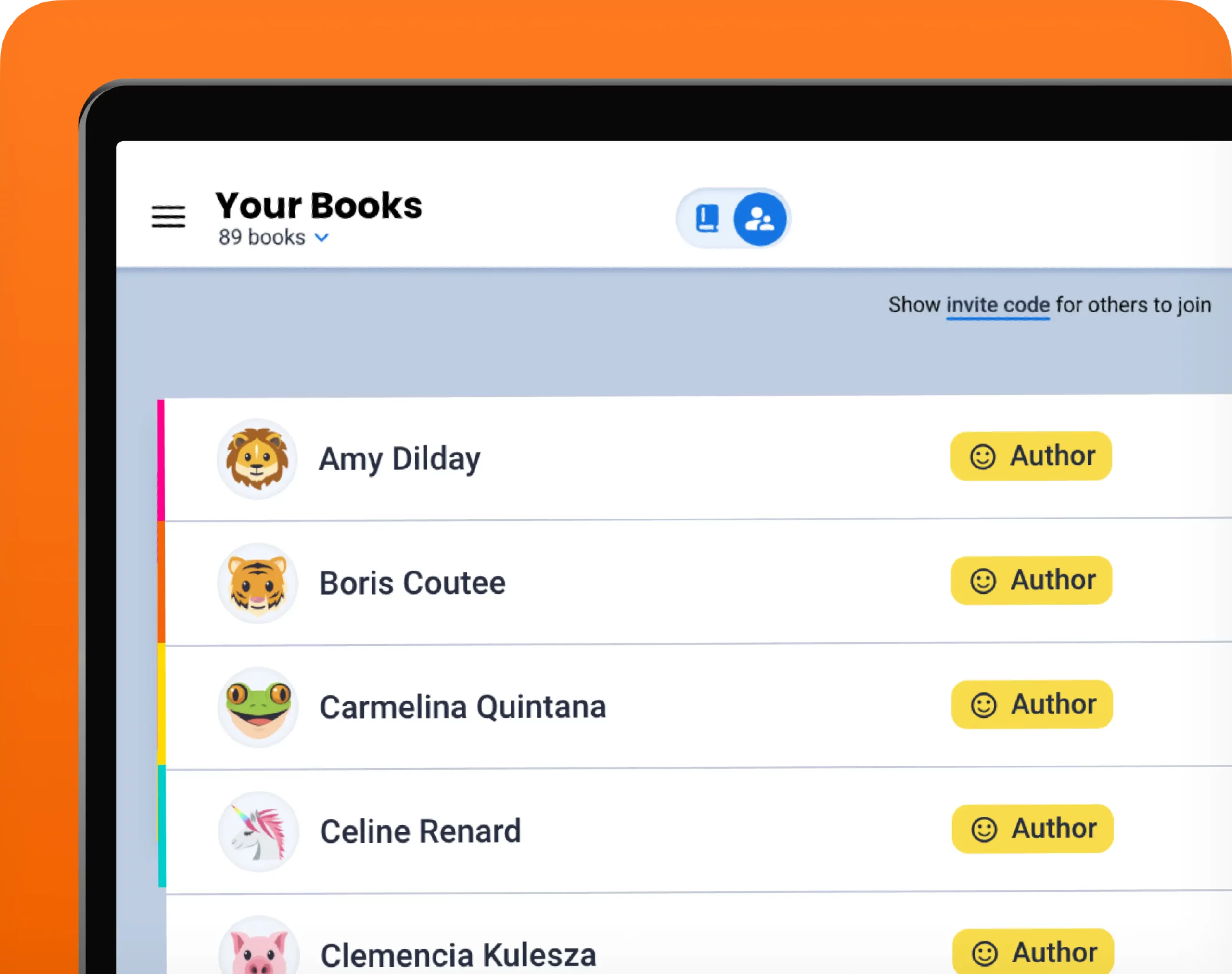
Real-time collaboration
Enable students and teachers to co-create in the same book, fostering teamwork, peer feedback, revision, and shared classroom projects together.
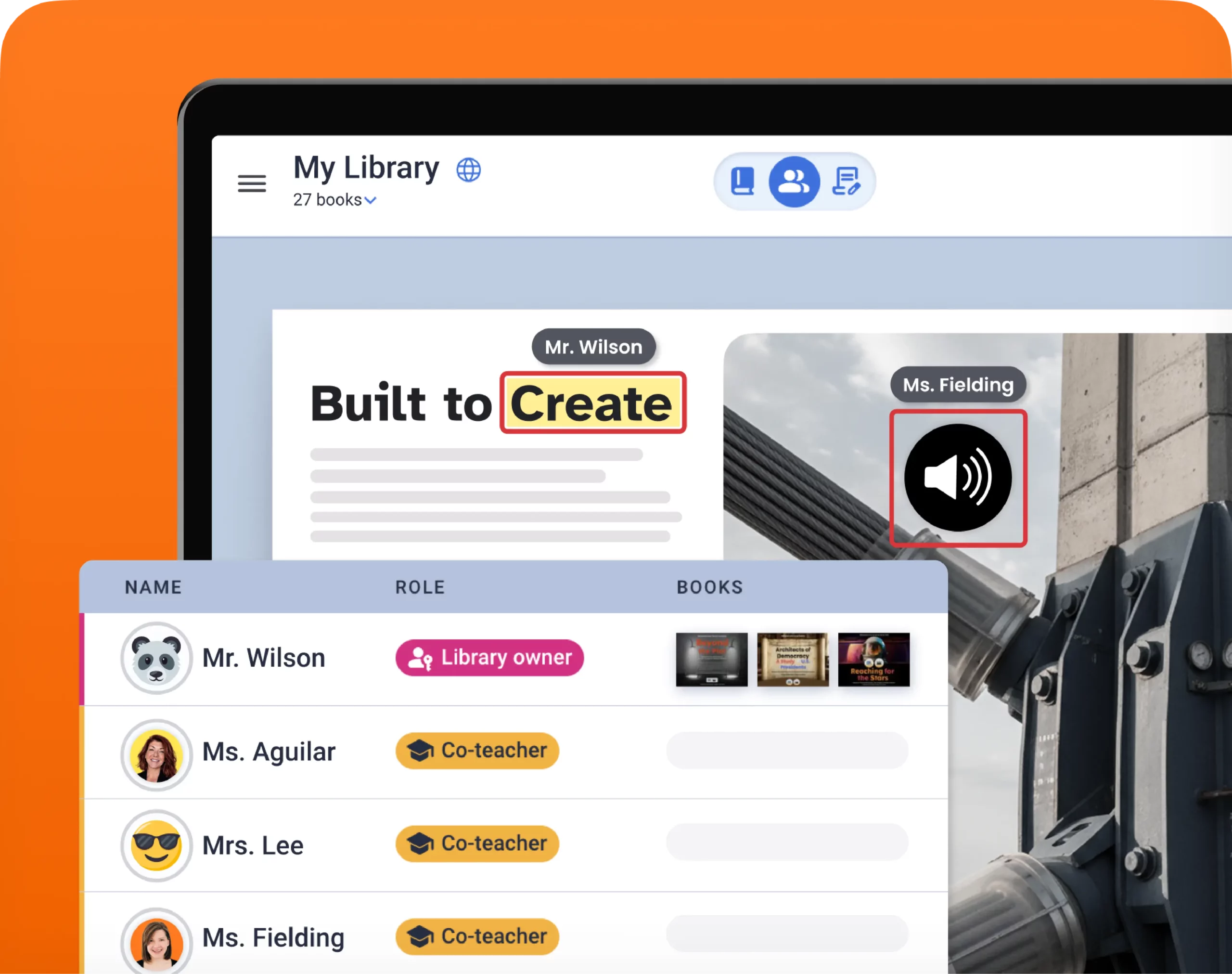
Co-teaching partnerships
Invite co-teachers, specialists, or community partners into your libraries for instructional collaboration and authentic learning experiences.
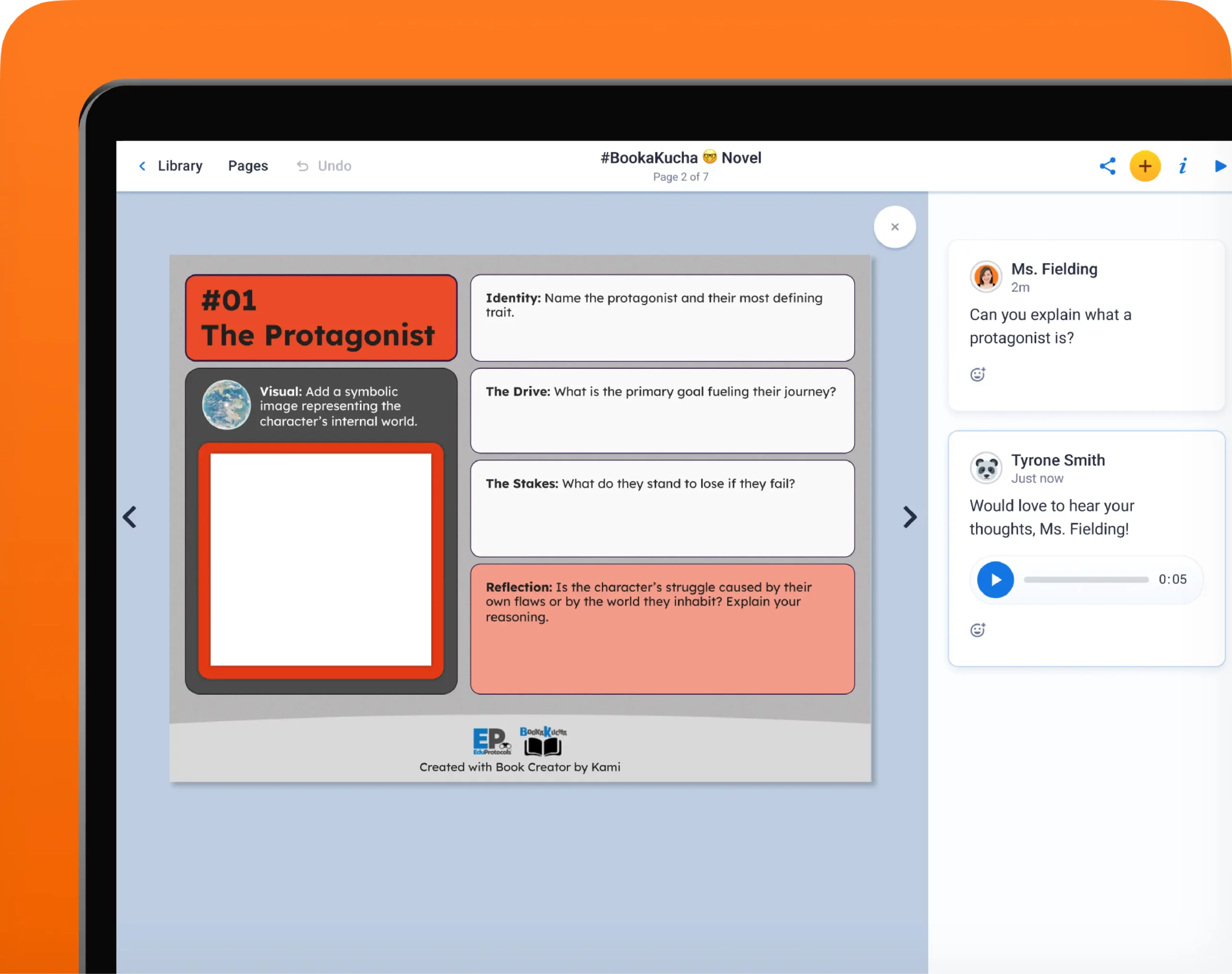
Comments and feedback
Leave multimedia feedback, including text, audio, video, or stickers, on each page of student work to guide revision and celebrate success.
Resources for Librarians
Librarian toolkit
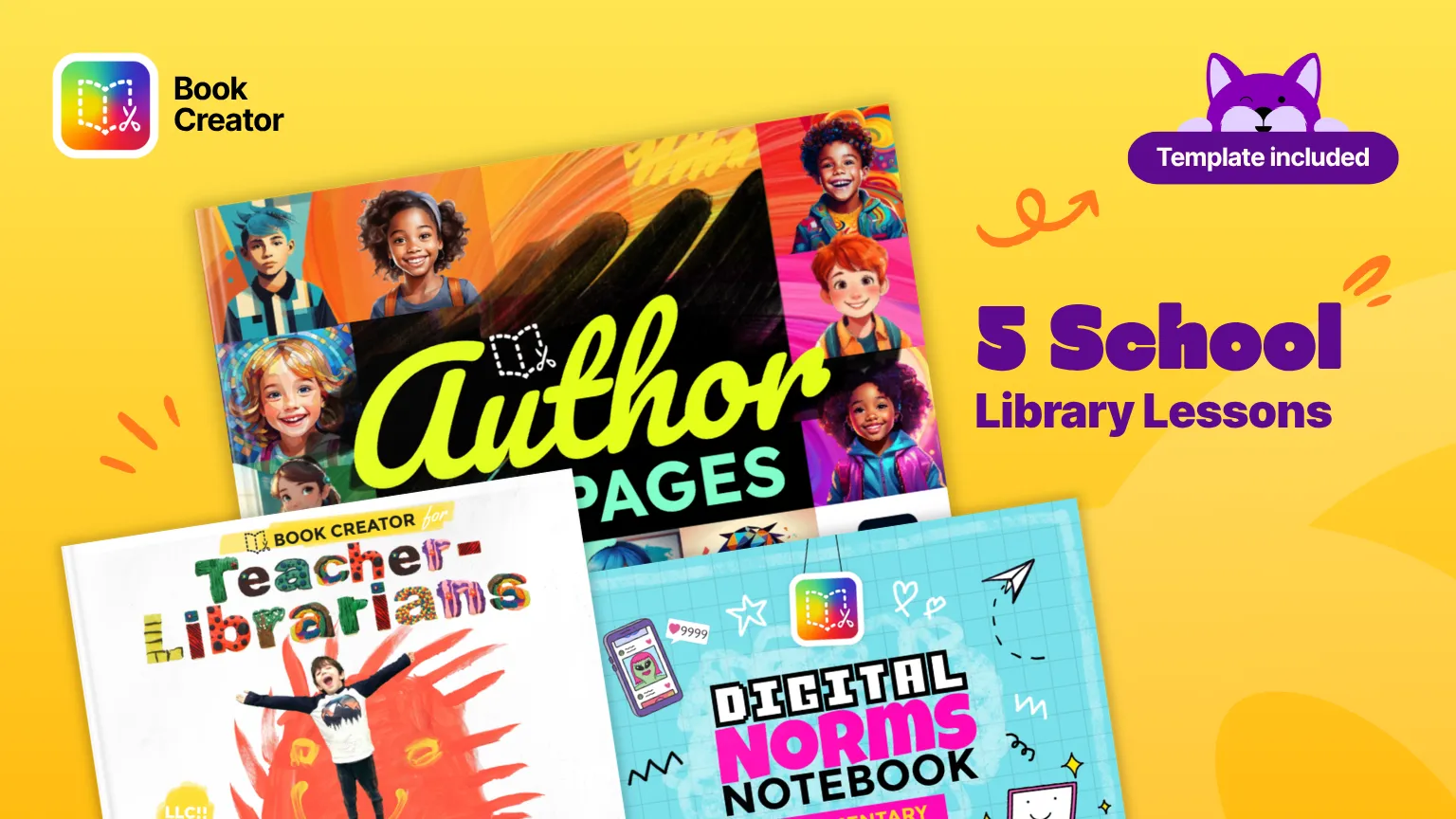
School library lesson plans
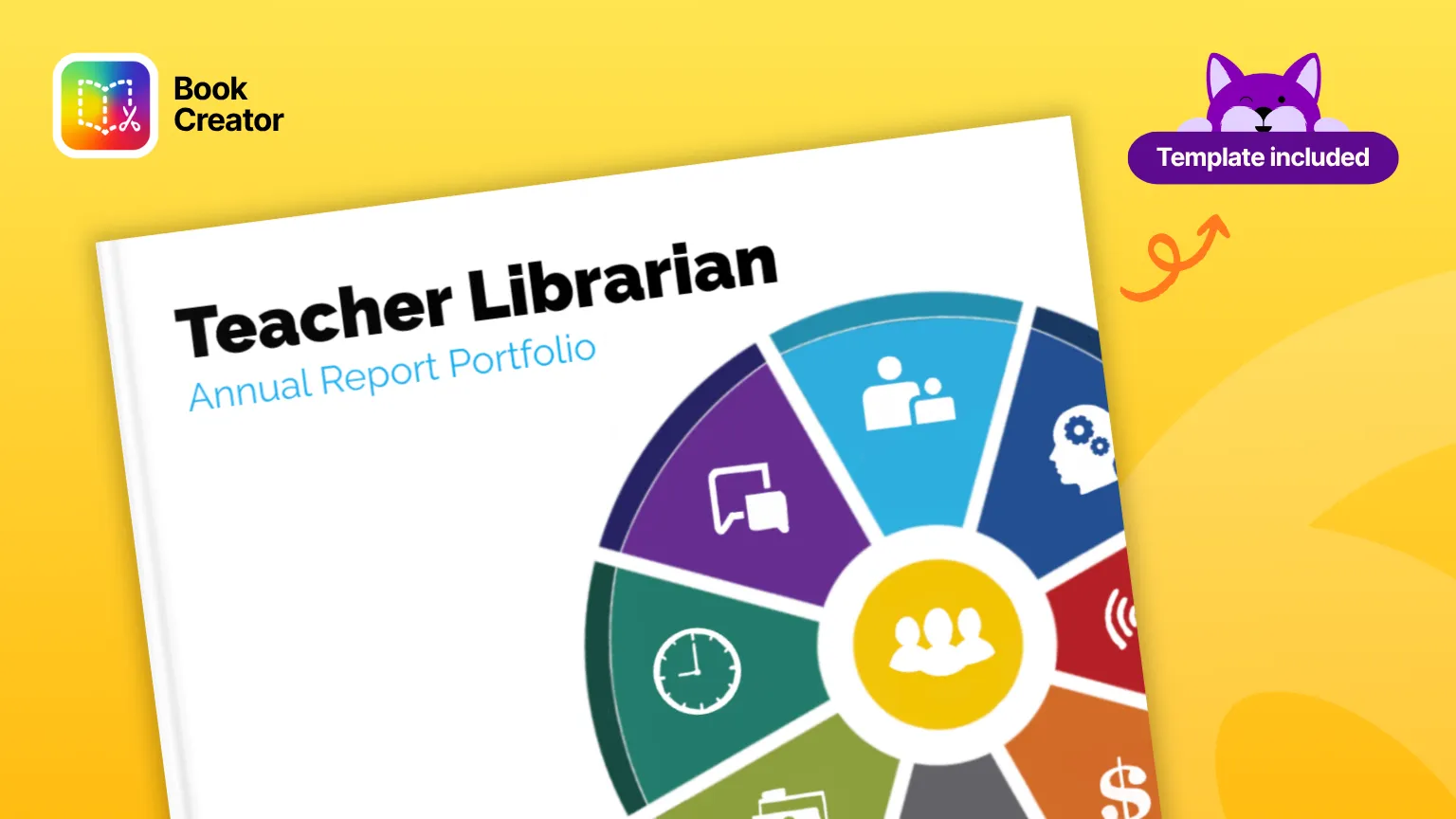
Librarian portfolio
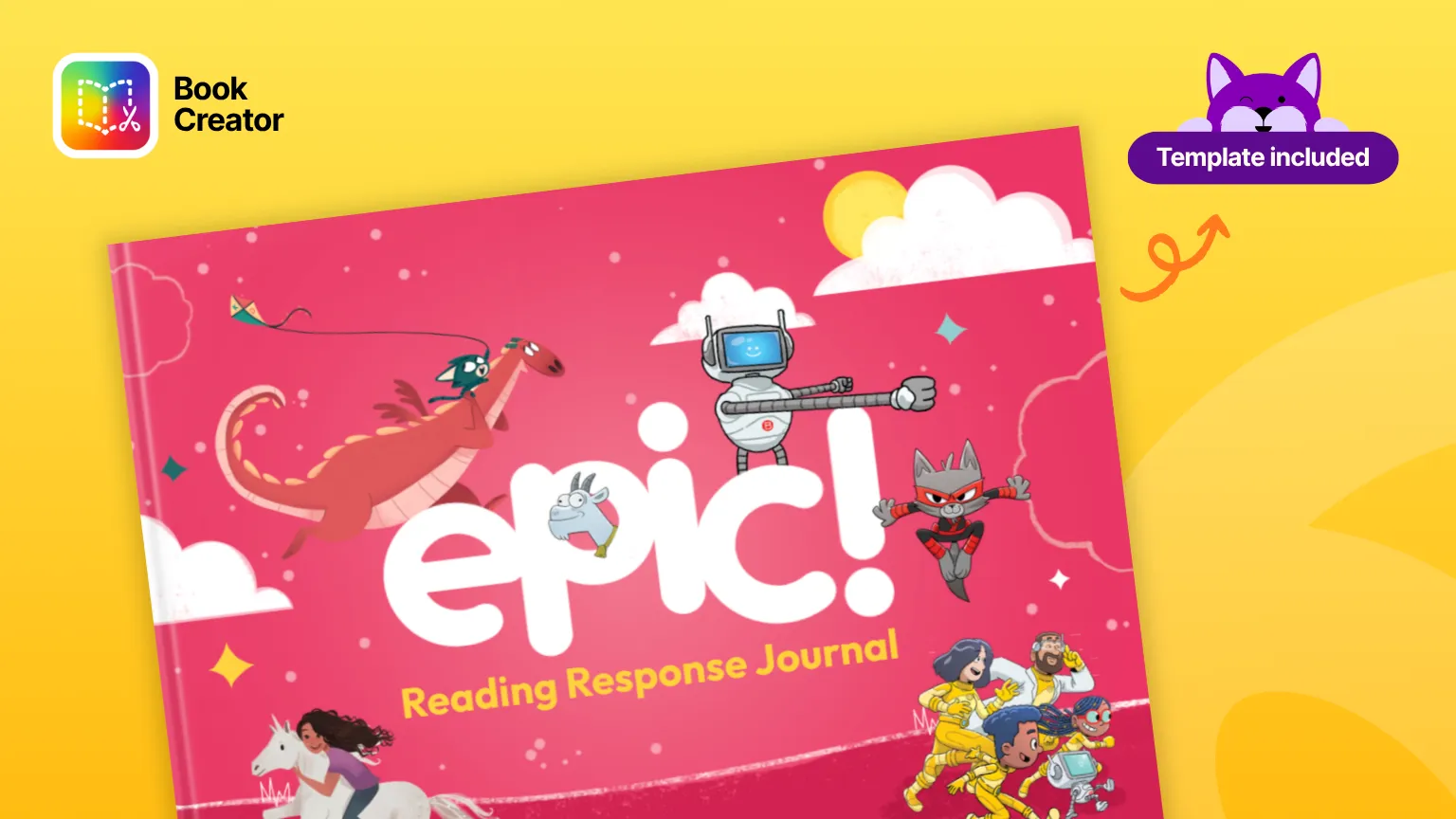
Epic Books
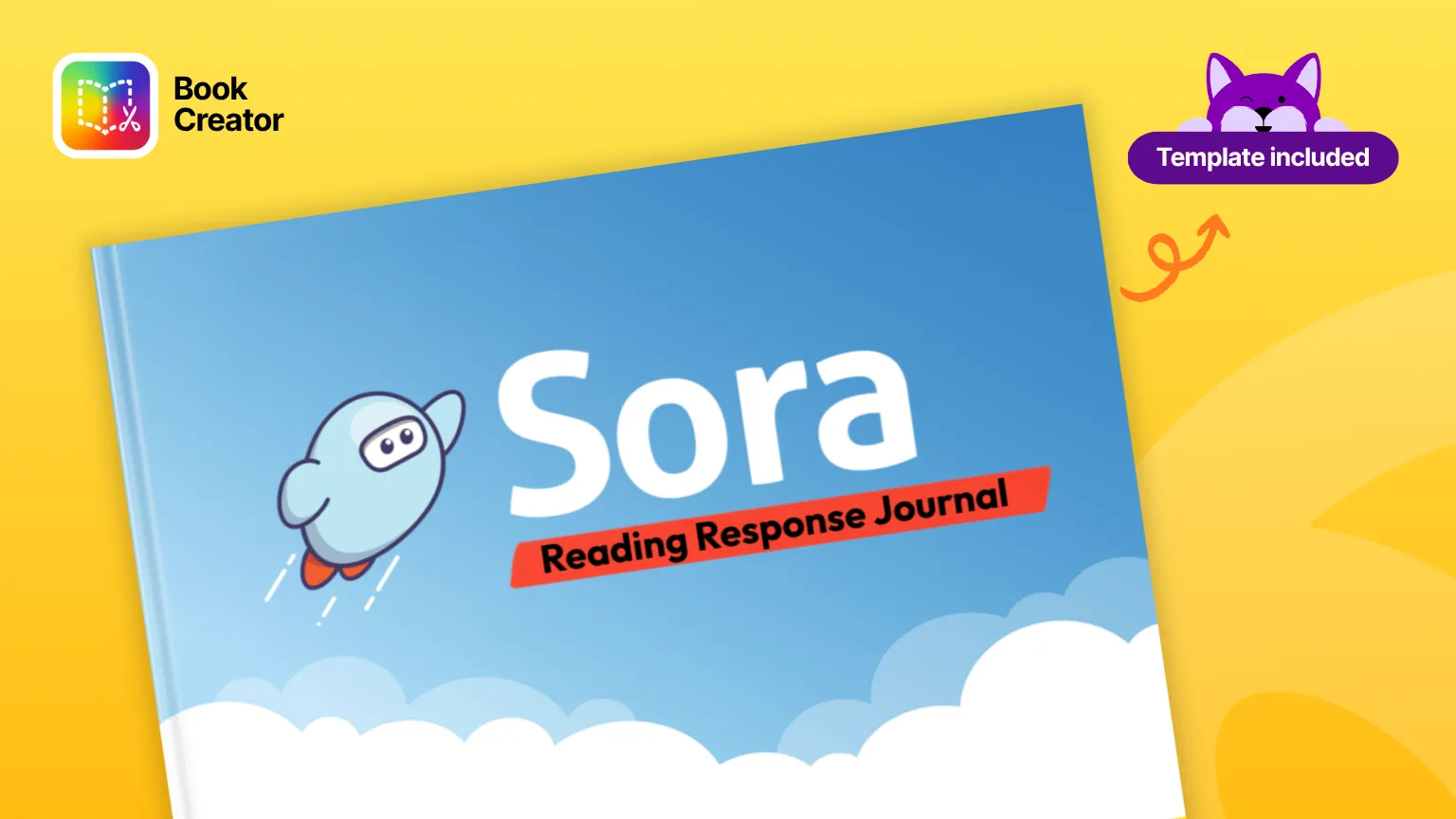
Sora Books
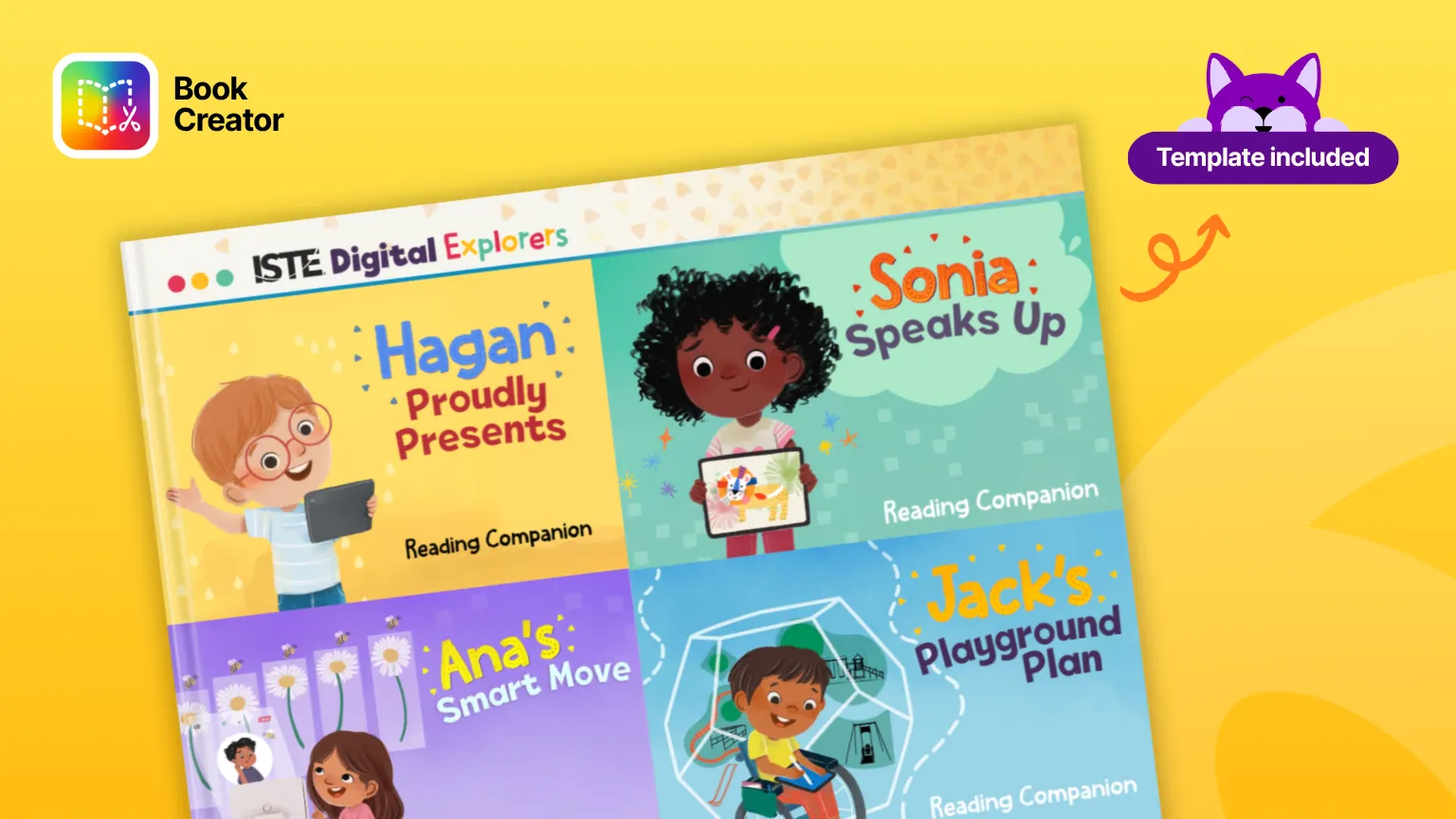
ISTE Digital Explorers
A full library collection
Book Creator works alongside our other products to give library media specialists a fuller view of how students are engaging, accessing content, and demonstrating understanding in the library.
Kami App helps librarians bring lessons to life and see student thinking as it happens.
Kami Companion gives every student the reading and language supports they need to participate independently.
Book Creator completes picture, giving students the space to create, reflect, and share what they actually learned.
Kami Coach is a new AI-powered formative assessment tool that shows you how students think.
KAMI COMPANION
Make every digital resource accessible to every reader
What is Kami Companion?
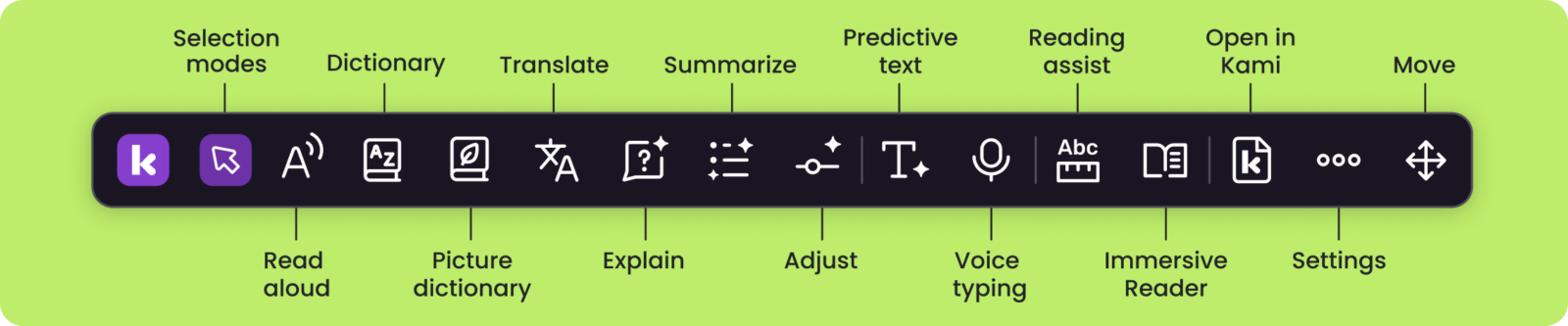
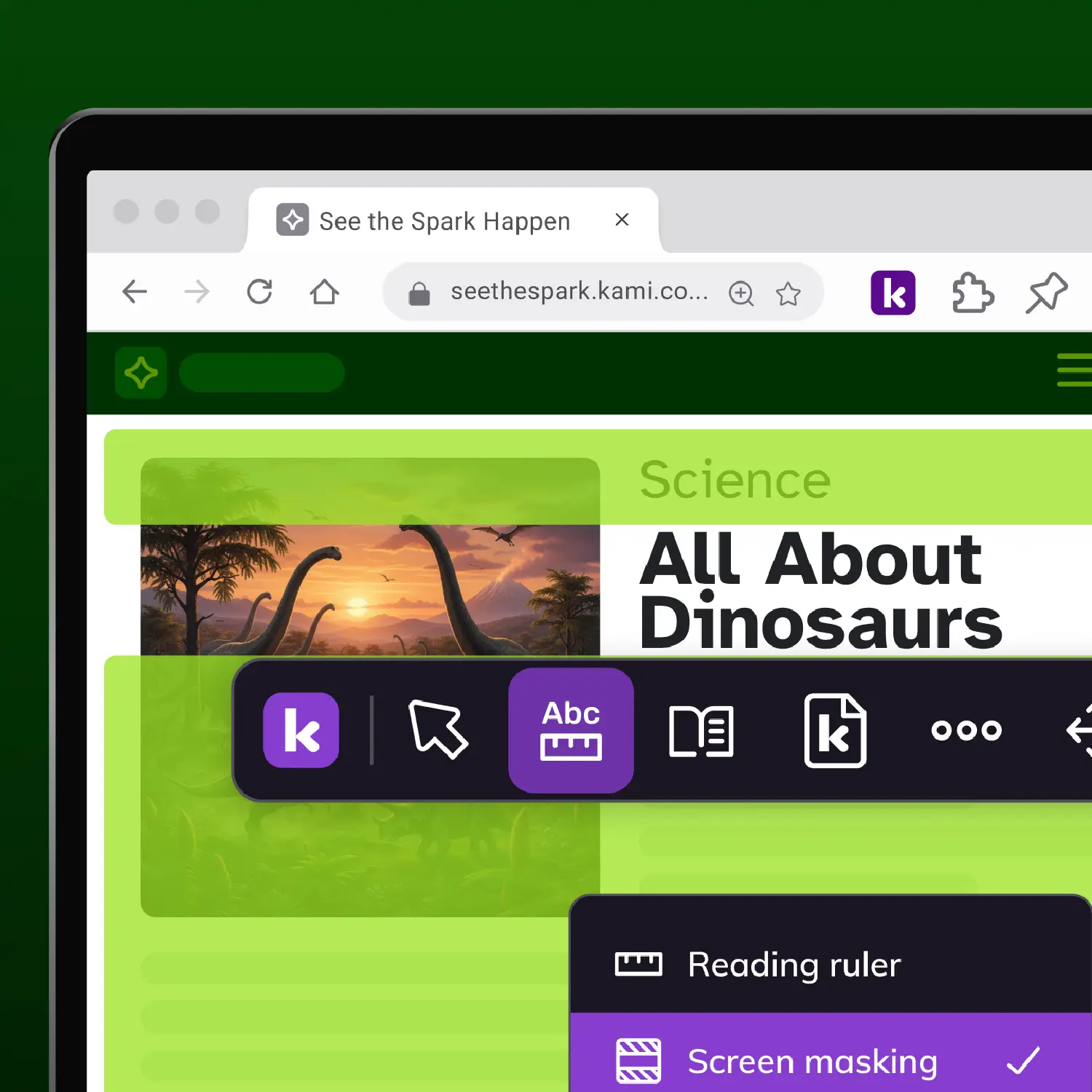
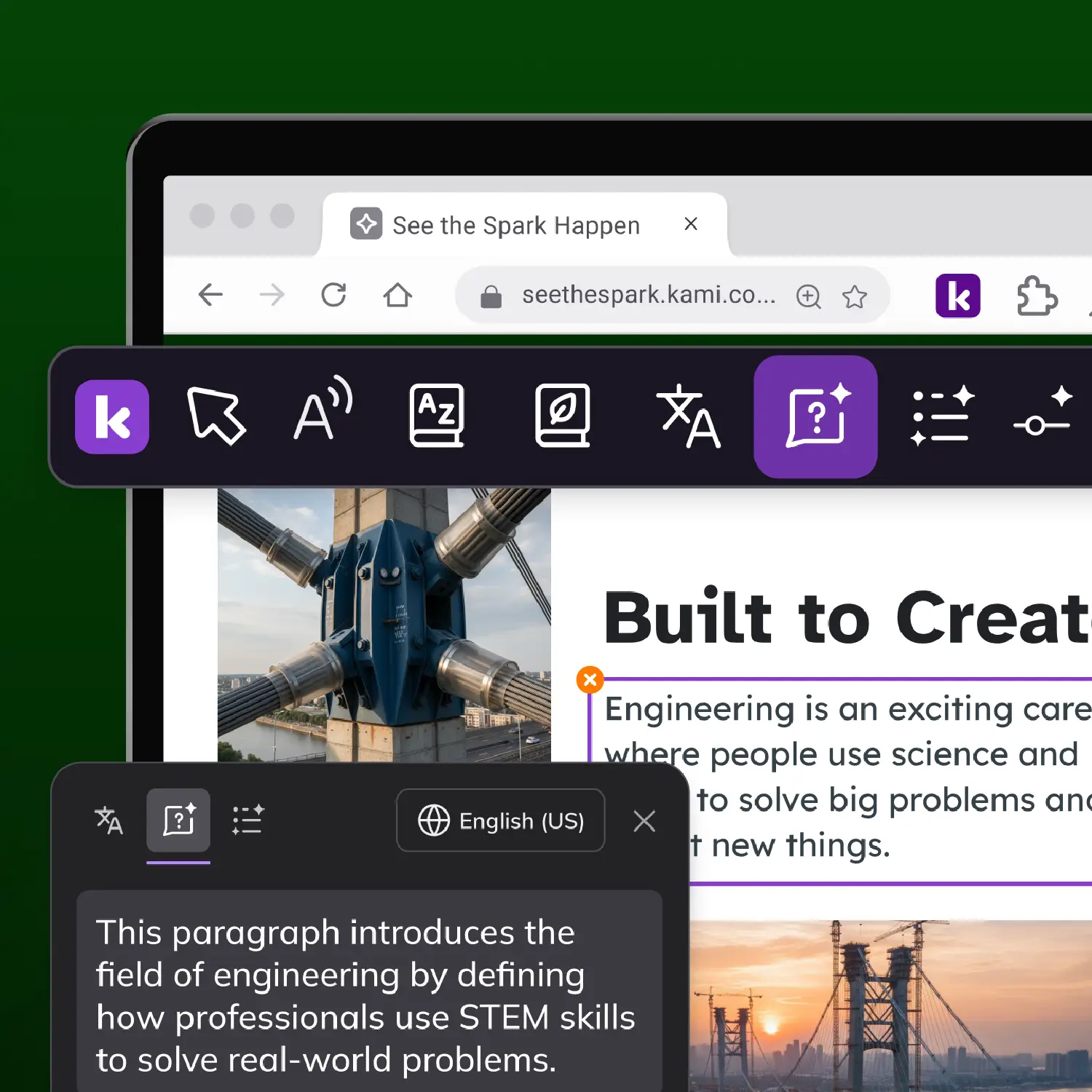
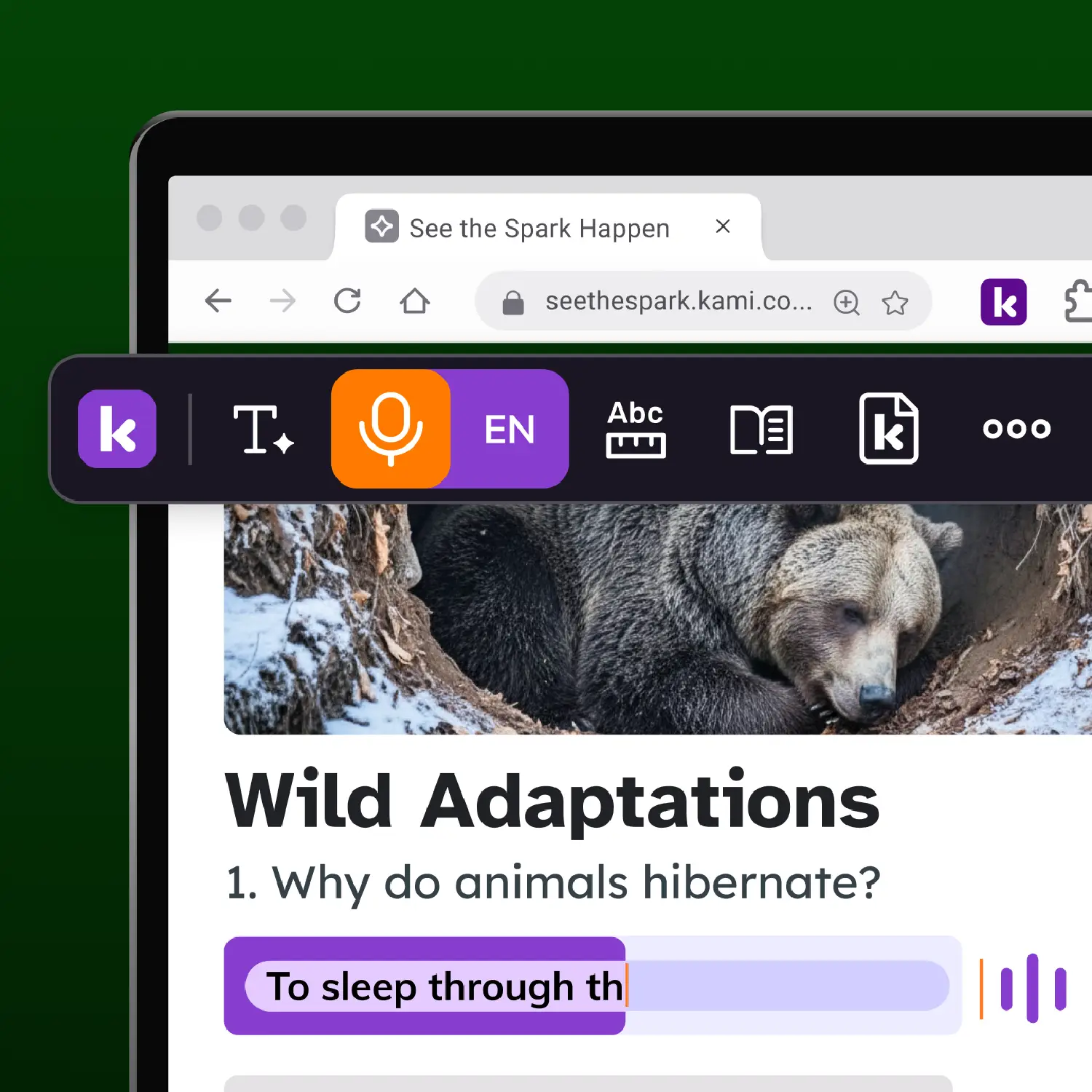
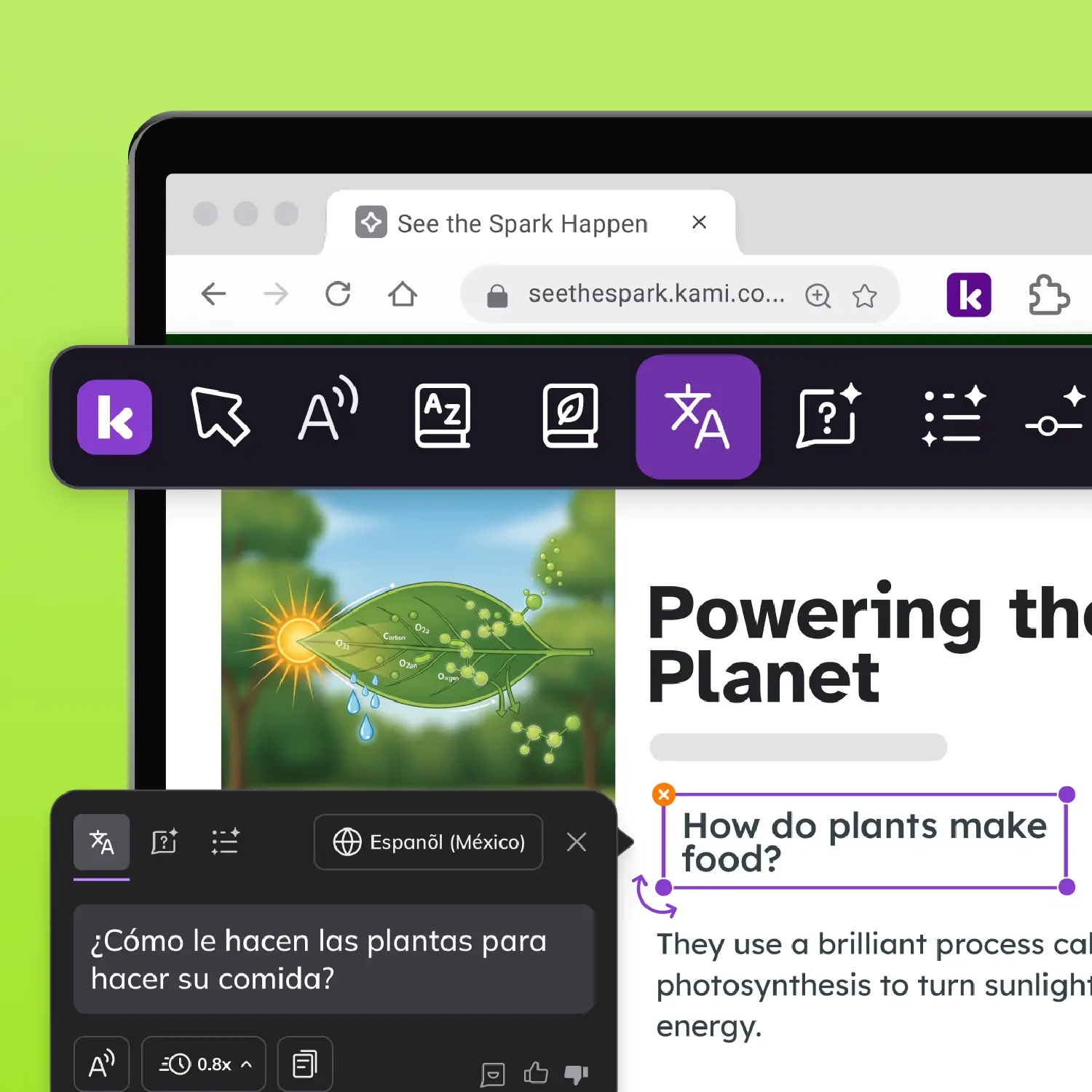
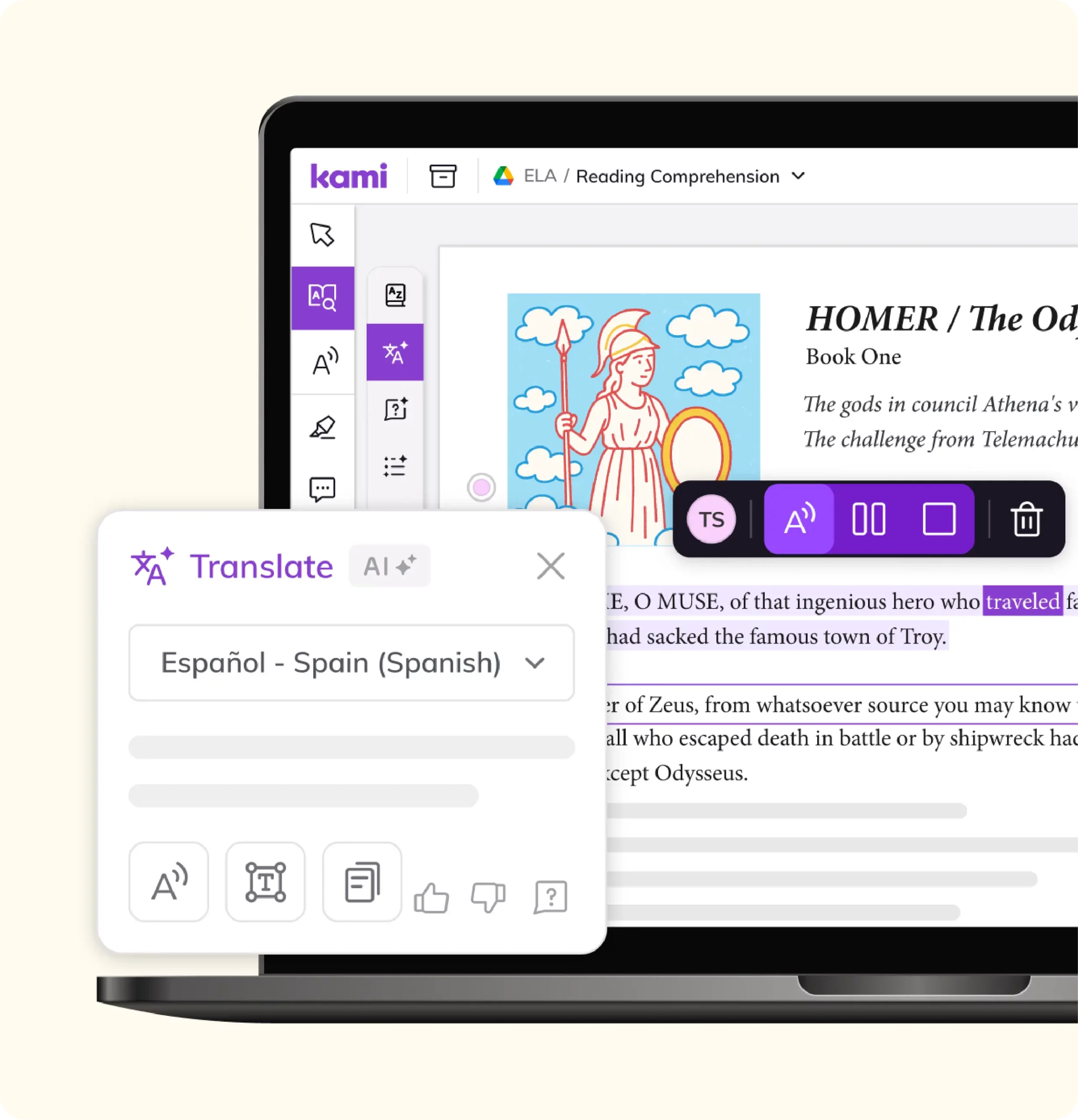
Kami Companion is a browser extension. It brings read aloud, translation, adjustable reading levels, screen masking, and voice typing to any website, not just one platform. Research the open web, check a database, or read a curated article: the support travels with the student.
Who is Kami Companion for?
Grade-level content stays grade-level. Kami Companion helps a student who reads below grade level, a multilingual learner, and the rest of the class access the same article or research source at the same time, without a separate simplified version or a trip to another room.
What impact has Kami Companion made?
Since 2025, students have used Kami Companion for more than 1.8 million learning moments, including more than 800,000 words read aloud, 295,000 reading levels adjusted, 200,000 language translations delivered, and 40,000 ideas captured by voice. Independent outcome studies for Companion are still underway, so these are usage numbers, not a claim of reading gains.
Research skills on any material
What is Kami App?
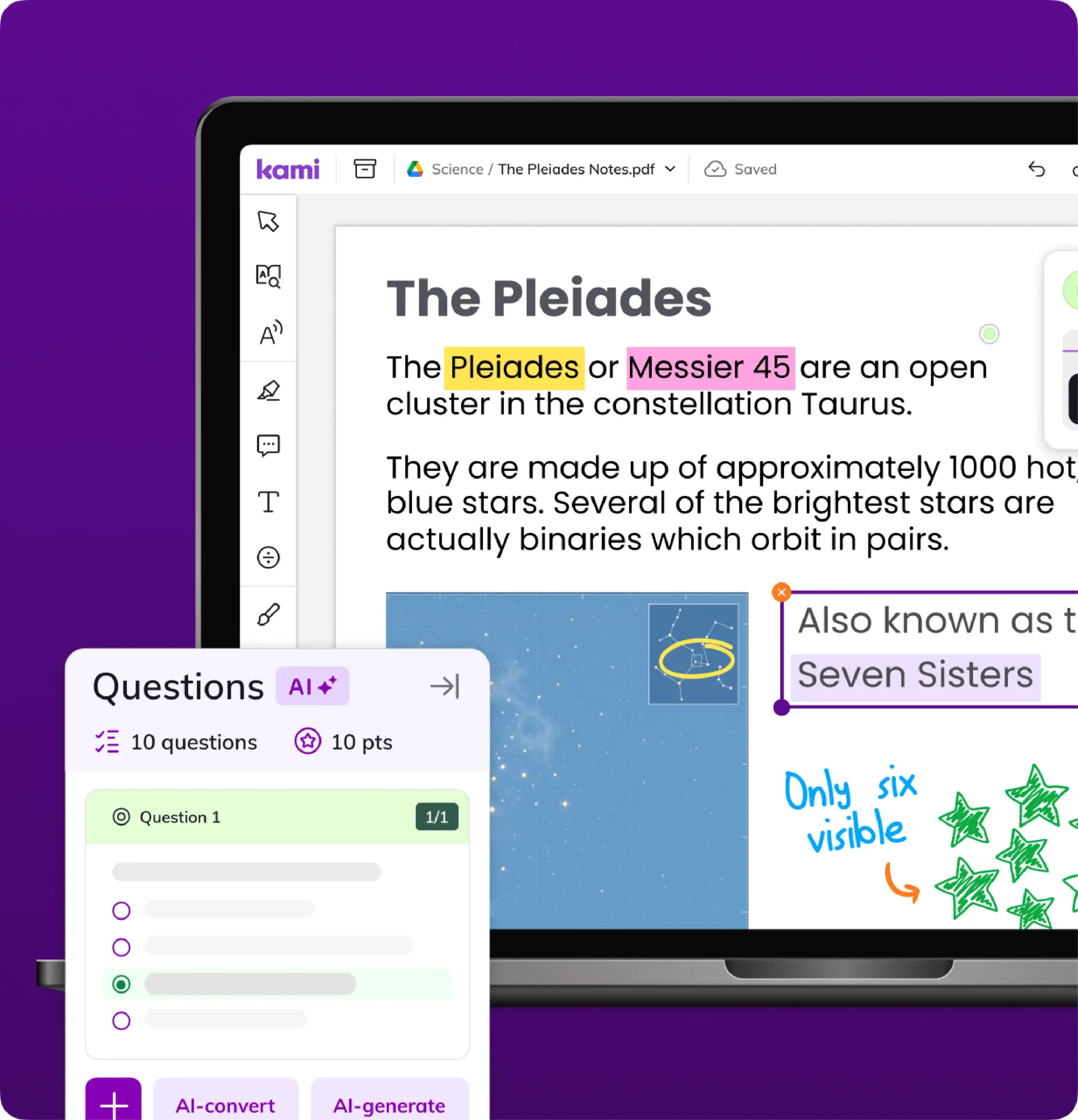
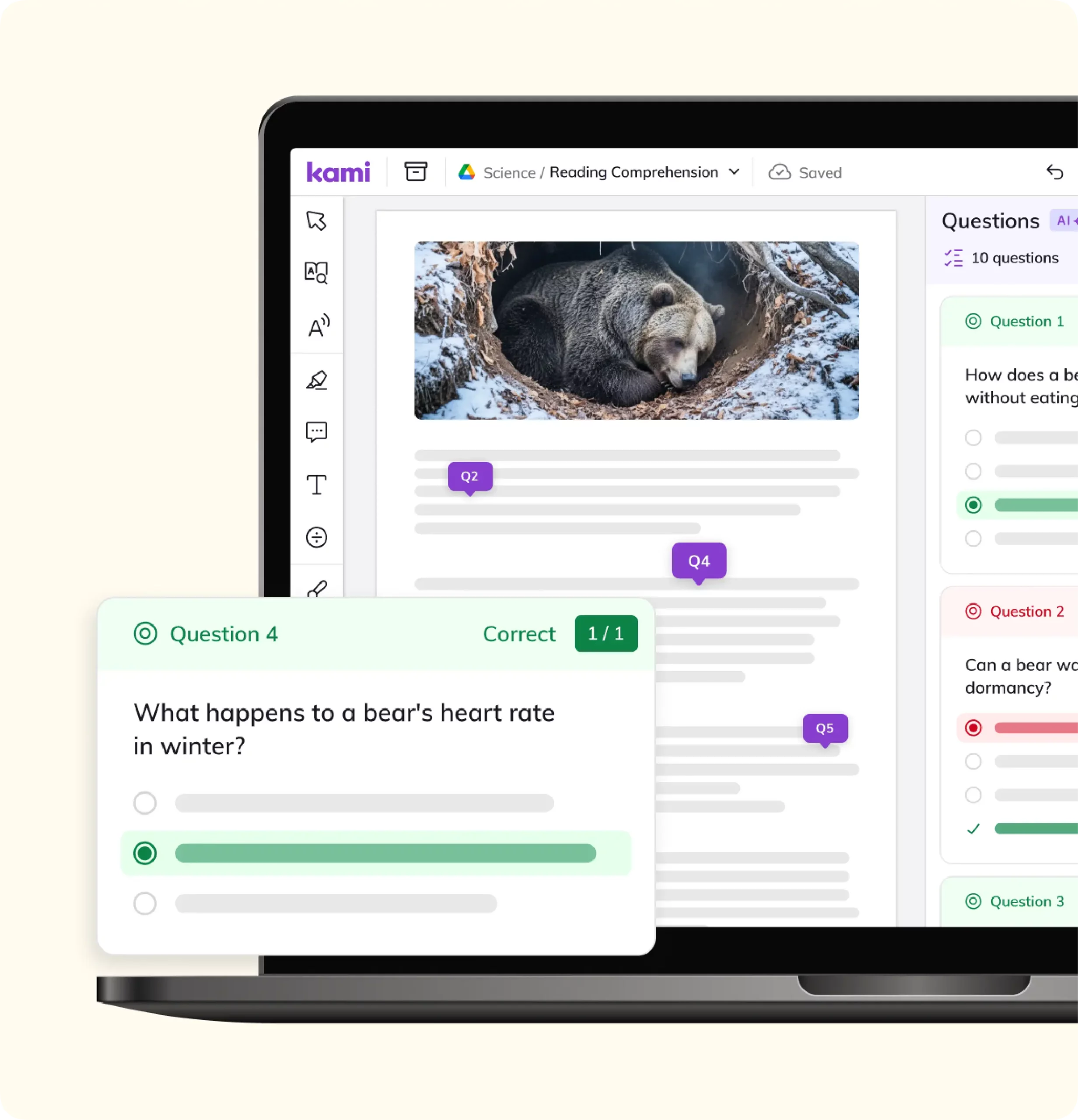
Kami App turns any document, PDF, or scanned worksheet into an interactive, annotatable text. Optical character recognition makes scanned pages searchable and readable, so an old archival source becomes something students can highlight, comment on, and search, not just look at.
Use Kami App to teach close reading, citation, and source annotation directly on the material itself. Built-in read aloud, an Oxford dictionary, a multilingual dictionary, and more than 15 graphic organizers help students build the skills to evaluate a source, not just open it. Real-time visibility into student annotations gives you a clear view of who is engaging with a text and who needs a next step.
Kami App carries an ISTE Seal of Alignment and Common Sense Verified privacy status. In an Empirical Education study of more than 15,000 students, daily Kami use was associated with a 4 percentile point gain in reading test scores, and an 8 percentile point gain for multilingual learners. Kami has active users in 92% of US K-12 public schools.
What your evaluation committee will want to know
Kami holds a Common Sense Privacy Seal and is listed among 1EdTech Trusted Apps for data privacy. For full documentation, including accessibility conformance reports for Book Creator, Kami Companion, and Kami App, see the Kami Security Hub.
Frequently asked questions
Browse our FAQs below, or visit our Help Center for comprehensive guides and troubleshooting support.
What tools does Kami offer for library media specialists?
Book Creator, Kami Companion, and Kami App are the three tools library media specialists use most: Book Creator for student publishing, Kami Companion for accessible reading support across the open web, and Kami App for research annotation and citation.
What is Book Creator and how can it benefit my library program?
Book Creator is a digital creation platform that empowers students and educators to make interactive books with text, images, audio, video, and more. It supports Future Ready Librarians by making it easy to curate digital resources, foster student creativity, and build inclusive, multimedia collections that are accessible to every learner.
How can Book Creator help me build a stronger reading culture in my library?
Book Creator lets students create, organize, and publish their own digital books into libraries by subject or interest, then share them with a link, a QR code, or the whole school. Book Creator holds an ESSA Level III evidence certification for improved outcomes in English language arts.
Can students publish their own books for other students to read?
Does Kami Companion work across the whole internet, or only inside Kami?
Kami Companion is a browser extension for Chrome and Edge that brings read aloud, translation, adjustable reading levels, and voice typing to any website, not just one platform or document type.
What does Kami App do for teaching research and citation skills?
Kami App lets students annotate, highlight, and comment directly on research materials, including scanned documents made searchable through optical character recognition. Built-in dictionaries, translation, and more than 15 graphic organizers support close reading and source evaluation.
Ready to bring your library into the Kami family?
You don’t need a district-wide decision to start. Two weeks of trial data will tell you more than any comparison guide.
Want more of the family?
Talk to our library expertsSee how the Kami family fits your library program.