
What CAST UDL Guidelines 3.0 means for the tools already in your classroom


A student with dyslexia, a multilingual learner, a student who processes best by talking out loud, and a student who just needs a little more time. All four are in the same class period, working through the same lesson. The instructional goal is identical. The path to get there isn’t, and it was never going to be.
That’s the everyday reality Universal Design for Learning (UDL) was built to address, and it’s why the CAST UDL Guidelines 3.0 matters beyond the accessibility office. The framework moved from theory that lived in professional development slides to a practical standard that vendors, districts, and instructional coaches can actually hold tools against. CAST UDL Guidelines 3.0 sharpened the language around bias and variability, and gave procurement teams a clearer bar for what “accessible by design” should mean in practice, not just in a compliance binder.
The three principles behind CAST UDL Guidelines 3.0
UDL Guidelines 3.0 organizes inclusive instruction around three principles: multiple means of representation, multiple means of engagement, and multiple means of action and expression. None of these are new ideas. What’s new is how precisely the guidelines define what “multiple means” needs to look like in a tool a teacher opens on a Tuesday morning, not just in a curriculum document.
Multiple means of representation means students can take in information more than one way: text, audio, visuals, translation, adjustable reading levels. Multiple means of engagement means more than one way to stay motivated and connected to the material, whether that’s choice, relevance, or reduced friction in getting started. Multiple means of action and expression means more than one way to show what they know: writing, speaking, drawing, recording, annotating.
Districts evaluating edtech increasingly ask which of these three a tool actually supports, not whether it claims to be “accessible.” UDL Guidelines 3.0 gave them the language to ask that question precisely.
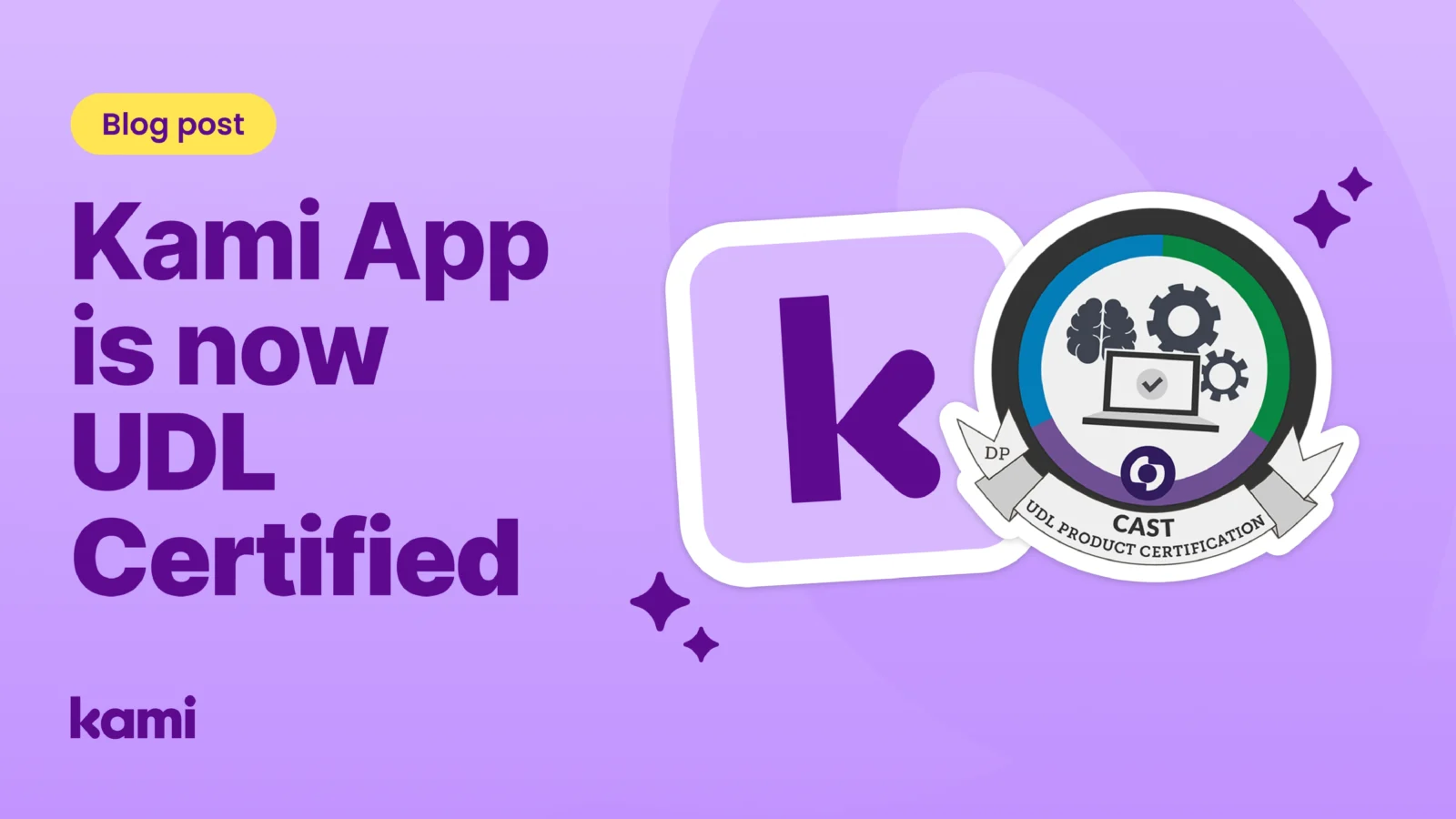
Kami App is now UDL Product Certified
Kami App has earned the Universal Design for Learning Product Certification from CAST and Digital Promise, awarded after review against the Accessibility Baseline and the Alignment to the UDL Framework assessment. It joins a small group of edtech products to hold this certification, with only 10 other edtech companies currently represented. That certification means an independent body evaluated Kami App against all three principles, guideline by guideline, and confirmed the tool supports them as part of everyday use, not as an add-on accommodation.
In practice, that shows up across the features teachers already reach for:
Representation. Dark Mode, Invert Colors, Screen Masking, and the OpenDyslexic and Lexend accessibility fonts let a student change how a document looks and how much of the page is visible, without changing it for anyone else in the class. Read Aloud converts text to speech with adjustable voice and speed, while the in-app Dictionary, Picture Dictionary, and Multilingual Dictionary put definitions in place instantly, in more than one language. A Translate tool and an eight-language dashboard mean students and families can work in a language that feels familiar, and the Equation tool and text recognition (OCR) turn formulas, symbols, and scanned or photocopied pages into something every student can actually read.
Engagement. Feature Control lets a teacher turn specific tools on or off for a given assignment or student, so the experience fits the learner rather than the other way around. Relevel adjusts a text’s reading complexity up or down for an individual or group, and Real-Time Monitoring and Class View let a teacher see live student work and step in with support while the lesson is still happening, not after it’s turned in. Collaboration lets students see peer activity in real time, and the Kami Library includes social-emotional learning and reflection templates that give students a structured way to process how they’re doing, not just what they got right.
Action and expression. Voice Typing lets students compose by speaking instead of typing, and Drawing, Shapes, and STEM tools support hand-based input on tablets and Chromebooks. Voice Comment, Video Comment, and Screen Capture Comment let a student explain their thinking out loud instead of only in writing, and Stickers give a quick way to respond without writing anything at all. The toolbar and document view are built to WCAG 2.1, with a published VPAT, and can be navigated by keyboard and screen reader, so students using assistive technology reach the same tools as everyone else.
This isn’t a case of retrofitting features to match a checklist. Kami’s product and design teams built the application around UDL’s three pillars from early ideation, and the certification confirms the tool holds up against CAST’s own guidelines, one by one.
Book Creator holds the same certification
Kami App isn’t the only product in the family with this credential. Book Creator has held UDL Product Certification from CAST since its own evaluation in 2025, recognized for giving students multiple ways to represent understanding and express it through multimedia books that combine text, image, audio, and video.
Where Kami App brings UDL principles into everyday lesson delivery, Book Creator brings them into how students create and share their own work. A student who struggles with a five-paragraph essay can build a narrated, illustrated book that shows the same depth of understanding. Both products approach the same three principles from different points in the instructional day: one shaped around the lesson, one shaped around the final product.
Both products also carry the ISTE Seal
Alongside UDL certification, Kami App and Book Creator have each earned the ISTE Seal of Alignment, recognition from the International Society for Technology in Education that a tool meaningfully supports its Standards for Students and Educators. For districts, that means both products have now been independently vetted against two of the frameworks administrators already trust: one focused on accessibility and learner variability, the other on instructional technology standards more broadly. That’s not a coincidence. It reflects a consistent design philosophy across the Kami family: build for the range of learners actually in the room, then verify it against the standards built to measure that.
Why this matters beyond the badge
Certifications don’t replace classroom judgment, and no single seal makes a tool right for every student. But for instructional coaches building a case to their curriculum committee, or district leaders fielding questions from special education directors, independent verification against UDL Guidelines 3.0 answers a question that used to rely on a vendor’s word alone: does this tool actually reduce barriers, or does it just say it does.
Kami App’s certification joins Book Creator’s as evidence that accessibility isn’t a feature bolted onto the Kami family. It’s part of how all Kami products are built.
Explore how Kami App supports every learner or see Book Creator’s approach to accessible expression.
Randi Ahrndt is the Director of Product at Kami.
Blogs you may also like
What is Universal Design for Learning?


The Three Principles of UDL
Kami and UDL