
ELL strategies that make grade-level work accessible, not easier

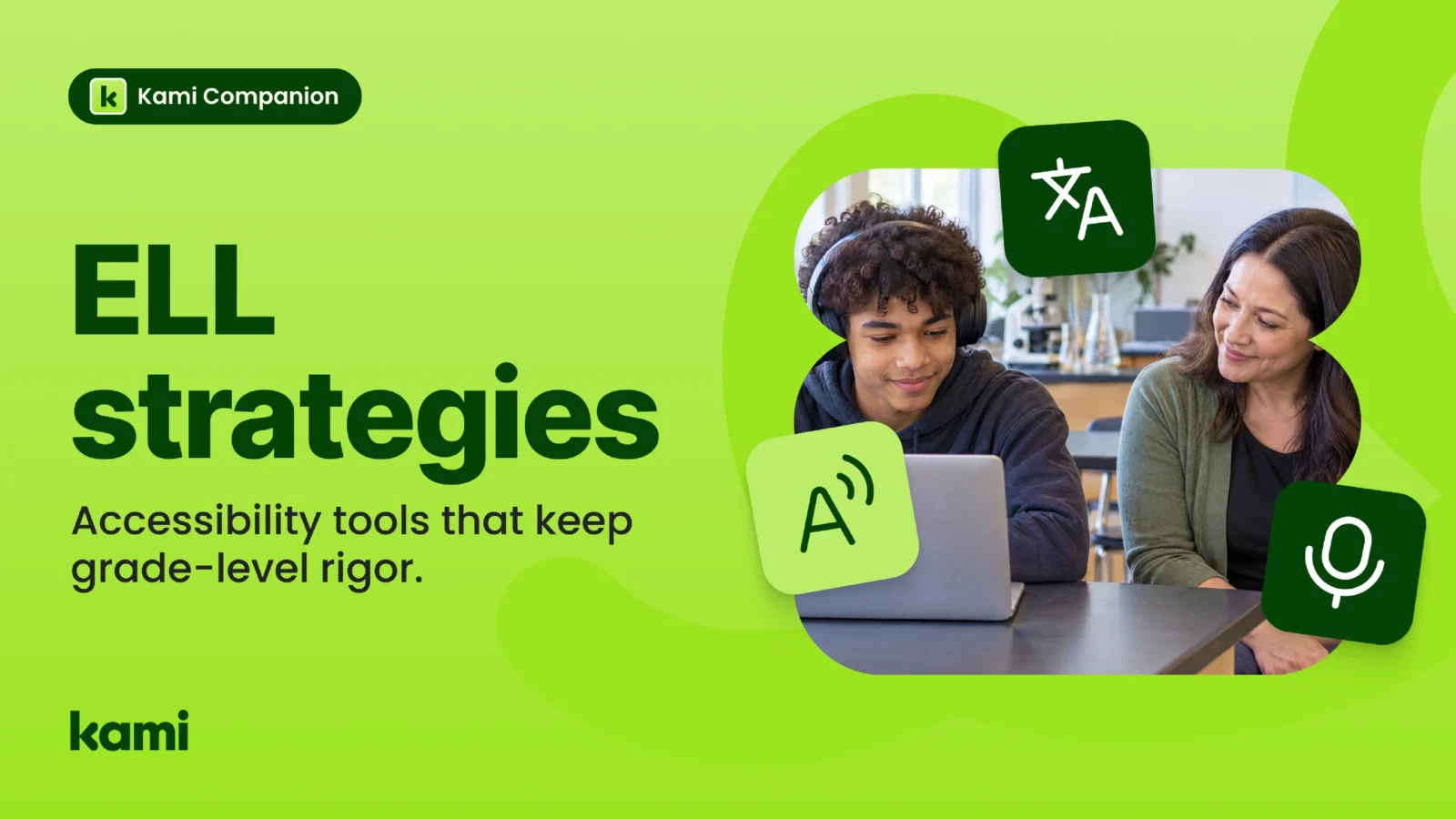

A ninth-grade science teacher hands out a lab reading. One student, who speaks Portuguese at home, sketched the experiment correctly in class yesterday. Today, during discussion, the student says nothing. The teacher reads the silence as confusion and wonders whether the text is too hard.
The text is not the problem. The student understands the science. What is missing is a way into the language of the page and a way to say what they know out loud. Most ELL strategies begin with that distinction, and the accessibility tools you choose should too.
What strong ELL strategies have in common
English language learners (ELLs), also called multilingual learners, are doing two jobs at once. They are learning grade-level content and learning the language it arrives in. Effective ELL strategies keep both jobs visible.
The first shared principle is that scaffolding is not the same as lowering expectations. A sentence frame, a pre-taught vocabulary set, or a chunked reading gives a student a way into the same task as their peers. The task stays whole. The support comes down as proficiency grows.
The second is the shift from receptive to productive language. Listening and reading usually develop before speaking and writing. A student can follow the lesson and still struggle to produce fluent spoken or written English. Teachers who read that gap as a lack of understanding often simplify the work. More chances to speak, record, annotate, and write close the gap without lowering the task. For a starting reference, see Colorín Colorado’s ELL strategies and best practices.
The third is that supports differ by proficiency level. A newcomer who needs a labeled diagram and a student who is nearly fluent but still building academic vocabulary are both multilingual learners. They are not the same group. Strong ELL differentiation strategies design multiple entry points into one assignment rather than separate assignments.
Where accessibility tools fit in ELL scaffolding strategies
Teachers can’t be everywhere. In a full class with students at several proficiency levels, a teacher may reach one student for a few minutes at a time. Accessibility tools extend the scaffold so a student can use it at the moment they need it, without waiting.
Four kinds of support matter most for multilingual learners.
Hearing the text. Read aloud lets a student connect the spoken word to the written one. For students who decode better than they comprehend, or the reverse, it opens text that would otherwise stay closed.
Speaking instead of typing. Voice capture lets a student get an idea down before the spelling and grammar catch up. It also gives them a low-pressure way to rehearse spoken English, which supports the productive shift described above.
Translation as a bridge. A translated word or phrase can unlock a concept. But translation alone is not an instructional strategy. A student who only ever reads the translated version never practices the English the assessment will use. Treat translation as a way to check meaning, then return to the English.
Reading support the student or teacher chooses. Adjusting reading level can help a student get through a dense passage on a first pass. The grade-level text should stay available, and the choice should sit with the teacher or student, not with the software.
None of these replace the teacher’s decisions about sentence frames, language objectives, or grouping.
What to ask of any accessibility tool
Districts are reviewing their edtech stacks, and multilingual learner programs are part of that conversation. Before a tool earns a place, ask:
- Does it work on the content students already use, or does it require rebuilding materials?
- Does it keep the grade-level text intact for every learner?
- Does it move students toward speaking, writing, and creating, not only toward understanding?
- Can a general education teacher use it without ESL certification?
- Does it let students use supports without being pulled out or singled out?
A tool that answers yes to most of these supports your ELL strategies. A tool that answers no to the second question works against them, however polished it looks.
How Kami Companion supports multilingual learners
Kami Companion makes web-based learning accessible so more students can participate independently. It provides built-in reading, language, and expression supports across online content and curriculum, so diverse learners can access the same learning as their peers without separate tools or constant teacher intervention.
For multilingual learners, that means read aloud, voice capture, translation, and reading support are available on the web pages and curriculum students already open. Teachers don’t rebuild the assignment. Co-teachers and ESL specialists can focus their time on what only a person can do: choosing the right frame, setting the language objective, and listening to what a student says.
Customer story: Moreno Valley Unified School District
In an independent Empirical Education study of more than 15,000 students across 36 schools, daily Kami App use was associated with an 8 percentile point reading gain for multilingual learners, against 4 percentile points across all students. Higher gains were linked to sessions of 10 minutes or more and active annotation, which fits the shift from reading to doing. The study is correlational and covers Kami App. Kami Companion brings the same supports from Kami to the web, so students can use them across the web, not only in Kami documents.
Read how Moreno Valley Unified approached literacy with Kami.
Where to start
Pick one lesson this month and look at it through the four supports above. Where does the student need to hear it, say it, check it, and then produce it in English? Then ask what in your current stack helps with each step.
To see how Kami Companion fits your multilingual learner program, see the Companion One-Pager Bundle. For more on how Companion supports language development, read how Kami Companion brings language support to any web content. You can also see the multilingual learner specialists page and the multilingual learners use case page.
Blogs you may also like
Kami Companion and UDL: how built-in supports bring the framework to life

Text to speech Chrome extension for school: how AT teams evaluate one
ADA Title II and classroom tools: what school districts need to know