Kami App and Book Creator, both built for Canvas
Kami App connects directly with Canvas, so teachers can assign, annotate, autograde, and sync grades without leaving the tools they already use every day.
Book Creator does too, letting teachers create and grade student book assignments right inside Canvas.
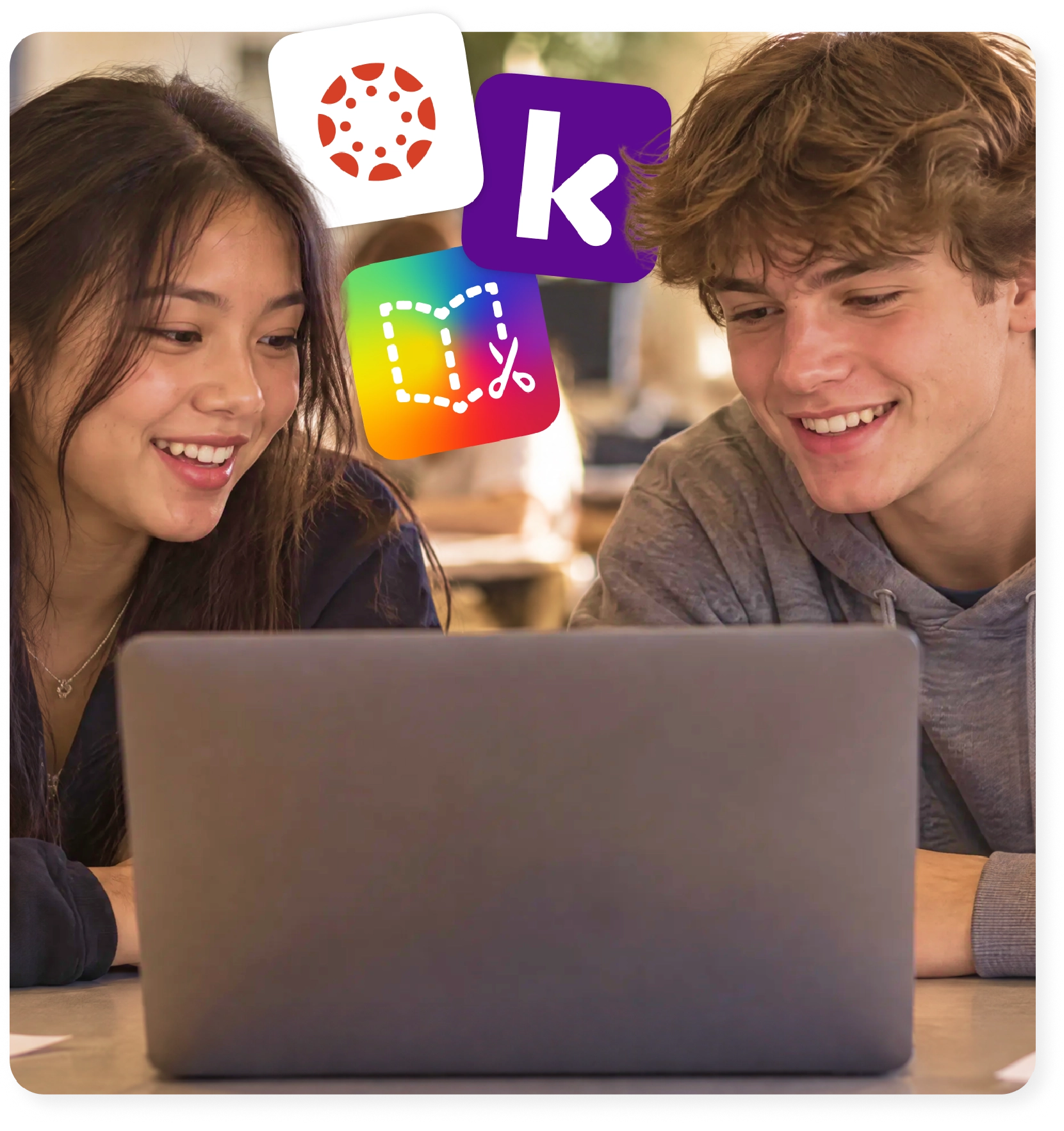
One Canvas workflow, built to support instructional practice
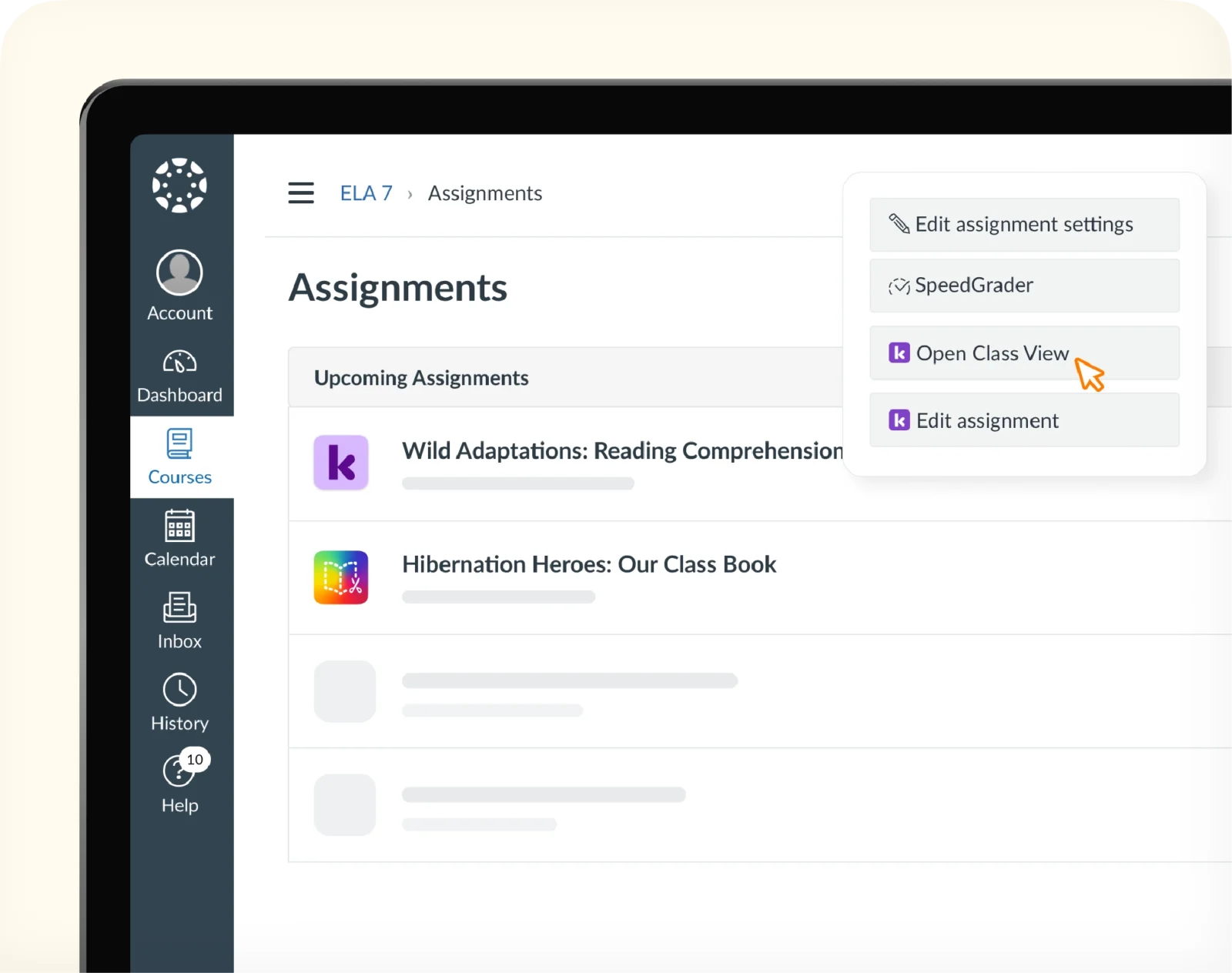
One login, two ways to support instructional practice
Teachers assign, grade, and monitor progress for both annotated documents and student-created books without leaving Canvas or juggling a second set of credentials.
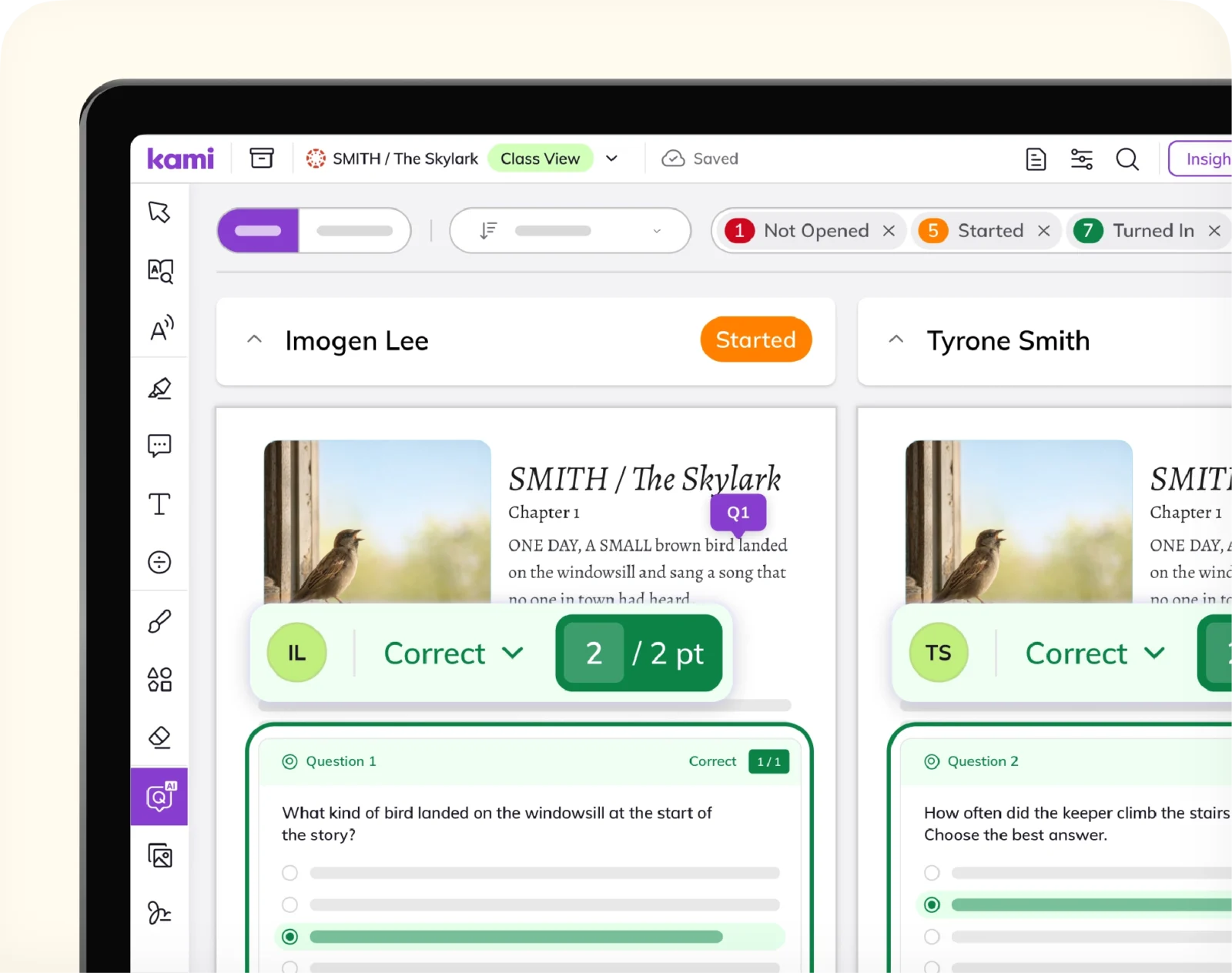
Class-wide visibility while work is happening
Insights and autograding surface where students are stuck while there’s still time to act, instead of after an assignment is turned in.
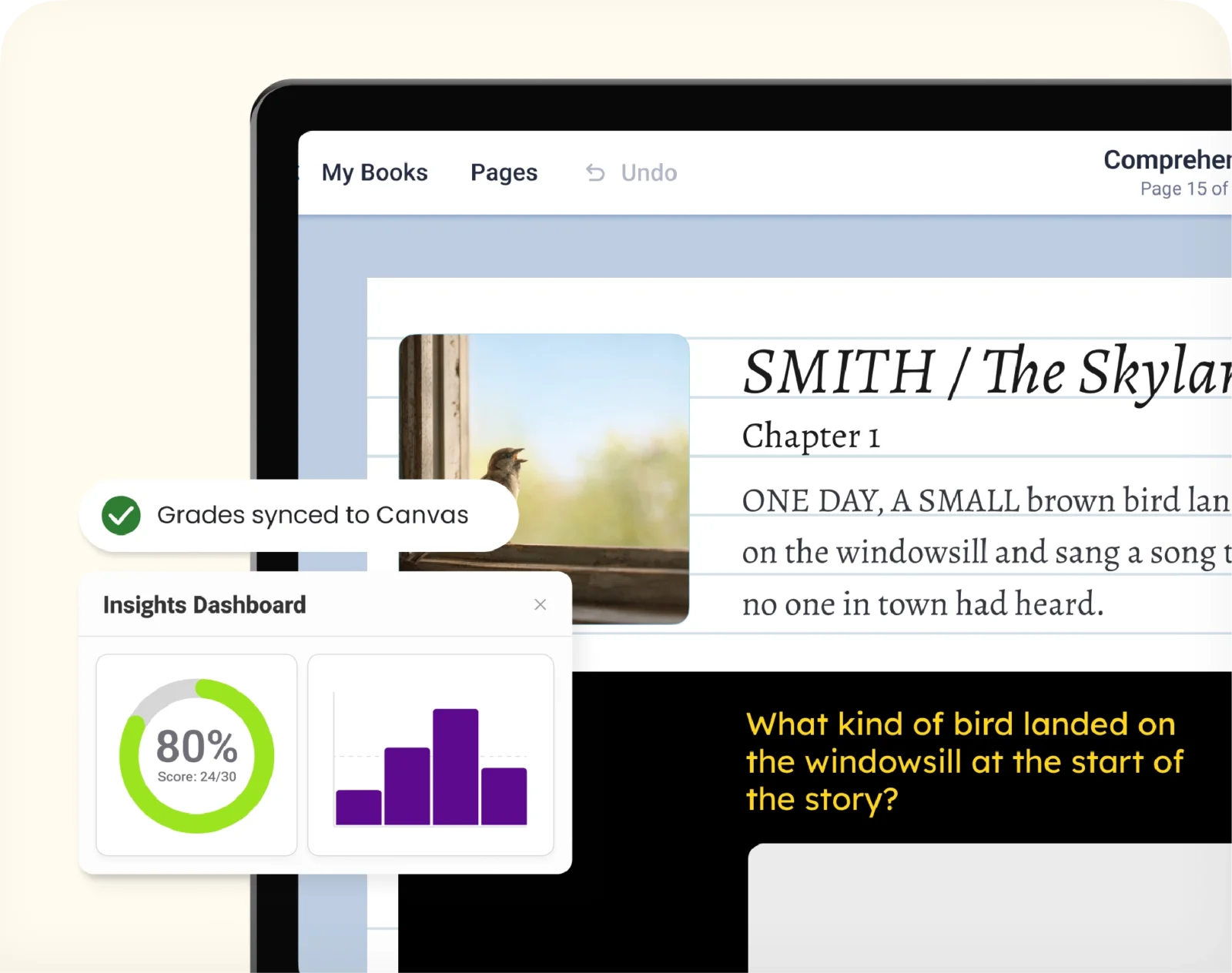
Nothing to re-enter by hand
Kami App grades sync automatically to the Canvas gradebook, and Book Creator submissions land there too, so neither product adds a manual step to grading day.
How Kami App works with Canvas
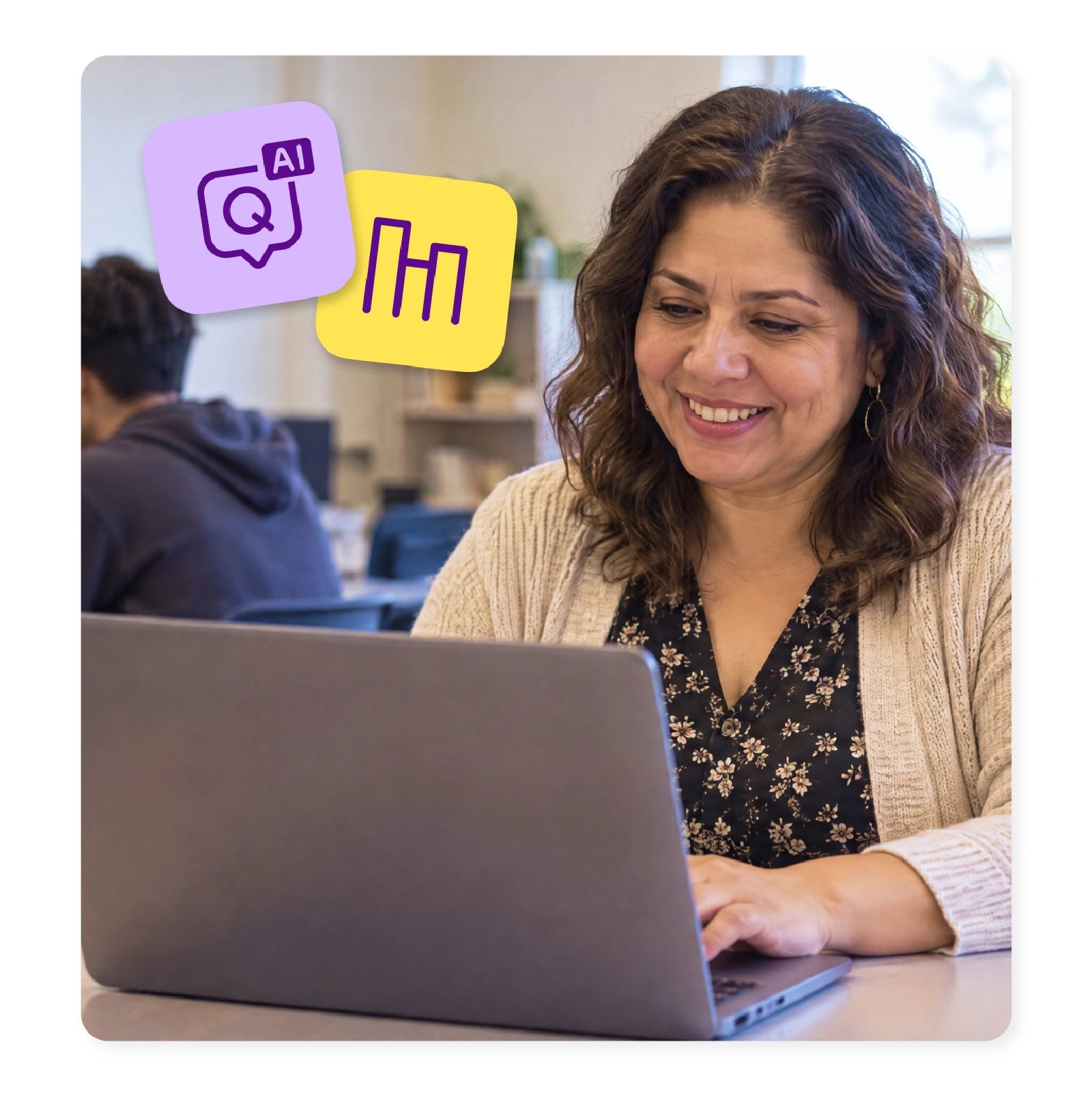
Autograde with Questions AI
Turn any assignment into an autograded assessment, scored automatically as students submit.
Real-time progress, with grades that sync automatically
Completed work and grades sync back to the Canvas gradebook, so nothing needs re-entering by hand.
Real-time Insights
See how the whole class is progressing while students are still working, with files autosaving to Google Drive or OneDrive as they go.
Everything you do, do it faster with Kami App and Canvas
Make any resource engaging and accessible
Differentiate and individualize instruction
Promote student voice and choice
Manage and distribute documents
Support student collaboration
Assess, grade, and give feedback
Monitor live progress and provide support
Access individual and class insights
Book Creator and Canvas integration
One login, one gradebook, two ways to support instructional practice
Create a Book Creator assignment the same way you’d create any other Canvas assignment.
Students submit without leaving Canvas
Students turn in their finished book directly through the Canvas assignment, no separate link or export step.
Grade from the Canvas gradebook
Teachers read and grade finished books from the Canvas gradebook itself.
Kami App vs. Book Creator inside Canvas
Kami App
Book Creator
Trusted by 50+ million teachers and students worldwide





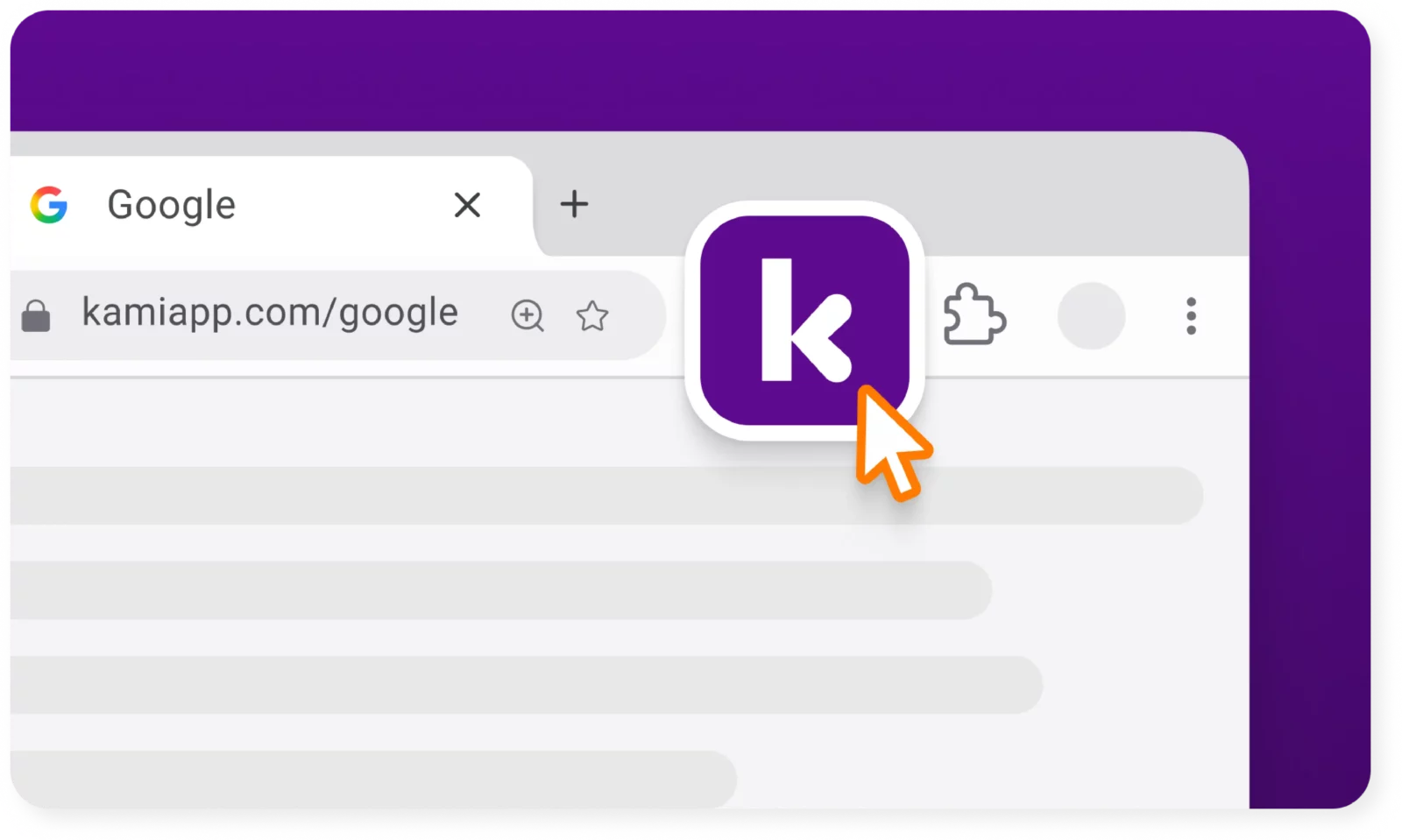
Get the Kami extension for a seamless experience
- Create classroom assignments directly from Kami.
- ‘Open with Kami’ buttons appear in Google Docs, Google Sheets, Google Slides.
Frequently asked questions
Browse our FAQs below, or visit our Help Center for comprehensive guides and troubleshooting support.
Does Kami App work with Canvas?
Yes. Kami App connects to Canvas through an LTI external tool. See the Canvas integration.
Do I need to install anything to use Kami App with Canvas?
Yes. An admin adds the Kami external tool once for the account. See the Canvas integration for steps.
Does Book Creator work with Canvas?
Yes. Teachers can add Book Creator to Canvas courses.
Do I need a paid plan to use Kami App with Canvas?
Yes. LMS integrations are available with paid Kami App plans. See the pricing page.
Does Kami Companion or Kami Coach integrate with Canvas too?
Kami App also integrates with Google Classroom, Schoology, and Microsoft Teams. Book Creator also integrates with Canvas and Schoology. Visit our integrations page for the full list.
Spark every Canvas course