
Rethinking Virtual Special Education: How inclusive technology unlocks independence for IEP students

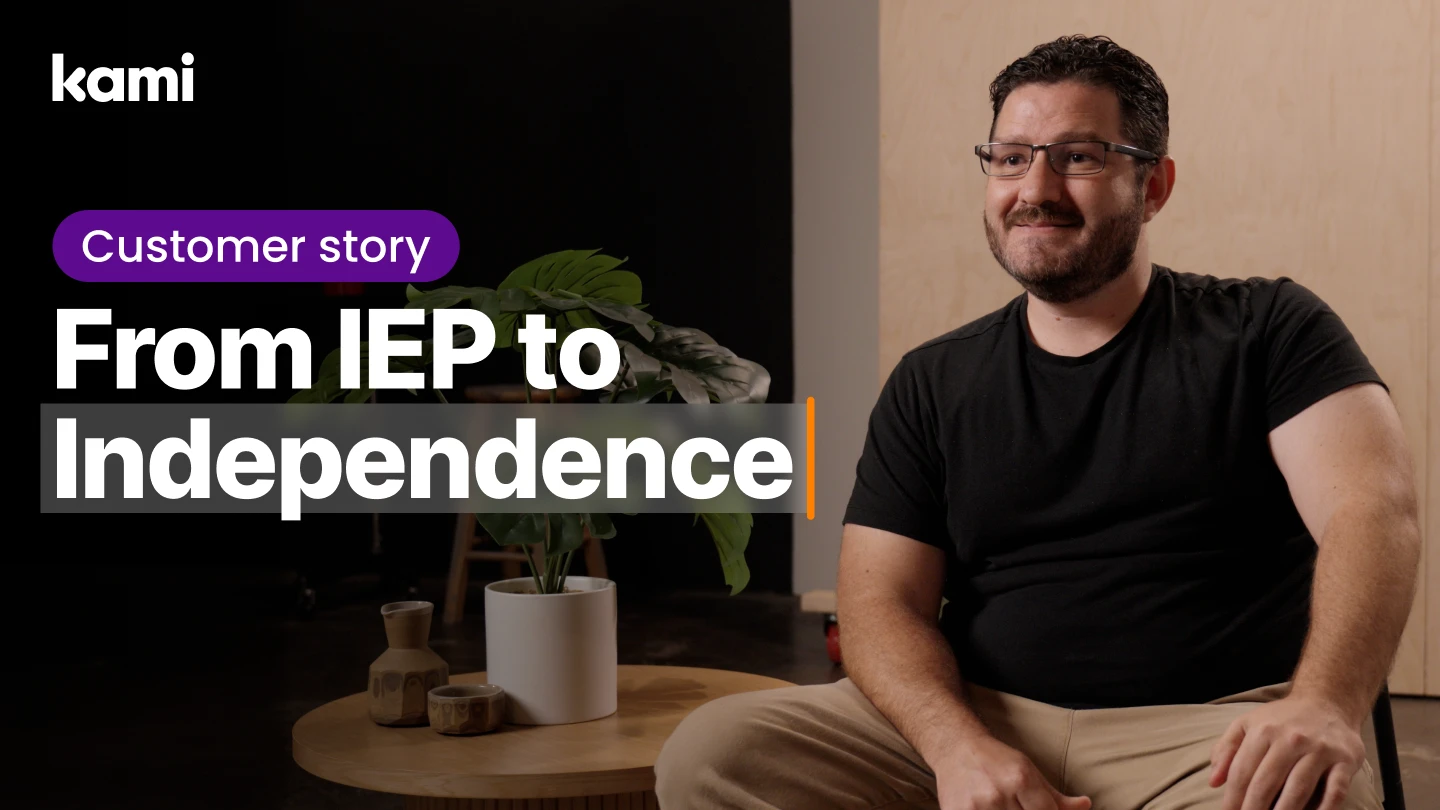

When Kyle McKoy reflects on his path into special education leadership, he often returns to one defining moment. As a child with an IEP, he listened to adults question whether he would ever finish high school.
“I had teachers who genuinely believed I wouldn’t finish,” he said. “College wasn’t even in the conversation.”
Those experiences continue to shape how he supports special education students and teachers today.
Quick take: Peak Prep, a virtual independent-study program serving 1,100 students in California, uses virtual special education technology to give students independent access to accommodations and give staff real-time data for IEP decisions. More than 150 students with IEPs now get consistent support without needing an adult present for every accommodation.
Kyle graduated near the top of his class, earned a master’s degree, and is now the Program Specialist for the Special Education department at Peak Prep. He supports the 60–70 teachers responsible for delivering special education and related services across the program.
Running a fully virtual special education program requires more than online access. It demands instructional systems that support student progress, specially designed instruction, and student independence, while still meeting compliance requirements under the Individuals with Disabilities Education Act (IDEA).
Programs like Peak Prep are part of a broader shift toward virtual special education technology built to meet the same compliance, progress-monitoring, and accommodation standards as in-person programs, without sacrificing the personal attention IEPs require.
Kyle has seen firsthand why inclusive technology matters at Peak Prep. When designed well, virtual special education can offer flexibility, personalized pacing, greater family involvement, and meaningful opportunities for students to build independence. That’s only true if the systems underneath are built to serve each student’s unique needs.
Districts and private schools evaluating online school options should look closely at how providers:
- track student progress
- document IEP evidence
- communicate with families
- maintain compliance
Strong instructional systems are essential to all four.
The realities of virtual special education
Peak Prep serves students who weren’t fully supported in traditional school environments, whether because of academic needs, medical or social factors, disabilities, or structural barriers. The program enrolls students with diverse IEP profiles, families opting for home-based instruction, and learners from across the state.
Running a virtual, by-choice program comes with many of the same challenges districts face everywhere. Virtual special education services must meet the same legal standards as in-person programs.
- Fragmented instructional tools and workflows:
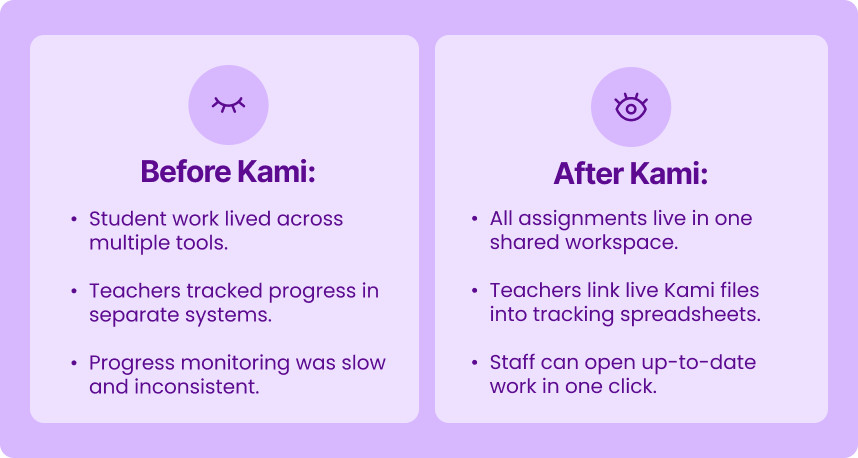
Teachers moved between Teams, Google Docs, email, PDFs, Zoom, and personal systems to manage caseloads and assignments. Documentation was spread across tools, making compliance and audit readiness harder to maintain. - Limited data visibility for IEP decision-making:
Work samples lived in multiple locations and formats, making it difficult to maintain a clear view of student performance or track IEP progress confidently. IEPs are living documents that must evolve as students’ needs change. Without centralized evidence, updates were slower and less precise. - Accommodations dependent on adult support:
Supports such as read-aloud, simplification, summarization, or writing assistance often required immediate adult availability. Under IDEA, schools must provide accommodations, but reliance on adult support limits student independence - Limited digital supports for building independence:
Without tools designed to scaffold executive functioning and self-management, students missed opportunities to build the independence needed for long-term success.Peak Prep needed a coherent instructional system for virtual special education at scale, one that supported individual needs while combining digital learning, offline work, and meaningful interaction with teachers and peers.
A structural shift: how Kami evolved from a PDF tool to an instructional system
Peak Prep was first introduced to Kami as a straightforward annotation tool. Kyle used it the way many educators do at the start.
“I honestly got introduced to Kami as just a way to adjust PDF files,” Kyle said. “I’d load reports onto Kami, fill them out, and that was literally all it was for me at first.”
That perception shifted as Kami and Kami Companion expanded. What began as a document-level tool grew into a platform bringing together instruction, data collection, and accommodations into a single virtual special education ecosystem.
Capabilities that once felt peripheral became central to:
- managing IEP caseloads
- structuring instructional workflows
- providing consistent accommodations
- supporting student independence at scale
“Now I could use Kami to collect work samples and data,” Kyle said. “It bridges a gap by allowing students to access their curriculum independently through built-in accommodations.”
Kami’s impact became most visible in the coherence it introduced, giving teachers and students a shared structure for instructional work across a distributed virtual environment.
How Peak Prep changed their practice with Kami
1. Centralized evidence that strengthens IEP decision-making
Before Kami, work samples lived across Zoom recordings, personal drives, and individual teacher systems, with no shared view of student progress. Now, Kyle hyperlinks each student’s daily Kami assignments directly into his tracking spreadsheet, so any teacher can pull up a recent work sample in seconds.
“Kami gave us real-time data we simply didn’t have before,” Kyle said. “It changed how we monitor progress and how we write meaningful goals.”
This has changed the speed and accuracy of IEP work, making it easier to track each student’s progress and keep their plan tailored to their needs.
Impact: IEPs now reflect real-time student performance, improving accuracy, responsiveness, and compliance readiness.
2. Live collaboration that mirrors in-person support
Virtual programs often lose the immediacy of in-person guidance. Kami helped restore it. Using Kami’s Class View with real-time collaboration, teachers can watch a student work as it happens, annotate alongside them, scaffold directly on the document, and respond the moment support is needed.
This approach mirrors the rhythm of an in-person classroom, something Peak Prep had been working to reclaim in a virtual setting.
Impact: Timely support strengthens comprehension, reduces frustration, and improves instructional continuity.
3. Kami’s built-in accommodations put students in control
The clearest picture of how this works in practice came from a history assignment Kyle worked through with a middle school student. She understood the material but struggled to access it independently and to express her understanding in writing.
Kyle imported the assignment into Kami and worked through it with her one step at a time:
- Highlight the text so Kami reads it aloud
- Simplify the wording of dense passages so they’re easier to follow
- Summarize longer sections into their key points
- Use talk-to-text to write her answers once she understood the material, since spelling and handwriting were her main barriers, not comprehension
“She was able to complete the entire history assignment independently using Kami,” Kyle said.
None of these steps required a teacher or aide sitting beside her. She moved through the assignment at her own pace and produced work that reflected what she actually knew.
Impact: Students engage with content more independently within their assignments, reducing reliance on immediate adult support while strengthening participation, academic performance, and confidence.
4. Kami Companion extends that support everywhere else
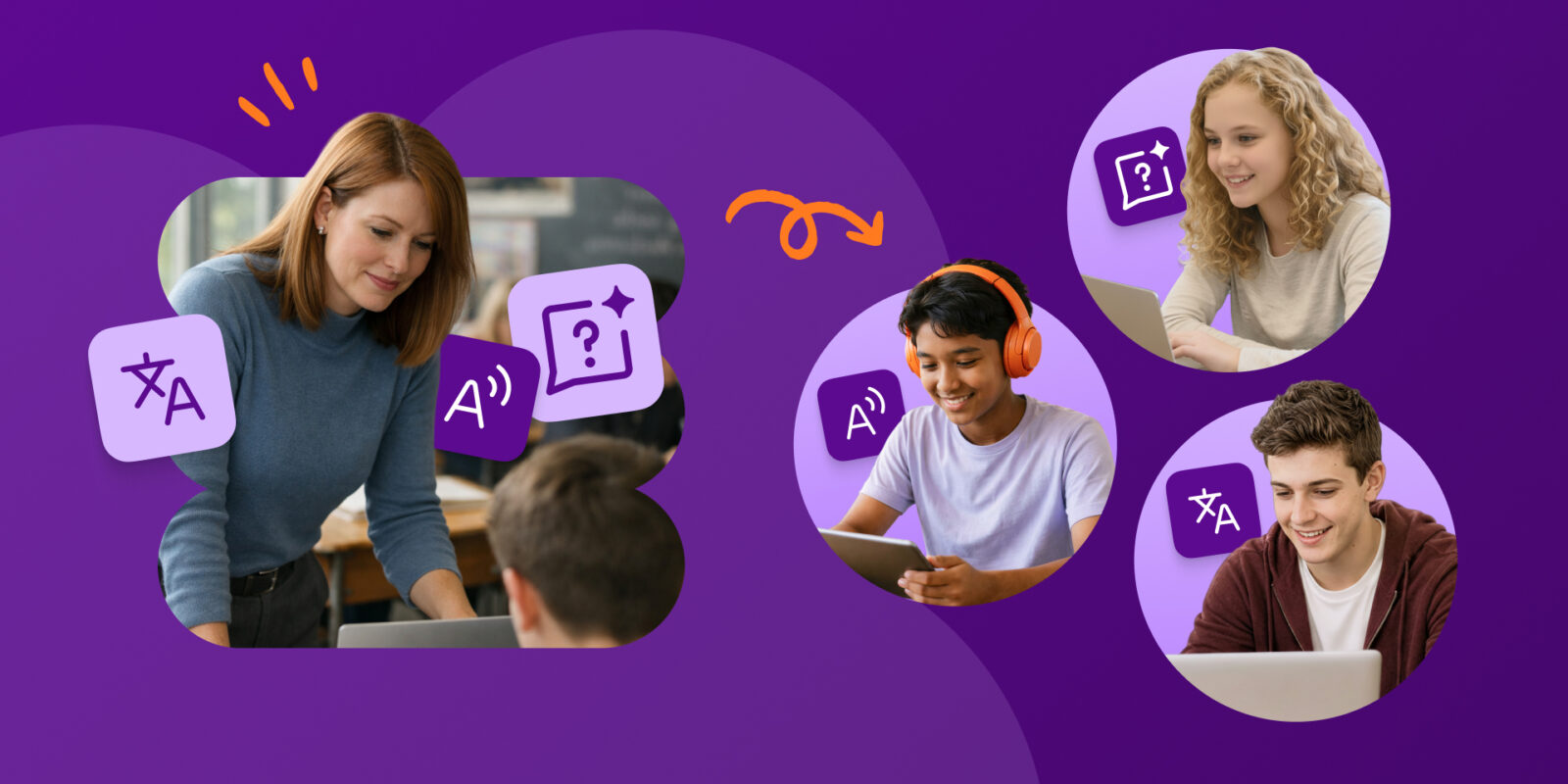
These are the same core accommodations Companion later extended beyond Kami documents, so students get the same support on any website or assignment, not only the ones Kyle builds in Kami directly.
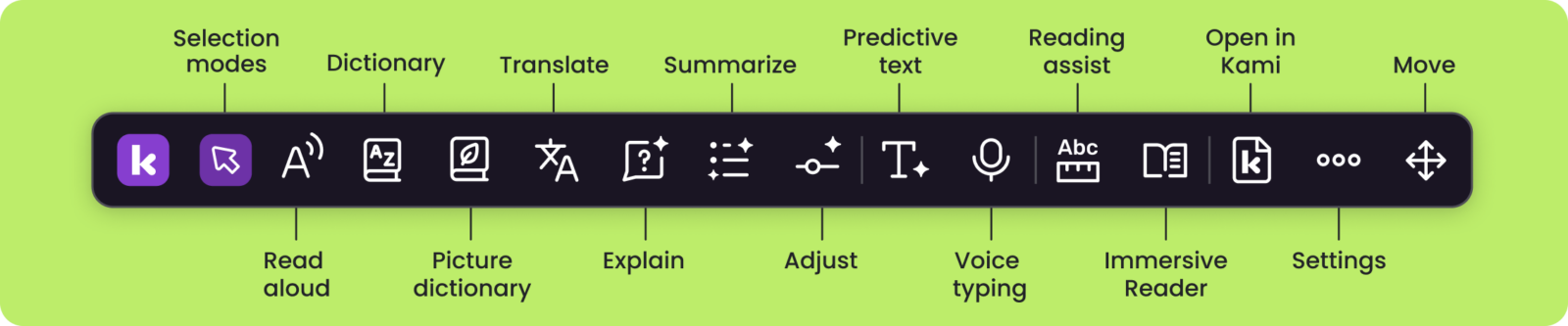
Kyle describes Companion as a “toolbar” that follows students throughout their digital environment. It isn’t limited to Kami documents, but available anywhere they’re working online.
With Kami Companion, students can:
- access these supports while navigating web-based content, assignments, and research
- listen to text on any document or website
- simplify or summarize challenging passages
- dictate written responses through talk-to-text
Rolling it out school-wide, not student-by-student
When Kyle was first introduced to Companion, he thought of it purely as a resource for special education students. That changed once he saw the range of what it could support.
“I brought in the executive director for my program, all the teachers, and I said, I think this needs to be on the toolbar for all of our computers, for all of our students throughout the entire school,” Kyle said.
Rather than adding it case-by-case, Peak Prep made Companion part of the standard setup on every student device. The support is there before a student even has to ask for it.
“They get to pull up a toolbar on their computer and have access to these things directly, right there in front of them,” Kyle said.
Impact: Students carry the same accommodations across every digital space they work in, not just inside assigned documents, cutting reliance on adult availability school-wide.
Peak Prep’s experience reflects broader trends in special education: schools are consolidating tools to reduce workload, progress monitoring requires timely access to data, independence is a core instructional outcome, and accommodations are expanding beyond IEP-only use.
District leaders exploring online special education services should consider how well their systems support independence, compliance, and data-informed instruction. Peak Prep’s experience shows that when tools align with how special education actually operates, both students and educators benefit.
See what inclusive instruction looks like in practice
👉 Explore how Kami, Kami Companion, and Book Creator support special education teachers and students across virtual and in-person settings. Request a demo
Frequently asked questions
What is virtual special education technology?
Virtual special education technology refers to the digital tools and systems that let schools deliver IEP services, accommodations, and progress monitoring remotely, while still meeting the same standards required in an in-person setting.
How do virtual special education programs stay compliant with IDEA?
Programs stay compliant by maintaining accurate, timely documentation of accommodations, services, and student progress, and by ensuring that the accommodations students receive online meet the same standards as those in a physical classroom.
Can students access accommodations without a teacher present?
Yes. Tools like Kami and Kami Companion let students access supports such as read-aloud, simplification, summarization, and talk-to-text directly on their own device, without needing a teacher or aide to deliver them in real time.
How does Kami Companion support students with IEPs?
Kami Companion extends the accommodations built into Kami, such as text-to-speech and talk-to-text, to any website or assignment a student is working on, not just documents created in Kami.
Blogs you may also like
An Educator’s Journey with Kami

Engaging every learner: How Kami transforms passive lessons into active learning
One platform, every learner: How Fond du Lac School District transformed digital learning with Kami