A new school year brings new questions.

Find answers in the Kami Learning Hub.

Kami Companion vs Read&Write

Read&Write has been a trusted tool in SPED and AT programmes, today there are more options available.
Learn how Kami Companion compares.

Book a 30-day trial

Access, everywhere

Does the assistive technology tool support students outside of the LMS?

Companion

Read&Write

Why it matters

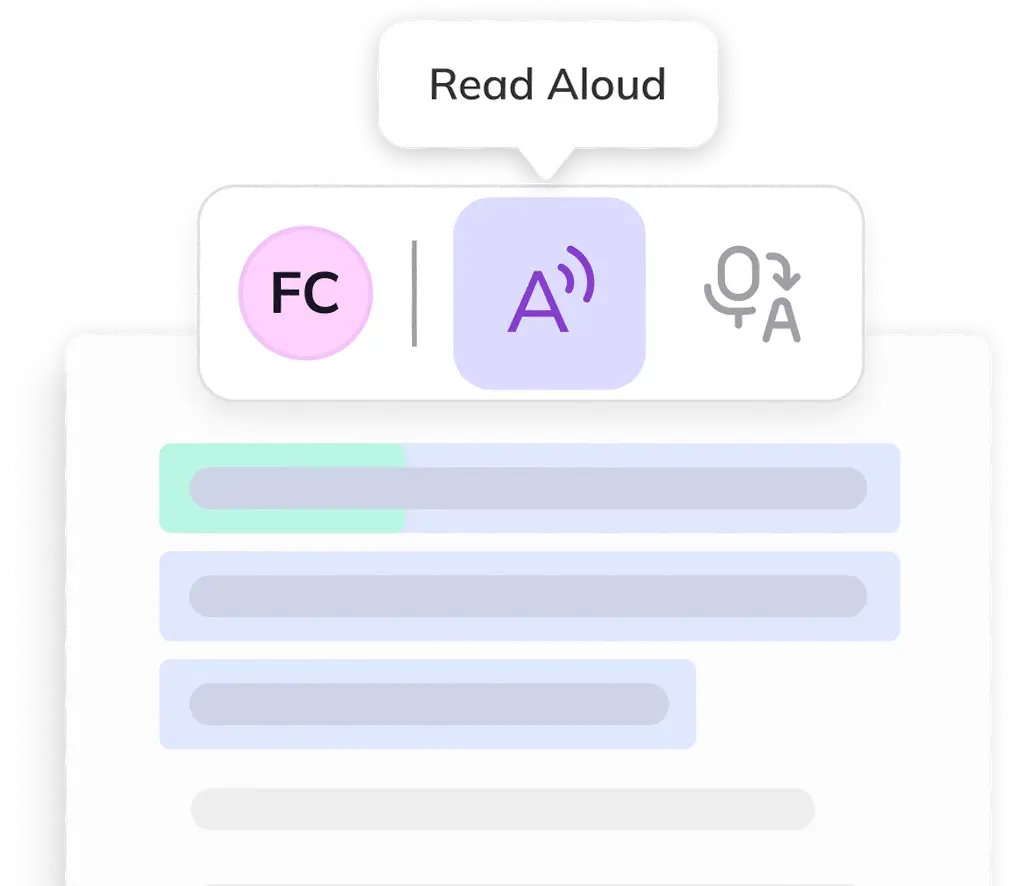
Text-to-speech on the open web
Web-based Content, auto-on
Read&Write is strongest inside Google Docs and structured documents; Kami doesn't need a document type to activate and is strong across both open-web sources and structured content like Google Docs.
Screen masking & reading ruler
Web-based Content
Web-based Content
Genuine parity. Both toolbars ship this now.
One toolbar, every surface (UDL)
Single interface
Two apps
PDFs route through Read&Write's separate OrbitNote app. Field reports note students sometimes don't realize it's the same product. Kami students get one consistent toolbar, everywhere.

Language and comprehension

Does the assistive technology tool support students understanding and bridge languages?

Companion

Read&Write

Why it matters

AI comprehension support (summarize, explain, adjust reading level)
AI-powered
Word swap only
Read&Write's Rewordify substitutes hard words for easier ones. Kami's Understand Engine re-explains meaning in context and can move a passage up or down in reading level.
Translation coverage
100+ languages
Not disclosed
Both translate. Kami publishes an exact language count; Read&Write's feature page doesn't state one, so it's hard for a district to verify coverage for a specific home language.

Writing support

What writing supports does the assistive tool offer?

Companion

Read&Write

Why it matters

Word prediction
AI-powered
Mature engine
Read&Write absorbed Co:Writer's prediction engine, a long-standing category leader. Kami currently handles common misspellings; a fuller predictive engine is on the roadmap.
OCR for images & inaccessible PDFs
Not yet*
Available
If a student regularly uses scanned worksheets or image-only PDFs. *PDFs can be brought into Kami App for OCR capabilities.
Save narration as an audio file
Not yet
Available
Useful for offline listening on the bus or at home without a device connection.

Admin, trust & roadmap

How are the assistive technology tools innovating?

Companion

Read&Write

Why it matters

Usage analytics & per-student controls
Due late 2026
Available
Read&Write offers class-level analytics today. Kami's basic insights and feature-level controls are on the near-term roadmap.
Managed deployment
Supported
Supported
Parity. Both force-install cleanly across a device fleet.
Compliance certifications
FERPA, COPPA, SOPPA, SOPIPA, SOC 2 Type II
FERPA, COPPA, SOPPA
Kami publishes a broader named list. Read&Write's current certifications were not stated.
Product roadmap stability
Consolidating suite
Recent sunsets
Everway retired Co:Writer and Snap&Read as standalone products on December 31, 2025, folding their features into Read&Write. Since launching in 2025, Kami has continued to add and enhance Kami Companion.

Accessibility in action:
since 2025, Kami Companion has delivered:

800k+

Words read
aloud

295k+

Reading levels adjusted

200k+

Language translations delivered 

40k+

Ideas captured by voice

Where Companion has the advantage

If you’re evaluating tools for your programme, these are the areas where Companion has an advantage.

Kami companion explain: Kami Companion vs Read&Writea

Comprehension scaffolding

The Understand Engine, has AI-powered tools to summarize, explain at different reading levels, and restate content in simpler language, on web-based content.

Kami companion explain: Kami Companion vs Read&Writea

Reading assist across the web

Companion includes screen masking, reading ruler, and Immersive Reader, tools not listed on Read&Write’s current feature page.

Kami Companion translate: Kami companion explain: Kami Companion vs Read&Writea

The dual IEP and MLL population 

For the roughly 14% of ELL students who also have IEPs, Companion combines IDEA-appropriate AT features with support for 100+ languages in one toolbar.

Frequently Asked Questions about
Kami Companion vs Read&Write

Yes, on the student-facing content pages, including any open-web resources linked from assignments.

The toolbar activates automatically on website content. No per-domain configuration is required.

Yes, force-install across any Chromebook fleet. Students see the toolbar on their next login.

Yes, Companion is a separate extension but maintains the same toolbar design as Kami App. Students moving between the two see a consistent interface.

Documentation request is available at kamiapp.com/companion or through your account manager.

Technically possible, but some features may conflict. If running both during an evaluation period, test for compatibility with your specific student configuration.