Welcome to the Kami family 

Use one, some, or all of our products for better instructional practice.

Elevate instruction. Reach every learner.

Kami app helps bring lessons to life. It turns everyday materials into interactive learning experiences, where teachers can see student thinking in real time.
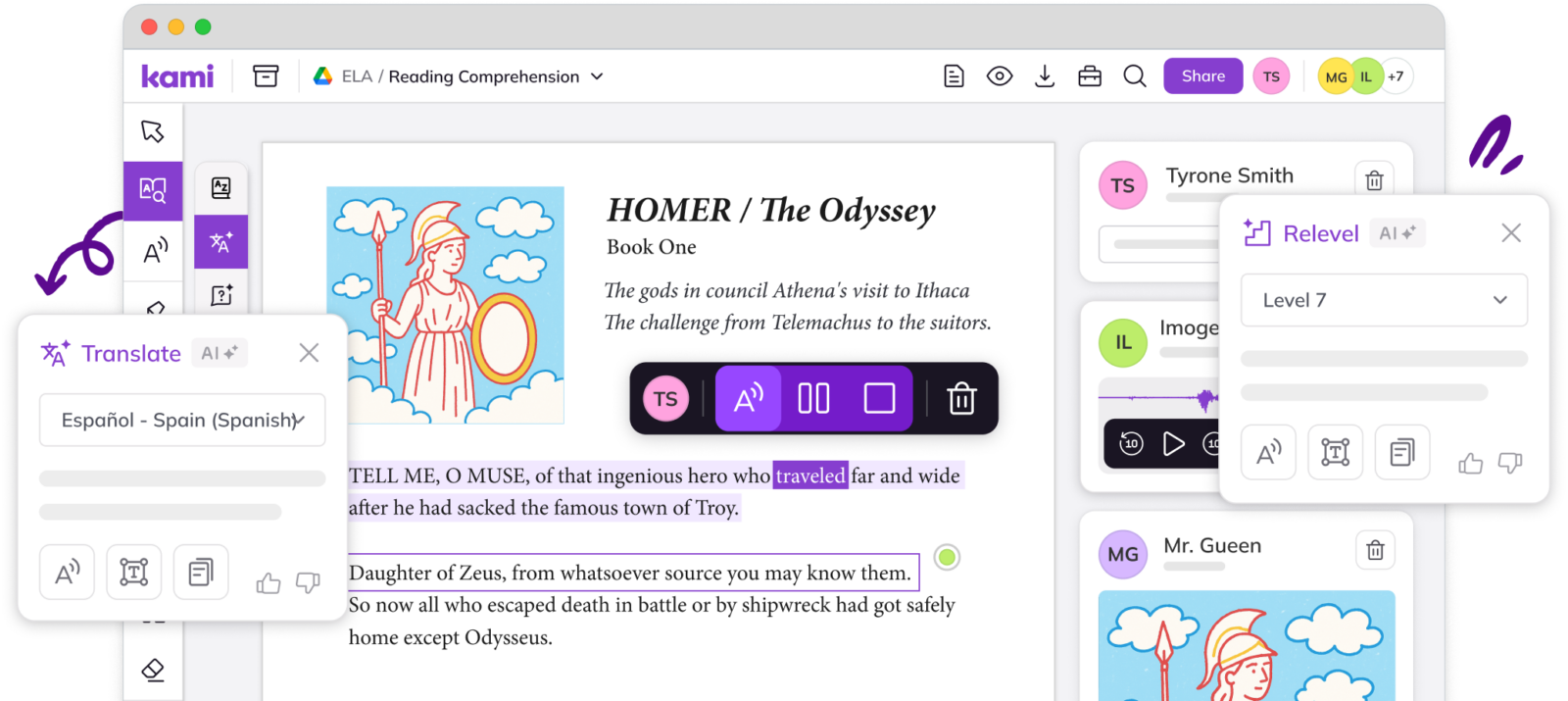
Kami interface with a reading passage open and highlighted text; pop-up panels show tools like Translate (Español–Spain) and Relevel (Level 7) alongside a sidebar of student submissions.

Interactive learning

Turn static documents into active learning experiences that boost engagement.
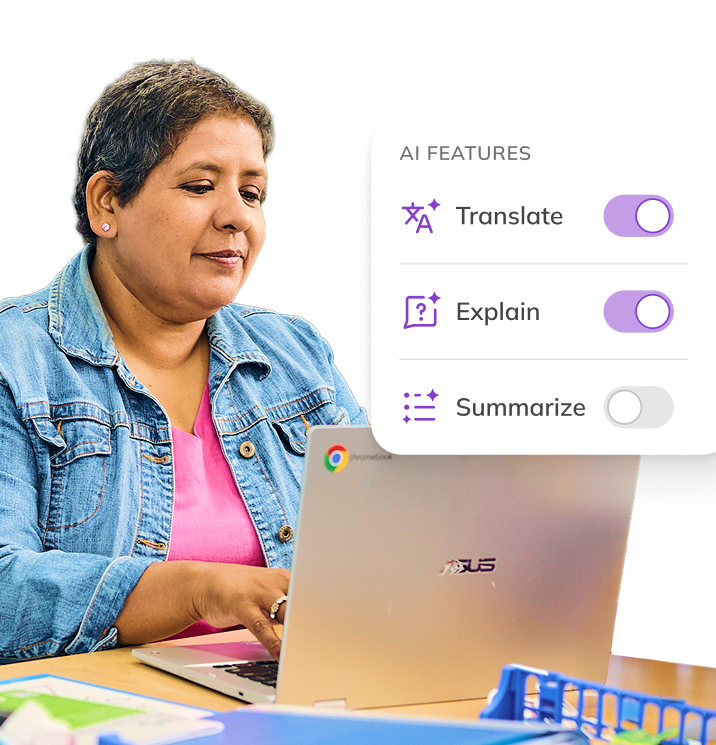
Teacher using a laptop, with an overlay panel titled ‘AI FEATURES’ showing toggles for Translate and Explain turned on and Summarize turned off.
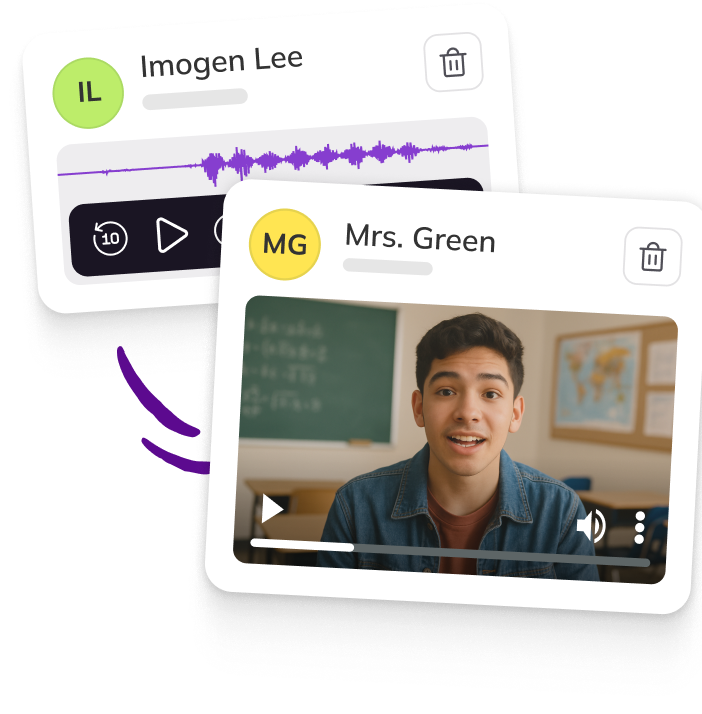
Two feedback cards showing audio and video responses—one with an audio waveform and one with a teacher video message—labeled ‘Imogen Lee’ and ‘Mrs. Green.’

Visible learning

See student thinking in real-time, and give feedback in the moment.

Support all learners

From early intervention to targeted feedback Kami app personalizes instruction for all.
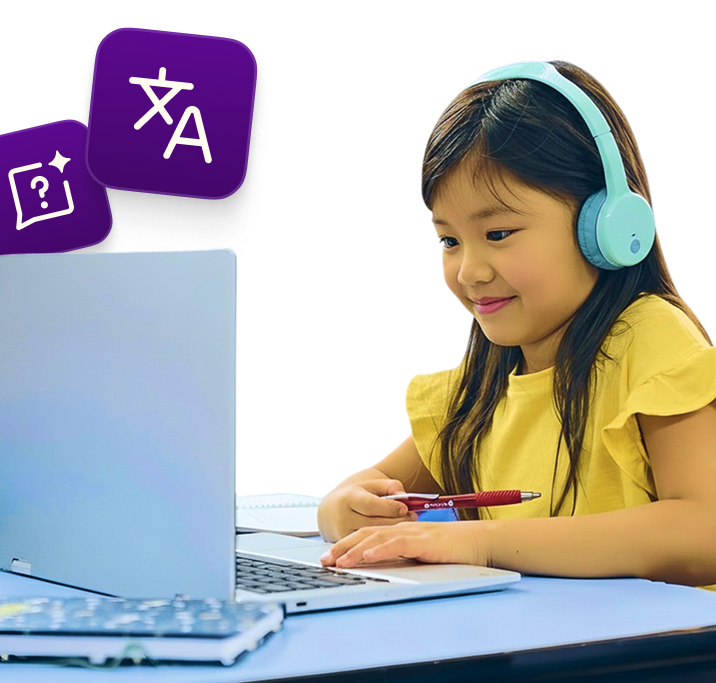
Student wearing light blue headphones works at a laptop while holding a pen, with purple AI feature icons floating nearby

Book Creator

Try now for free
Book Creator icon

Create. Reflect. Share.

Book Creator gives students a powerful way to demonstrate understanding. It allows them to express ideas, reflect on learning, and create work they’re proud to share.
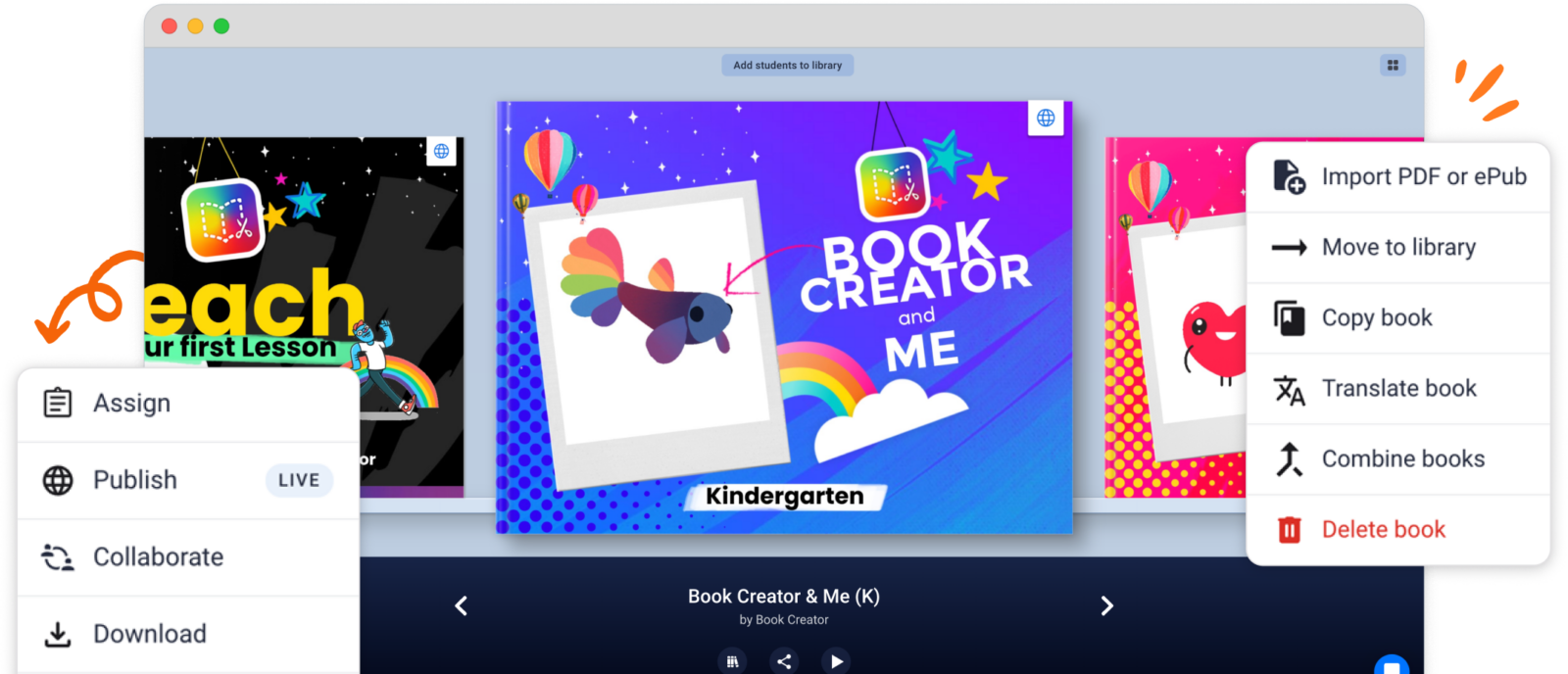
Book Creator library screen showing colorful book covers, with menus open for actions like Assign, Publish (Live), Collaborate, Download, and options like Import PDF/ePub, Copy book, Translate book, Combine books, and Delete book.

Demonstrate understanding

Students turn ideas into interactive, multimedia creations in any subject area.
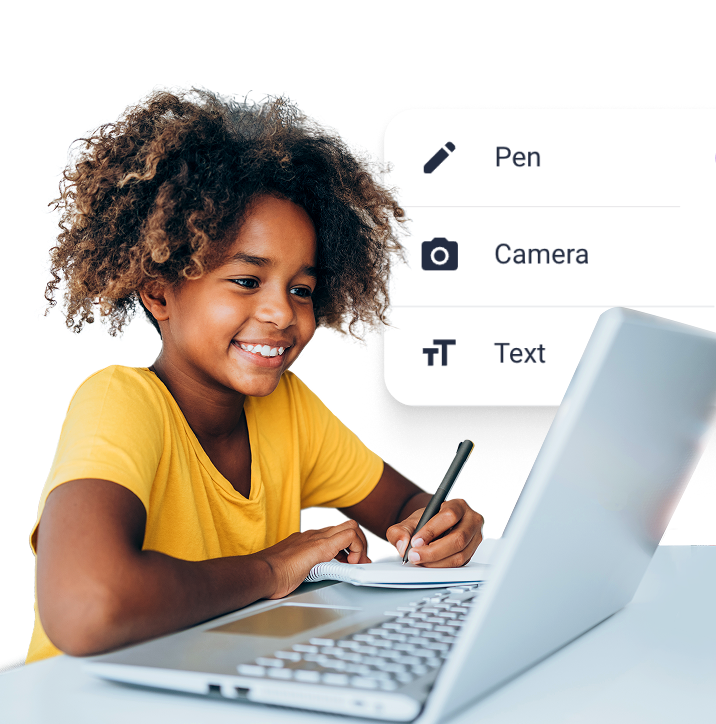
Student smiling while writing in a notebook beside a laptop, with an overlay menu showing tools: Pen, Camera, and Text.
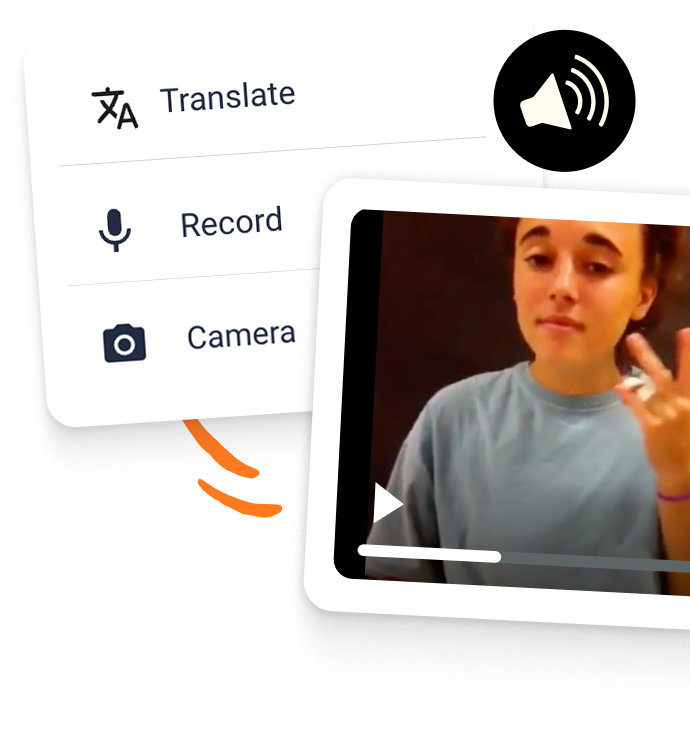
Overlay menu listing Translate, Record, and Camera beside a video clip of a student recording themself, with a speaker/audio icon.

Inclusive tools for every learner

UDL-aligned accessible tools designed for diverse learning needs.

Share learning
beyond the classroom

Drive authentic learning by building portfolios that kids are motivated to share.
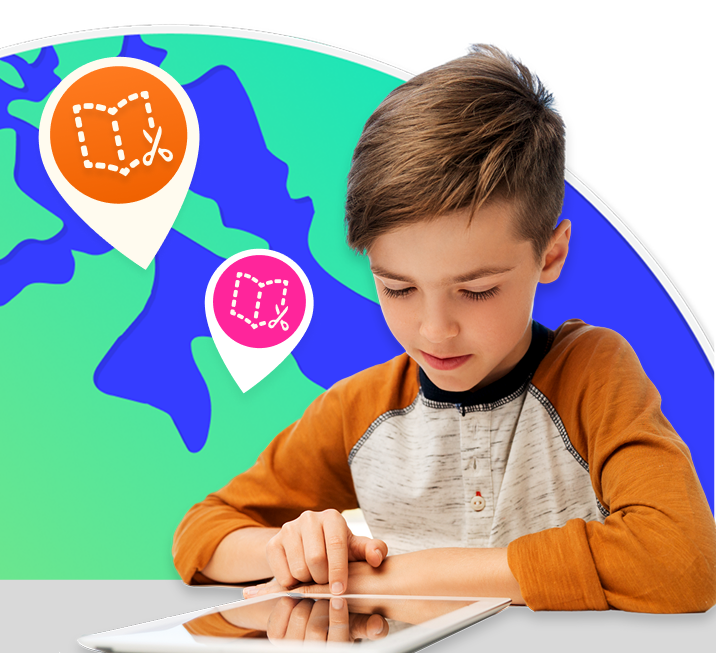
Student using a tablet in front of a stylized world map, with location pins showing Book Creator icons to represent sharing work.

Kami Companion

Book a trial

Learning without limits.

Kami Companion makes web-based learning accessible. It gives learners built-in supports, helping them access the same learning as peers without teacher intervention.
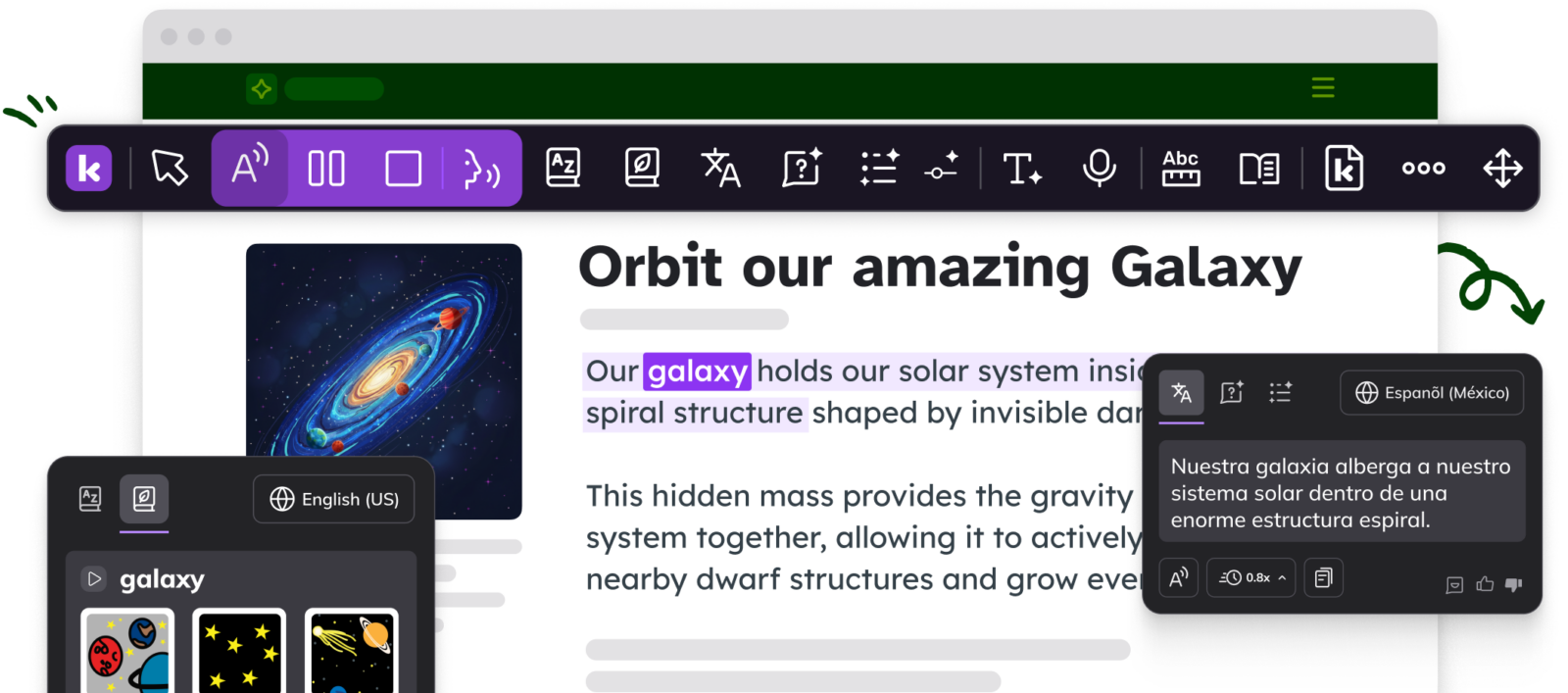
Screenshot-style graphic of a document titled ‘Orbit our amazing Galaxy’ being edited with the Kami Companion toolbar; a translation pop-up (Español (México)) appears over highlighted text.

Independent learning

Each student’s unique needs are supported with the help of safer AI.
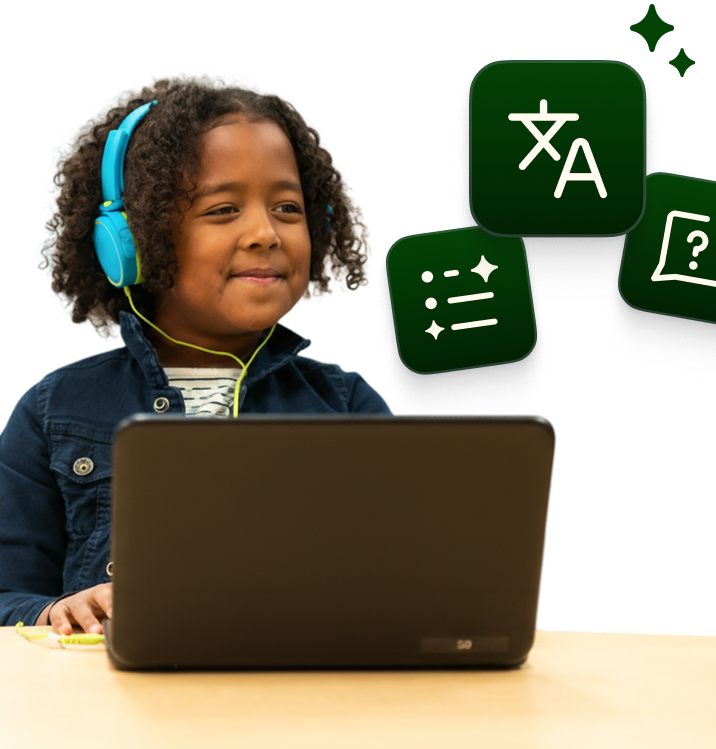
Child wearing bright blue headphones uses a laptop, with green feature icons floating nearby (translation, writing/sparkles, and a question mark).
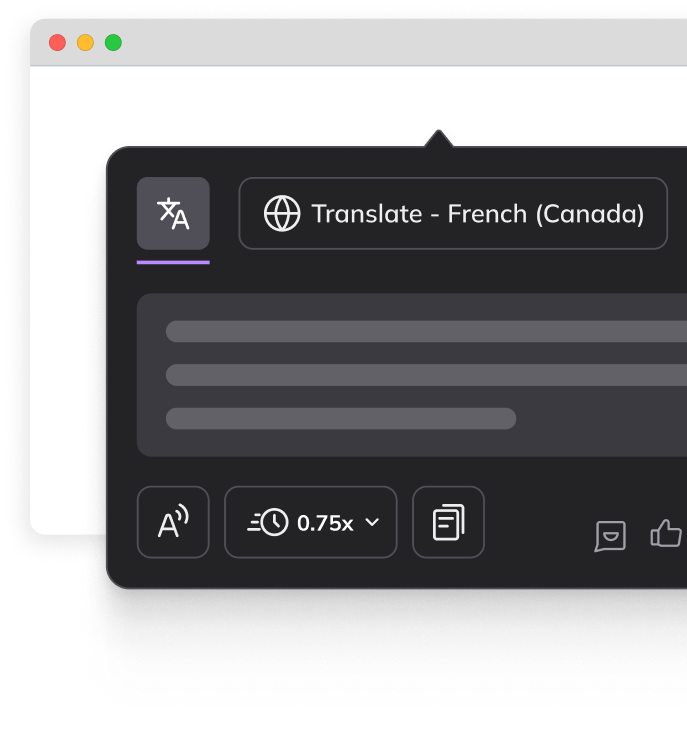
Close-up of the Kami Companion translation panel showing ‘Translate – French (Canada),’ with controls for read-aloud/audio and playback speed (0.75x) inside a browser window.

Builds fluency

Supports MLL learners with language practice and natural vocabulary growth.

Inclusive support

Read aloud, Voice typing, Screen masking and more helps students focus.
Person using a laptop at a table, with a green speech-to-text/audio icon floating beside them.

Kami Coach

Join the beta

A brand new product has joined the Kami family.

The Kami Coach icon is a plum coloured swirl with a white star at the end of it, on a pink background

AI-powered math support with Kami Coach.

Safer AI you can trust. Kami Coach responds to student thinking, so learners can work through problems independently.
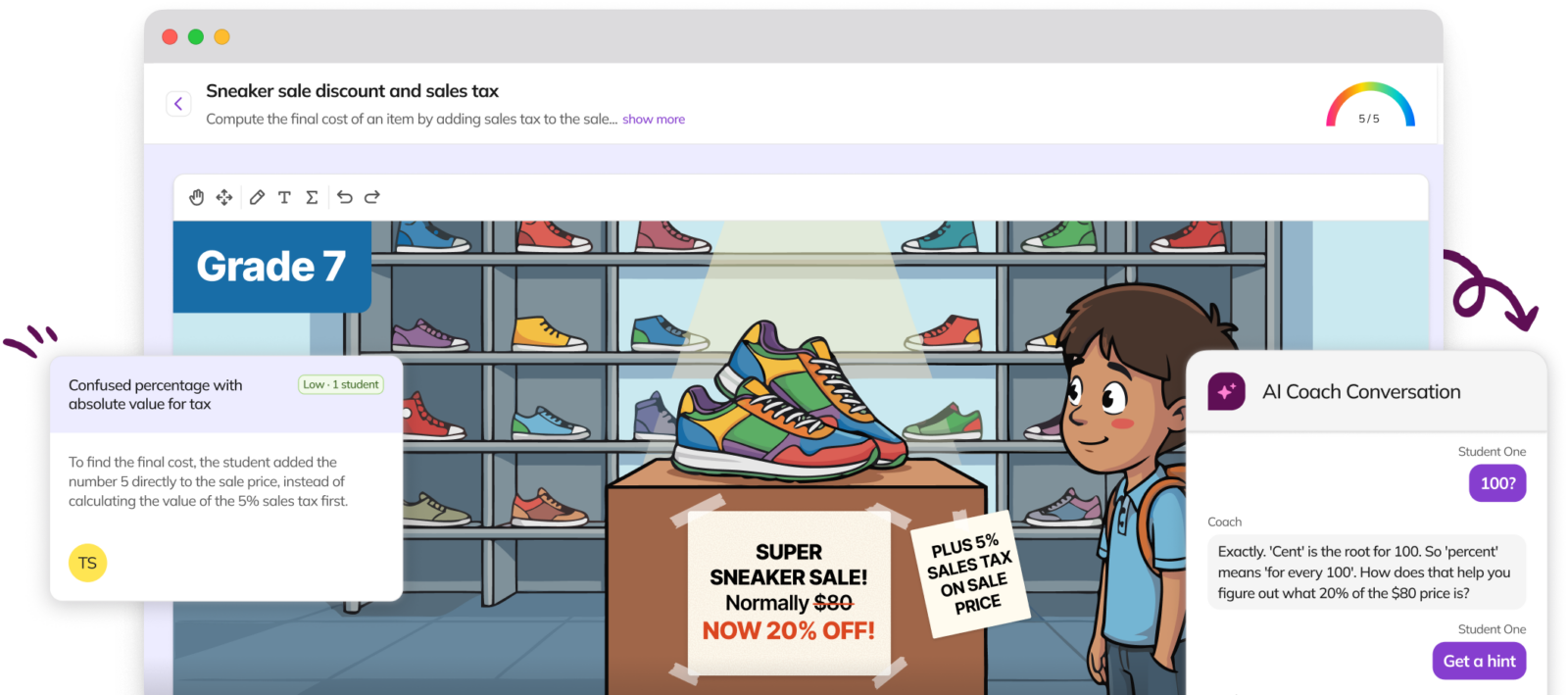
Screenshot-style graphic of a Grade 7 math problem about a “Super Sneaker Sale” showing colorful sneakers on a display table in a shoe store; a student stands at right while feedback bubbles and an “AI Coach Conversation” chat panel appear over the scene, explaining a discount and 5% sales tax calculation.

Real-time insights

Guided practice helps students stay on track while maintaining productive struggle.
A student wearing blue headphones and a yellow jacket studies at a laptop while writing with a pen; three floating purple icons (calendar with a checkmark, graduation cap, and shield with an exclamation mark) appear beside them.

Early signals

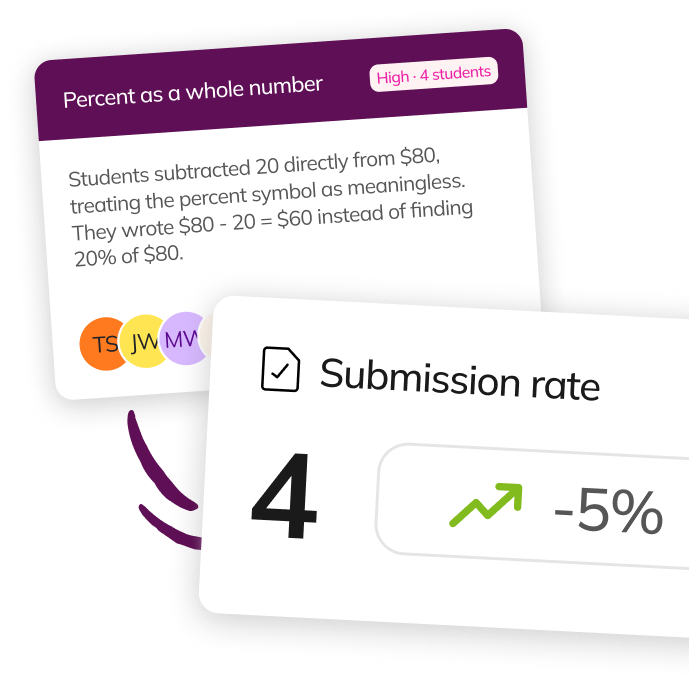
Highlights learning gaps before they surface in formal assessments.

Confidence building

Helps students get unstuck and stay on track through guided independent practice.
Trusted by 50+ million teachers and students worldwide


Google for Education partner badgeCommon Sense Privacy Verified check markISTE Seal Jun 2025-2027Cast Accessibility seal for UDL productsInstructure ESSA Level 3 badge