
Language support that follows multilingual learners everywhere they learn
Not just inside the LMS. On the research database, the news article, the primary source, across the open web your multilingual learner students visit.
Watch 60 second demo
Multilingual learner support, at every level
“Multilingual learner” isn’t just one profile. It spans a student a few months from full English proficiency right through to a student in the silent period and at the start of their journey.
Kami Companion is built to flex across all use cases with one easy-to-use floating toolbar.
Multilingual learners
What this looks like in the classroom
Students at any point across the WIDA proficiency levels (from Entering to Bridging), can develop English while continuing to learn grade-level content alongside their peers.
How Companion helps
Read Aloud, Translate, and AI-assisted comprehension flex to where a student is, in over 100 languages, without a teacher building a separate version of the material for each level.
Newcomers
What this looks like in the classroom
Students recently arrived, often in an early silent period (WIDA Level 1, Entering), who may understand more than they’re yet ready to say or write in English.
How Companion helps
Home-language Read aloud and translation give a newcomer independent access to grade-level content from day one, rather than waiting on a bilingual aide or a simplified worksheet built separately.
Students with interrupted formal education (SIFE)
What this looks like in the classroom
Students often at emergent literacy levels in both their home language and English, learning English and secondary curriculum content at the same time.
How Companion helps
Home-language Read aloud, vocabulary support, and AI-assisted comprehension give SIFE students a pathway to grade-level content, without a visibly different tool from their peers.
Dually identified students
What this looks like in the classroom
Approximately 14% of English learners in US public schools also have an IEP, and need IDEA-mandated AT support and Title III language scaffolding at the same time.
How Companion helps
IEP-documented reading and comprehension support and Title III-relevant language scaffolding live in the same toolbar, so these students don’t need two separate tools.
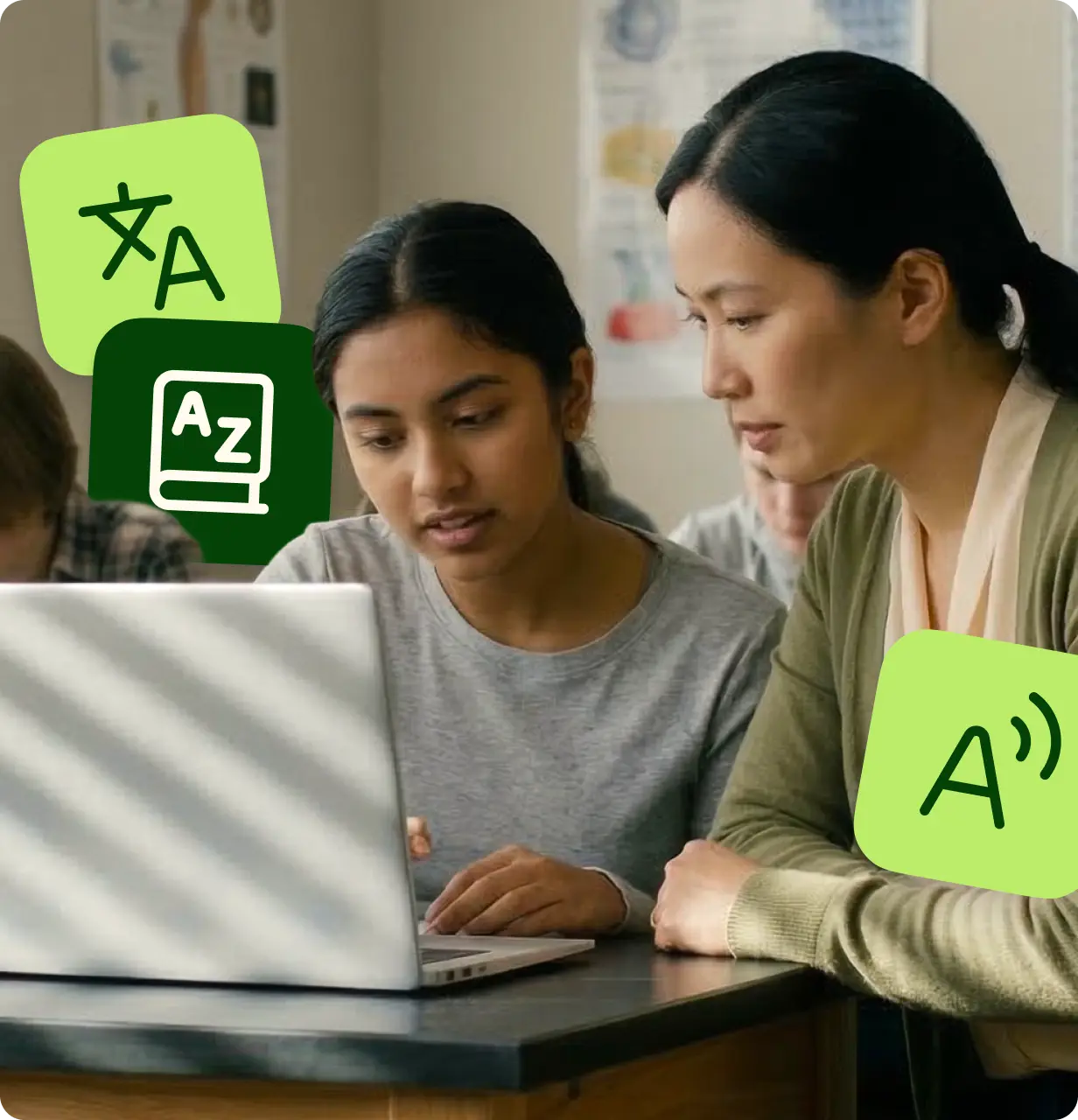
What Companion does for multilingual learners
Companion is one of a handful of multilingual learner tools built to work the same way in a research database as it does in a scaffolded LMS assignment.
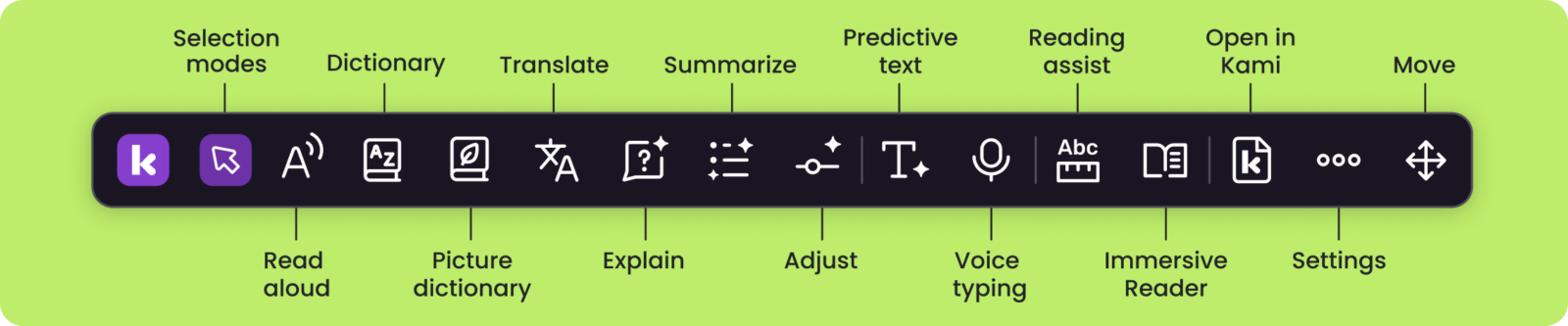
What it does for MLL students
The linguistic friction that pulls students out of the lesson
Title III eligible, simpler than it looks
Companion is built to satisfy Title III’s core eligibility requirements: it directly supports language acquisition and content-area access, not just general technology use, and it’s designed as a supplemental access tool rather than a replacement for direct English language instruction.
Title III, Part A (English learner language acquisition)
Covers Read aloud, vocabulary scaffolding, and comprehension tools when used with English learners.
Key requirement: Use is supplemental to core bilingual or English language development services, not a replacement for them.
IDEA Part B (IEP students)
For the approximately 14% of English learners who also have IEPs, the AT service component is covered under FAPE requirements. This stream can run alongside Title III on the same deployment.
Title IV-A (whole-class deployment)
For district-wide or whole-classroom UDL deployment, with no population restriction. The most flexible path when deploying to all students.
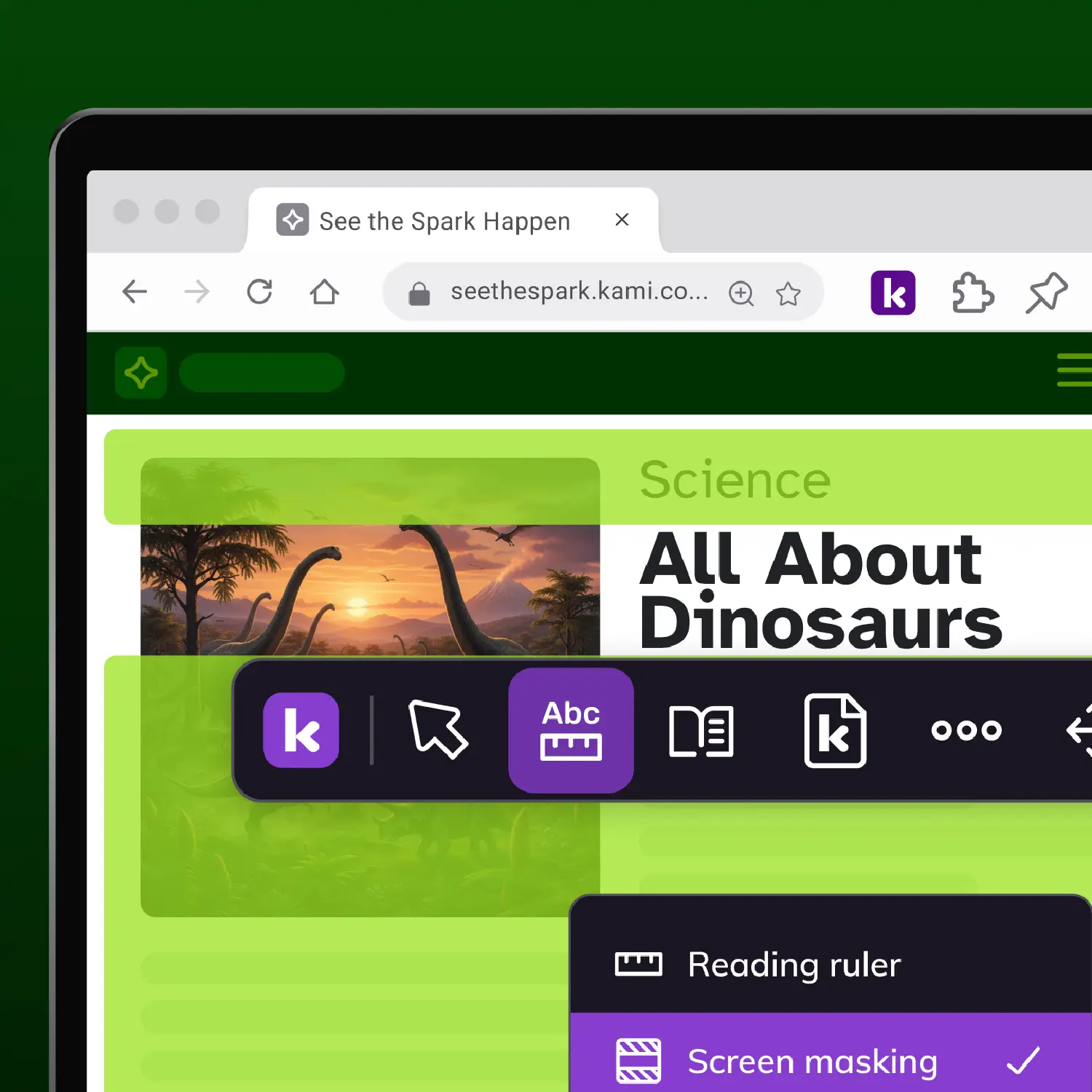
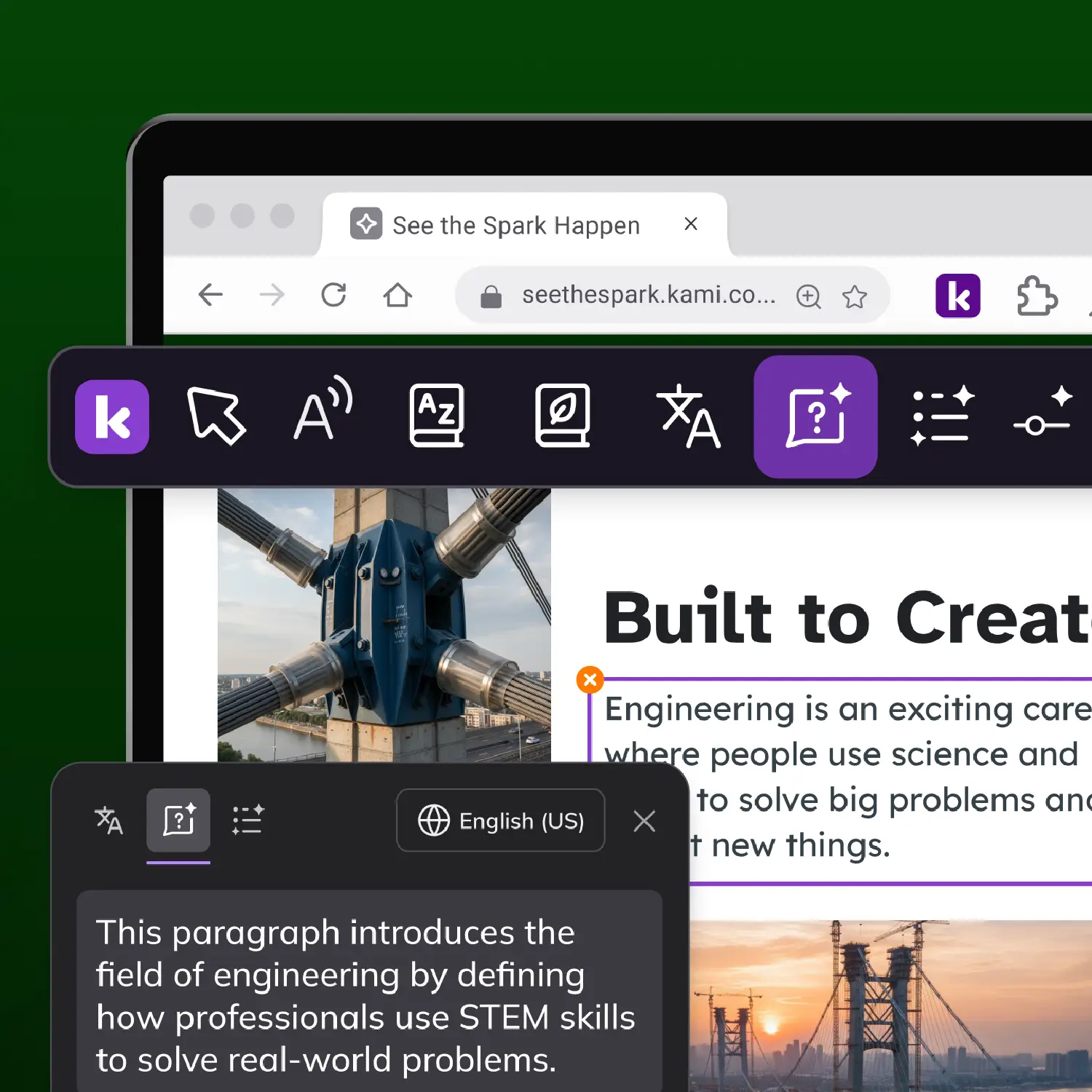
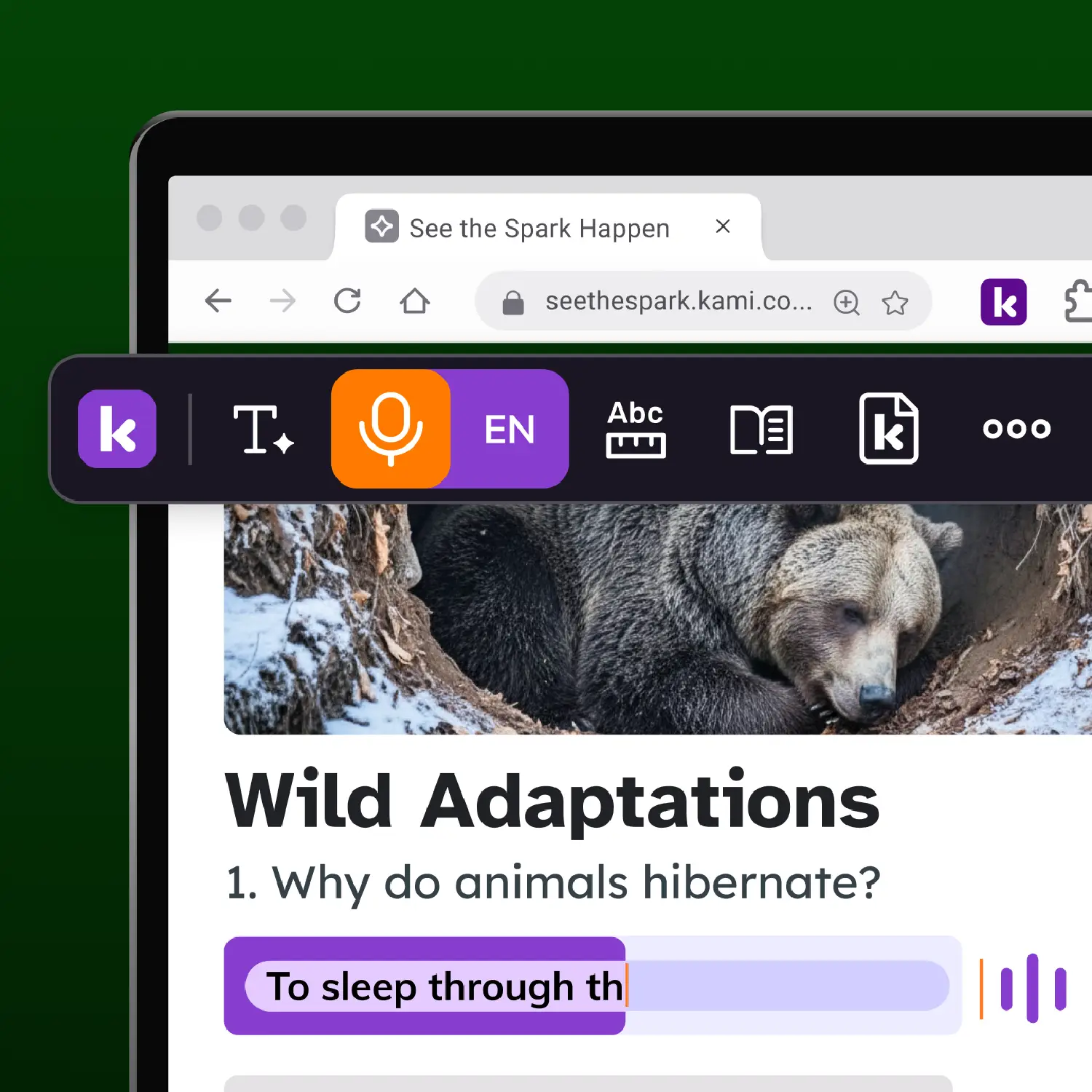
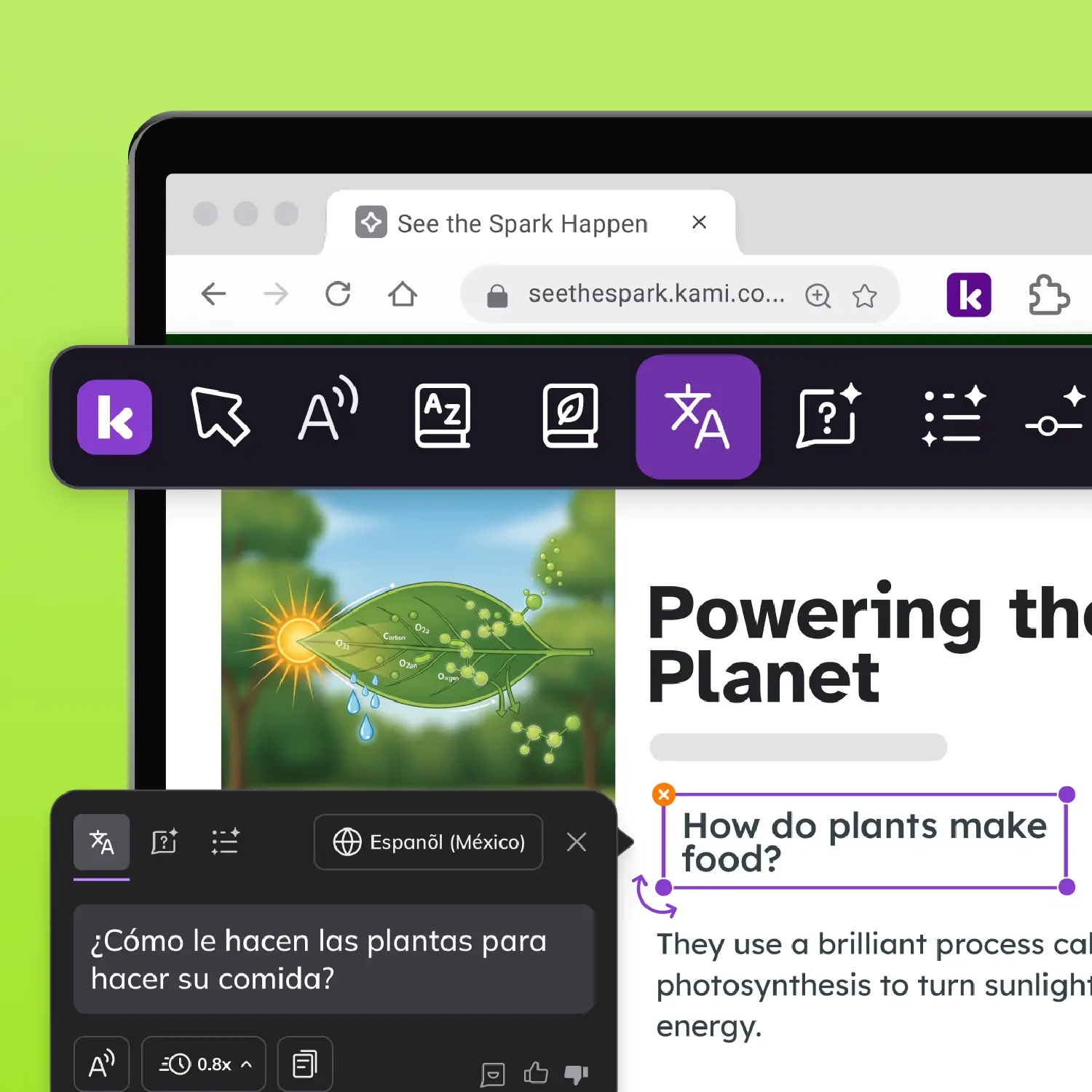
Why the same toolbar matters
Kami Companion gives every student the same browser toolbar, so language support is available without drawing attention. For schools, that's the difference between a tool students embrace and one they avoid.
Resources for MLL educators
Companion for MLL's
Kami is UDL Certified
Accessibility at scale
Common questions about Kami Companion
Browse our FAQs below, or visit our Companion Help center for comprehensive guides and troubleshooting support.
Does Kami Companion work on every website?
Not every website. Companion is built to support reading, translation, and comprehension tools across the open web, but some websites have technical structures that limit which tools can activate. We recommend testing Companion on the specific sites your students use during your trial, rather than assuming universal coverage.
How many languages does Companion support?
Companion supports over 100 languages for real-time translation and Read Aloud text-to-speech, so students can access content in their home language while building English proficiency.
Does Companion replace direct English language instruction or bilingual staff?
No. Companion is designed as a supplemental access tool, not a replacement for direct English language development instruction or bilingual and ESL staff. That distinction also matters for Title III eligibility, since Title III funds are meant to supplement, not supplant, core language services.
Can Companion support a student who has both an IEP and English learner status?
Yes. Companion combines IDEA-documented reading and comprehension support with Title III-relevant language scaffolding in a single toolbar, which is designed for the roughly 14% of English learners who are also IEP students and would otherwise need two separate tools.
Will using Companion make a multilingual learner stand out from their peers?
No. Every student uses the same browser extension and toolbar, regardless of which features they turn on. A student using Read Aloud in their home language looks the same, from the outside, as a student who isn’t using any language support tools.
How is Companion funded for a multilingual learner population?
Title III, Part A typically covers the language acquisition features when used with English learners. IDEA Part B can apply for the subset of students who also have IEPs. Title IV-A covers whole-class or district-wide deployment with no population restriction. Confirm eligibility with your Title III coordinator and legal counsel, since this depends on documentation and state-specific rules.
How long is the trial, and how do we measure success?
The trial runs 30 days. We recommend a mixed-fluency cohort, teacher observation of open-web navigation behavior, student-reported feature use, and a comparison of completion rates between LMS-based and open-web research tasks.
Start with one class
You don’t need a district-wide decision. Two weeks of observation data in one MLL class will tell you more than any product comparison.