
Give students visible practice in the skills that outlast any one class
Employers, colleges, and district leaders keep naming the same future-ready skills as essential for an unpredictable future: critical thinking, communication, collaboration, creativity, and using digital tools responsibly.
Book Creator helps students build a visible, ongoing record of that practice.
Challenges in implementing future-ready Skills
Critical thinking gets assessed, rarely seen
A test score can show whether a student reached the right answer. It rarely shows how they got there, or whether they can question a source, spot bias, or revise their own reasoning.
Communication happens constantly, and disappears just as fast
Students communicate in every group project and class discussion, but that practice is rarely captured anywhere a teacher, counselor, or future employer could point to later.
Collaboration is assumed, not built
Group work asks students to collaborate without necessarily teaching them how. Peer feedback and shared revision are skills that need practice, not just opportunity.
Creativity risks being treated as decoration
When creative work is not connected to a specific skill being practiced, it can read as extra credit rather than evidence, even when the thinking behind it is real.
Responsible digital use is discussed once, then assumed
Digital citizenship and using AI as a thinking partner both need repeated, low-stakes practice. A single lesson on either does not carry a student through years of technical and academic work.
The five-paragraph essay is no longer evidence
How Book Creator supports future-ready skills
Reflect and share the evidence
Students build a portfolio of their own work, in their own words, turning every finished assignment into a visible record of their thinking.
Multimodal
portfolios
Students combine writing, drawing, voice, and video in one place, giving them more than one way to show their thinking on any project.
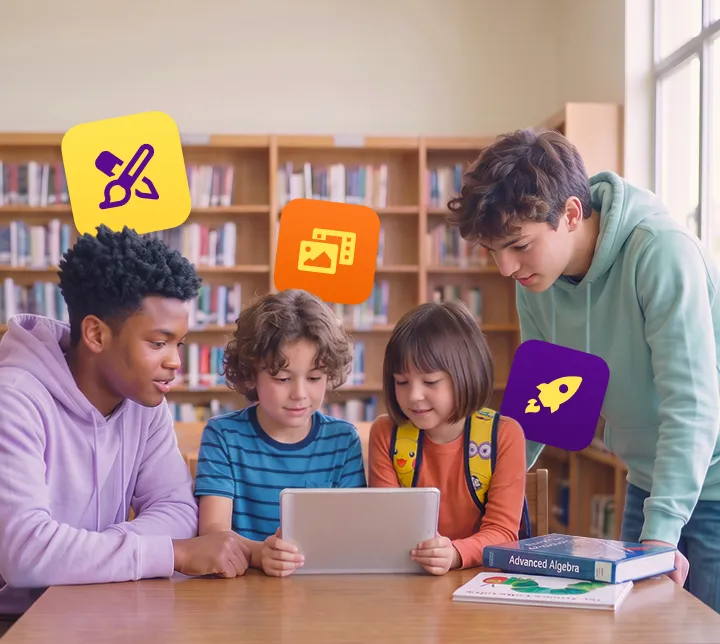
Support every learner doing it
Built-in reading, language, and expression supports let every student, including multilingual learners, take on the content their peers do, without a separate track.
Resources for future-ready skills
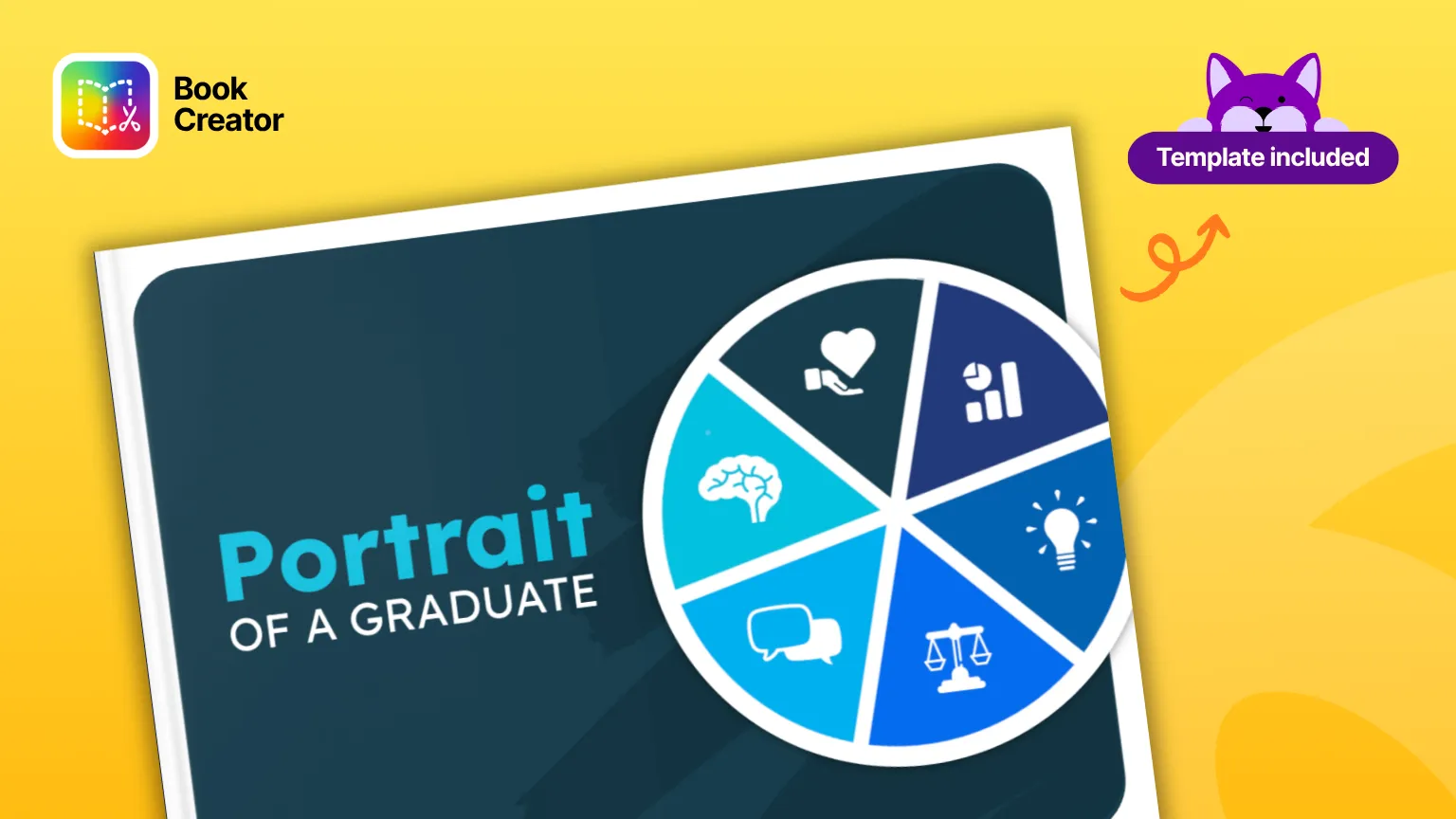
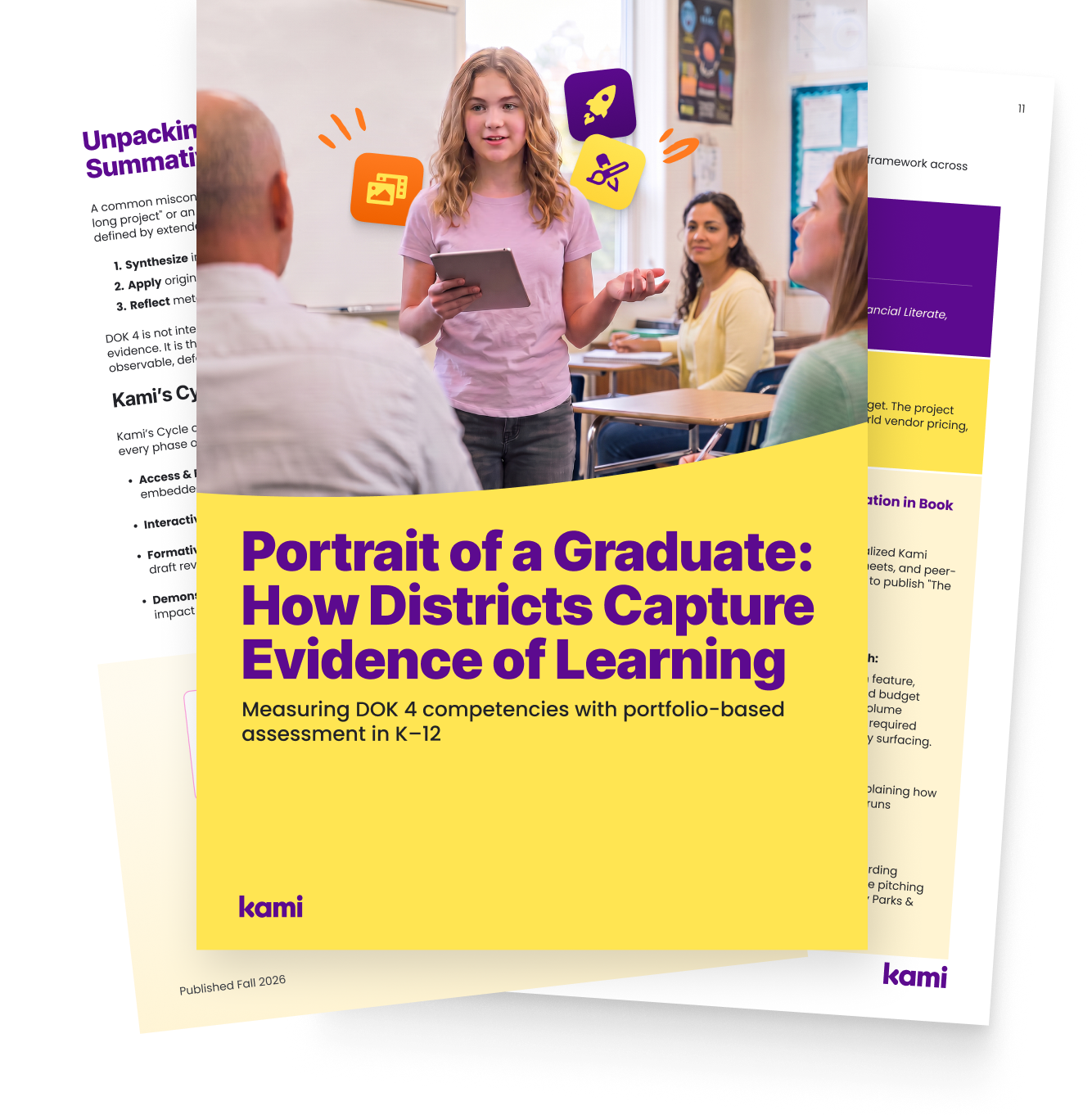
Portrait of a Graduate
Work-based learning
5E instructional model
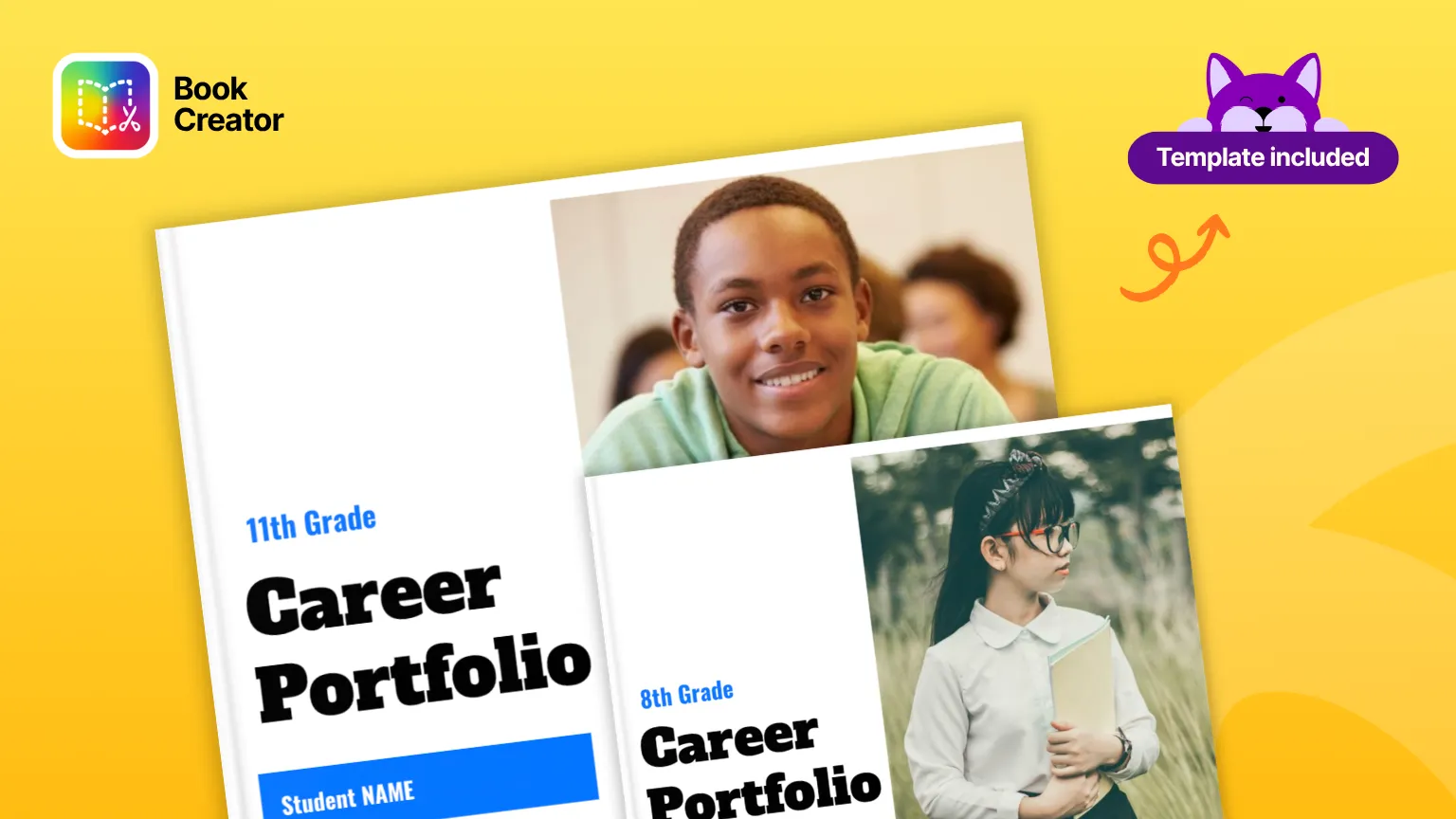
What is a career portfolio
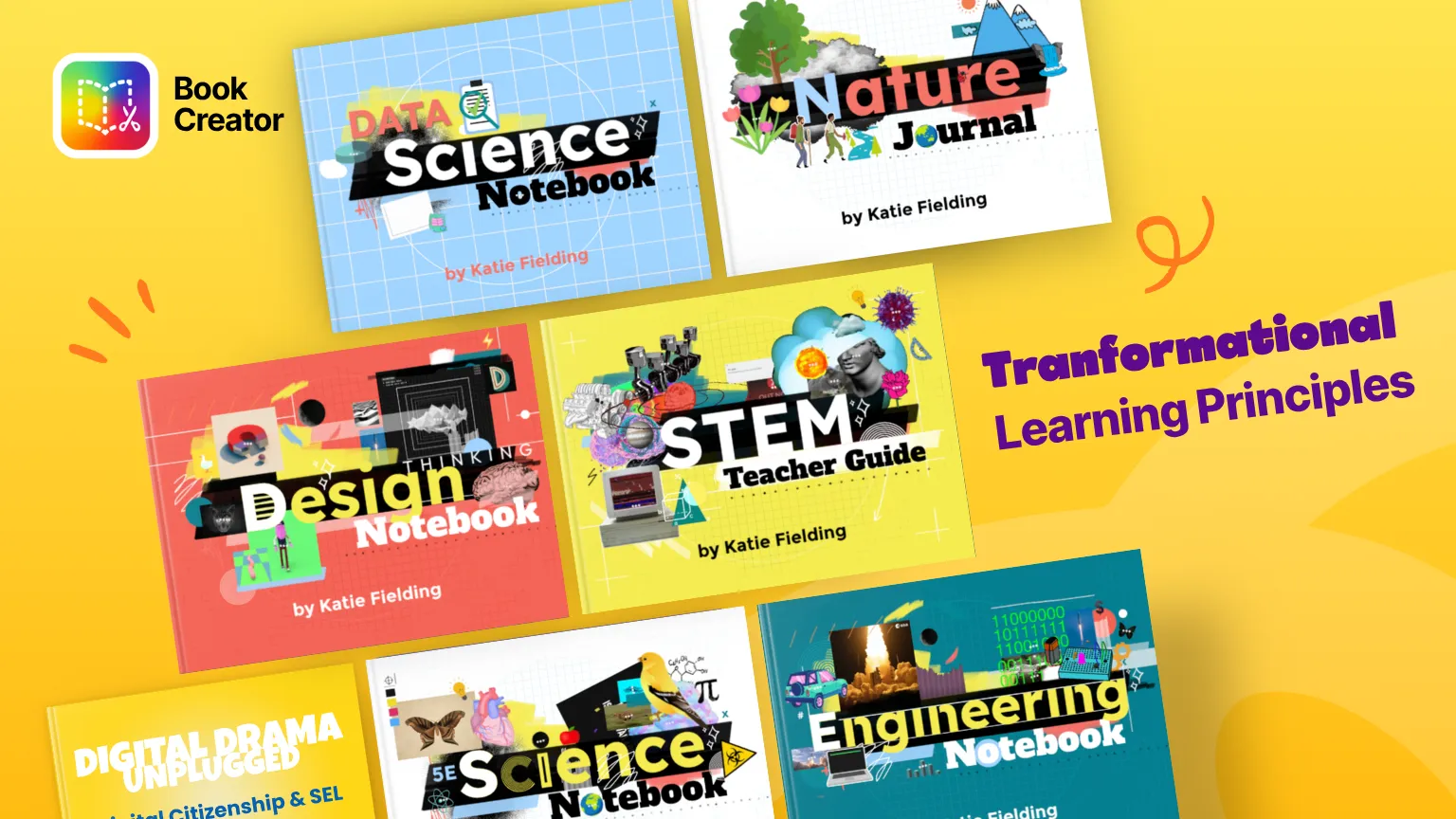
Transformational learning
Future-ready skills in action
Practice critical thinking through reflection, not just testing
Students use reflection prompts to explain their reasoning behind a project decision or a revised draft, giving a teacher something to point to beyond a final grade.
Build communication skills through real feedback
Students give and receive feedback directly on each other’s books, using text, voice, or video comments, so communication practice is visible as it happens.
Practice collaboration on shared projects
Students co-create the same book together in real time, making group work a shared, visible process instead of a set of separate individual contributions stitched together at the end.
Turn creative work into evidence of skill
Students use Book Creator’s multimodal tools, writing, drawing, voice, and video, to build a portfolio entry that shows the thinking behind a creative project, not just the finished piece.
Practice responsible digital use before it matters for real
Students use the Profile of an AI-Ready Graduate framework to reflect on using AI as a research or thinking partner, and Digital Norms books to build habits around respectful, responsible online work.
Build career-readiness skills through authentic practice
Students use career readiness templates to build a resume and practice interview responses well before they need either one for real, turning career preparation into ongoing practice instead of a single unit taught once.
Peggy Hall, Elementary Digital Learning Specialist Comal ISD Texas
From digital consumers to digital creators
Peggy shows teachers how Book Creator turns students into publishers, so they build creative confidence by sharing their own books with real readers.
Features for future-ready skills
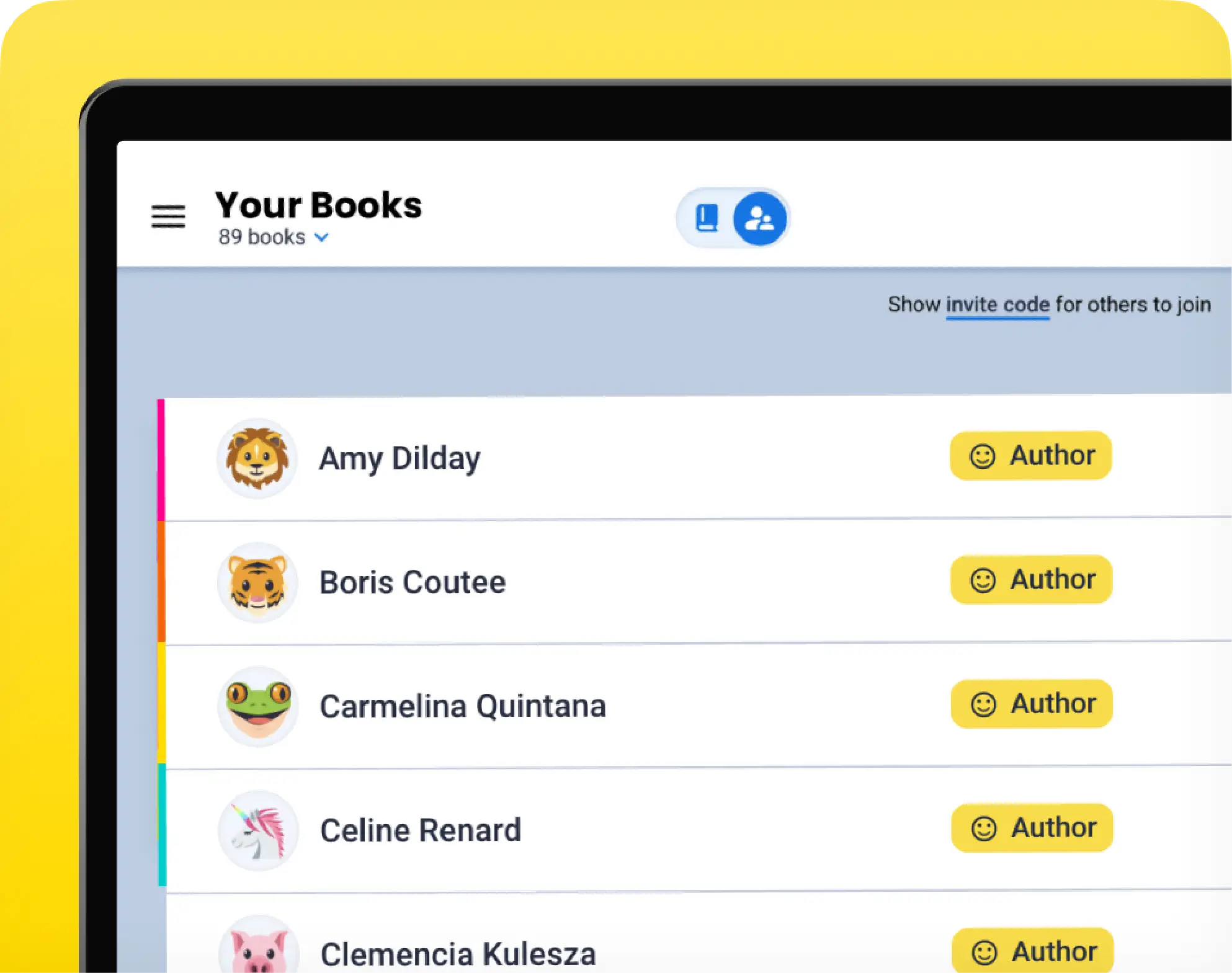
Real-time collaboration
Enable students and teachers to co-create in the same book, fostering teamwork, peer feedback, revision, and shared classroom projects together.
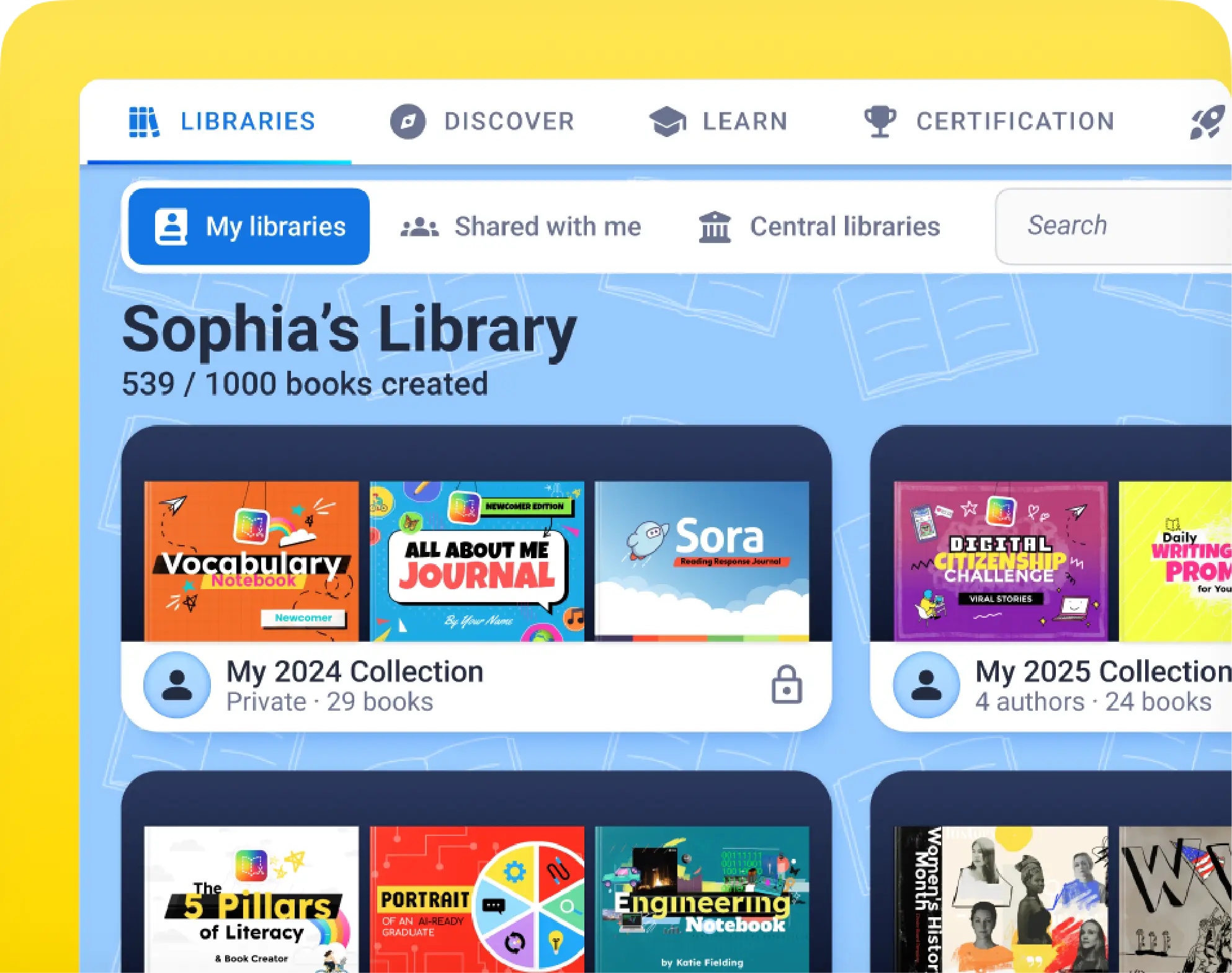
Student portfolios
Students become authors by documenting their learning, reflecting through digital portfolios, and publishing their own stories in a safe space.
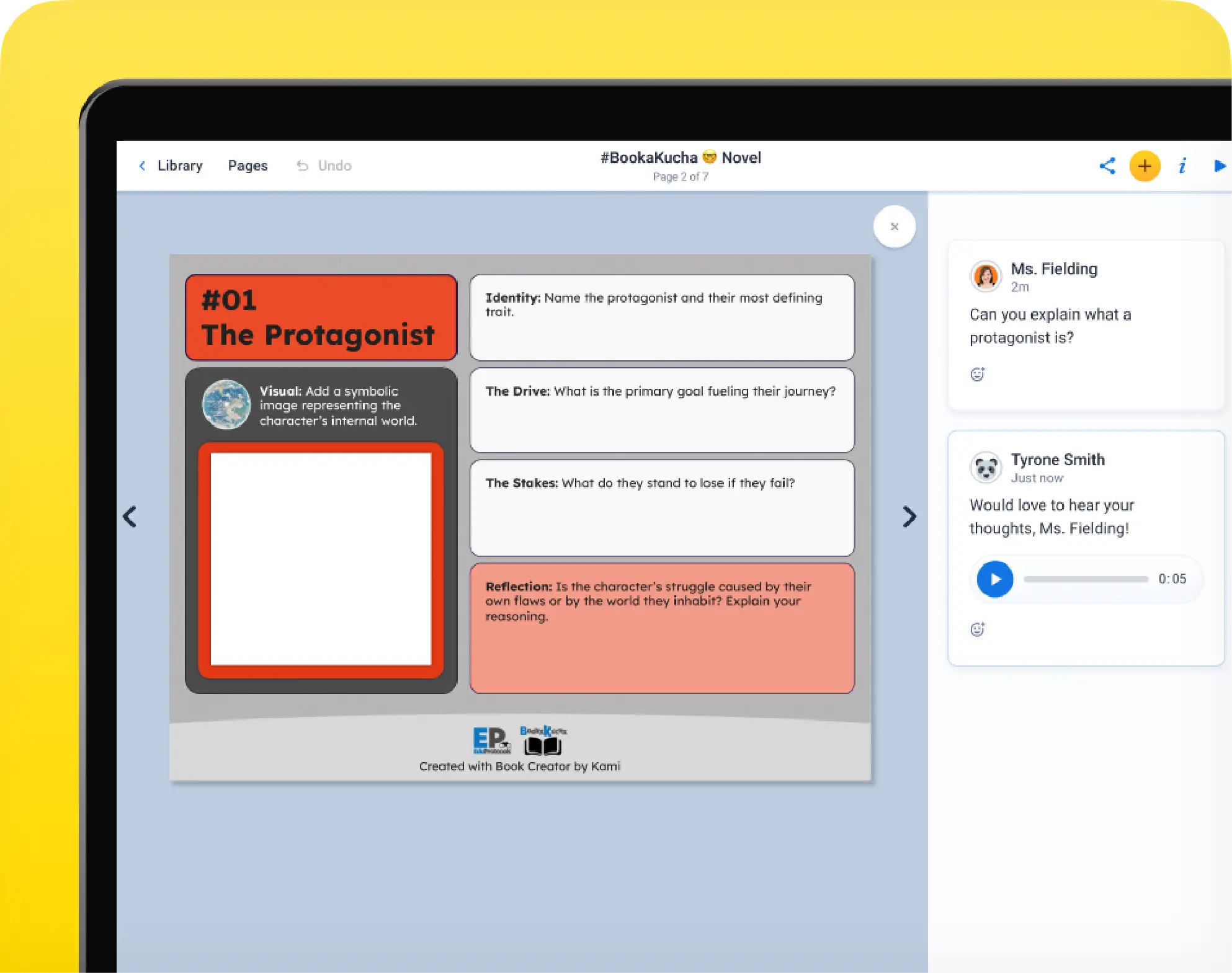
Comments and feedback
Leave multimedia feedback, including text, audio, video, or stickers, on each page of student work to guide revision and celebrate success.
A full library collection
Book Creator works alongside our other products to give library media specialists a fuller view of how students are engaging, accessing content, and demonstrating understanding in the library.
Kami App helps librarians bring lessons to life and see student thinking as it happens.
Kami Companion gives every student the reading and language supports they need to participate independently.
Book Creator completes picture, giving students the space to create, reflect, and share what they actually learned.
Kami Coach is a new AI-powered formative assessment tool that shows you how students think.
KAMI COMPANION
Make every digital resource accessible to every reader
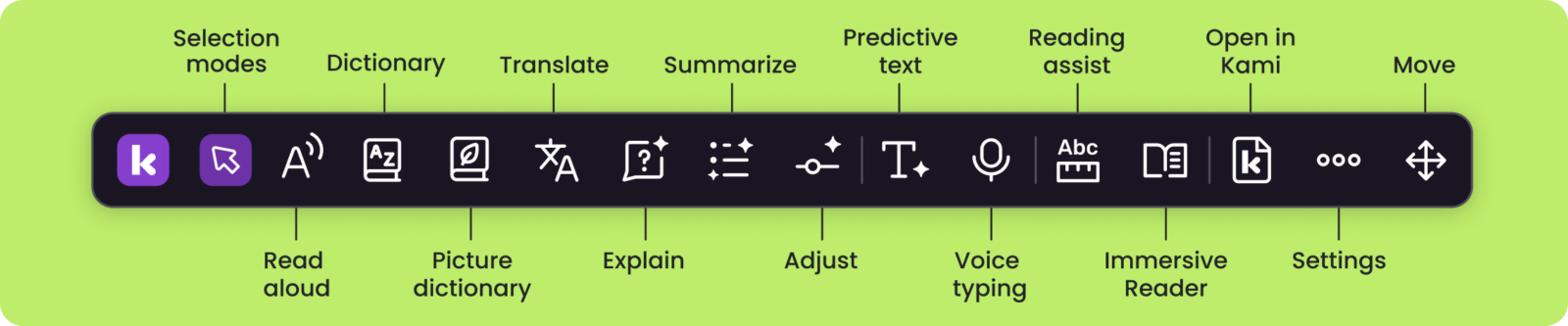
What is Kami Companion?
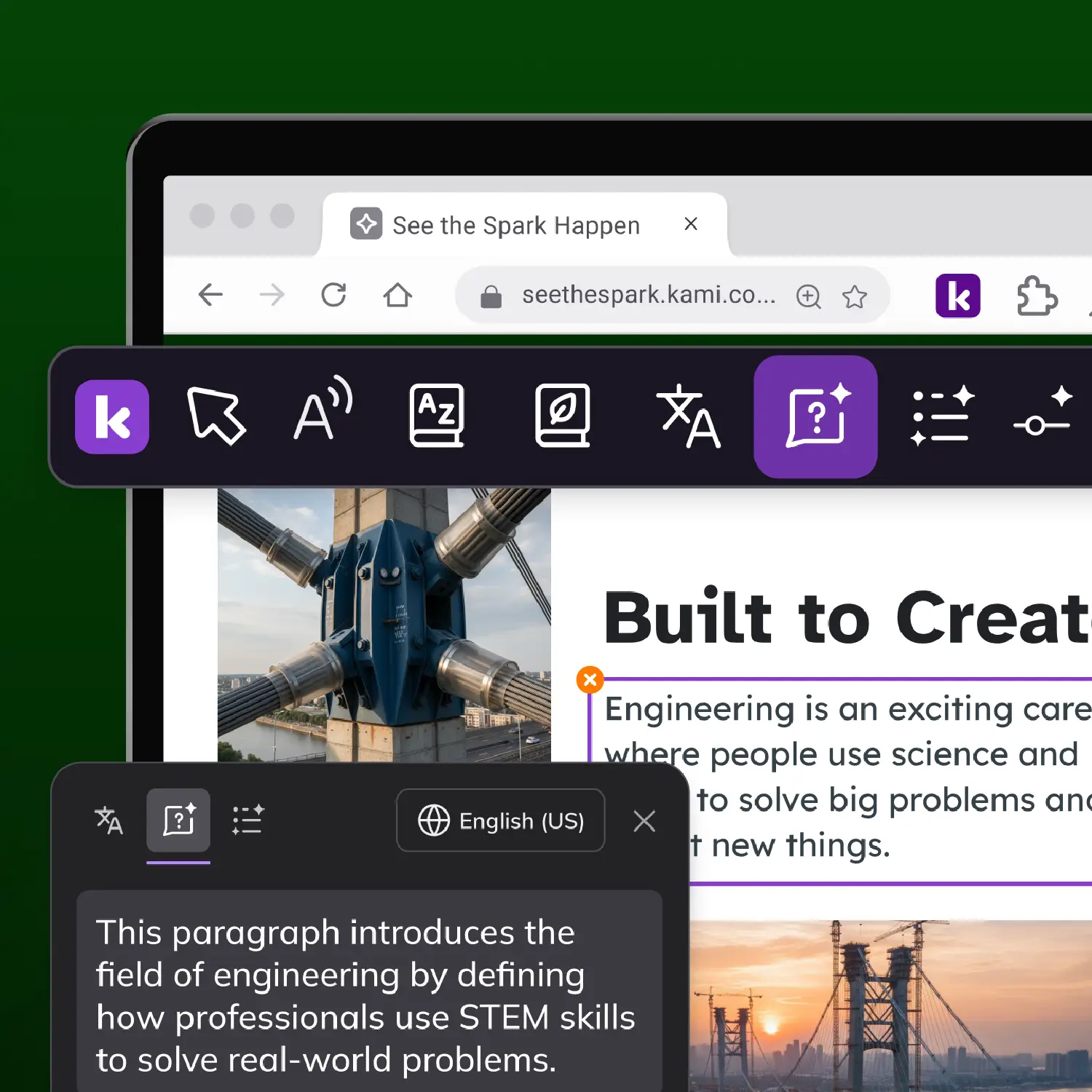
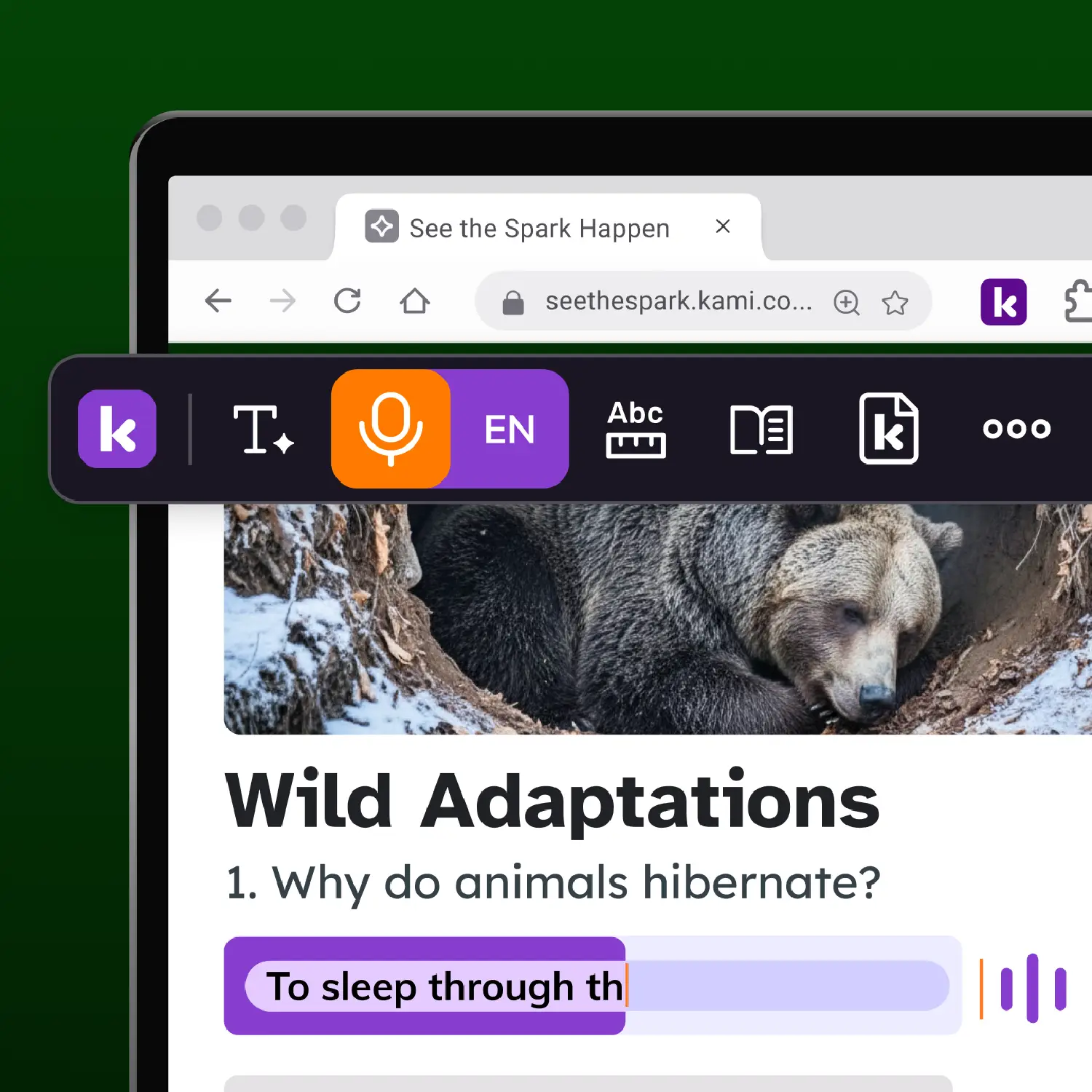
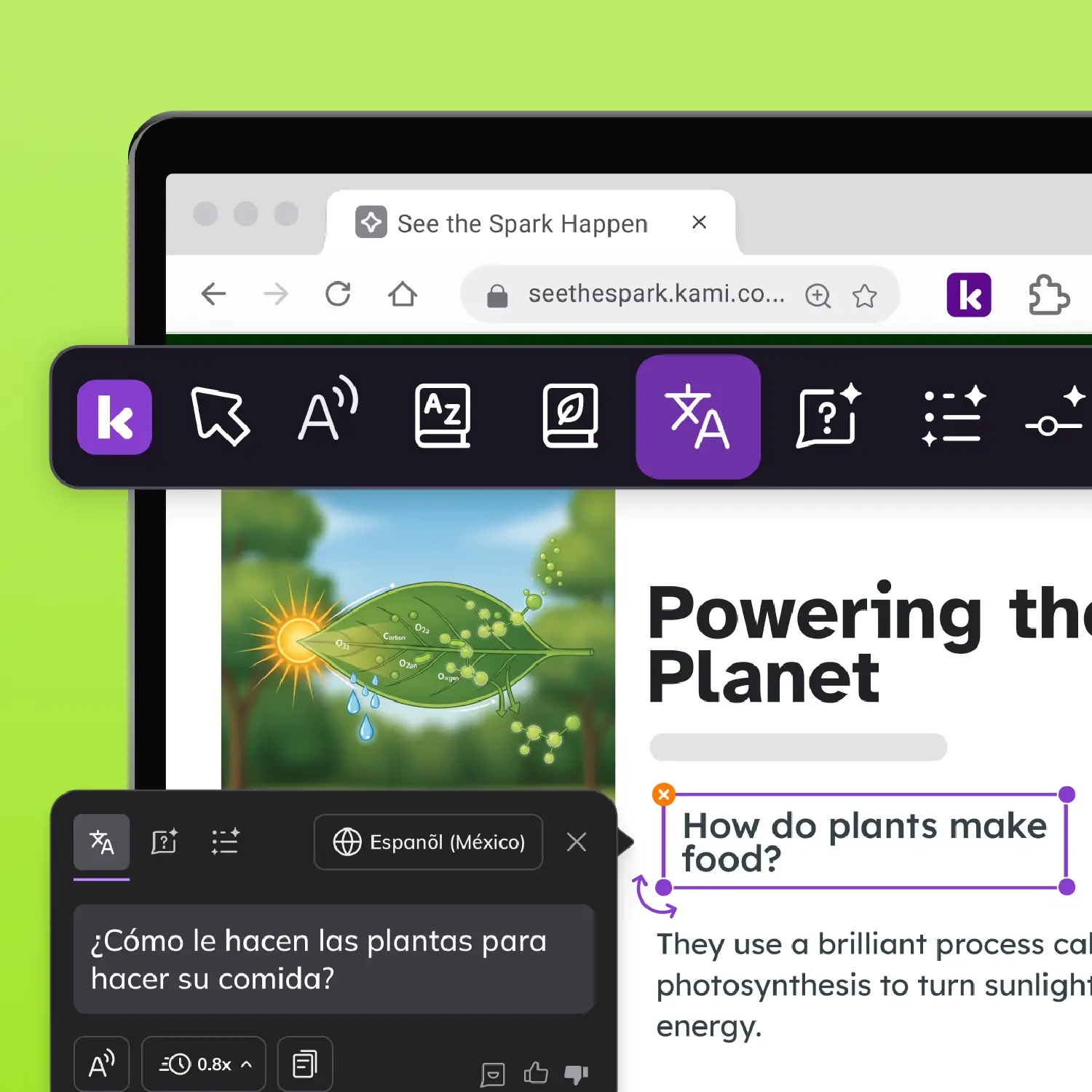
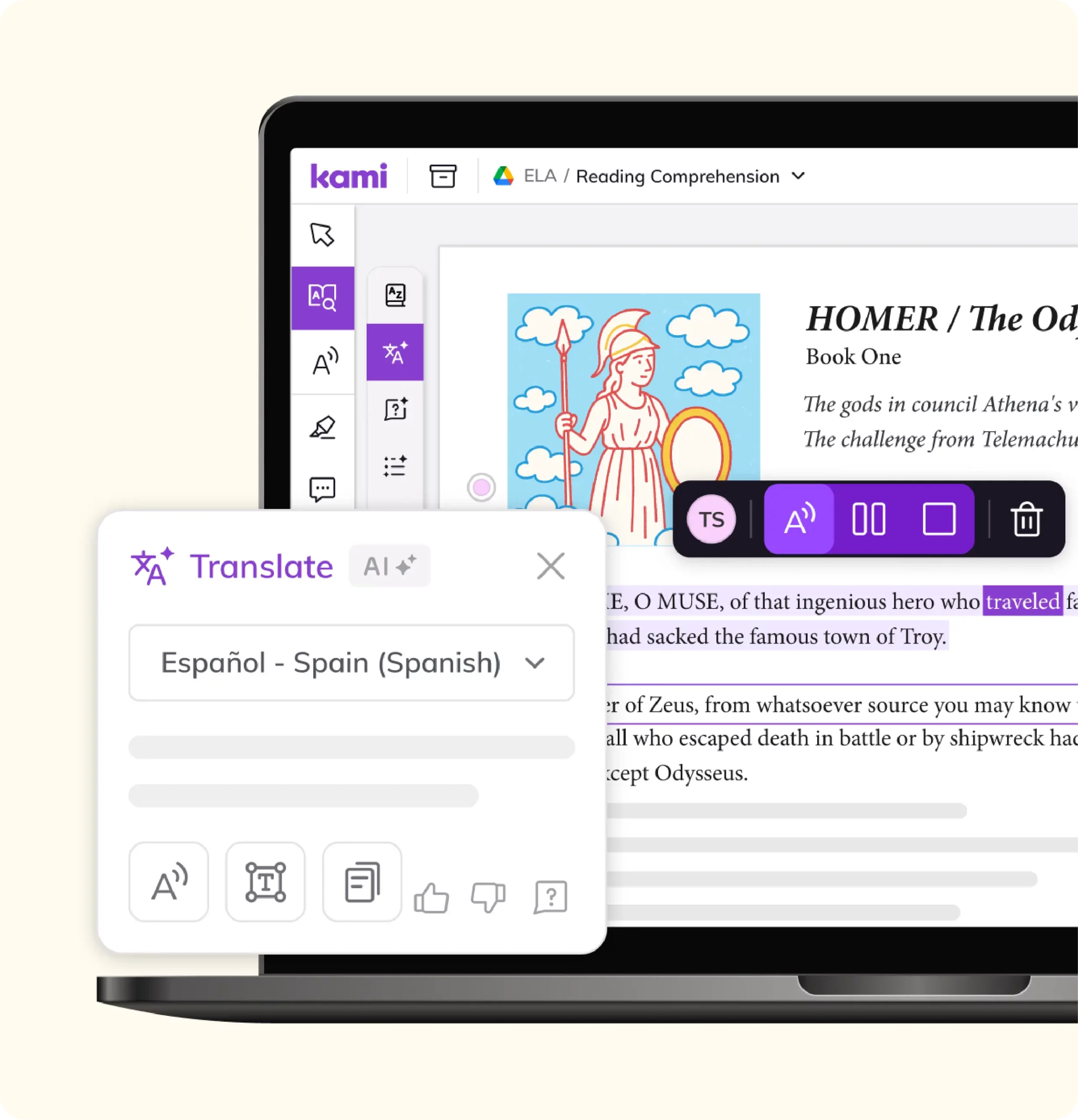
Kami Companion is a browser extension. It brings read aloud, translation, adjustable reading levels, screen masking, and voice typing to any website, not just one platform. Research the open web, check a database, or read a curated article: the support travels with the student.
Who is Kami Companion for?
Grade-level content stays grade-level. Kami Companion helps a student who reads below grade level, a multilingual learner, and the rest of the class access the same article or research source at the same time, without a separate simplified version or a trip to another room.
What impact has Kami Companion made?
Since 2025, students have used Kami Companion for more than 1.8 million learning moments, including more than 800,000 words read aloud, 295,000 reading levels adjusted, 200,000 language translations delivered, and 40,000 ideas captured by voice. Independent outcome studies for Companion are still underway, so these are usage numbers, not a claim of reading gains.
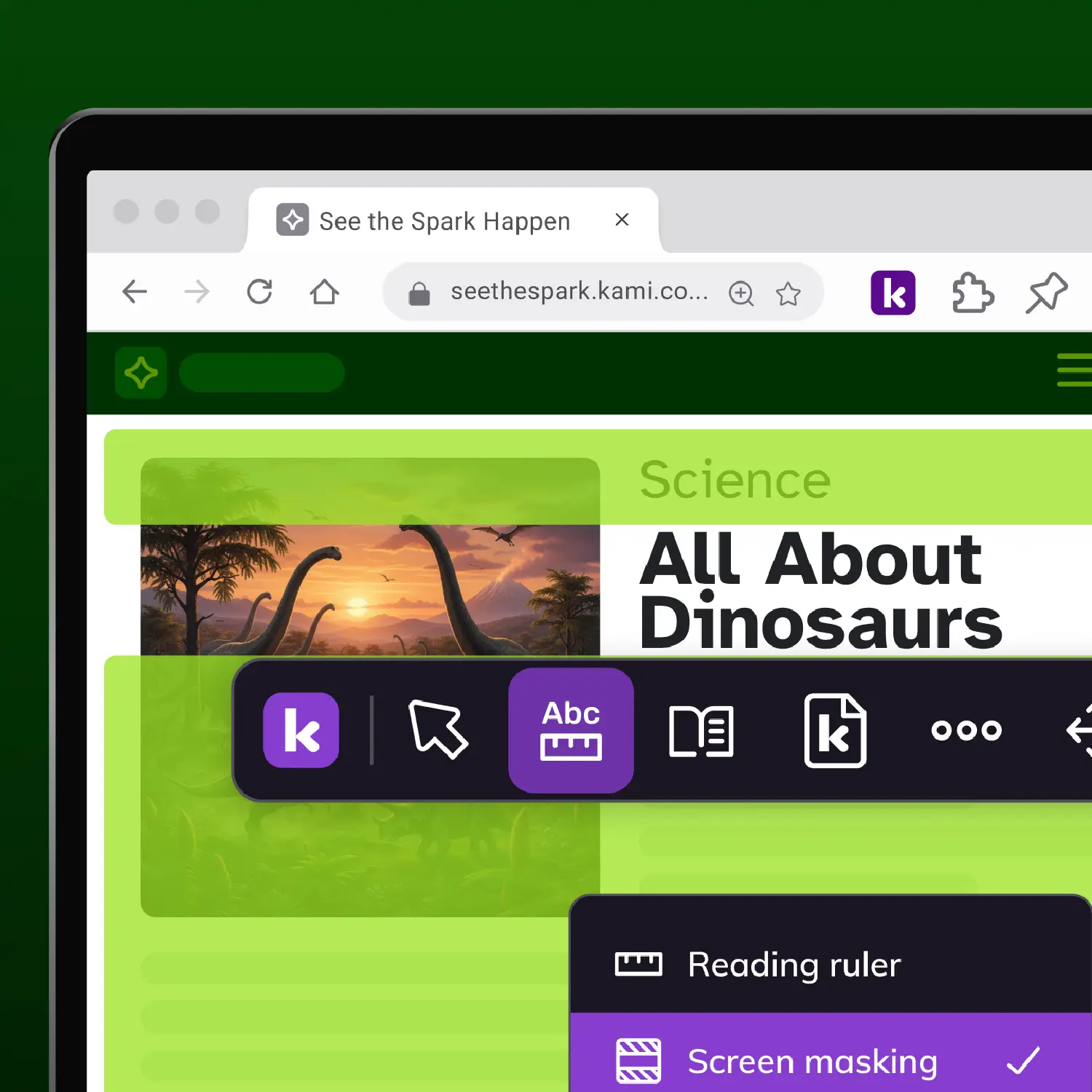
Future-ready skills on any material
What is Kami App?
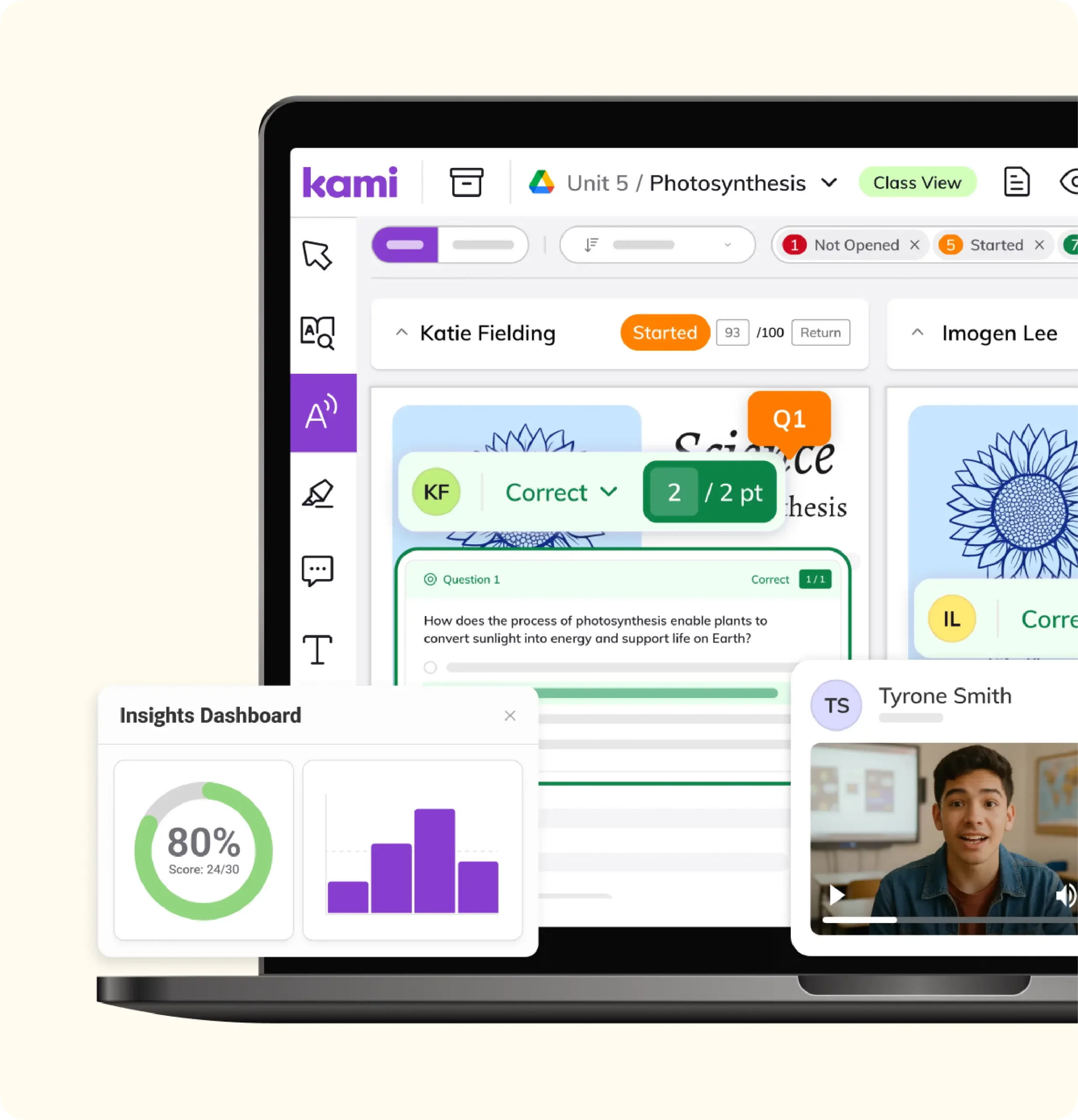
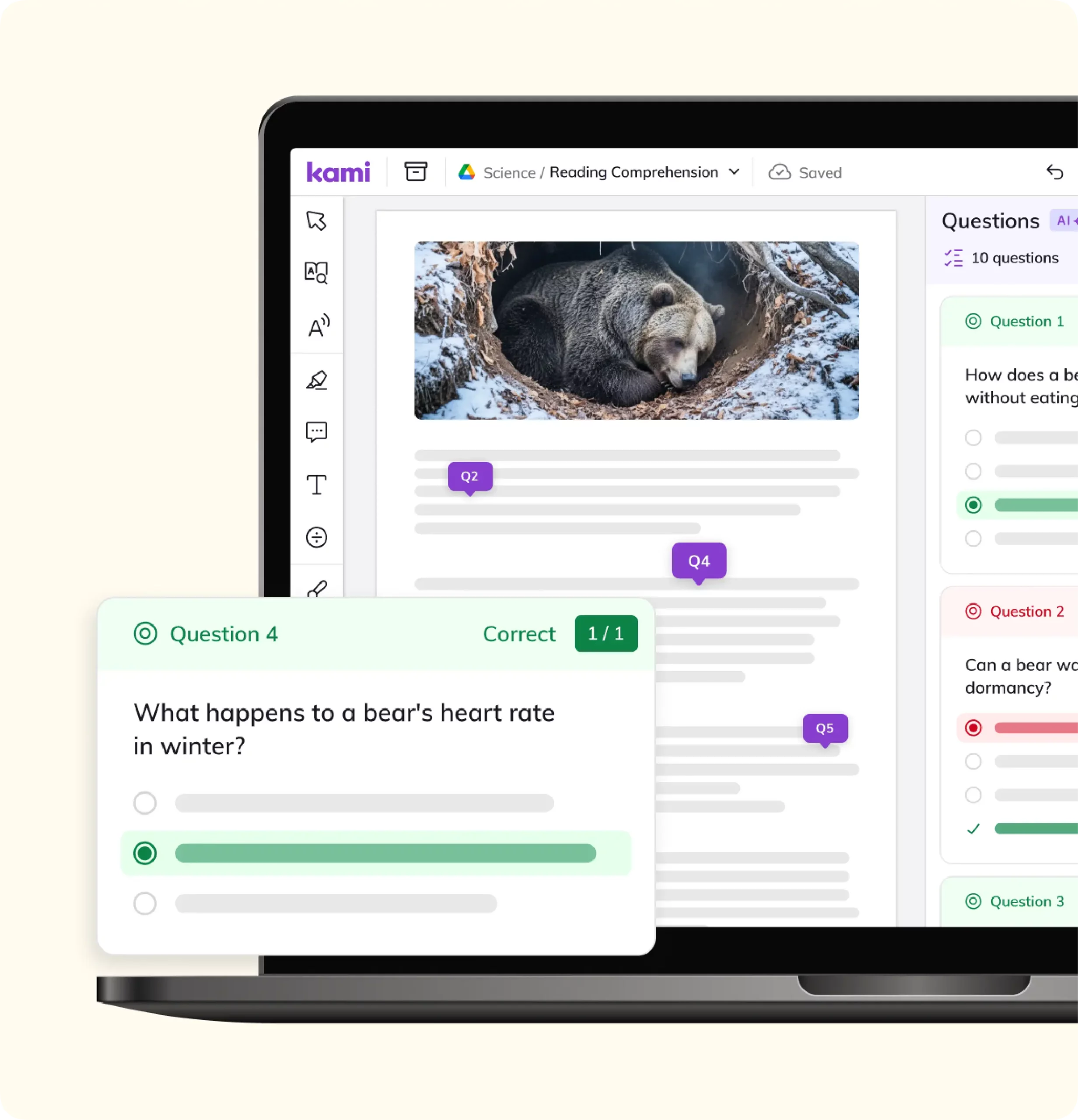
Kami App turns any document, PDF, or scanned worksheet into an interactive, annotatable text. Optical character recognition makes scanned pages searchable and readable, so an old archival source becomes something students can highlight, comment on, and search, not just look at.
Use Kami App to teach close reading, citation, and source annotation directly on the material itself. Built-in read aloud, an Oxford dictionary, a multilingual dictionary, and more than 15 graphic organizers help students build the skills to evaluate a source, not just open it. Real-time visibility into student annotations gives you a clear view of who is engaging with a text and who needs a next step.
Kami App carries an ISTE Seal of Alignment and Common Sense Verified privacy status. In an Empirical Education study of more than 15,000 students, daily Kami use was associated with a 4 percentile point gain in reading test scores, and an 8 percentile point gain for multilingual learners. Kami has active users in 92% of US K-12 public schools.
Frequently asked questions
How does Book Creator help with skills that are hard to grade, like collaboration or critical thinking?
Book Creator gives students a place to document their process, not just submit a final product, so teachers have something concrete to point to beyond a rubric checkmark.
Does this replace direct skill instruction from a teacher?
No. Book Creator gives students a place to practice and show skills a teacher is already teaching.
Does this add extra work to an already packed curriculum?
No. It happens inside projects students are already doing in Book Creator.
Can a student's portfolio follow them across grade levels or subjects?
Yes, within Book Creator. See the Book Creator help center for setup guidance.
How does this connect to our district's Profile of a Graduate work?
Reflection prompts and career-readiness templates in Book Creator map to most Profile of a Graduate frameworks, including Virginia’s Profile of a Graduate and Utah’s Portrait of a Graduate.
Won't AI just do the work for students?
Book Creator is built around student-created work in a student’s own voice, with reflection that shows process as well as output. It has no generative AI tools for writing. Admins can turn AI image tools off at the district level. See the Security Hub.
See how Book Creator fits your future-ready program
You don’t need a district-wide decision to start. Two weeks of trial data will tell you more than any comparison guide.
Want more of the family?
Talk to our library expertsSee how the Kami family fits your library program.